Upload Multiple Files To S3 Using Boto3 How Do I Upload Multiple Files To A Google Drive Folder YouTube How To Upload Multiple Files To An Assignment In Canvas YouTube How To Write Pandas Dataframe As CSV To S3 Using Boto3 Python How To Upload Multiple Files To Microsoft Teams For Office 365 Web Boto3 The Startup Medium Apr 18 2023 nbsp 0183 32 Thanks for posting in the Apple Support Communities 53njac The following steps explain how you can upload your files to iCloud Upload files In iCloud Drive on iCloud do
Mar 20 2023 nbsp 0183 32 Hi riverwoodhome Thanks for reaching out to Apple Support Communities It sounds like you re seeking guidance with uploading videos to iCloud We re happy to assist Mar 18 2025 nbsp 0183 32 If some of your photos aren t able to sync to iCloud learn how to move these photos from the Unable to Upload album to your library
Boto3 The Startup Medium How To Use Boto3 To Upload Files To An S3 Bucket How To Write Pandas Dataframe As CSV To S3 Using Boto3 Python Download S3 File In Python Using Boto3 Python Library Export DynamoDB Table To S3 Bucket Using Lambda Function 4 Pythonic Ways To Efficiently Read Download Files From AWS S3 Using Boto3 S3 Upload Download And List Files Python 3 How To List Contents Of S3 Bucket Using Boto3 Python DEV Community Read And Write To from S3 Using Python Boto3 And Pandas s3fs By
Upload Multiple Files To S3 Using Boto3
 Upload Multiple Files To S3 Using Boto3
https://i.ytimg.com/vi/6HkLq8-bOxo/maxresdefault.jpg
Dec 26 2017 nbsp 0183 32 Hello Atticus73 Thank you for using Apple Support Communities I understand from your post that you would like to upload your photos that are stored on an external hard
Pre-crafted templates provide a time-saving service for developing a diverse series of documents and files. These pre-designed formats and layouts can be made use of for various personal and expert jobs, including resumes, invites, flyers, newsletters, reports, discussions, and more, improving the content production process.
Upload Multiple Files To S3 Using Boto3

How To Write A File To AWS S3 Using Python Boto3 MyTechMint
How To Use Boto3 To Upload Files To An S3 Bucket
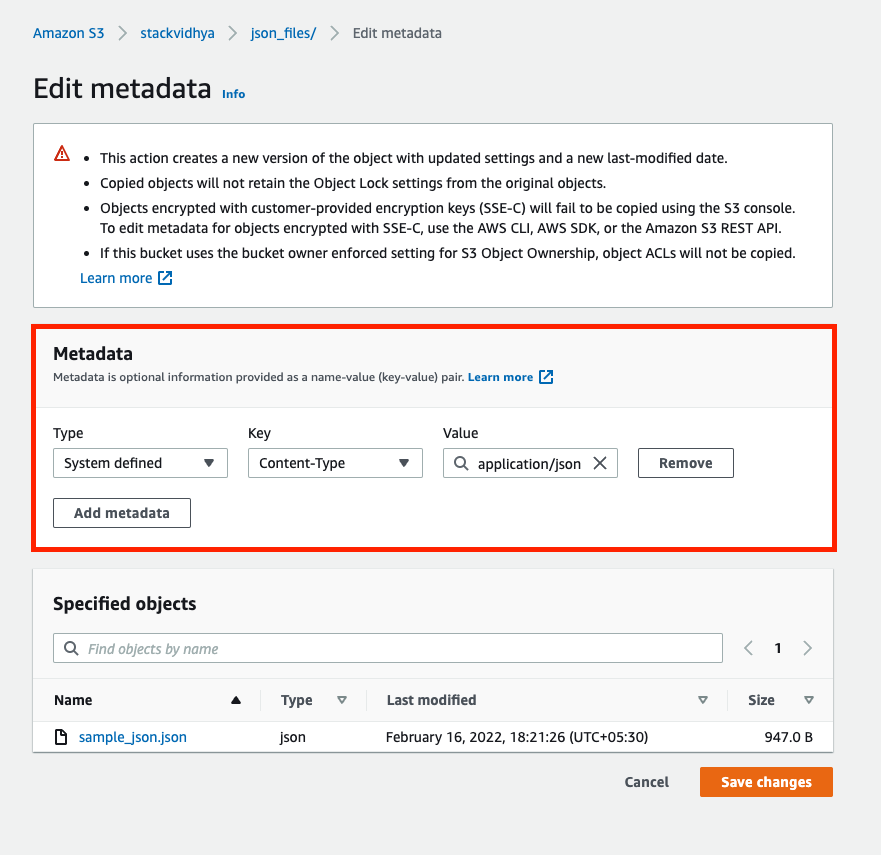
How To Write Pandas Dataframe As CSV To S3 Using Boto3 Python
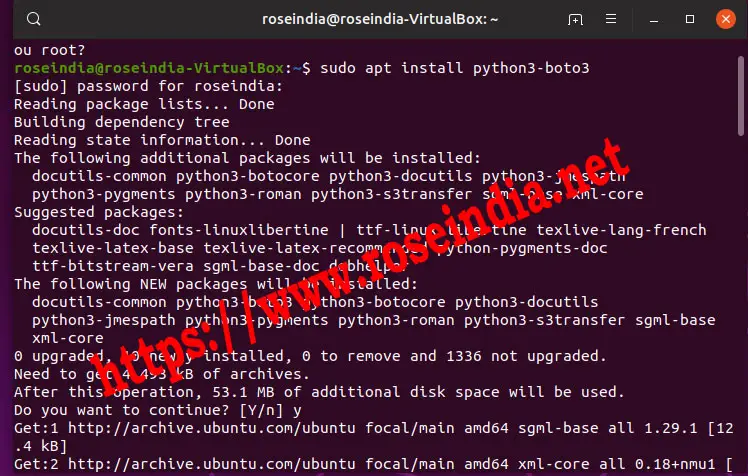
Download S3 File In Python Using Boto3 Python Library

4 Pythonic Ways To Efficiently Read Download Files From AWS S3 Using

Boto3 S3 Upload Download And List Files Python 3
Sep 11 2023 nbsp 0183 32 I m trying to apply for a Real Id and the DMV application requires that I upload photos of three documents I don t know how to upload photos to an application

On iCloud upload JPEG photos to iCloud Photos and download photos and videos stored in iCloud to your computer

Dec 16 2020 nbsp 0183 32 Hey my Macbook pro is all the time full of storage After a lot of research reinstalling my Mac several times I found out that the problem is iCloud Drive files that still on

On iCloud upload JPEG photos to iCloud Photos and download photos and videos stored in iCloud to your computer

In Apps select the app you want to view In the sidebar click the app version under the platform you wish to select Drag your screenshots and app preview into the appropriate well For the
[desc-11] [desc-12]
[desc-13]