Upload Multiple Files To S3 Bucket Using Java How Do I Upload Multiple Files To A Google Drive Folder YouTube How To Upload Multiple Files To An Assignment In Canvas YouTube Automate Export Of Cloudwatch Logs To S3 Bucket Using Lambda With Trigger Lambda Function After File Is Uploaded To S3 Bucket Using How To UPLOAD Multiple Files To Microsoft Teams For Office 365 Web Upload a file to S3 bucket with public read permission Wait until the file exists uploaded To follow this tutorial you must have AWS SDK for Java installed for your Maven project Note In the following code examples the files are transferred directly from local computer to S3 server over HTTP 1
Introduction In this tutorial we ll learn how to interact with the Amazon S3 Simple Storage Service storage system programmatically from Java Remember that S3 has a very simple structure each bucket can store any number of objects which can be accessed using either a SOAP interface or a REST style API In the AWS documentation it does not provide the example for uploading InputStream without Content Lenght to the S3 bucket so the following snippet can be helpful to you Here is a snippet for
How To UPLOAD Multiple Files To Microsoft Teams For Office 365 Web Automate Amazon RDS Backups Using The Oracle RMAN Utility And Upload Laravel Upload File To AWS S3 Bucket Tutorial Example Scratch Code Spring Boot File Upload To Amazon S3 Example Creating And Uploading Files To S3 Bucket Using Boto3 Python By How To Upload Multiple Files To Dropbox From IPhone At The Same Time How To Upload Multiple Files To Dropbox From IPhone At The Same Time UPLOADING HUGE FILE FROM SAP PO TO AWS S3 SAP News Export DynamoDB Table To S3 Bucket Using Lambda Function
Upload Multiple Files To S3 Bucket Using Java
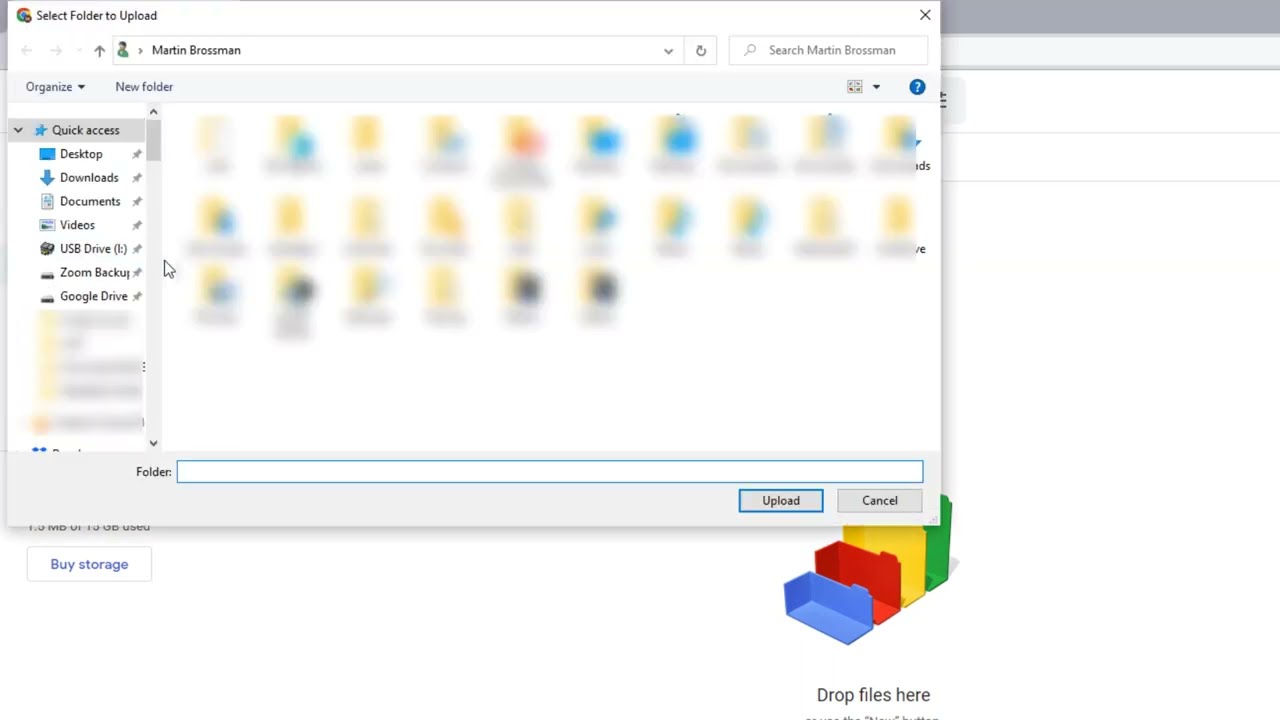 Upload Multiple Files To S3 Bucket Using Java
https://i.ytimg.com/vi/6HkLq8-bOxo/maxresdefault.jpg
Create AWS account You can create it here 2 Create S3 bucket In the Services menu in the Storage section find S3 Press Create bucket button In the appeared dialog window enter your bucket name chose the closest to you or your potential visitors region and press Create 3 Create IAM user
Templates are pre-designed files or files that can be used for various functions. They can conserve time and effort by providing a ready-made format and layout for developing various kinds of material. Templates can be used for individual or professional tasks, such as resumes, invitations, flyers, newsletters, reports, discussions, and more.
Upload Multiple Files To S3 Bucket Using Java

How To Upload Multiple Files To An FTP Server In Linux Systran Box

Automate Amazon RDS Backups Using The Oracle RMAN Utility And Upload
Laravel Upload File To AWS S3 Bucket Tutorial Example Scratch Code
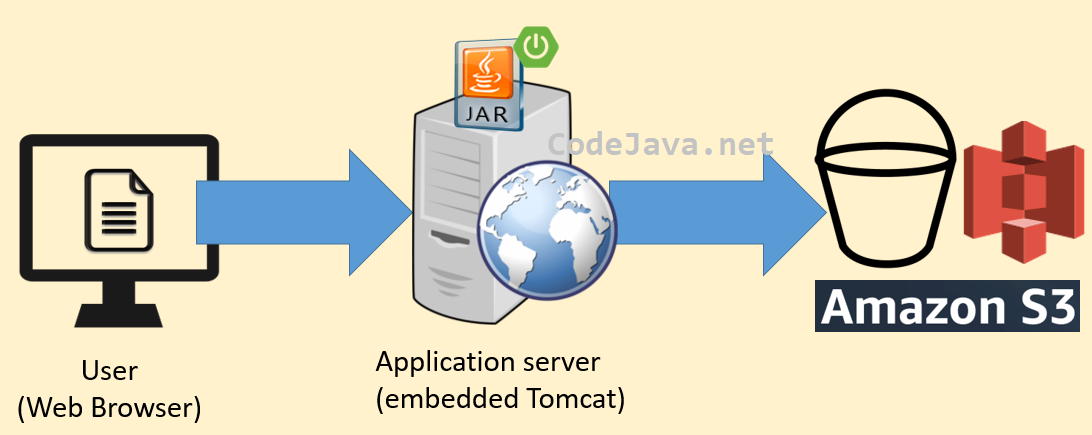
Spring Boot File Upload To Amazon S3 Example

How To Upload Multiple Files To Dropbox From IPhone At The Same Time
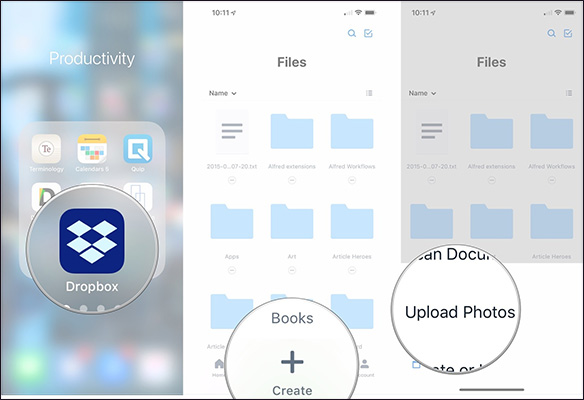
How To Upload Multiple Files To Dropbox From IPhone At The Same Time
AWS S3 with Java Uploading Files Creating and Deleting S3 Buckets Jacob Stopak Introduction In this article we ll be using the Java AWS SDK and API to create an S3 bucket upload files to it and finally delete it One of the most popular services available on Amazon Web Services is the Simple Storage Service S3

Upload multiple file in amazon s3 bucket using java filechooser Stack Overflow Upload multiple file in amazon s3 bucket using java filechooser Ask Question Asked 6 years 8 months ago Modified 1 year 9 months ago Viewed 4k times Part of AWS Collective 0 I want to upload multiple file to Amazon s3 bucket by java file chooser
They provide the following benefits Manage multipart uploads for objects larger than 15MB Correctly open files in binary mode to avoid encoding issues Use multiple threads for uploading parts of large objects in parallel Alternatively you can use the following multipart upload client operations directly
To upload multiple files in one operation call the TransferManager uploadFileList method providing the following An Amazon S3 bucket name A key prefix to prepend to the names of the created objects the path within the bucket in which to place the objects A File object that represents the relative directory from which to create file paths

You can upload any file type images backups data movies and so on into an S3 bucket The maximum size of a file that you can upload by using the Amazon S3 console is 160 GB To upload a file larger than 160 GB use the AWS Command Line Interface AWS CLI AWS SDKs or Amazon S3 REST API
Follow these steps to create a REST API for uploading multiple files to an Amazon S3 bucket in Spring Boot Create a Spring Boot Project We assume you have a Spring Boot project set up and ready If not you can create one using Spring Initializr or your preferred approach Add Amazon SDK Dependencies To upload a file on S3 via spring boot application users need to ensure that they have created an S3 bucket and the corresponding IAM user For this tutorial we will use the following S3 bucket assignment s3 bucket IAM user some public user Other details like AWS Access Id AWS Secret Key and S3 Bucket Region are hidden for
You can choose any part number between 1 and 10 000 A part number uniquely identifies a part and its position in the object you are uploading The part number that you choose doesn t need to be in a consecutive sequence for example it can be 1 5 and 14