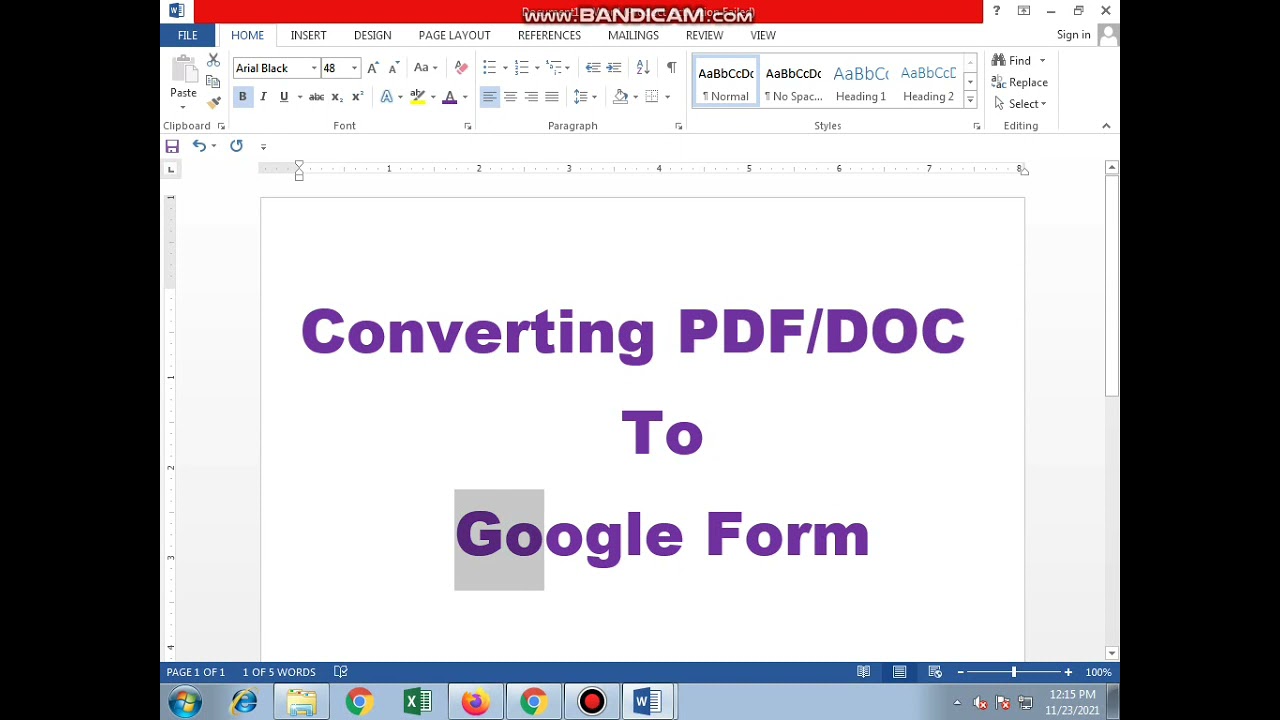
Upload Excel Doc To Google Sheets Converting PDF DOC To Google Form Automatically YouTube How To Convert A Word Doc To Google Form Convert Doc To Form How To Multiple Choice Grid Google Forms Soakploaty How To Convert Word Doc To Google Form Convert Doc To Form Create How To Convert Google Doc To Google Sheets Quick Easy Guide 2022 Go to the directory where you want to upload the Excel file Click New on the top left side of the page Select File Upload Select your file and then click Open Google Drive will now start uploading your Excel file Once the file upload finishes you can double click it to instantly open it with Google Sheets
2 Locate the Excel file you wish to convert on your computer and click on it When you ve done so click Open Wait for the file to upload 3 Once it s done right click on the file you ve Chrome Browser only Make sure the Office Editing for Docs Sheets Slides extension is not installed Open Chrome Browser and in the top right corner click More More Tools Extensions If you see the Office Editing for Docs Sheets Slides extension click Remove In Drive double click an Excel file A preview of your file opens
How To Convert Google Doc To Google Sheets Quick Easy Guide 2022 How To Upload Excel To Google Sheets Sheetgo Blog How To Convert Google Doc To Google Form How To Convert Google Doc To Google Form How To Save A Word Doc To Google Drive How To Upload Excel To Google Sheets 2 Methods EForbes How To Convert Word Doc To Google Docs How To Upload Excel To Google Sheets Automatically Sheetgo Blog How To Save A Word Doc To Google Docs Save Files Easily
Upload Excel Doc To Google Sheets
 Upload Excel Doc To Google Sheets
https://i.ytimg.com/vi/t6-FSwgzhCw/maxresdefault.jpg
To open an Excel file in Google Sheets without converting it double click the Excel file in your Google Drive From the preview window click the Open in Google Sheets button at the top In Google Sheets it ll look like a regular Google Sheet but you ll see a xlsx or xls xlsm xlt label to indicate it s still an Excel file
Pre-crafted templates provide a time-saving service for creating a diverse series of files and files. These pre-designed formats and layouts can be utilized for different personal and expert tasks, including resumes, invites, flyers, newsletters, reports, discussions, and more, enhancing the content production procedure.
Upload Excel Doc To Google Sheets
How To Convert Google Doc To Google Sheets 2 Simple Methods YouTube

How To Upload Excel To Google Sheets Sheetgo Blog
How To Convert Google Doc To Google Form
How To Convert Google Doc To Google Form

How To Upload Excel To Google Sheets 2 Methods EForbes

How To Convert Word Doc To Google Docs

Open a blank Google Sheet Select File Import You can use this option to import CSV files to Google Sheets and it works just as well for xlsx spreadsheets A pop up will appear and you ll choose the Excel file to convert Select a file from your Google Drive or upload it

Log in to Google Docs Click New Google Sheets Click File Import Click Upload Select a File from your computer Open Downloads folder from the list on the left side Select the file
You can convert an Excel spreadsheet to a Google Sheets file by uploading it to Google Drive Once you have open it with Google Sheets and select File Save as Google Sheets Want to be able to work on your spreadsheets on the web If so convert all your Microsoft Excel spreadsheets to Google Sheets

Open a new spreadsheet or an existing spreadsheet in which you want to import your data from Excel Step 2 Go to File and then Import After opening the sheet go to the File tab and click on Import to open the Import file tab Step 3 Choose the Excel spreadsheet and click on Select To find the Excel sheet you want to import navigate

You can upload an Excel file directly into Google Sheets Here s how you can import from Excel to Google Sheets using your drive Open a blank Google Sheet and navigate to File Open Click the Upload tab in the Open a file menu Click and drag your Excel file into the space and click Open
Click on the button and select File upload An Explorer window opens that lets you browse the location where the Excel spreadsheet is stored Select the Excel file and click Open to finish Once the Excel file is uploaded to Google Drive you ll receive a message to confirm Click on New to upload Excel spreadsheets and Methods to Sync Excel to Google Sheets Method 1 Import Data from Excel into Google Sheets Using your Drive Go to File option in an empty Google Sheet Navigate to Open Select the Upload tab Click on Browse Upload File in Excel to Google Sheets Drag your Excel document into the area and then select Open
A Open Google Drive To start the process open your web browser and go to Google Drive Sign in with your Google account if you haven t already B Click on the New button and select File upload Once you re in Google Drive look for the New button in the top left corner of the screen Click on it and a drop down menu will appear