Update Source List Debian 11 Debian 12 Bookworm Released With Linux 6 1 CNX Software Debian 11 Bullseye Archivo Sources list main Contrib Non free How To Install Steam On Debian 11 Bullseye Or Buster 10 Linux Linux Shout How To Enable Non Free Packages On Debian 11 CONFIGURE DLBD ON SOURCE LIST DEBIAN 11 YouTube How can I upgrade Debian 10 to Debian 11 using ssh client Debian Linux 11 Bullseye has been released The new version offers updated packages and five years of support This page explains how to update Debian 10 Buster to Debian 11 Bullseye using command line options including upgrading all installed packages
I installed Debian 11 Bullseye onto a device with no internet I used the firmware CD version of the ISO I have configured the network so I can do ping 8 8 8 8 I tried to run sudo apt update but I discovered that there weren t any sources in the sources list file e g it was empty I found this question but it is for Debian Jessie not Bullseye To do so you can either open the etc apt sources list file with your text editor and replace each instance of buster with bullseye and buster updates to bullseye security If you have other source list files under etc apt sources list d you must update those sources too The default file etc apt sources list looks like this
CONFIGURE DLBD ON SOURCE LIST DEBIAN 11 YouTube Sources list Completa Para O Debian 10 Buster Debian 11 Bullseye Rilasciato Aggregatore GNU Linux E Dintorni Debian 11 Is Now Available On OpenVZ Based VPSes The CrownCloud Blog Installing Debian Linux In A VirtualBox Virtual Machine Open Source How To Install AnyDesk On Debian 12 11 Or 10 LinuxCapable Debian 11 OS Now Available On RackNerd s Platform RackNerd How To Change Username On Debian 11 Bullseye As A Result Bankruptcy Love Debian Change Network Settings Cycle
Update Source List Debian 11
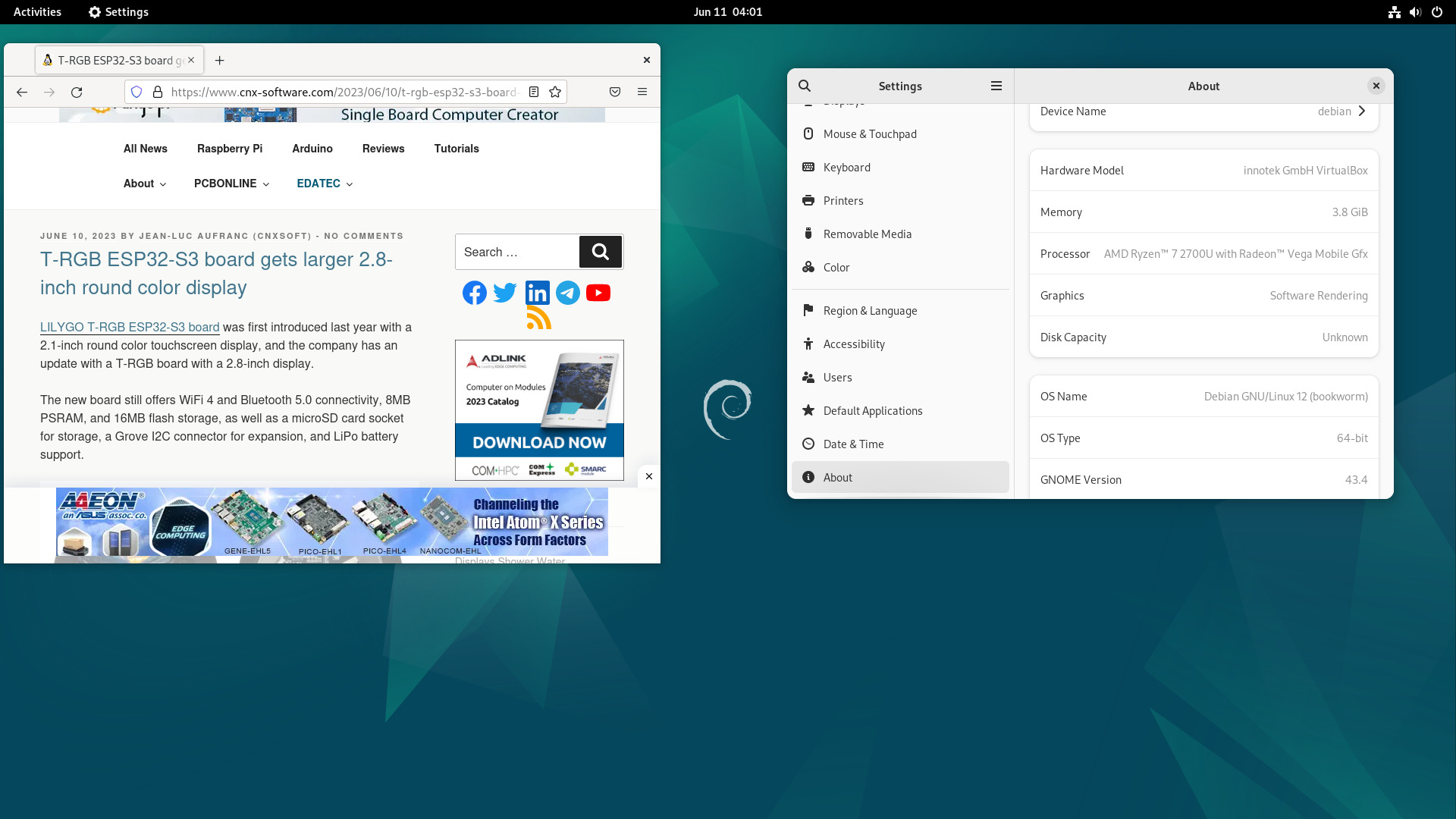 Update Source List Debian 11
https://www.cnx-software.com/wp-content/uploads/2023/06/Debian-12-Bookworm.jpg
You can check the sources list in Debian 11 by executing the following command cat etc apt sources list Open the sources list on Debian You can open the file etc apt sources list file in nano or any other editor in the terminal sudo nano etc apt sources list How to Add a Repository Using the sources list File
Pre-crafted templates offer a time-saving solution for developing a varied variety of documents and files. These pre-designed formats and designs can be utilized for numerous individual and professional projects, consisting of resumes, invites, flyers, newsletters, reports, presentations, and more, simplifying the material creation procedure.
Update Source List Debian 11
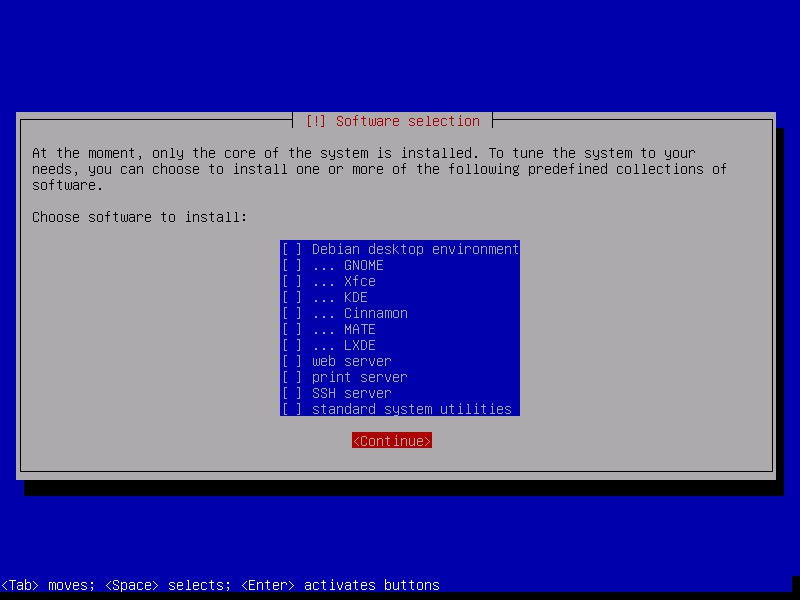
Lightweight Debian Installation Aguslr

Sources list Completa Para O Debian 10 Buster

Debian 11 Bullseye Rilasciato Aggregatore GNU Linux E Dintorni

Debian 11 Is Now Available On OpenVZ Based VPSes The CrownCloud Blog

How To Install AnyDesk On Debian 12 11 Or 10 LinuxCapable

Debian 11 OS Now Available On RackNerd s Platform RackNerd

To set up a Debian 11 official repository on your system add update the etc apt sources list file with the below details

What software packages are available for download What versions of packages are available Who packages the software Commonly used package sources DebianStable official Debian repository for the current release StableProposedUpdates official Debian repository for upcoming point releases security and important bug fixes every 2 months

Debian 11 Bullseye Full sources list Raw sources list deb http deb debian debian bullseye main contrib non free deb src http deb debian debian bullseye main contrib non free deb http deb debian debian bullseye updates main contrib non free deb src http deb debian debian bullseye updates main contrib non free
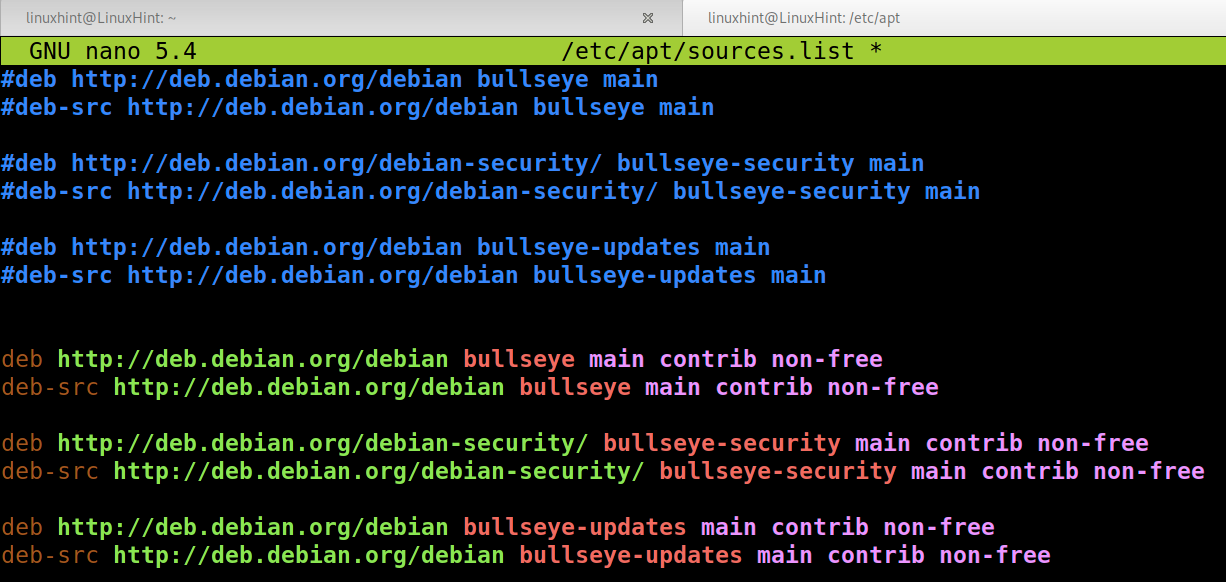
You can use the following command to open the file in the Nano text editor a beginner friendly command line text editor with administrative privileges sudo nano etc apt sources list After opening the sources list file you can add remove or modify repositories according to your needs To save any changes press Ctrl X then Y and Enter

Update System With the official OS repositories added and confirmed to be working let s update the system packages sudo apt upgrade You can also try distribution minor upgrades if available sudo apt dist upgrade Also install common OS administration tools sudo apt install git curl bash completion wget curl vim telnet y
Once your sources list file has the changes shown above we can start the upgrade to Debian 11 Bullseye It s important to only do a partial upgrade at first sudo apt update sudo apt upgrade During the upgrade process a prompt will ask you if you want to automatically restart services during the upgrade process April 1 2022 110870 views 10 By Claudio Kuenzler Debian uses APT as package installation and update manager This also applies to a distribution release upgrade Usually not much changes in the APT configuration except the code name But sometimes the etc apt sources list file needs some adjustments for a different release
Debian 11 bullseye is released Upgrade to Debian 11 bullseye from Debian 10 buster Step 1 Update and upgrade all currently installed packages Step 2 Backup your data Step 3 Update software repositories Step 4 Perform minimal system upgrade Step 5 Upgrade to Debian 11 bullseye Step 6 Verify if everything works fine