Unix Command To See Time Unix Command To Find Which Process Is Using A File MinakruwSharp Unix Command To List Zero Byte File And Delete Files Licioushopde How Much Time It Takes To Learn Shell Scripting Tutorial Linux File Permissions Tutorial For Beginners Composing A Unix Command Line Web Oct 19 2023 nbsp 0183 32 To display current date and time under Linux operating system using command prompt use the date command or timedatectl command These commands can also display the current time date in the given FORMAT We can set the system date and time as root user too Tutorial details
Web You can use date to get time and date of a day date Tue Aug 27 15 01 27 CST 2013 Also hwclock would do hwclock Tue 27 Aug 2013 03 01 29 PM CST 0 516080 seconds For customized output you can either redirect the output of date to something like awk or write your own program to do that Web Aug 13 2021 nbsp 0183 32 time command in Linux is used to execute a command and prints a summary of real time user CPU time and system CPU time spent by executing a command when it terminates real time is the time elapsed wall clock time taken by a command to get executed while user and sys time are the number of CPU seconds
Composing A Unix Command Line File Unix command example wc png Wikimedia Commons Commands To Check Filesystem In Linux Ubuntu Diff rence Entre Locate Which Et Find Command Sous Linux StackLima Unix Command To Rename Multiple Files 3 Solutions YouTube Ubuntu Find File Sizes Sekadashboard Basic Unix Commands Unix Tutorial For Beginners With Examples Search And Replace Strings With Grep In UNIX UNIX Date Command date YouTube
Unix Command To See Time
 Unix Command To See Time
https://i.pinimg.com/originals/0f/27/8d/0f278dd38cce76a7c1b910a3aa76d11b.jpg
Web Oct 27 2010 nbsp 0183 32 You can use the date command to display and or set the Linux or UNIX like system date and time First open the terminal application or login over ssh session and type the command at bash prompt see G G year of ISO week number see V normally useful only with V h same as b H hour 00 23 I hour 01 12
Templates are pre-designed files or files that can be utilized for various functions. They can save effort and time by providing a ready-made format and design for creating different type of content. Templates can be utilized for personal or professional jobs, such as resumes, invitations, flyers, newsletters, reports, discussions, and more.
Unix Command To See Time

Unix Command To List Zero Byte File Imagingpassl

File Unix command example wc png Wikimedia Commons

Commands To Check Filesystem In Linux Ubuntu

Diff rence Entre Locate Which Et Find Command Sous Linux StackLima

Ubuntu Find File Sizes Sekadashboard
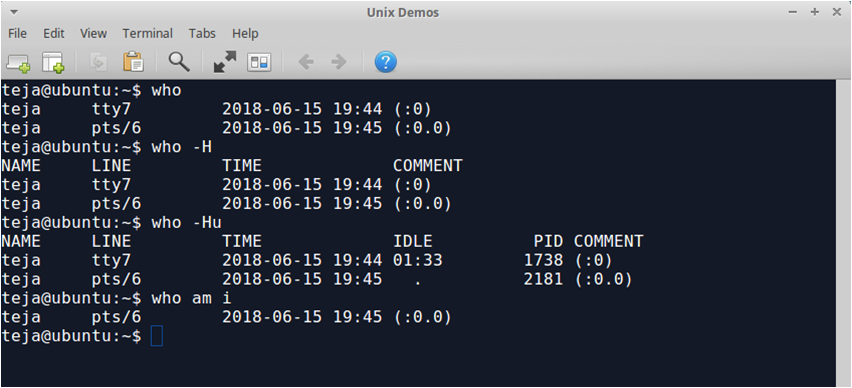
Basic Unix Commands Unix Tutorial For Beginners With Examples

Web Jul 4 2023 nbsp 0183 32 The first way is to use the date command This command displays the current date and time in human readable format The second way is to use the timedatectl command This command allows you to view and change the system time and date settings The third way is to use the hwclock command

Web Mar 26 2023 nbsp 0183 32 The date command under UNIX displays date and time You can use the same command set date and time You must be the super user root to change the date and time on Unix like operating systems The date command shows the date and time read from the kernel clock Tutorial details

Web Dec 17 2022 nbsp 0183 32 You need to use the time command to display the elapsed time during the execution of a command or script This page explains time command in Linux and Unix like system with most common examples time command details Description Report time consumed by command execution Category
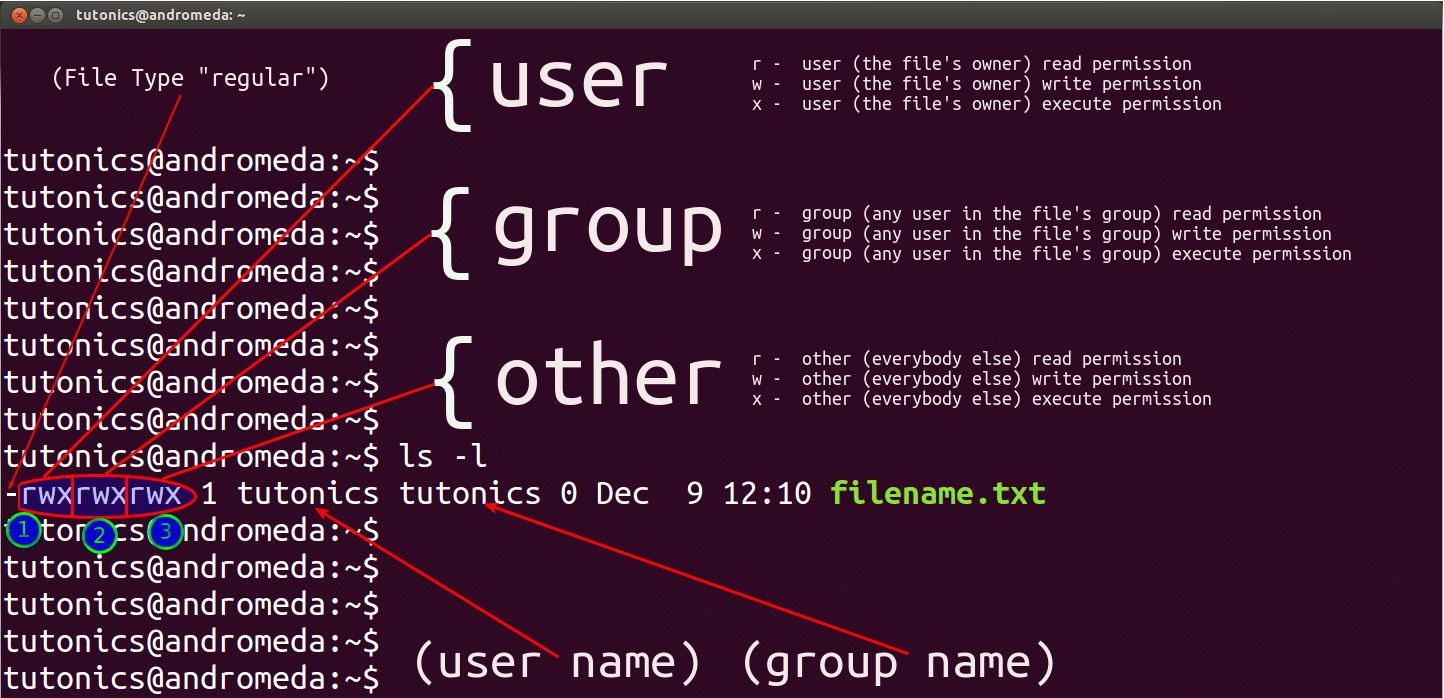
Web May 30 2019 nbsp 0183 32 type a space and then the word time and hit Enter type time We can see that in the bash shell time is a reserved word This means Bash will use its internal time routines by default
Web May 13 2016 nbsp 0183 32 I have another solution for your question In the first when use date the output is like this Thu 28 Jan 2021 22 29 40 IST Then if you want only to show current time in hours and minutes you can use this command date cut d quot quot f5 cut d quot quot f1 2 Then the output 22 29
Web In computing time is a command in Unix and Unix like operating systems It is used to determine the duration of execution of a particular command Overview or within bash itself using help time See also System time Cron process for scheduling jobs to run at a particular time Web By using the executable time instead of the shell builtin you can specify the output format and values E g get the real elapsed time together with the command name and parameters usr bin time format C took e seconds sleep 3 sleep 3 took 3 00 seconds
Web RTC time Wed 2020 08 19 06 52 09 Time zone Asia Kuala Lumpur 08 0800 Network time on no NTP synchronized yes RTC in local TZ no You can use the following commands to figure out the time or date information from your Linux or Unix operating system date Command COMMAND date