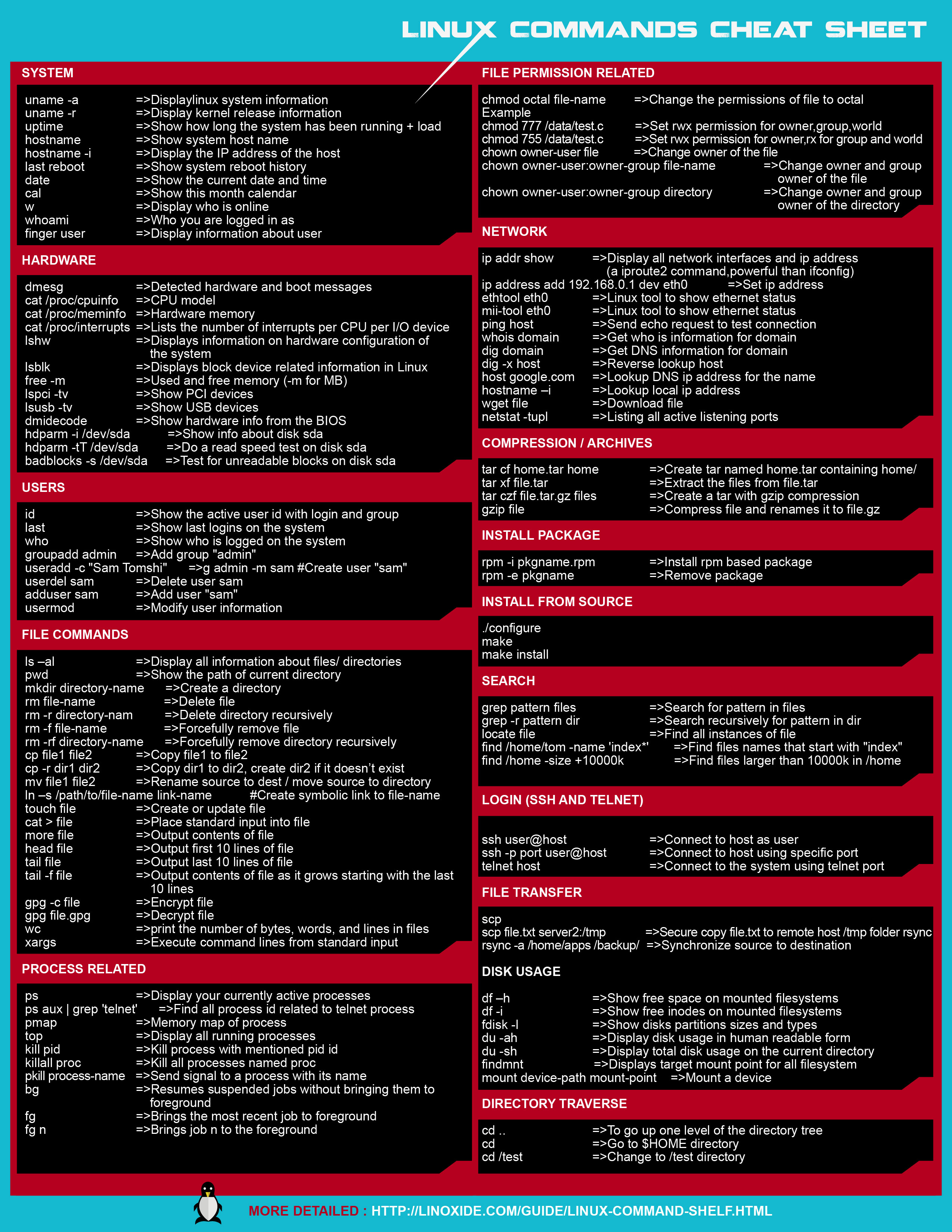
Unix Command To Check Process Using Port How To Check Unix Time Cousinyou14 Unix Command To Check If The Machine Was Rebooted YouTube Linux Kill Process How to s Tutorials Community Support Linux Command Line Cheat Sheet In A Well Formatted Image And Pdf File Basic Unix Commands Pdf Campabc Web Oct 31 2010 nbsp 0183 32 You can the following programs to find out about port numbers and its associated process netstat command or ss command a command line tool that
Web Oct 24 2020 nbsp 0183 32 1 Is there a clean way to check on which port a linux process service is running listening to I know fuser netcat lsof etc all are ways to find that but they return Web Jun 16 2022 nbsp 0183 32 Closed 1 year ago The following command can be used to find out which process is listening on a particular port netstat ltnp grep w 8011 How can we do the
Basic Unix Commands Pdf Campabc How To Check Which Process Is Using Port 8080 DZone Top 15 Best Unix Command Line Tools End Point Dev Windows 11 TV GAMINGDEPUTY KOREA How To Find PID Of Process Listening On A Port In Linux Netstat And Kali Linux 2020 4 Released 6 New Features For Ethical Hackers Black Oh UNIX COMMANDS YouTube Basic UNIX Commands Archiving YouTube Kill A Process In Windows By Port Number Developer Docs By Indraneel
Unix Command To Check Process Using Port
 Unix Command To Check Process Using Port
https://www.cyberciti.biz/media/new/faq/2013/02/How-to-use-time-command-in-Linux-and-Unix-with-examples.png
Web Nov 10 2016 nbsp 0183 32 One can use the dev tcp HostName OR IPAddrress gt port syntax to check if a TCP port is open on a Linux or Unix machine when using Bash In other
Templates are pre-designed files or files that can be used for numerous functions. They can save effort and time by supplying a ready-made format and layout for producing various type of material. Templates can be used for personal or expert tasks, such as resumes, invites, flyers, newsletters, reports, presentations, and more.
Unix Command To Check Process Using Port

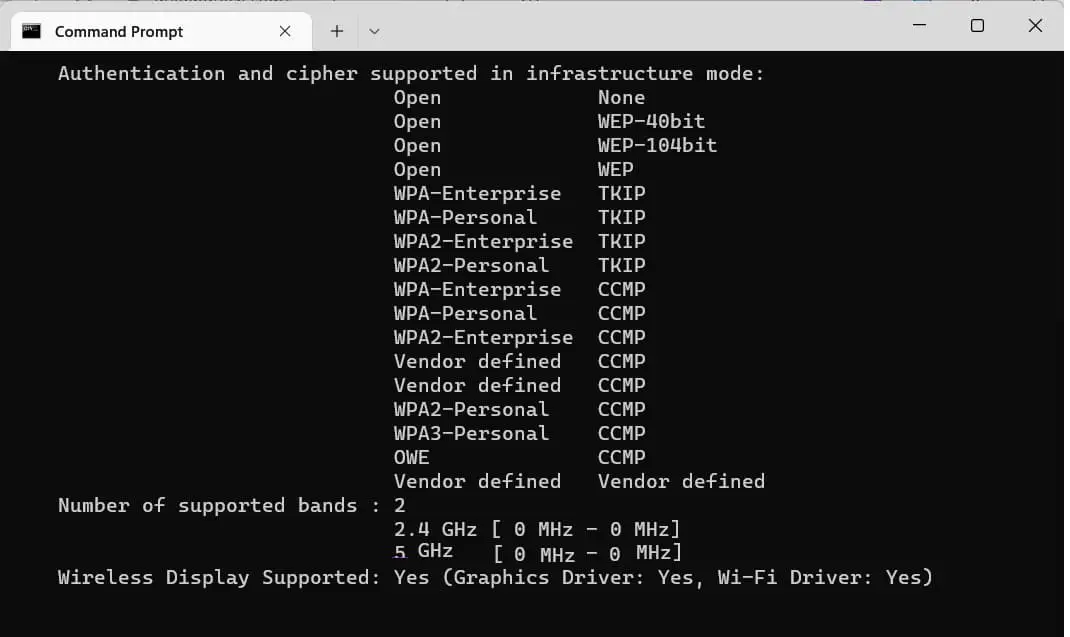
Systeminfo Command On Windows Liberian Geek

How To Check Which Process Is Using Port 8080 DZone
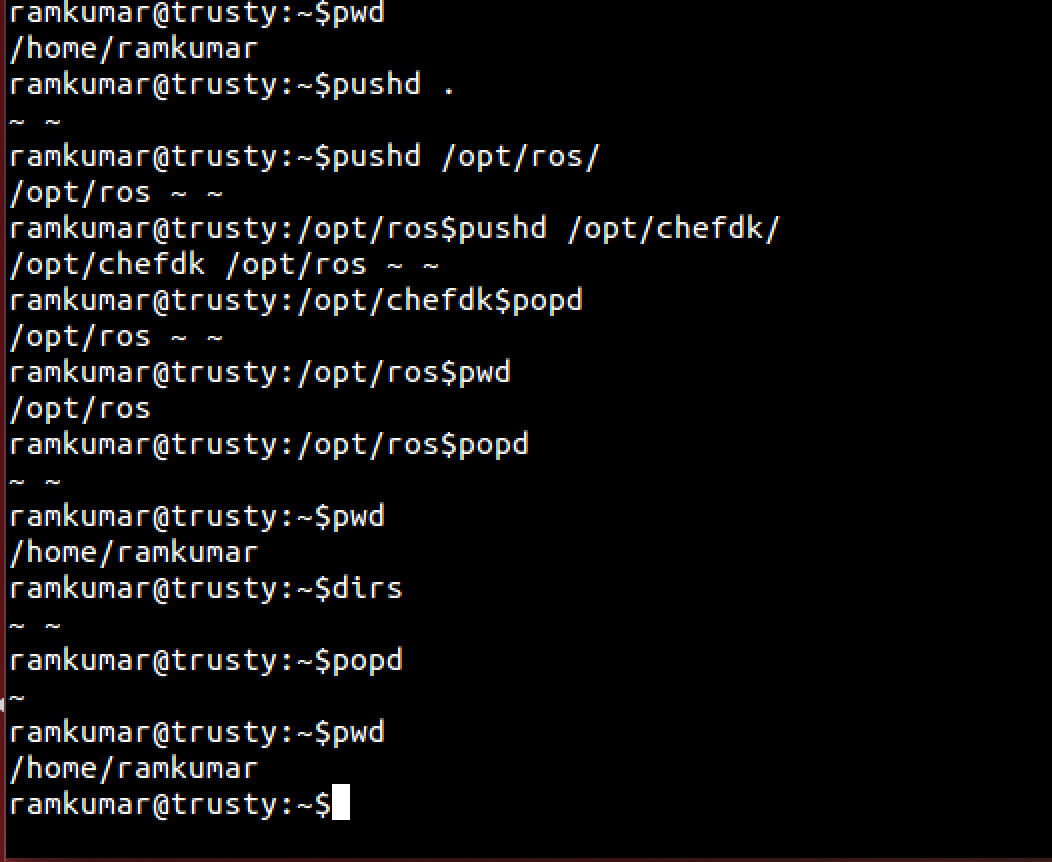
Top 15 Best Unix Command Line Tools End Point Dev
Windows 11 TV GAMINGDEPUTY KOREA
Kali Linux 2020 4 Released 6 New Features For Ethical Hackers Black Oh

UNIX COMMANDS YouTube

Web Jun 6 2020 nbsp 0183 32 To list all TCP or UDP ports that are being listened on including the services using the ports and the socket status use the following command sudo netstat tunlp The options used in this

Web Your existing command doesn t work because Linux requires you to either be root or the owner of the process to get the information you desire On modern systems ss is the
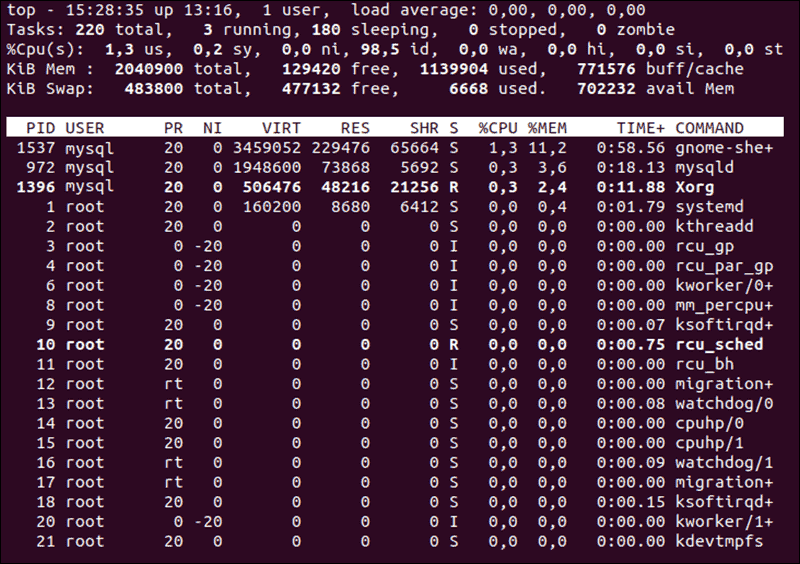
Web Apr 4 2023 nbsp 0183 32 In Linux there are several commands that can be used to find the process name associated with a specific port number The most commonly used commands for

Web Here is a better answer for finding which program is using the port askubuntu a 278453 48214 Aug 27 2022 at 16 07 Add a comment 3 Answers

Web Aug 4 2020 nbsp 0183 32 The fuser command identities processes using files or sockets on a Linux system Its syntax is fuser lt port name gt lt protocol gt So to find the PID of the processes that are opening TCP port 80 you can
Web 1 Answer Sorted by 5 If you are on Unix like system you can use netstat to find out which process is listening on a port sudo netstat nlp grep 9000 It turns out the p option is Web Use tcpdump port 1234 to acquire the data being sent to this port You can use a program like Wireshark to analyze it on another machine captured to a file using the w option
Web Dec 27 2017 nbsp 0183 32 The ps command is a traditional Unix command to lists running processes The following command shows all processes running on your system ps aux sudo ps