Unity Shader Vertex World Position Unity Products Amplify Shader Editor World Position Amplify Creations Getting Started With Unity s New Shader Graph Node based Shader Creator Unity Shader Vertex Fragment Code World How Do You Get The World Position From The Screen Position In A URP Unity Products Amplify Shader Editor Vertex Color Amplify Creations Wiki Visualizing normals The following shader uses the vertex position and the normal as the vertex shader inputs defined in the structure appdata The normal s X Y Z components are visualized as RGB colors Because the normal components are in the 1 to 1 range we scale and bias them so that the output colors are displayable in the 0 to
1 Answer Sorted by 1 Unless you are pre transforming all of your vertex data vertices should come into the vertex shader in object model space This is typically where the vertices are converted into screen space by transforming the vertex by the world view and projection matrices I d like to get world space coordinates for a specific mesh vertex Transform TransformPoint seems to be what I need however I m unable to get the correct position In the scene I have an object called head at Pos 0 0 0 Scale 0 03 0 03 0 03 and I m trying to get the position of vertex id 590 in order to spawn another object at that specific location
Unity Products Amplify Shader Editor Vertex Color Amplify Creations Wiki Unity Products Amplify Shader Editor Vertex Normal Amplify Creations Wiki Problem With Shader Graph Vertex Displacement Unity3D Unity Shaders Vertex And Fragment Programs Shader Graph Rotate About Axis Rotate Pivot Custom World Space Vector3 ShaderGraph Vertex Position Unity Learn Pin By Alan Astle On Shader Graph In 2021 Graphing Unity Vertex Everyone Needs A Cape Shader Unity3D Shaders Coloring A Vertex Depending On Its World Position Unity Answers
Unity Shader Vertex World Position
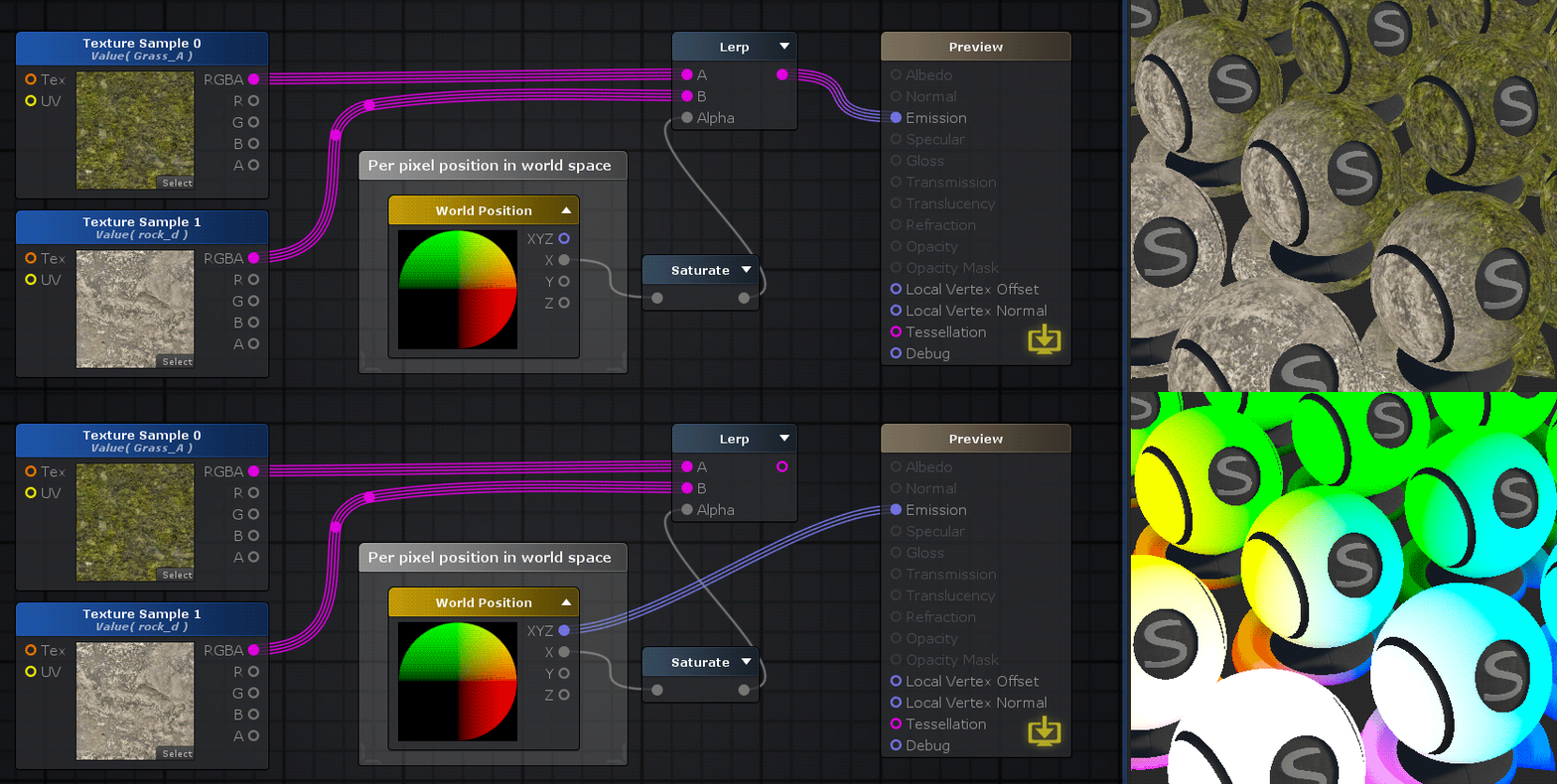 Unity Shader Vertex World Position
http://amplify.pt/NodeDetail/WorldPositionNode.gif
Each of your UVs is associated with a specific vertex Once you can establish which UV is assigned to which vertex then look up the world position of the vertex Option 2 Another way to do this though may be with a texture that is a pre baked image of the local space coordinates of the object In the texture the XYZ coords would map to RGB
Templates are pre-designed files or files that can be used for different functions. They can save effort and time by providing a ready-made format and layout for developing various kinds of material. Templates can be utilized for individual or professional projects, such as resumes, invitations, flyers, newsletters, reports, presentations, and more.
Unity Shader Vertex World Position
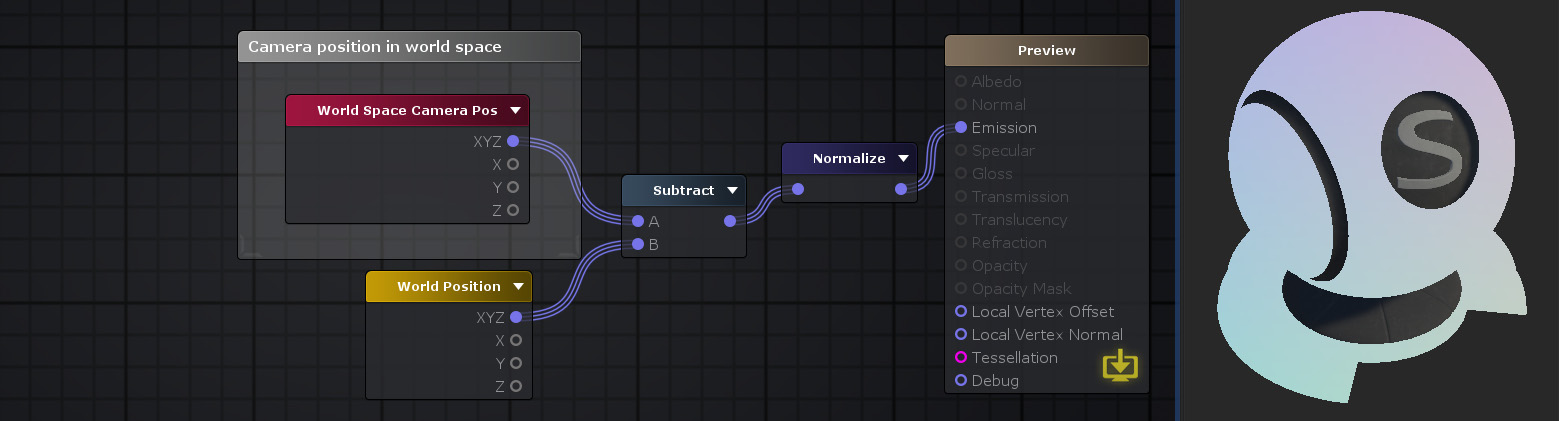
Unity Products Amplify Shader Editor World Space Camera Pos Amplify

Unity Products Amplify Shader Editor Vertex Normal Amplify Creations Wiki

Problem With Shader Graph Vertex Displacement Unity3D

Unity Shaders Vertex And Fragment Programs
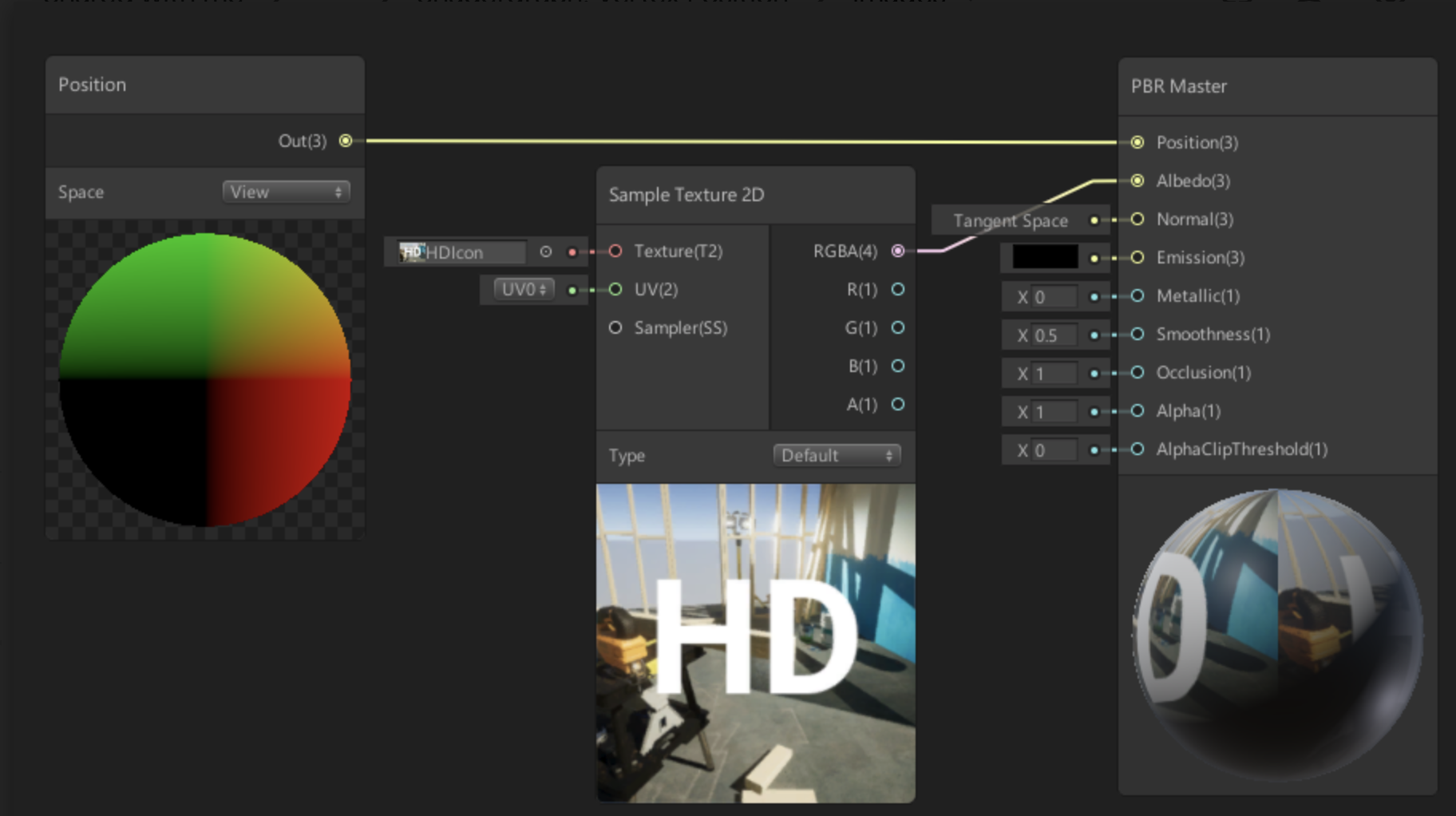
ShaderGraph Vertex Position Unity Learn

Pin By Alan Astle On Shader Graph In 2021 Graphing Unity Vertex

Overview Summary Working on a Shader requires you to use different positional information than the default coordinates The Position node allows you to select which coordinate system to use Select your Unity version Last updated October 12 2020
The first step is to create some objects which you will use to test your shaders Select Game Object 3D Object A 3D GameObject such as a cube terrain or ragdoll More info See in Glossary Capsule in the main menu Then position the camera so it shows the capsule

The variables are all half4 type unity SHAr and similar names Vertex lit rendering Vertex pass type Up to 8 lights are set up for a Vertex pass type always sorted starting from the brightest one So if you want to render objects affected by two lights at once you can just take first two entries in the arrays

Description Provides access to the mesh vertex s or fragment s Position depending on the effective Shader Stage of the graph section that the Node is part of Use the Space drop down parameter to select the coordinate space of the output value Ports Controls World and Absolute World

The Unity shader in this example reconstructs the world space positions for pixels using a depth texture and screen space UV coordinates The shader draws a checkerboard pattern on a mesh to visualize the positions The following illustration shows the end result This page contains the following sections Create the sample scene
Shader Graph Vertex Displacement In this tutorial we ll create a Shader Graph to displace the vertices of a mesh along their normals by an amount controlled with procedural noise As you can see here the Position is between 4 vertices of the plane And here is on one vertex I think It does the right work regarding what I wrote But what I wished was a kind of a smooth circle I think I can managed to obtain this by doing the distance calculus in the Fragment Shader
I m passing the 16 control points as an array to vertex shader tried using both GL POINTS and lines adjacency those should support sending sets of 4x4 vertices for i in range 0 len control points 16 glDrawArrays GL LINES ADJACENCY i 16 The way geometry shader is taking the points seems to be inconsistent