Uninstall Node Js From Command Line How To Uninstall Node Js From Mac M1 YouTube Uninstall Node js From Windows 11 YouTube How To Uninstall Node JS From Mac YouTube How To Uninstall Node js On Windows 11 YouTube How To Uninstall Node js In Windows 2022 YouTube Aug 26 2025 nbsp 0183 32 Iobit Uninstall v15 ARM
Windows 20250223 HiBitUninstaller v3 2 55 Tips If you delete or disable an app you can add it back to your phone If you bought an app you can reinstall it without buying it again Learn how to reinstall and re enable apps You can
How To Uninstall Node js In Windows 2022 YouTube How To UNINSTALL Node JS Completely From Windows Operating System YouTube How To Run Node JS Scripts From Command Prompt Run Node JS In CMD NodeJS Uninstall Node JS Using Linux Command Line YouTube Uninstall Node js On Windows 10 2023 Updated YouTube Uninstall Node js On Windows 10 How To Uninstall Node JS YouTube How To Uninstall Node js On Windows 10 YouTube How To Properly Uninstall Node Js On Windows 10 A Step by Step Guide How To Completely Uninstall Remove Node js From Your Computer System
Uninstall Node Js From Command Line
 Uninstall Node Js From Command Line
https://i.ytimg.com/vi/fULL8QiPEU4/maxresdefault.jpg
Jul 11 2022 nbsp 0183 32 Uninstall Tool 1 2
Pre-crafted templates provide a time-saving service for producing a varied series of files and files. These pre-designed formats and layouts can be made use of for different personal and expert tasks, consisting of resumes, invitations, leaflets, newsletters, reports, discussions, and more, streamlining the material development procedure.
Uninstall Node Js From Command Line

Uninstall Node js Completely From Windows 11 2024 YouTube

How To UNINSTALL Node JS Completely From Windows Operating System YouTube
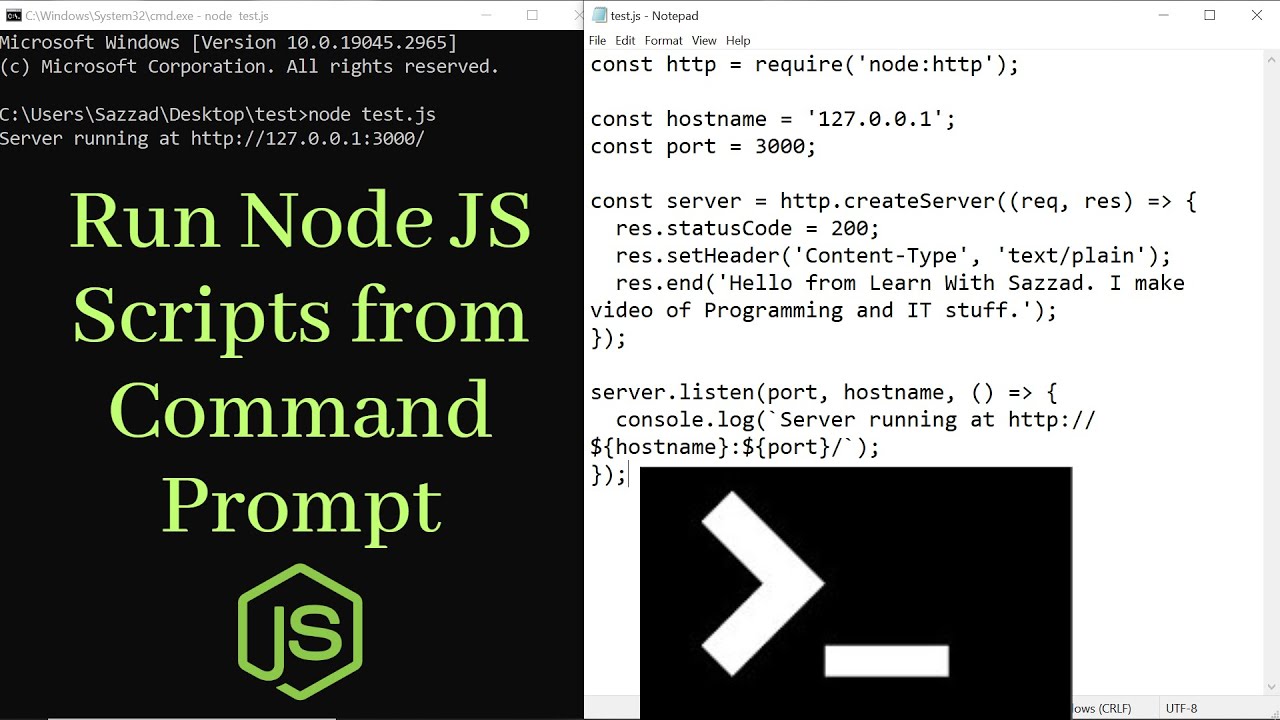
How To Run Node JS Scripts From Command Prompt Run Node JS In CMD

NodeJS Uninstall Node JS Using Linux Command Line YouTube

Uninstall Node js On Windows 10 How To Uninstall Node JS YouTube
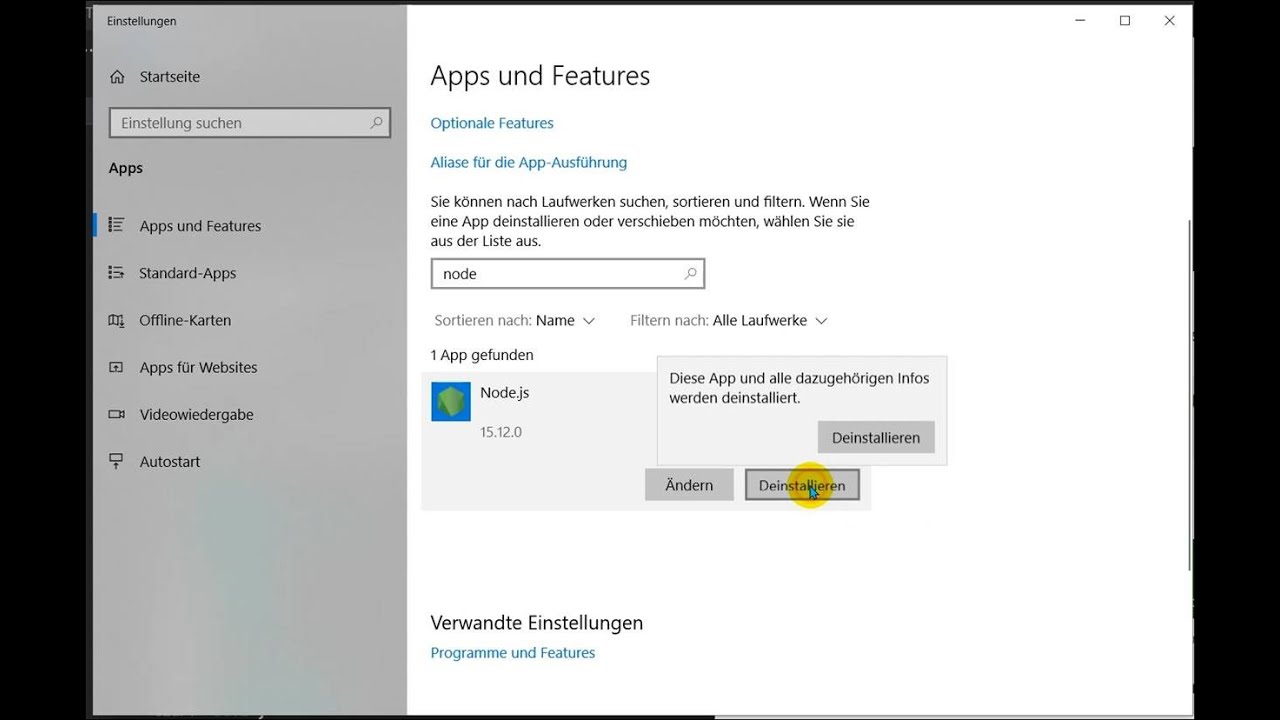
How To Uninstall Node js On Windows 10 YouTube

Jul 23 2017 nbsp 0183 32 unins000 exe unins uninstall exe

To install or upgrade to the latest version of Google Earth Pro download the application System requirements In order for Google Earth Pro to run on your computer you must have all

Important Some of these steps work only on Android 13 and up Learn how to check your Android version Delete apps that you installed

Uninstall an extension To the right of your address bar look for the extension s icon Right select the icon and select Remove from Chrome If you don t find the extension s icon On your

Jul 25 2020 nbsp 0183 32 Uninstall Tool https crystalidea uninstal l amp campaign mainmenu
[desc-11] [desc-12]
[desc-13]