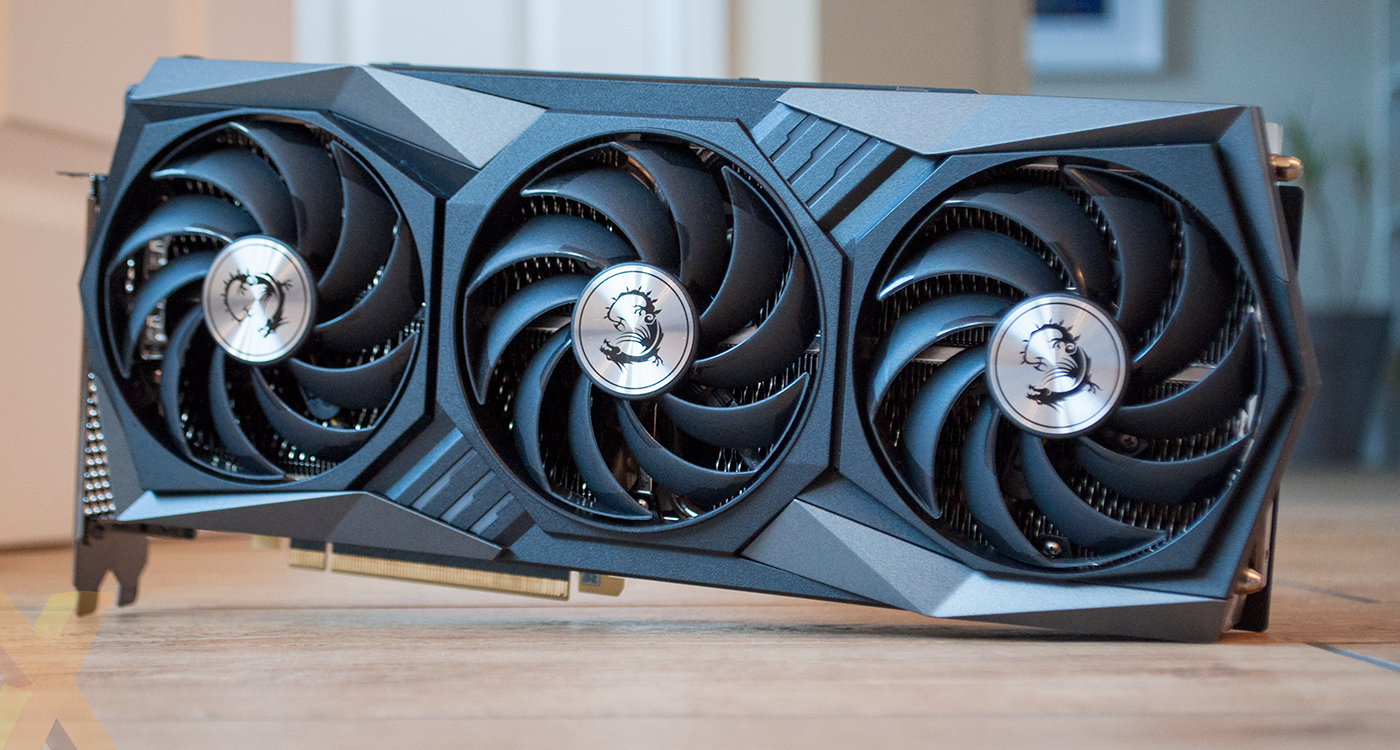
Uninstall From Command Line Msi SOLVED Command Line To Uninstall Software EXE s Or MSI s Up Execute Msi From Command Line Lockqtampa Uninstalling An MSI File From The Command Line Without Using Review MSI GeForce RTX 3090 Gaming X Trio Graphics HEXUS Page 12 Uninstall OldApp Command Line And MSI Install Of NewApp Jun 1 2025 nbsp 0183 32 Learn how to uninstall programs and software from Microsoft Windows using various methods including third party tools ensuring optimal computer performance
Select Uninstall a program underneath Programs in the Control Panel window Select the program you want to remove and choose Uninstall on the top menu at the top of the Sep 21 2023 nbsp 0183 32 This tutorial will show you different ways on how to uninstall Windows apps and desktop apps in Windows 10 You do not want to uninstall the Microsoft Store app Doing so
Uninstall OldApp Command Line And MSI Install Of NewApp Wireshark Silent Install Uninstall Msi And Exe Version Msi Silent Install Command Line Renplus How To Run MSI File As Administrator From Command Prompt In Windows Uninstall ARC Installing ARC Support Synthiam Uninstalling Zscaler Client Connector Zscaler How Do I Force A Program To Uninstall From Command Prompt How To Uninstall Programs Through Command Line Doovi How To Uninstall Program In Windows Xp From Command Line Rutrackerworx
Uninstall From Command Line Msi
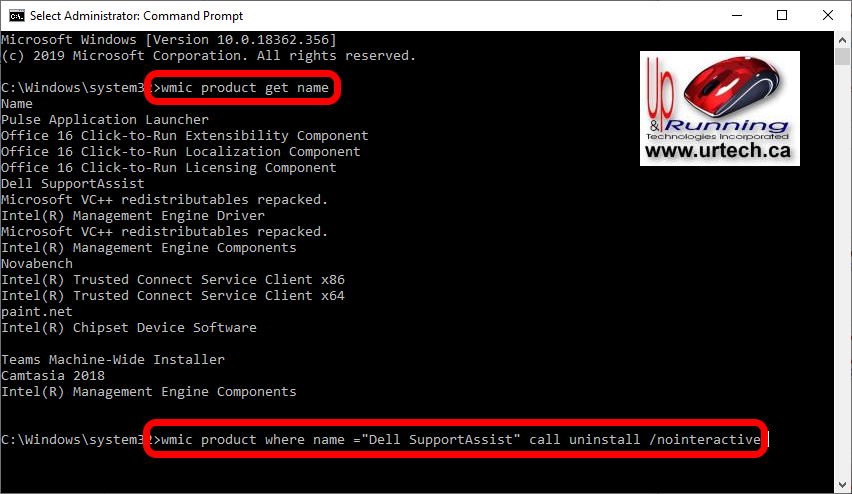 Uninstall From Command Line Msi
https://i0.wp.com/www.urtech.ca/wp-content/uploads/2019/09/command-line-to-uninstall-exe-without-confirmation-wmic.jpg?ssl=1
Feb 9 2025 nbsp 0183 32 To uninstall remove or change a program or app in Windows 11 10 you can use Settings or Control Panel Select the program amp click on Uninstall
Pre-crafted templates provide a time-saving option for developing a varied series of files and files. These pre-designed formats and designs can be used for various individual and professional tasks, including resumes, invitations, leaflets, newsletters, reports, presentations, and more, streamlining the material creation procedure.
Uninstall From Command Line Msi

Anydesk App Play Store Daxkeys
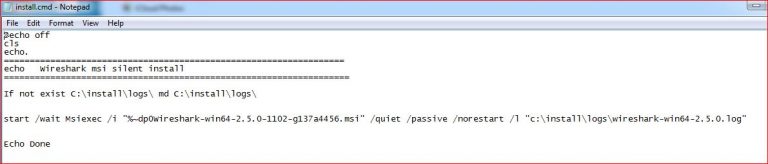
Wireshark Silent Install Uninstall Msi And Exe Version

Msi Silent Install Command Line Renplus
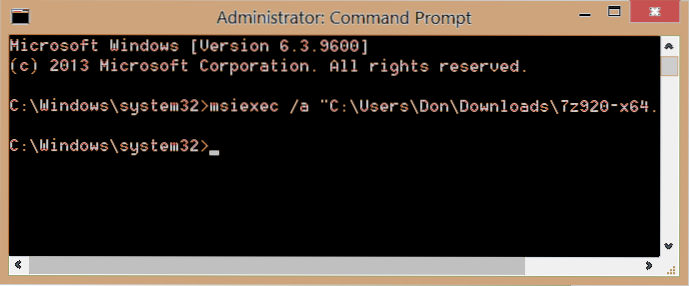
How To Run MSI File As Administrator From Command Prompt In Windows
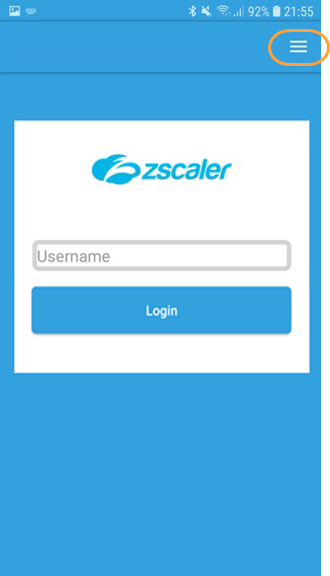
Uninstalling Zscaler Client Connector Zscaler

How Do I Force A Program To Uninstall From Command Prompt

The best uninstaller program thoroughly uninstall and remove programs and delete apps on Windows Force remove unwanted software with free uninstall tool Fully support Windows 11

Download Revo Uninstaller Free helps you to uninstall software and remove unwanted programs easily Remove all uninstall leftovers and traces

Standard removal program leaves tons of leftovers on your PC Geek Uninstaller performs deep and fast scanning afterwards and removes all leftovers Uninstall Microsoft Store apps Use
Features Fully uninstall programs without leftovers Forced Uninstall removes any stubborn software Remove multiple programs at once Monitoring installation of programs Program quick
Apr 7 2025 nbsp 0183 32 Windows 10 and 11 both include a built in uninstall option available through the Start menu Settings screen and Control Panel Cleanly removing a Windows Universal app is
[desc-11] [desc-12]
[desc-13]