Unable To Install Python Extensions For Vscode Singing Alright By Kendrick Lamar Gerainspired Vs Code Extensions For Python Mobile Legends Getting VSCode Ready For PHP Development North Creation Agency Vscode Python Class Diagram Tabitomo python Matplotlib Web Sep 20 2021 nbsp 0183 32 Closing vscode deleting all files in that directory and reopening vscode allowed me to install the extension that was previously failing It might be sensible to force redownloading bypassing cache if installing a cached extension fails
Web Jun 4 2020 nbsp 0183 32 Unable to install extension ms python python as it is not compatible with VS Code 1 39 2 12154 Closed hairinwind opened this issue on Jun 4 2020 183 5 comments hairinwind commented on Jun 4 2020 Environment data VS Code version 1 39 2 Extension version available under the Extensions sidebar ms python python Web Step 1 Install a supported version of Python on your system note that the system install of Python on macOS is not supported Step 2 Install the Python extension for Visual Studio Code Step 3 Open or create a Python file and start coding Set up your environment Select your Python interpreter by clicking on the status bar
python Matplotlib How To Use Python Dateutil Vegibit Rogerio Da Silva Medium Setting Up VSCode For Python A Complete Guide DataCamp Dom Kennedy Yellow Album Flac Passldollar Package Management MoJ Analytical Platform Vscode material icon theme From PKief GithubHelp Unable To Install Sql Server Express 2008 R2 Errors Failed To Vrogue How To Install Python 2 7 On CentOS 7 1 Or 6 7 With Anaconda Atlantic Net
Unable To Install Python Extensions For Vscode
 Unable To Install Python Extensions For Vscode
https://www.rollingstone.com/wp-content/uploads/2021/10/kendrick-songs.jpg
Web Mar 2 2023 nbsp 0183 32 1 Force Close and Restart Visual Studio Code 2 Restart Your PC Device 3 Install Extensions on Visual Studio Code Manually
Templates are pre-designed documents or files that can be used for different functions. They can save effort and time by offering a ready-made format and design for developing different kinds of material. Templates can be utilized for personal or professional jobs, such as resumes, invites, flyers, newsletters, reports, presentations, and more.
Unable To Install Python Extensions For Vscode
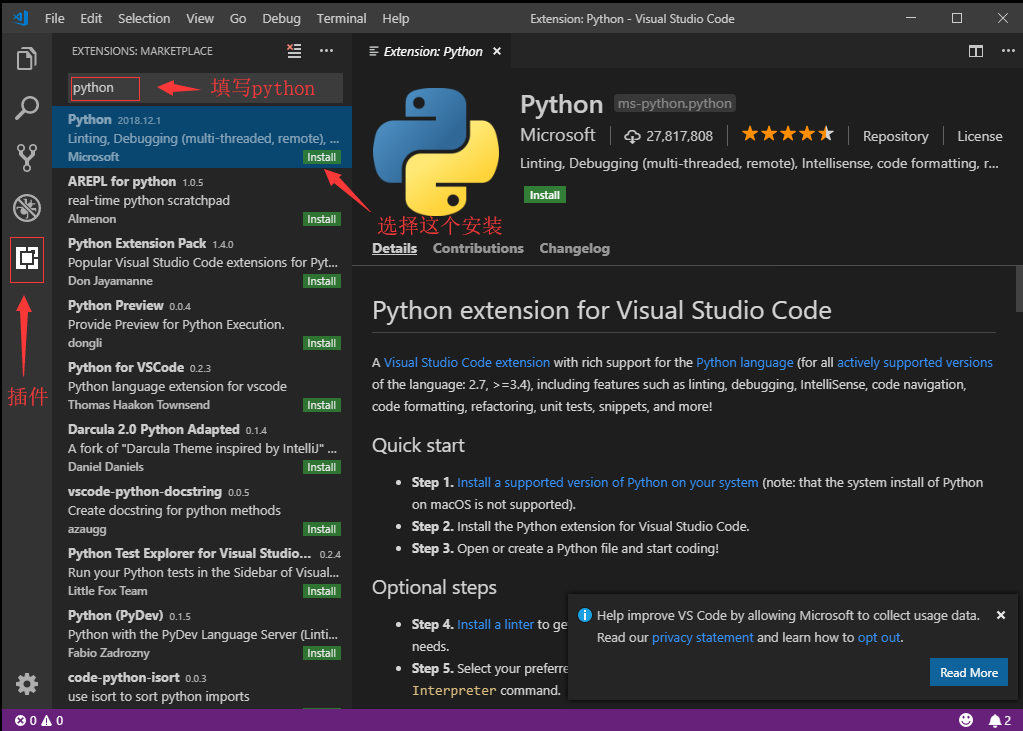
How To Install Python And Vscode Youtube Vrogue

How To Use Python Dateutil Vegibit

Rogerio Da Silva Medium
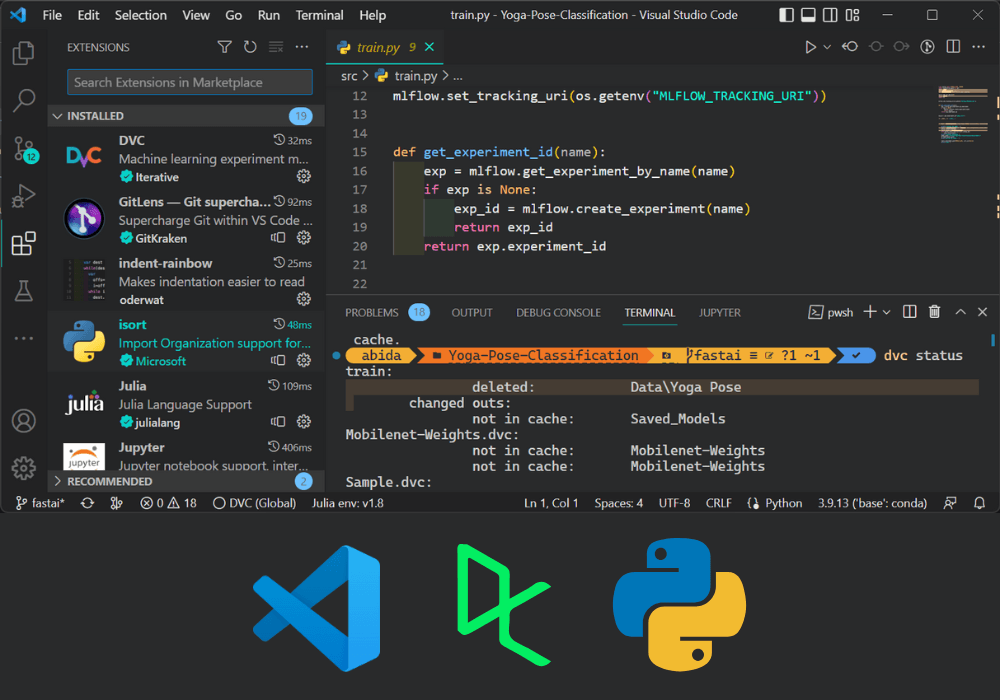
Setting Up VSCode For Python A Complete Guide DataCamp
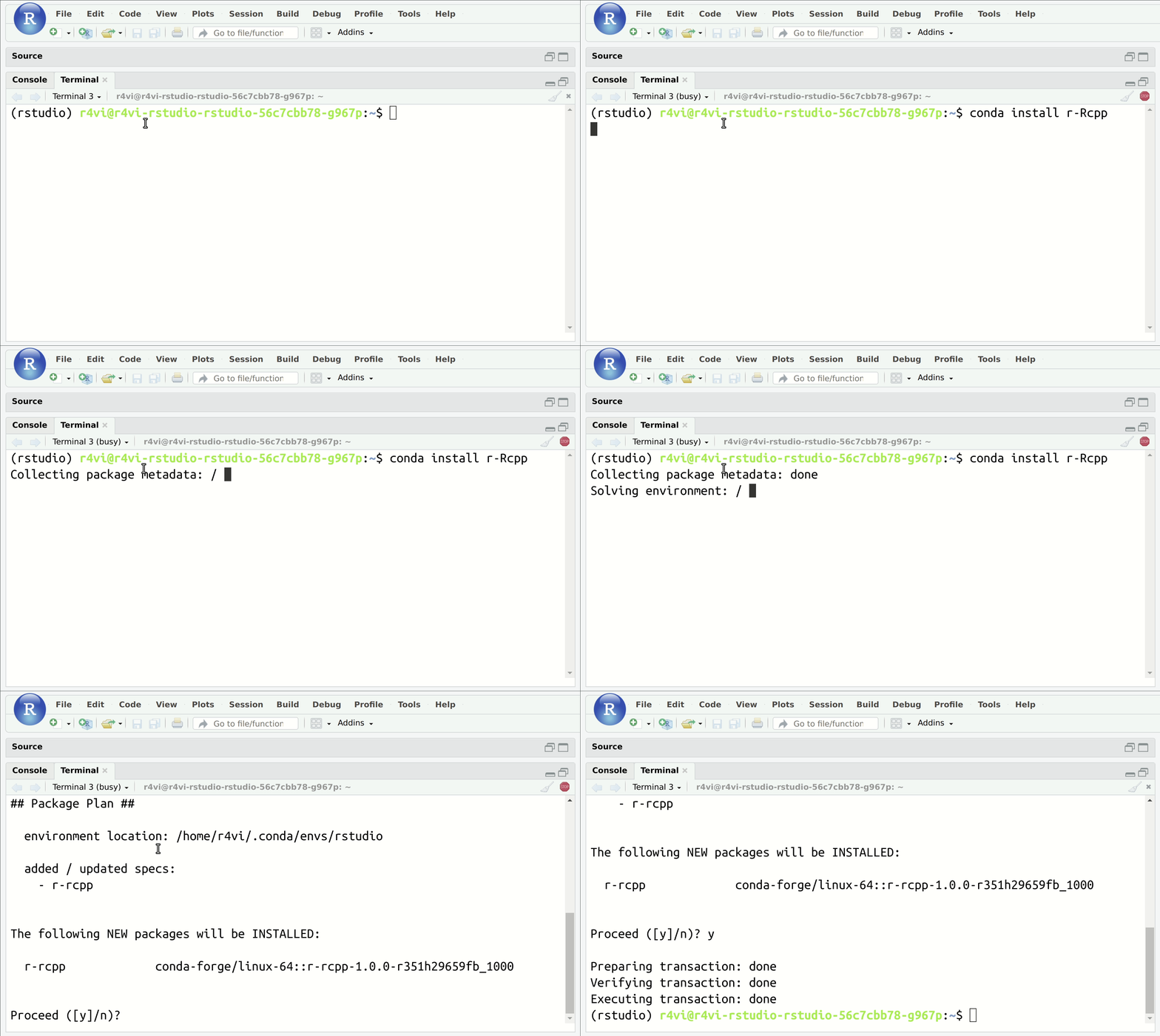
Package Management MoJ Analytical Platform
Vscode material icon theme From PKief GithubHelp

Web Jun 8 2020 nbsp 0183 32 I click on the Install Button If I go to the Extensions Button on the left hand side of the interface it appears to show current progress However it just keeps going from left to right seemingly showing that it is being installed but it never happens Python 3 8 3 has been installed and verified on my system
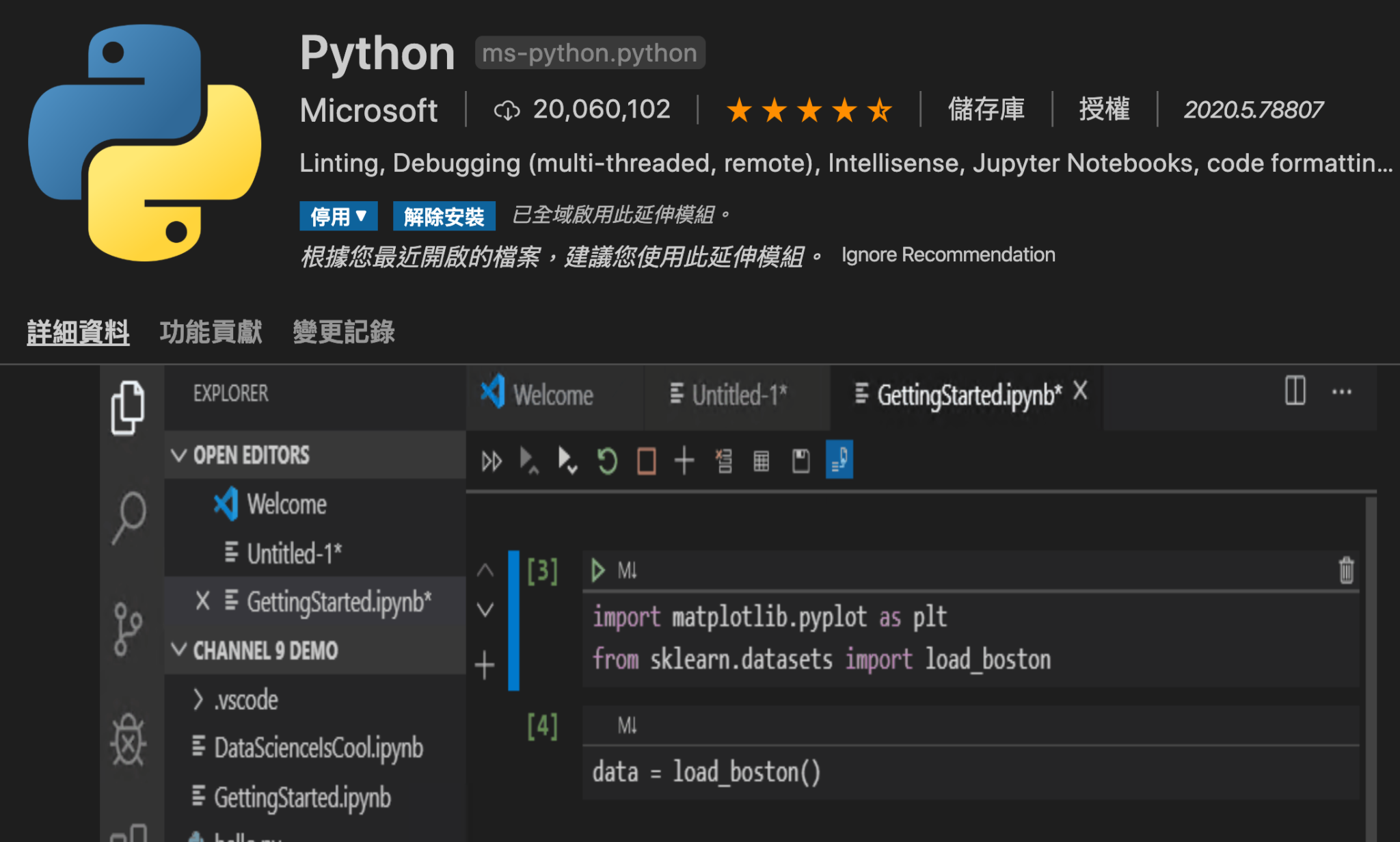
Web Install Python and the Python extension The tutorial guides you through installing Python and using the extension You must install a Python interpreter yourself separately from the extension For a quick install use Python from python and install the extension from the VS Code Marketplace

Web Apr 24 2023 nbsp 0183 32 Unable to install extension ms python python as it is not compatible with VS Code 1 77 3 21113 Closed emolinaro opened this issue on Apr 24 2023 183 6 comments emolinaro commented on Apr 24 2023 Environment data VS Code version 1 77 3 Extension version available under the Extensions sidebar ms python python

Web Jan 25 2023 nbsp 0183 32 William 0 Jul 24 2023 7 29 AM Try deleting the folder in vscode extensions I m trying to add the python extension from the visual studio code at the bottom right it says quot Error while installing Python extension Please check the log for more details quot under it says quot try to download manually quot which sends

Web Dec 25 2023 nbsp 0183 32 I have re installed VS code multiple times let it through my firewall used quot code ignore certificate errors quot made sure http proxy is set up correctly and tried all 4 options in proxy support But noting is working python visual studio code edited Dec 26 2023 at 3 20 rioV8 27 3k 4 37 53 asked Dec 25 2023 at 22 18
Web Although the Python extension for VS Code doesn t currently have direct integration with conda environment yml files VS Code itself is a great YAML editor Conda environments can t be automatically activated in the VS Code Integrated Terminal if Web You can manually install a VS Code extension packaged in a vsix file Using the Install from VSIX command in the Extensions view command dropdown or the Extensions Install from VSIX command in the Command Palette point to the vsix file You can also install using the VS Code install extension command line switch providing the path to the
Web This might be a version problem you could try reinstalling an older version of the Python extension Right Click at Python in extension and try to install another one