Ubuntu Virtualbox Create Vm Command Line Virtualbox create vm Vincent Cox VirtualBox Create New Virtual Machine Red Hat Enterprise 8 Uninstall Virtualbox Mac Command Line Londonbetta Managing Oracle VM VirtualBox From The Command Line Cloud Foundry Tutorial Guy Tel Zur Oct 19 2018 nbsp 0183 32 I am just trying to start a VirtualBox VM called ubuservloc from the command line but without success
Using Oracle VM VirtualBox s VBoxManage tool from the command line of the host operating system you can control Oracle VM VirtualBox settings create new VMs and work on existing VMs Oct 5 2016 nbsp 0183 32 VirtualBox virtual machines can be run without working with the GUI See how to take advantage of the VBoxManage command to start pause and power down your VMs If you re using VirtualBox
Cloud Foundry Tutorial Guy Tel Zur Command Line Interface Oracle Virtualbox Nologo Still Showing Logo How To Install VirtualBox On Ubuntu 20 04 Linuxize Install CentOS 8 Server On Virtualbox Only Command Line Interface 1 How To Access The Oracle VM 3 CLI YouTube How To Use Virtualbox VMs On KVM In Linux Virtualbox CSDN virtualbox How To Install VirtualBox Guest Additions On Ubuntu 20 04 VM Command Line Solved Using The GET VM Command VMware Technology Network VMTN
Ubuntu Virtualbox Create Vm Command Line
 Ubuntu Virtualbox Create Vm Command Line
https://vincentcox.com/wp-content/uploads/virtualbox_create_vm-768x573.png
This tutorial describes the installation of Ubuntu 20 04 in VirtualBox by using the VBoxManage CLI I m assuming that VirtualBox 6 1 is installed the VBoxManage CLI is ready to use and the Ubuntu 20 04 ISO has been downloaded
Pre-crafted templates use a time-saving option for creating a varied variety of files and files. These pre-designed formats and layouts can be used for numerous individual and professional projects, consisting of resumes, invitations, leaflets, newsletters, reports, presentations, and more, streamlining the content production process.
Ubuntu Virtualbox Create Vm Command Line
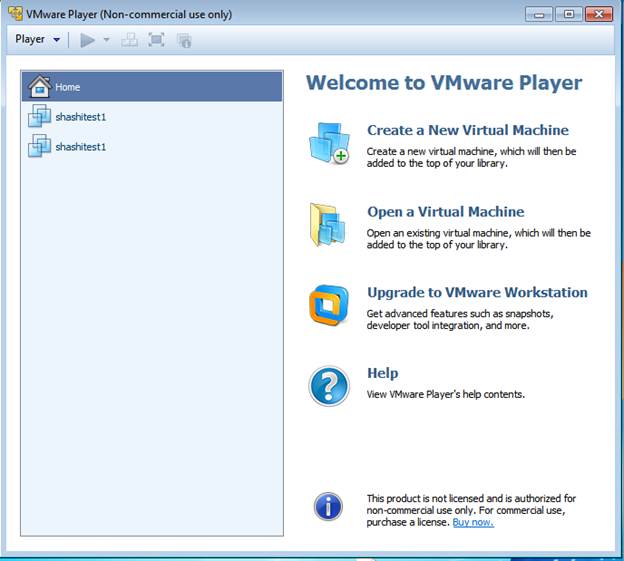
Vmware Player Start Vm Command Line Linux

Command Line Interface Oracle Virtualbox Nologo Still Showing Logo
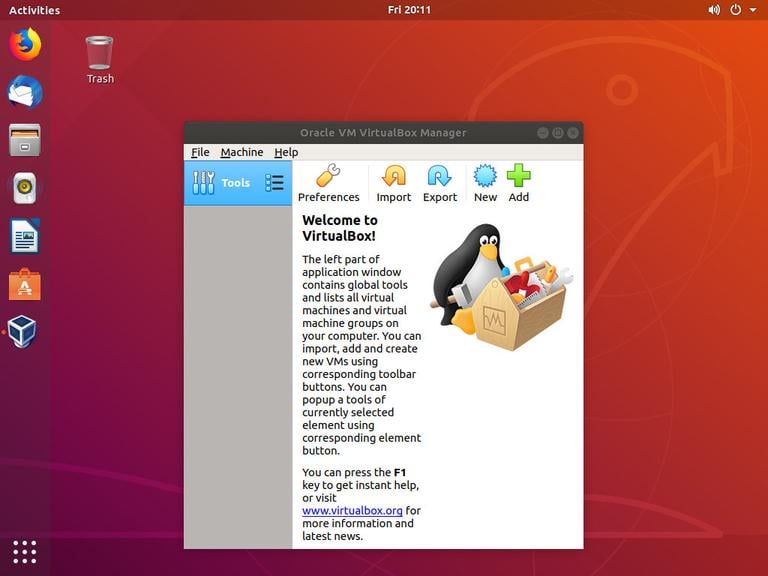
How To Install VirtualBox On Ubuntu 20 04 Linuxize
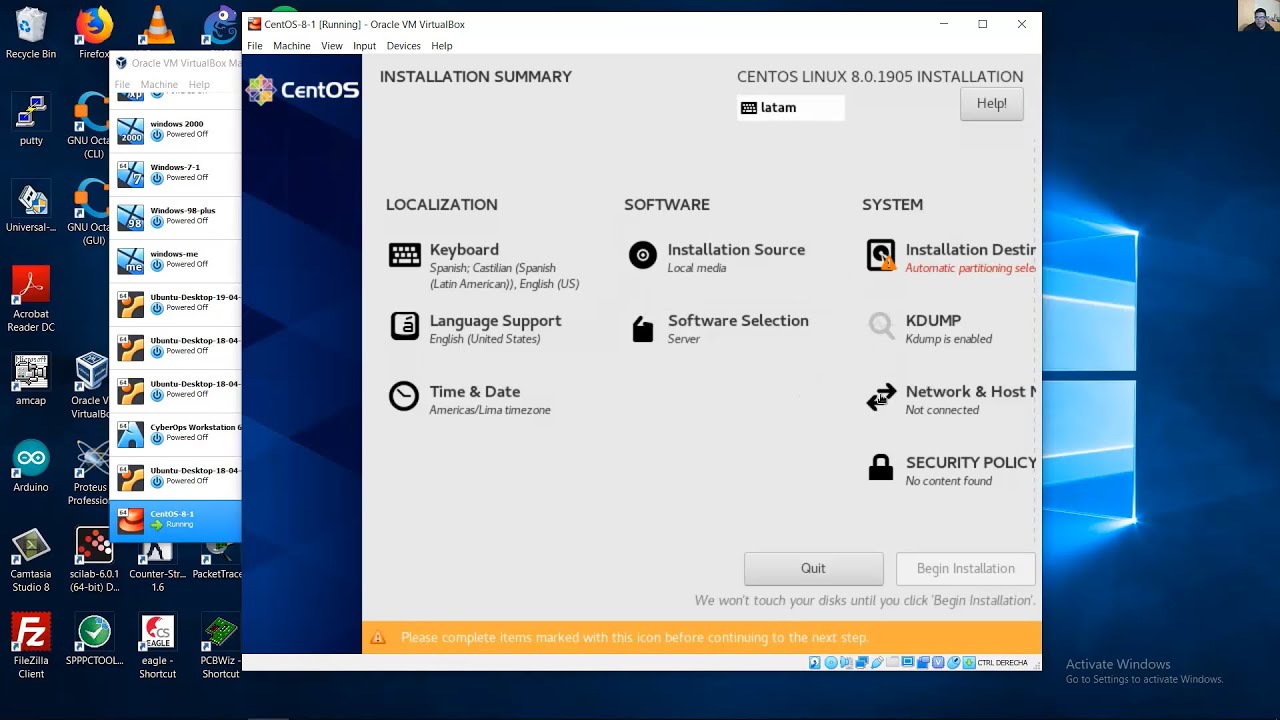
Install CentOS 8 Server On Virtualbox Only Command Line Interface
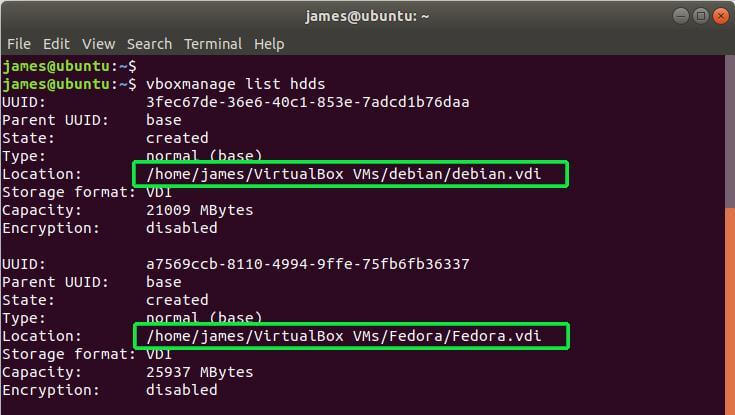
How To Use Virtualbox VMs On KVM In Linux
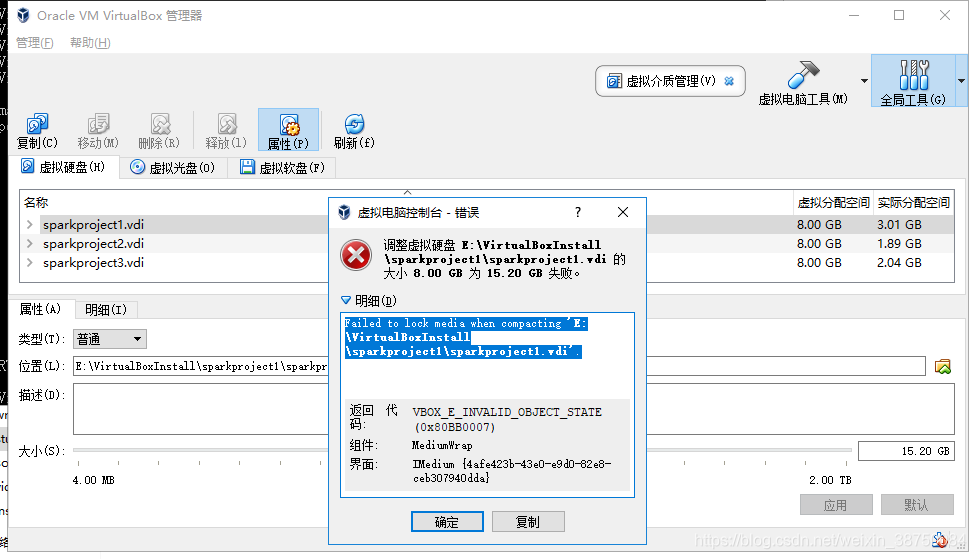
Virtualbox CSDN virtualbox

In this tutorial we ll walk you through one of the easiest ways to try out Ubuntu Desktop on a virtual machine VirtualBox is a general purpose virtualiser that is available across Linux Mac OS and Windows It s a great way to experience Ubuntu regardless of

May 3 2020 nbsp 0183 32 Create VirtualBox VM from command line This will be a walk through of installing Ubuntu 22 04 on VirtualBox using the command line List Available Guest OS Create VM Inspect VM Add CPU RAM and Video RAM Configuring Virtual Network Adapter Create Virtual Hard Disk Delete Virtual Hard Disk
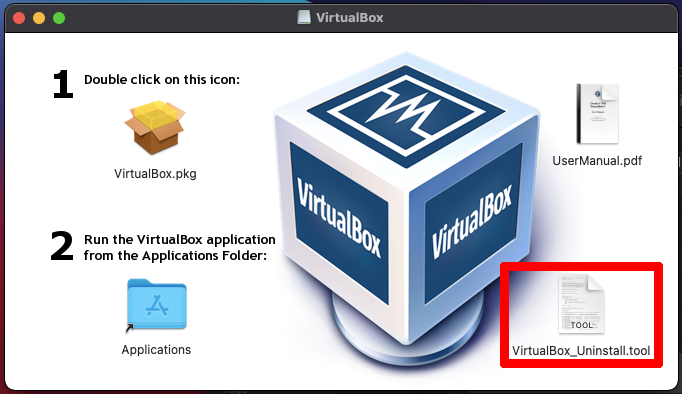
Oct 16 2013 nbsp 0183 32 Try adding before the startvm The command vboxmanage startvm lt machine name gt will start the server which name is quot machine name quot For example if you have a machine that called UbuntuServer then the command will look like so vboxmanage
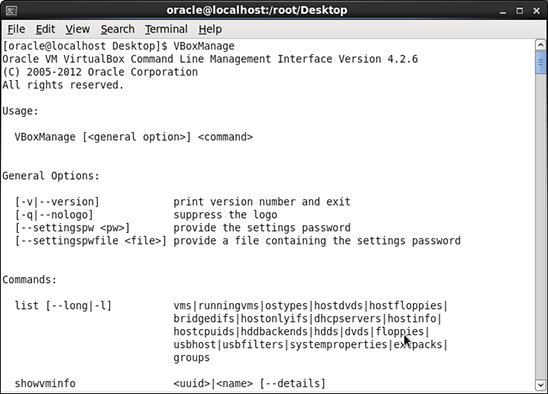
Apr 7 2021 nbsp 0183 32 How to use command line tool VBoxManage to create VirtualBox virtual manchine and manage the same list delete network stop start amp more

Jun 1 2020 nbsp 0183 32 How to Create VirtualBox VMs from the Linux Terminal By Anthony Heddings Published Jun 1 2020 Quick Links Installing VirtualBox and the VBox Extension Pack Setting Up a VM Port Forwarding After Setup Most cloud providers will rent virtual servers rather than actual hardware
Oct 28 2013 nbsp 0183 32 sudo apt install virtualbox ext pack Therefore as of Xenial 16 04 you should be able to get virtualbox and the extension pack by typing the following sudo apt install virtualbox virtualbox ext pack Following the instructions on your screen To start a virtual machine with VBoxHeadless you have three options You can use VBoxManage startvm quot VM name quot type headless The extra type option causes VirtualBox to use VBoxHeadless as the front end to the internal virtualization engine instead of the Qt front end
Sep 1 2016 nbsp 0183 32 In this case here s a script that would work to set up and start a resin io NUC image on VirtualBox on the command line What s needed downloaded NUC image from resin io dashboard and converted into a VMDK image