Ubuntu Server Default Root Password How To Reset Root Password In Ubuntu YouTube How To Reset Root Password On Ubuntu Linux Mining How To Change Root Password In Ubuntu 18 04 LTS YouTube How To Reset Lost Root Password On Ubuntu BENISNOUS How To Reset Root Password In Ubuntu How to recover the root password on ubuntu server duplicate Ask Question Asked 9 years 11 months ago Modified 3 years 6 months ago Viewed 113k times 14 This question already has answers here How do I reset a lost password using recovery mode requires me to type the password 3 answers Closed 3 years ago
Password When sudo asks for a password you need to supply YOUR OWN password In other words a root password is not needed Here are few more examples Start stop restart services stored in etc init d directory sudo etc init d ssh stop sudo etc init d networking restart sudo systemctl restart ssh Are you looking to change the root password in Ubuntu Changing passwords is a good practice and should be done periodically Linux allows multiple user accounts each having its own password Users can only change their own password However there is always a sudo root SuperUser account
How To Reset Root Password In Ubuntu 34 Specialized Stumpjumper Alloy 2021 Photos DeaneEshal How To Reset Forgotten Root Password In Ubuntu Linux How To Change Root Password In Ubuntu Linux The Right Way To Reset A Forgotten Root Password In Linux Mint How To Change Root Password In Ubuntu Linux NixCraft Simplest Way To Reset MySQL Root Password How To Reset Forgotten Root Password In Ubuntu Linux Kali Linux Default Root Password Systran Box
Ubuntu Server Default Root Password
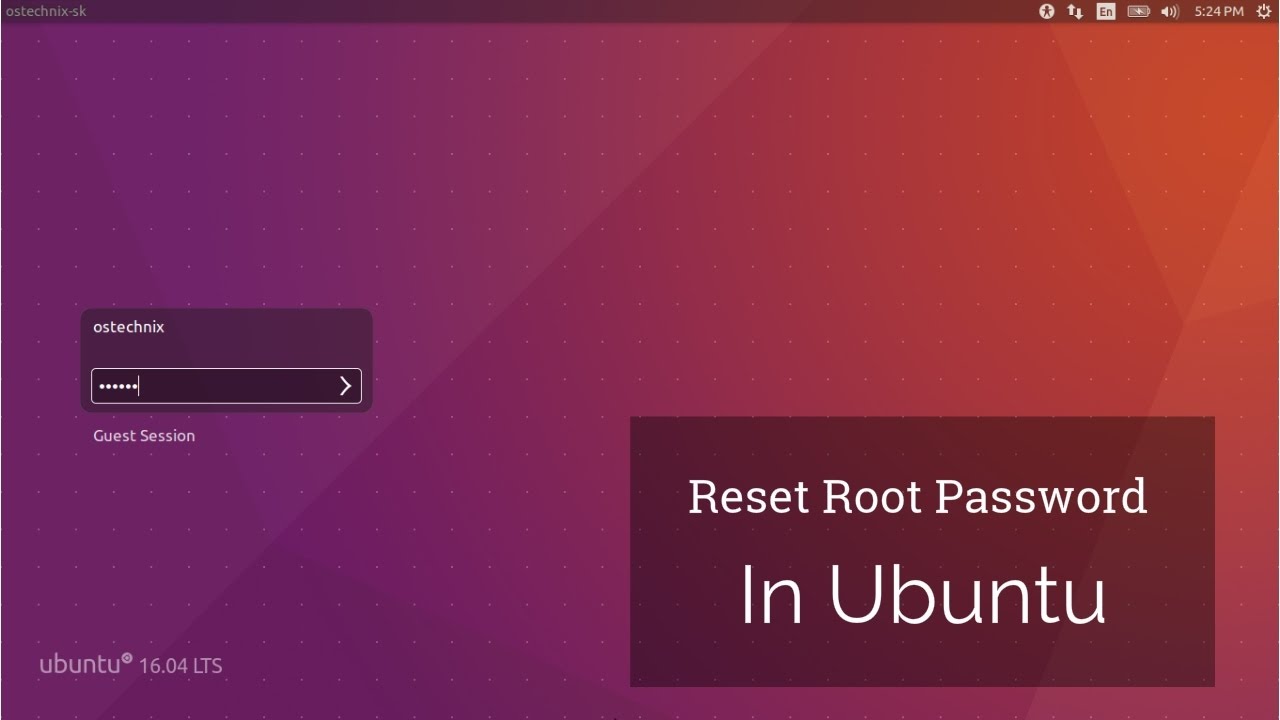 Ubuntu Server Default Root Password
https://i.ytimg.com/vi/sSHh_vYfN_Y/maxresdefault.jpg
Type the following command to become root user and issue passwd sudo i passwd OR set a password for root user in a single go sudo passwd root Test it your root password by typing the following command su How to disable your root account on Ubuntu One can disable the root account by typing the following command sudo passwd dl root
Pre-crafted templates provide a time-saving service for creating a varied series of files and files. These pre-designed formats and layouts can be used for numerous individual and professional projects, consisting of resumes, invites, flyers, newsletters, reports, discussions, and more, streamlining the material creation process.
Ubuntu Server Default Root Password
What Is Ubuntu Default Root Password Easy Solution

34 Specialized Stumpjumper Alloy 2021 Photos DeaneEshal
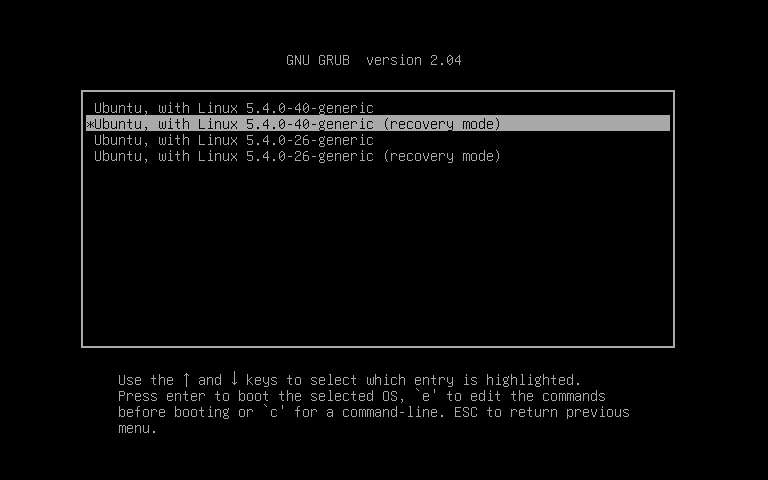
How To Reset Forgotten Root Password In Ubuntu Linux
How To Change Root Password In Ubuntu Linux

How To Change Root Password In Ubuntu Linux NixCraft

Simplest Way To Reset MySQL Root Password

sudo mycommand Password The following steps will explain how to set a root password on Ubuntu 20 04 Linux and thus gain a permanent access to root s shell using the su command and the root password Having a root password my be needed to access your Ubuntu system remotely via SSH First step is to use sudo to set a root s password sudo passwd
What is the default root password 4 answers Closed 9 years ago On a standard desktop installation I created my administrative and user login Further with some applications the system ask for the root password So my question is What will be the default password for the root login when I never created it during the installation process

2 Answers Sorted by 26 Username and password are both ubuntu according to this https ubuntu tutorials how to install ubuntu on your raspberry pi 4 boot ubuntu server Share Improve this answer Follow answered May 11 2020 at 18 50 Sebi 8 383 6 48 76 1

To change the password of the root user in Ubuntu run the following command as a sudo user sudo passwd root You will be prompted to enter and confirm the new root password When setting the password make sure you re using a unique and robust password Having a strong password is the most important aspect of the security of your account

Is there a root user on Ubuntu Server The root still exists on Ubuntu Server and most Linux distributions but can t be used by default The account is disabled for security reasons Why is the root user disabled on Ubuntu The root user was an easy target for hackers
2 Answers Sorted by 54 I found that it takes a few minutes after it boots for Ubuntu on the Pi to create the ubuntu user and its password I searched for a solution and found this question The existing answer was no help When I went back some text had come up on the console about cloud init and SSH keygen 1 Answer Sorted by 2 Root doesnt have a password per default It s not recommended to use root as a user at all and I would strongly suggest you use sudo to elevate the commands you need If you do need to use root this is possible Link to guide from linuxconfig You need to set a password for root and then allow root login Share
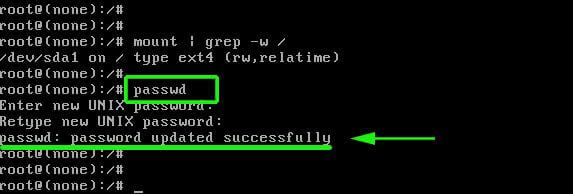
Step 4 Changing the root password To change the root password type the following password command passwd After that the system will prompt you to type the new password and once you have pressed the enter key it will again ask you to re type the password Once the password is updated a success message will appear on the screen