Ubuntu Mysql 8 Default Root Password How To Reset Mysql Root Password Ubuntu 18 04 Trending Topic Lagi How To Install MySQL Server On Ubuntu 22 04 LTS Linux NixCraft Reset MySQL Root Password On Ubuntu 100Utils How To Reset Mysql Root Password Ubuntu 18 04 Trending Topic Lagi Simplest Way To Reset MySQL Root Password Is there any default password I have also tried with skip grant tables even this does not work Even trying to log in with just mysql u root is a failure mysql ubuntu passwords ubuntu 16 04 ubuntu server Share Improve this question Follow edited Sep 14 2017 at 14 58 Vadim Kotov 8 154 8 49 62 asked Feb 23 2017 at 16 44 Debashisenator
Mysql use mysql mysql update user set authentication string PASSWORD YOUR NEW ROOT PASSWORD where User root mysql flush privileges mysql quit service mysql stop service mysql start mysql u root p Now you should be able to login as root with your new password This tutorial demonstrates how to reset the root password for MySQL and MariaDB databases installed with the apt package manager on Ubuntu 18 04 The procedure for changing the root password differs depending on whether you have MySQL or MariaDB installed and the default systemd configuration that ships with the distribution or packages from other vendors
Simplest Way To Reset MySQL Root Password How To Change Root Password Of MySQL Or MariaDB In Linux What Is Default Linux Root Password Linux Ubuntu MySQL Password Policy Ubuntu How To Enable Root Password In Ubuntu 12 04 2 Solutions How To Reset Root Password In Ubuntu YouTube Set Root User Password In Ubuntu 20 04 LTS Focal Fossa Linux Shout Kali Linux Default Root Password Systran Box Centos 7 Install Mysql Default Password Lasopasix
Ubuntu Mysql 8 Default Root Password
 Ubuntu Mysql 8 Default Root Password
https://i.ytimg.com/vi/6d5RREqxN44/maxresdefault.jpg
This step by step guide explains how to reset root password in MySQL 8 on Ubuntu 20 04 operating system Note As you may already know MySQL root user uses auth socket plugin to authenticate with MySQL server in Ubuntu systems running MySQL 5 7 and later versions
Pre-crafted templates provide a time-saving option for developing a diverse series of files and files. These pre-designed formats and layouts can be utilized for various individual and professional tasks, consisting of resumes, invitations, leaflets, newsletters, reports, presentations, and more, improving the content production procedure.
Ubuntu Mysql 8 Default Root Password

Ubuntu Mysql 8 Access Denied For User root localhost using

How To Change Root Password Of MySQL Or MariaDB In Linux
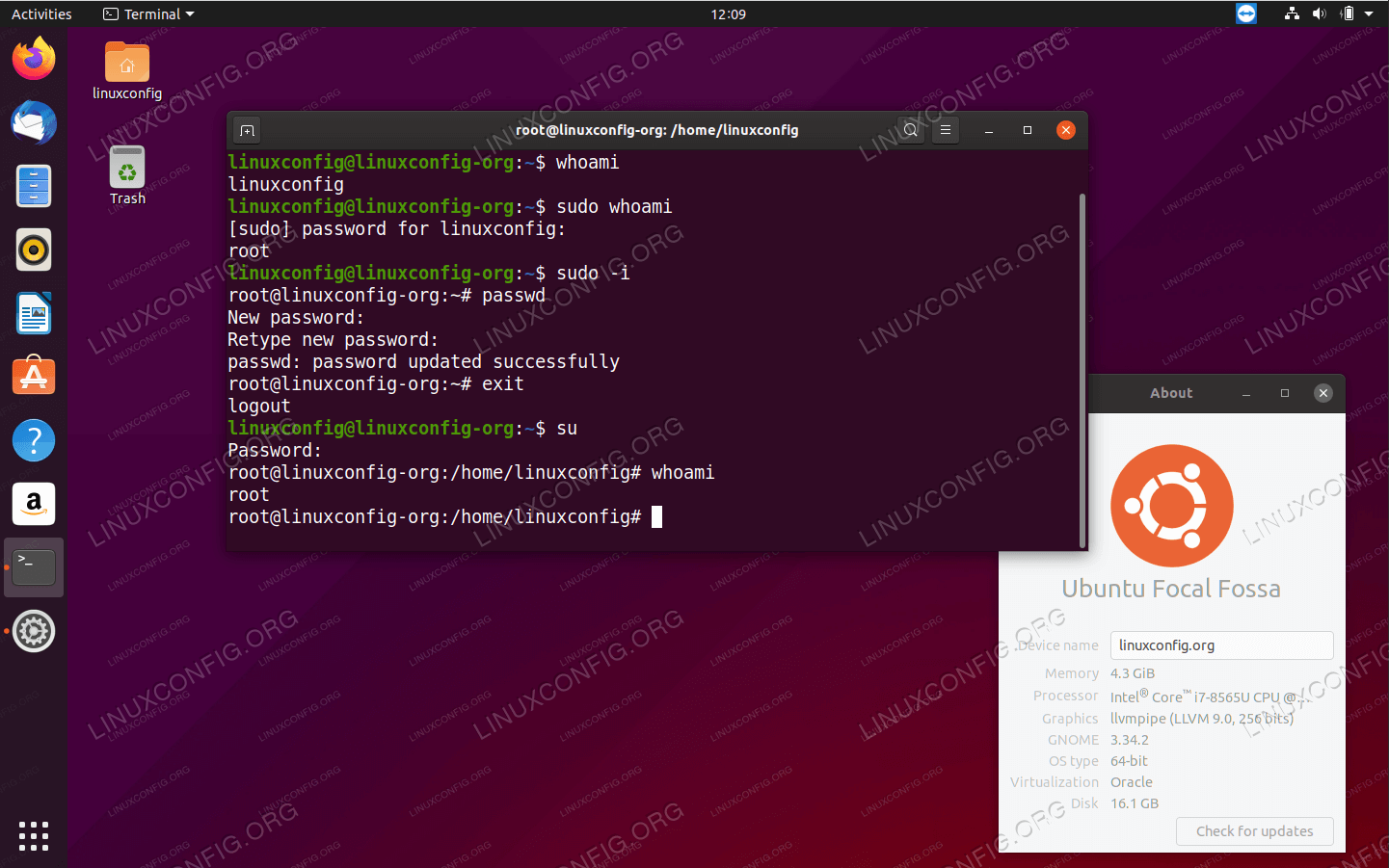
What Is Default Linux Root Password
Linux Ubuntu MySQL Password Policy
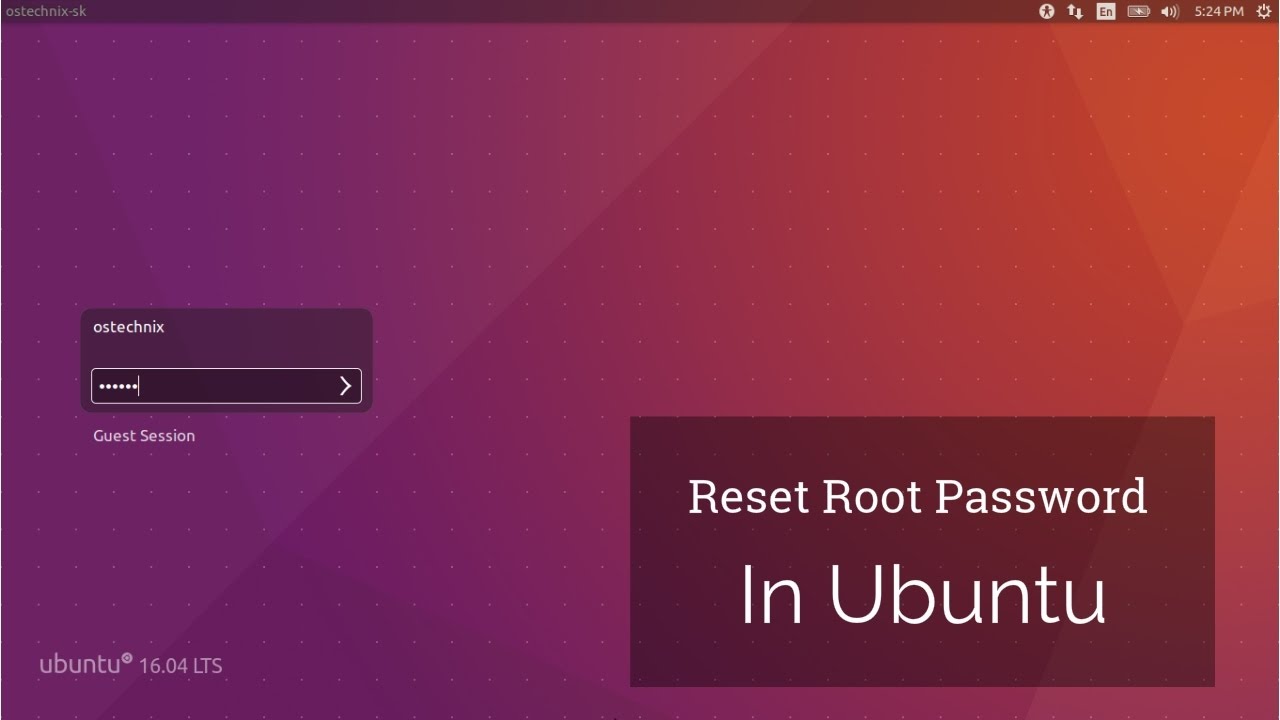
How To Reset Root Password In Ubuntu YouTube
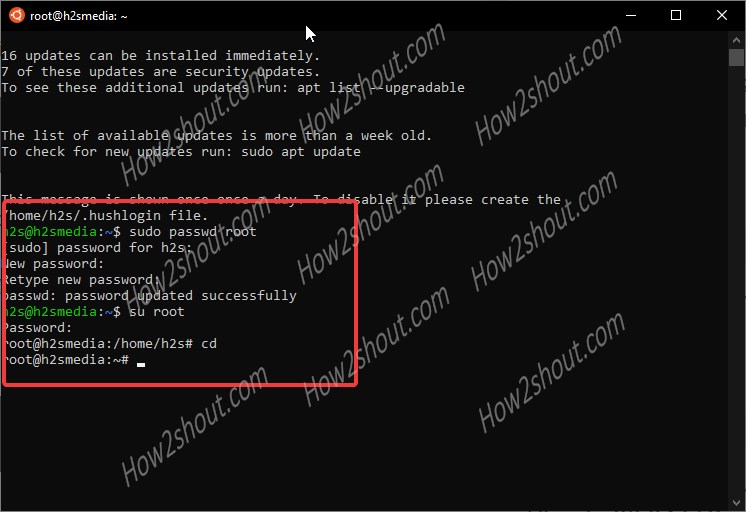
Set Root User Password In Ubuntu 20 04 LTS Focal Fossa Linux Shout

3 Answers Sorted by 6 you can use this code sudo usr bin mysql defaults file etc mysql debian cnf ALTER USER root localhost IDENTIFIED BY password Share

Connect to the server as root using the password mysql u root p Enter password enter the random root password here Choose a new password to replace the random password

Step 1 Stop the MySQL server process Step 2 Start the MySQL mysqld server daemon process with the skip grant tables option so that it will not prompt for a password Step 3 Connect to the MySQL server as the root user

Forgot your database password It happens to the best of us If you ve forgotten or lost the root password to your MySQL or MariaDB database you can still gain access and reset the password if you have access to the server and a user account with sudo privileges

Version 8 0 MySQL 8 0 Reference Manual How to Reset the Root Password B 3 3 2 How to Reset the Root Password If you have never assigned a root password for MySQL the server does not require a password at all for connecting as root However this is insecure
By default MySQL is installed without any password set up meaning you can access the MySQL server without any authentication With the MySQL server software installed to the Raspberry Pi we will now need to secure it by setting a password for the root user Run the following command to begin the MySQL securing process If you forgot the MySQL root password don t worry there is a method to reset it The MySQL root password can be changed and the server can be accessed with sudo privileges In this guide we will elaborate on changing the root password for MySQL in Ubuntu 22 04 How to Change MySQL Root User Password on Ubuntu 22 04
Resetting The Root Password in MySQL 8 on Ubuntu Linux 1 First stop the MySQL service with the command sudo systemctl stop mysql If the MySQL service is running this will stop it You can verify the status of the MySQL service with the following command sudo systemctl status mysql