Ubuntu Command Line Run In Background How To Check Running Process In Ubuntu Linux Using Command Line Techolac How To Install Dropbox On Ubuntu 18 04 From Official Repository 2 Ways To Install Google Chrome On Ubuntu 18 04 LTS Bionic Beaver How To Remove Packages On Ubuntu Command Line LinuxCapable Install Slack Ubuntu Command Line Lalapabrain Running Linux commands in the background allows users to execute a command without waiting for the process to complete This method lets users initiate processes and continue working on other tasks simultaneously This guide explores different methods of running Linux commands in the background
We have to use the bg command to start it running again To launch a program as a running background process is simple Append an ampersand to the end of the command line Although it is best that background processes do not write to the terminal window we re going to use examples that do To run a Linux command in the background all you have to do is to add an ampersand at the end of the command like this your command Let s take a simple bash sleep command and send it to the background sleep 60 When the command finishes in the background you should see information about that on the terminal
Install Slack Ubuntu Command Line Lalapabrain How To Get Specs Of Linux Machine Ubuntu Command Line Systran Box How To Check RAM In Ubuntu Command Line Uninstall Nvidia Driver Ubuntu Command Line Minnesotamusli How To Create Text Files In Ubuntu Command Line 4 Methods How To Upgrade To Ubuntu 22 04 LTS How To Uninstall Software In Ubuntu Command Line Divatot Ut nz Seb szet Tov bbi Debian Stretch Run Script On Boot Without Rc local Ballon Lezser Ubuntu Command Lines For Beginners Part 7 PPA
Ubuntu Command Line Run In Background
 Ubuntu Command Line Run In Background
https://www.cyberciti.biz/media/new/faq/2018/12/How-to-Manage-Processes-from-the-Ubuntu-Linux-Terminal.png
The program should not disturb my window in which i am working on but it should be opened from the command line and i should be able to get access to it using the normal shortcut ALT TAB Even the command line should exit during this process
Pre-crafted templates provide a time-saving solution for developing a diverse series of documents and files. These pre-designed formats and designs can be used for numerous individual and professional jobs, consisting of resumes, invites, leaflets, newsletters, reports, presentations, and more, streamlining the material production process.
Ubuntu Command Line Run In Background
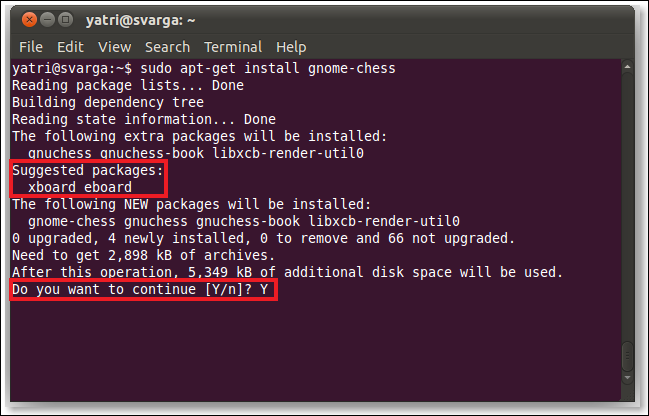
Install Deb File Ubuntu Command Line Choicegre

How To Get Specs Of Linux Machine Ubuntu Command Line Systran Box
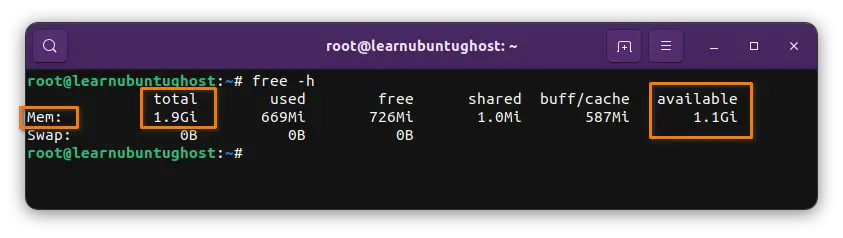
How To Check RAM In Ubuntu Command Line

Uninstall Nvidia Driver Ubuntu Command Line Minnesotamusli
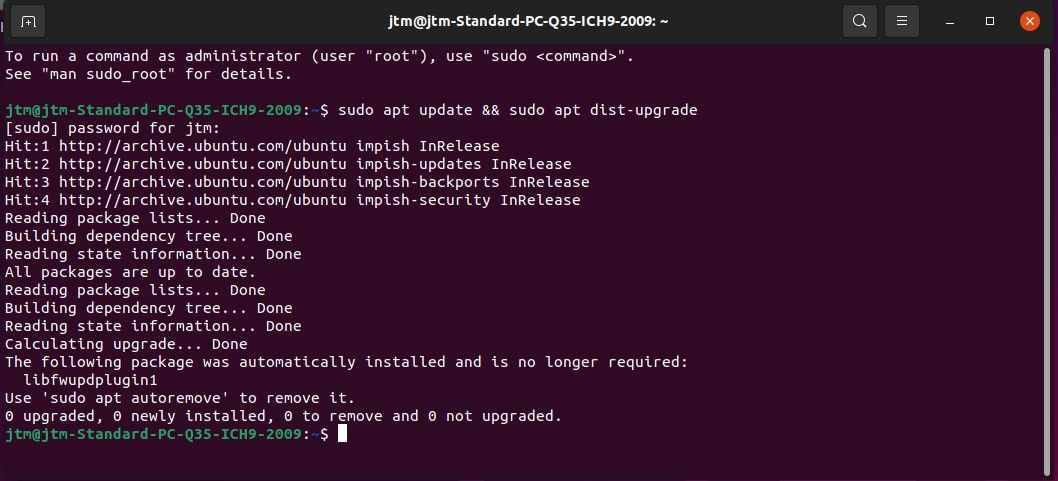
How To Upgrade To Ubuntu 22 04 LTS

How To Uninstall Software In Ubuntu Command Line

If you need to run a command in background and you know it before running it simply add a at the end of the command using sleep 60 do nothing during 1 minute as example command romano sleep 60 1 9054 1 romano
You can just switch screen and run your script on that 2nd screen When script started on 2nd switch back to 1st and do whatever you want 2nd screen will be in the background as extra terminal window and it will not stop processing even when you close your ssh connection while beeing at 1st screen
Run commands in the background To run a command in the background all you have to do is append the to the command while executing For reference here I used the gzip command in the background And as you can see it brought the PID 33572 of the gzip process in the background Move an already running process to background

How to run command in background duplicate Ask Question Asked 6 years 1 month ago Modified 6 years 1 month ago Viewed 2k times 2 This question already has answers here What does y mean in apt get y install command 1 answer Running programs in the background from terminal 10 answers Closed 6 years ago I am using this command

Is there any simple way to run the program in the background without needing to leave the terminal open or have it occupy the whole terminal On that note I did find a way to run programs from the terminal and have it allow for other inputs by appending an ampersand to the command as such
In this guide we saw several different methods for running a command in the background on Linux This included default Linux utilities and the screen command We also saw how to manage background process by moving jobs into the foreground reattaching screens and killing background processes 1 Add an Ampersand After Your Command The easiest way to run a Linux background command is to add an Ampersand symbol after the command For example if you start the gedit text editor from your terminal you can not use the shell until you close the editor
1 Answer Sorted by 39 fg is the correct command to foreground a job but if there is more than one job running you should specify the job number If you type only fg the last backgrounded job considered the current job by the shell will be brought to foreground Get the current jobs jobs 1 ping google