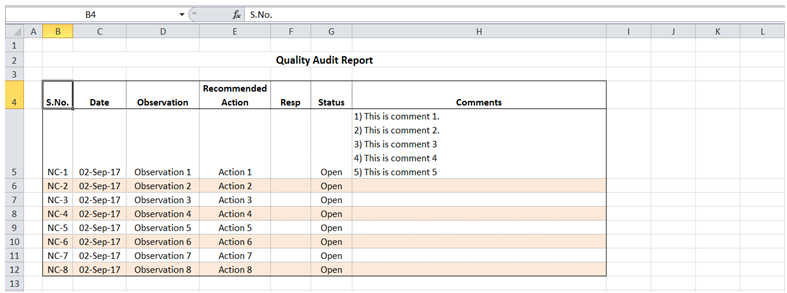
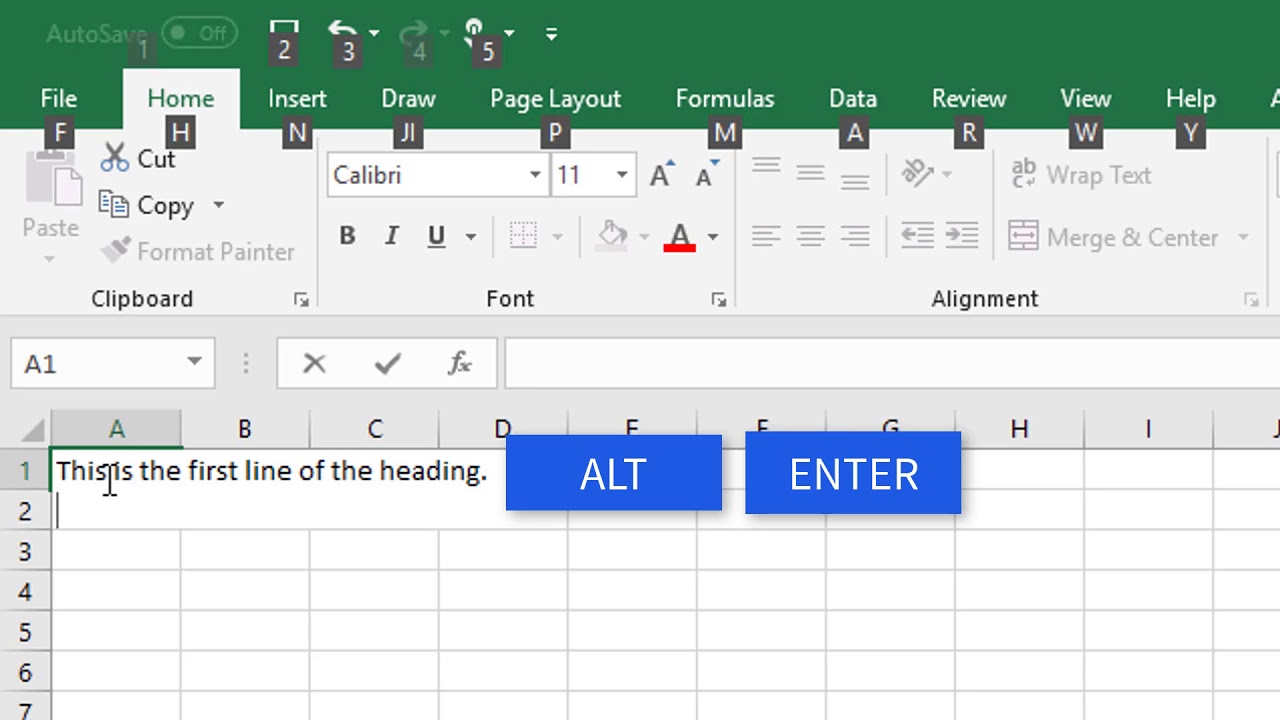
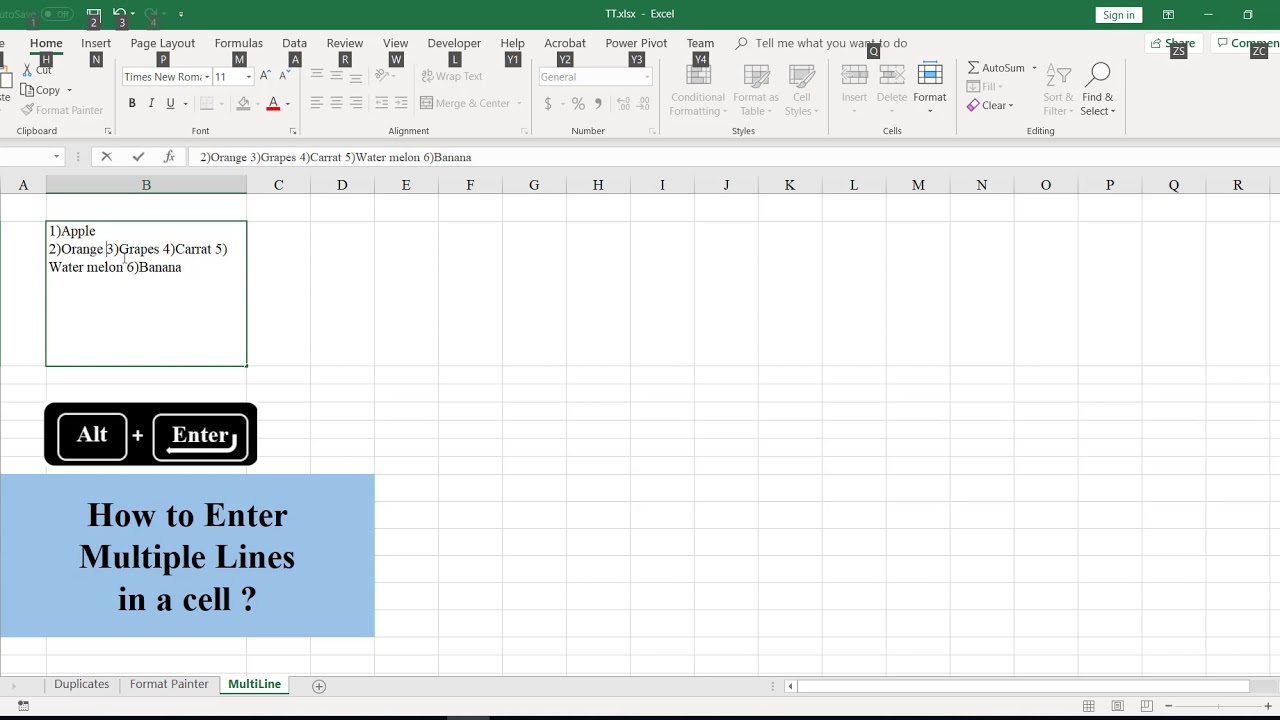
Type Multiple Lines In Excel Cell ExcelMadeEasy Enter Multiple Line In Cell In Excel How To Get Multiple Lines In An Excel Cell Using Wrap Text YouTube How To Enter Multiple Lines In A Single Cell In Excel YouTube Ctrl J Trick To Split Multiple Lines In A Cell Into A Separate Cells Write Multiple Lines In Excel Cell YouTube Web To start a new line of text at any specific point in a cell Double click the cell in which you want to enter a line break Tip You can also select the cell and then press F2 In the cell click the location where you want to break the line and press Alt Enter
Web How to Add Multiple Lines in an Excel Cell 3 Easy Methods 1 Using the Alt Enter Method To add multiple rows of lines in an Excel cell use the Alt Enter method This is a 2 Employing the Text Wrap Feature You can employ the Text Wrap feature to add multiple rows within an Excel cell 3 Web May 20 2023 nbsp 0183 32 The Alt Enter key combination is an old but effective trick to add multiple lines in a cell Click on the cell where you want to insert multiple lines Type the first line Press and hold the Alt key Press the Enter key to go to a new line within the same cell Type the next line of text press the Alt Enter keys to repeat the process
Write Multiple Lines In Excel Cell YouTube Multiple Lines In A Cell Excel YouTube Excel Tips 31 Add Multiple Lines To Text Within Cells Use The Enter How To Write Multiple Lines In Excel Cell Add Two Line In Excel Cell How To Write Multiple Lines In An Excel Cell Entering Multiple Lines In A Single Cell Of Excel YouTube How To Add Second Line In Excel Cell Excelwrap How To Write Multiple Lines In Excel Cell Excel E Cell Tips For Creating Multiple Lines In A Single Cell MS Excel 2010 YouTube
Type Multiple Lines In Excel Cell
 Type Multiple Lines In Excel Cell
http://www.excelmadeeasy.com/images/faq_images/enter-multiple-line-in-cell-4.png
Web To start a new line of text or add spacing between lines or paragraphs of text in a worksheet cell press Alt Enter to insert a line break Double click the cell in which you want to insert a line break Click the location inside the selected cell where you want to break the line Press Alt Enter to insert the line break Need more help
Templates are pre-designed documents or files that can be used for various functions. They can conserve effort and time by offering a ready-made format and layout for developing different kinds of content. Templates can be used for personal or professional projects, such as resumes, invitations, leaflets, newsletters, reports, discussions, and more.
Type Multiple Lines In Excel Cell
Excel Insert New Line In A Cell YouTube
Multiple Lines In A Cell Excel YouTube
Excel Tips 31 Add Multiple Lines To Text Within Cells Use The Enter

How To Write Multiple Lines In Excel Cell Add Two Line In Excel Cell
Entering Multiple Lines In A Single Cell Of Excel YouTube
How To Add Second Line In Excel Cell Excelwrap

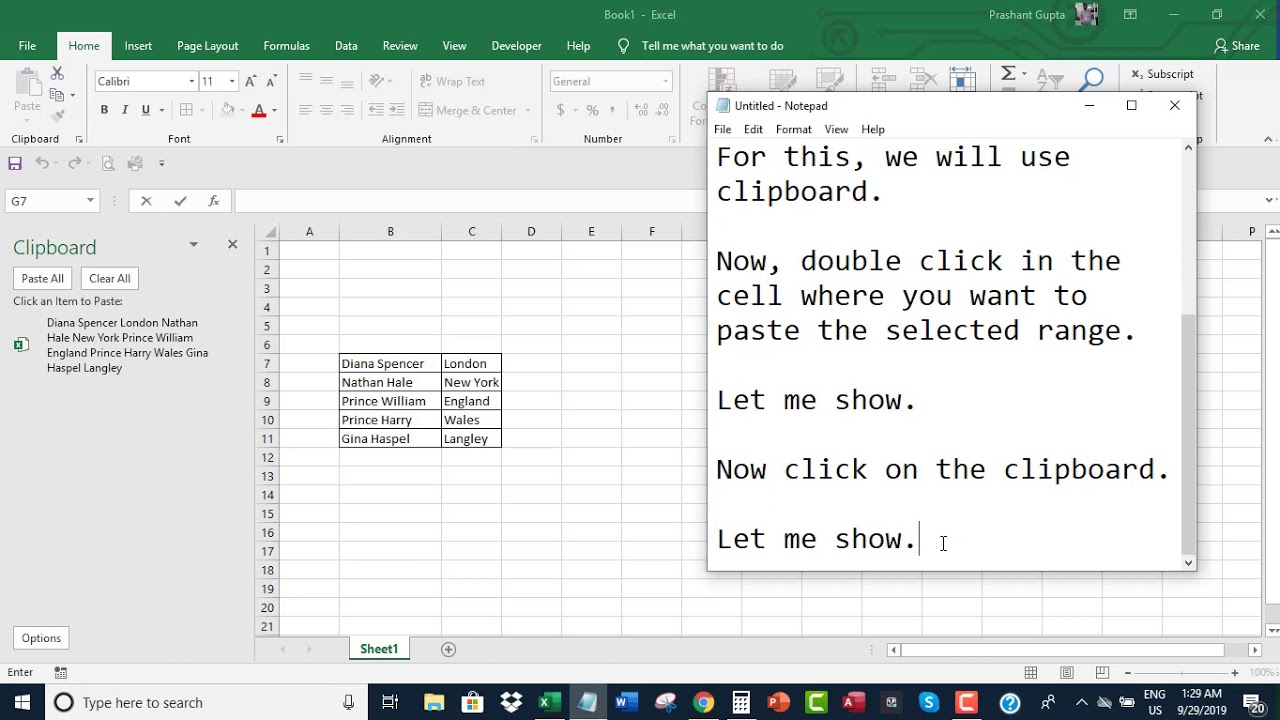
Web Edit a cell and type what you want on the first quot row quot Press one of the following depending on your OS Windows Alt Enter Mac Ctrl Option Enter Type what you want on the next quot row quot in the same cell Repeat as needed Note that inserting carriage returns with the key combinations above produces different behavior than turning on Wrap Text
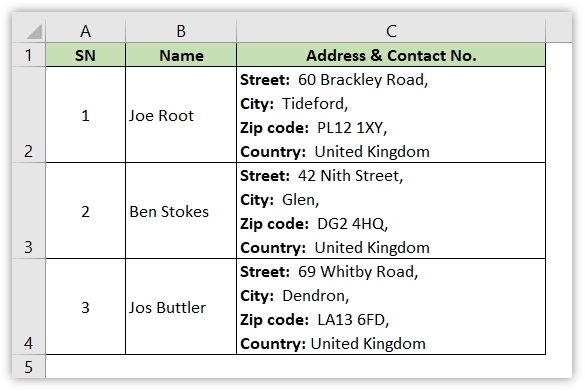
Web Apr 10 2023 nbsp 0183 32 1 Put Multiple Lines in Excel Cell Using ALT ENTER Key In our dataset we see that we need several line breaks to view our text at a glance Just follow the steps below to insert more than one line in Excel cell Steps Put your cursor in the text where you want to insert a new line

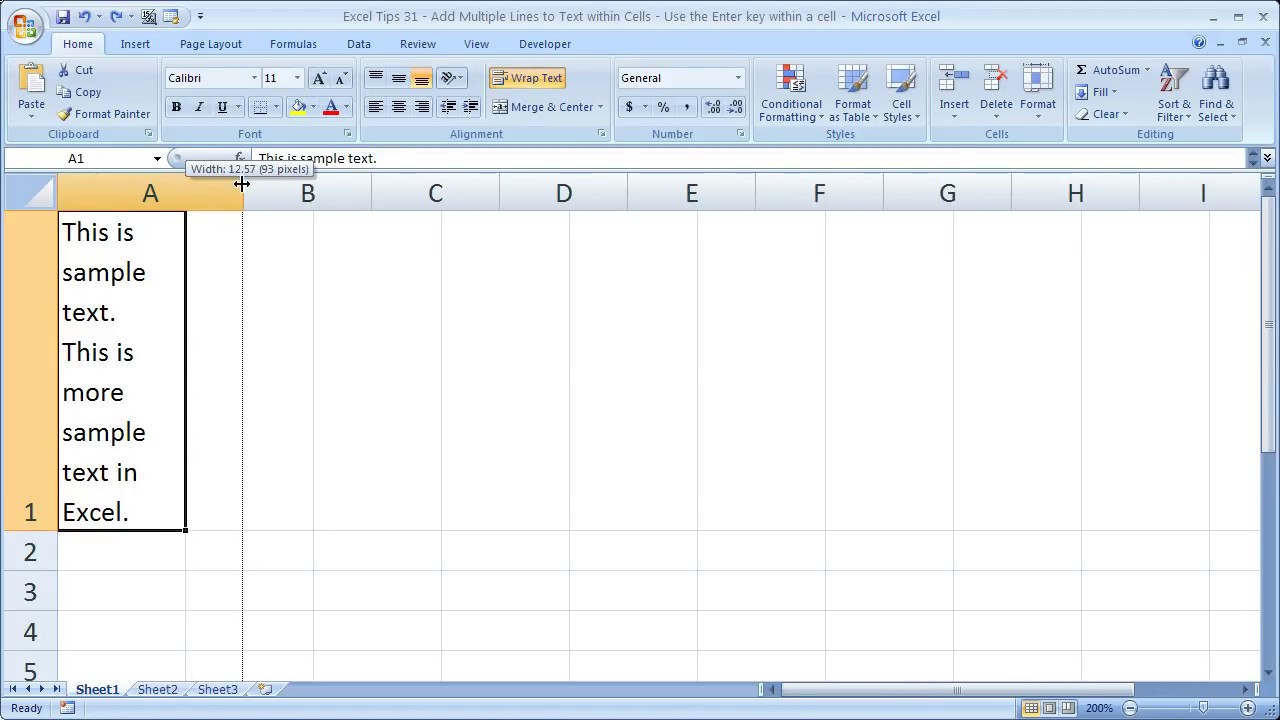
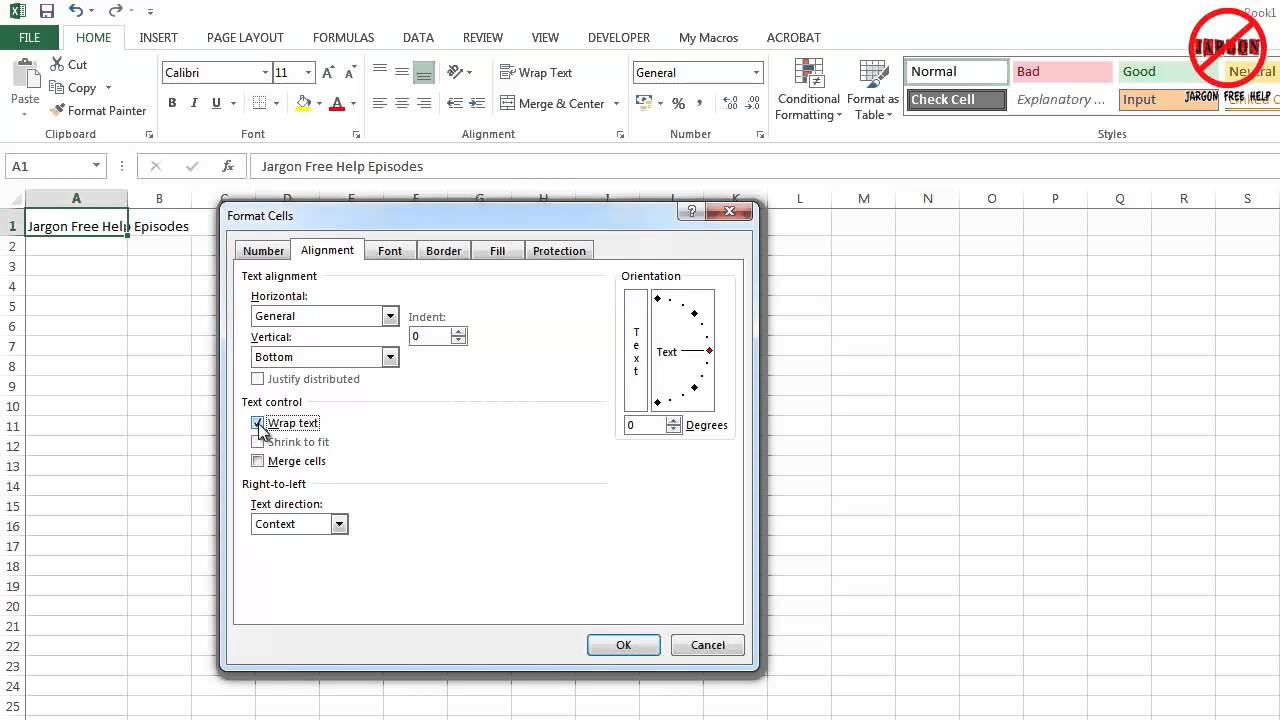
Web Put multiple lines of text in one cell with formatting cell as wrap text 1 Right click the cell you want to put multiple lines then click Format Cells See screenshot 2 In the Format Cells dialog box check the Wrap text box under the Alignment tab and then click the OK button

Web May 20 2023 nbsp 0183 32 Select the cell where you want to type multiple lines Click on the Home tab in the Excel ribbon Find the Alignment group and click on Wrap Text You should now be able to type multiple lines in the same cell and the text will wrap within the cell boundaries Method 3 Using Formula Bar The final method to type multiple
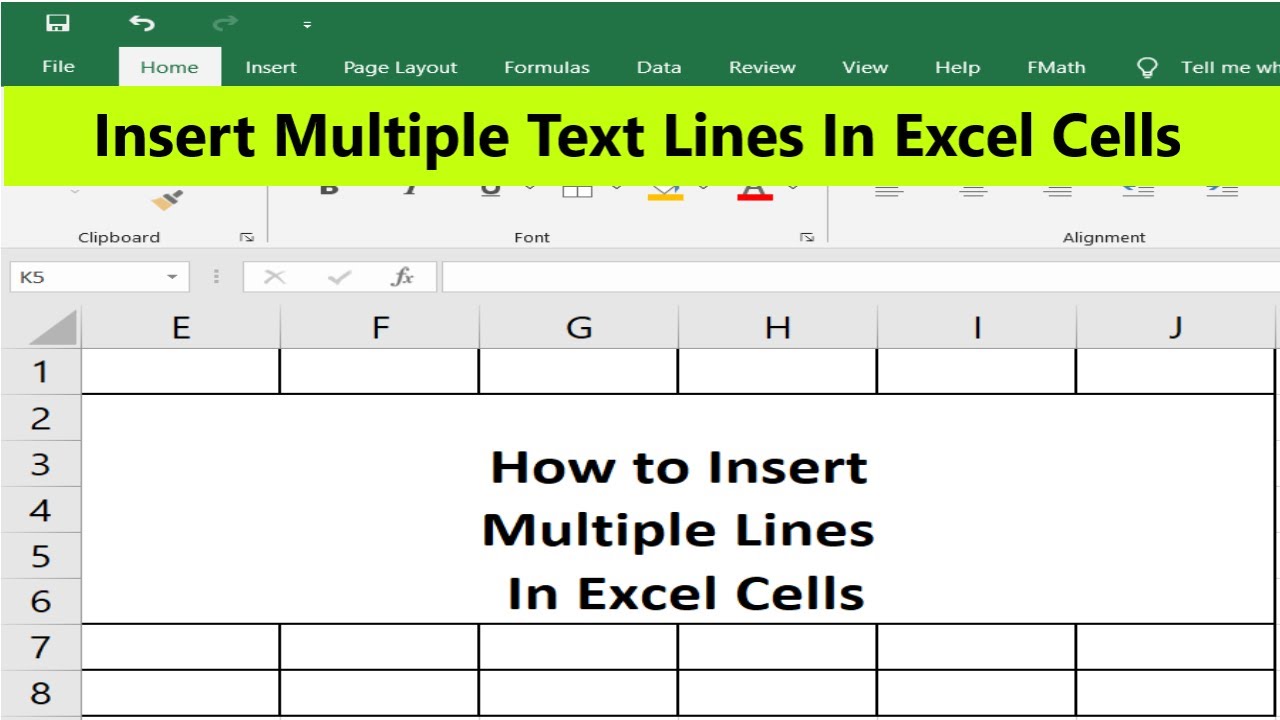
Web May 18 2023 nbsp 0183 32 1 Insert Line Break to Make Two Lines in One Cell We can make two lines in Excel by inserting a line break The process is explained below Step 1 First select the cell where all the words are not shown in the workbook In our dataset we select Cell B5
[desc-11] [desc-12]
[desc-13]