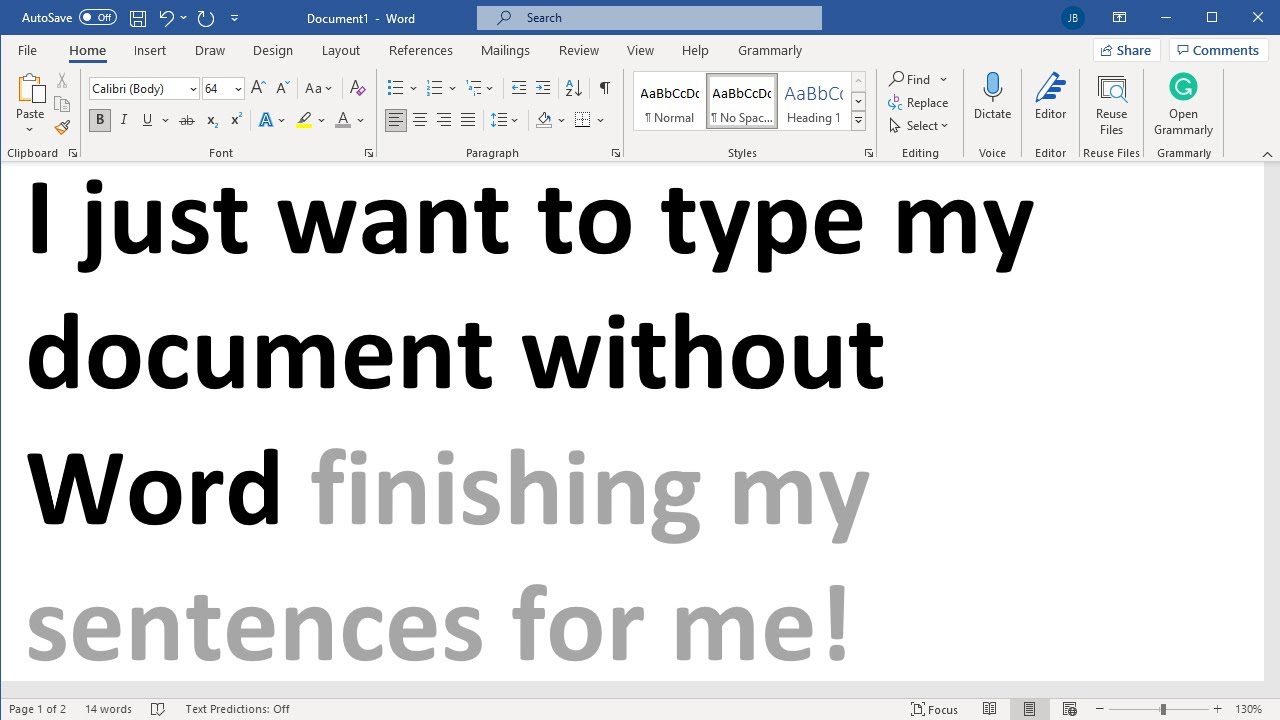
Turn Off Predictive Text Mac How To Turn Off The Predictive Suggested Text Feature In Microsoft Word OnlineComputerTips How To Turn Off Autocorrect In Whatsapp Android IPhone Turn Off Predictive Text YouTube Samsung Galaxy S23 How To Turn OFF Predictive Text OFF ON AutoCorrect YouTube How To Turn Off Predictive Text In Outlook How To Turn Off Predictive Text On IPhone Step by Step DeviceTests Web Nov 16 2023 nbsp 0183 32 Use the Keyboard preferences in the System Settings app on your Mac running macOS Sonoma 14 2 or later to turn off inline text predictions Click the Apple menu and choose System Settings Scroll down and select Keyboard in the sidebar Click the Edit button below the Text Input header
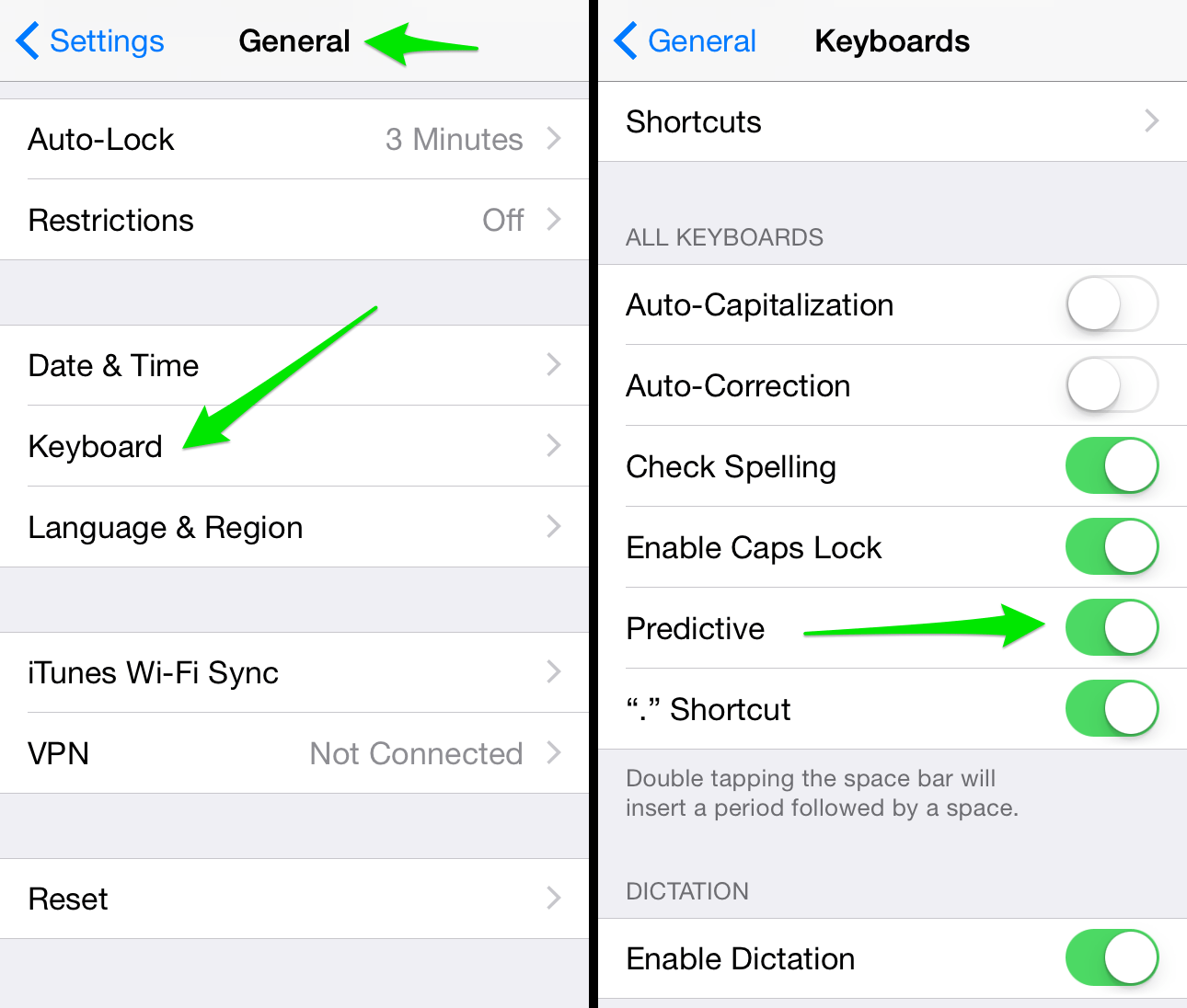
Web Nov 28 2023 nbsp 0183 32 As you type you can see choices for words and phrases you d probably type next based on your past conversations writing style and even websites you visit in Safari Touch and hold the smile emoji or the globe icon Tap Keyboard Settings then turn Predictive on or off Or go to Settings gt General gt Keyboard and turn Predictive on or Web Feb 20 2017 nbsp 0183 32 Either navigate to it in the Apple menu or hit Command Space type quot System Preferences quot then tap Enter Watch the Latest from AppleInsider TV Now select Keyboard A list of settings will
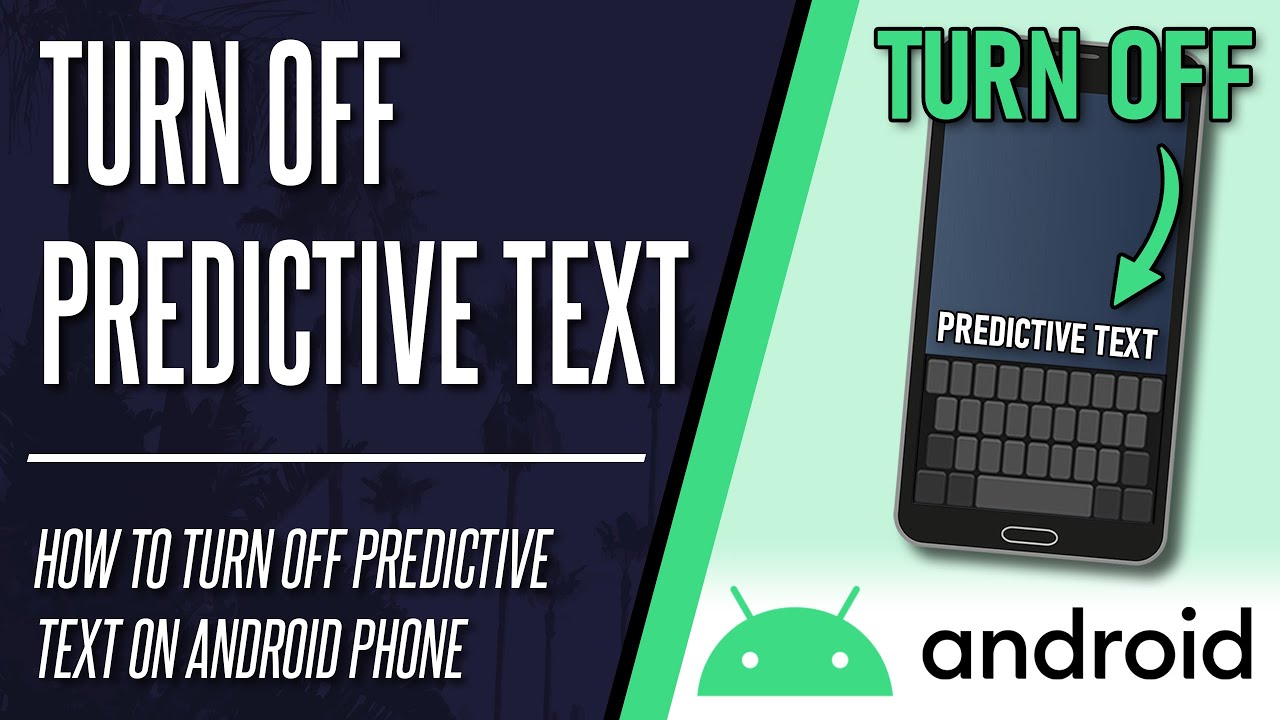
How To Turn Off Predictive Text On IPhone Step by Step DeviceTests Turn Off Ios Predictive Text Porquotes How To Turn Off Predictive Text On Android Phone YouTube How To Turn Off Predictive Text AutoCorrect Tech Advisor How To Turn Off Predictive Text In Outlook IPhone Keyboard Turn Off QuickType Suggestions Predictive Text DARIEN Support Helpdesk Turn Off Predictive Text In Google Docs Knowledge Base How To Turn Off Predictive Text In Outlook How To Turn Off Predictive Emoji In IOS 10
Turn Off Predictive Text Mac
 Turn Off Predictive Text Mac
https://i.ytimg.com/vi/srhBzmlAkFo/maxresdefault.jpg
Web Oct 12 2023 nbsp 0183 32 Tap General gt Keyboard Turn Auto Correction on or off By default Auto Correction is turned on Use predictive text With predictive text you can write and complete entire sentences with just a few taps
Templates are pre-designed documents or files that can be utilized for numerous purposes. They can save time and effort by supplying a ready-made format and layout for producing different type of material. Templates can be used for individual or expert projects, such as resumes, invites, leaflets, newsletters, reports, presentations, and more.
Turn Off Predictive Text Mac
SM T867U Archives Tsar3000

Turn Off Ios Predictive Text Porquotes
How To Turn Off Predictive Text On Android Phone YouTube

How To Turn Off Predictive Text AutoCorrect Tech Advisor
IPhone Keyboard Turn Off QuickType Suggestions Predictive Text
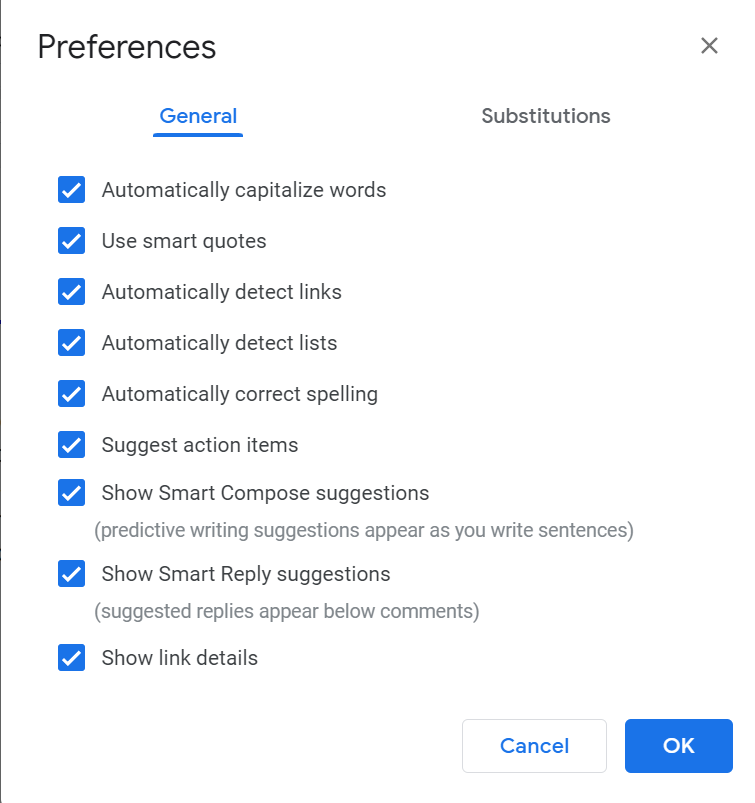
DARIEN Support Helpdesk Turn Off Predictive Text In Google Docs Knowledge Base
Web Jul 23 2020 nbsp 0183 32 There s an overall autocorrection setting on your Mac but many apps may also have settings for this so be sure to check there as well Check spelling and grammar on Mac goes over how to make the adjustment in System Preferences to turn off autocorrection and how to check in apps for automatic spell checking

Web Nov 17 2023 nbsp 0183 32 To disable this feature go to System Settings gt Keyboard then under the Text Input heading click the Edit button next to the Input Sources option From the pop up menu click the toggle

Web Oct 31 2023 nbsp 0183 32 You can disable it easily by following these steps Launch System Settings and select Keyboard from the side menu Click the Edit option next to Input Sources under the Text Input section Toggle off the Show inline predictive text switch Click Done to save your changes That s it You won t see any predictive suggestions when you type after this

Web Sep 25 2023 nbsp 0183 32 Open System Settings Choose Keyboard Under the Text Input heading and Input Sources click Edit In the box that appears toggle Show inline predictive text off

Web On your Mac choose Apple menu gt System Settings then click Keyboard in the sidebar You may need to scroll down Go to Text Input on the right then click Edit Turn on Show inline predictive text then click Done Note Inline predictions aren t available in
Web Nov 10 2019 nbsp 0183 32 Uncheck Correct Spelling Automatically And check this option too The same as 3 Spelling and Grammar gt Show Spelling and Grammar Here you can configure spelling language grammar checking and focused word spelling Share Improve this answer Follow Web Jul 26 2023 nbsp 0183 32 Click Keyboard Scroll down until you reach the Text Input section Click the Edit button next to Input Sources On the right side of the window click the toggle next to Show inline predictive text Click the Done button in the bottom right corner of the window to save your changes Conclusion
Web Jul 15 2023 nbsp 0183 32 How to turn off predictive text on Mac The predictive text feature is available from macOS Sonoma so if you have a Mac computer running macOS Sonoma and later versions here s how you can turn off predictive text Steps to turn off Show Inline Predictive Text in macOS Sonoma 1 Go to the Apple logo from the top Apple