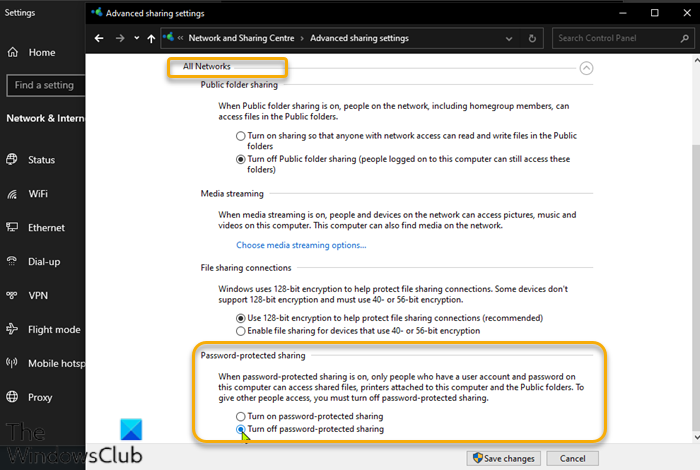
Turn Off Password Adobe Pdf How To Turn OFF Password For App Store Turn Off Password When How To Turn Off Password Protection Sharing In Windows 10 Or Windows 11 Daro Tech How To Turn Off Password on Wake In Windows 11 How To Turn Off Password Protected Sharing In Windows 11 10 Enter Network Credentials Error On Windows 11 10 Fix Nov 1 2022 nbsp 0183 32 The Windows Security app uses the Windows Security Service SecurityHealthService or Windows Security Health Service which in turn utilizes the Security
May 12 2024 nbsp 0183 32 You have control over the search highlights experience where if you prefer not to see this you can turn it off or back on For organization administrators there are additional Jan 2 2024 nbsp 0183 32 1 Open Settings and click tap on the Accounts icon 2 Click tap on Sign in options on the left side and turn On default or Off Require Windows Hello sign in for Microsoft
Enter Network Credentials Error On Windows 11 10 Fix Silencingchristians How To Turn Off Password Protected Sharing In Windows 10 Tutorial In How To Permanently Delete Files From Dropbox CNET How To Turn Off The Password Requirement On Your Mac Computer For Rajan Computer Blog How To Access Shared Folders In Windows 7 How To Turn Off Your Password For App Store Purchases In 4 Steps with Password Windows 10 Windows 10 Tin T c Adobe Pdf Chrome Extension Not Working Areafalas
Turn Off Password Adobe Pdf
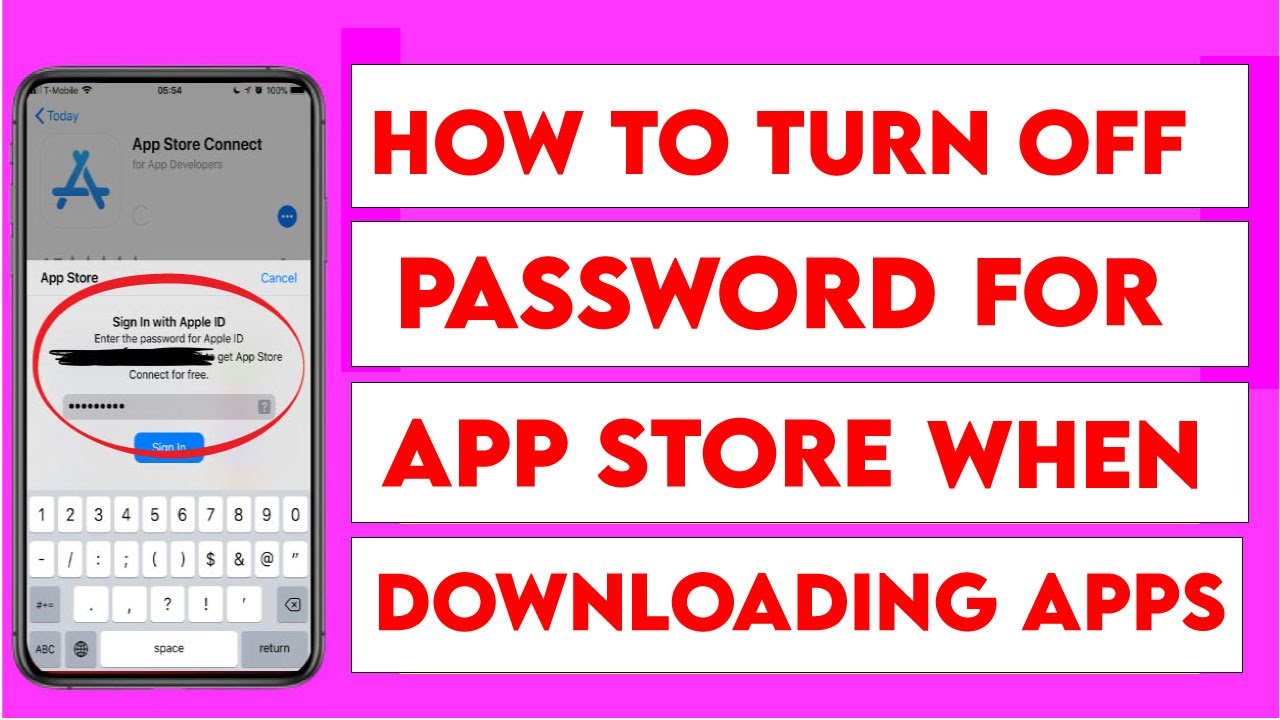 Turn Off Password Adobe Pdf
https://i.ytimg.com/vi/C0WhWGyAlC4/maxresdefault.jpg
Oct 25 2020 nbsp 0183 32 In the right pane of Microsoft Edge in Local Group Policy Editor double click tap on the Turn off InPrivate browsing policy to edit it see screenshot above 4
Templates are pre-designed files or files that can be utilized for numerous functions. They can save effort and time by offering a ready-made format and layout for producing various sort of content. Templates can be utilized for personal or professional projects, such as resumes, invites, leaflets, newsletters, reports, presentations, and more.
Turn Off Password Adobe Pdf
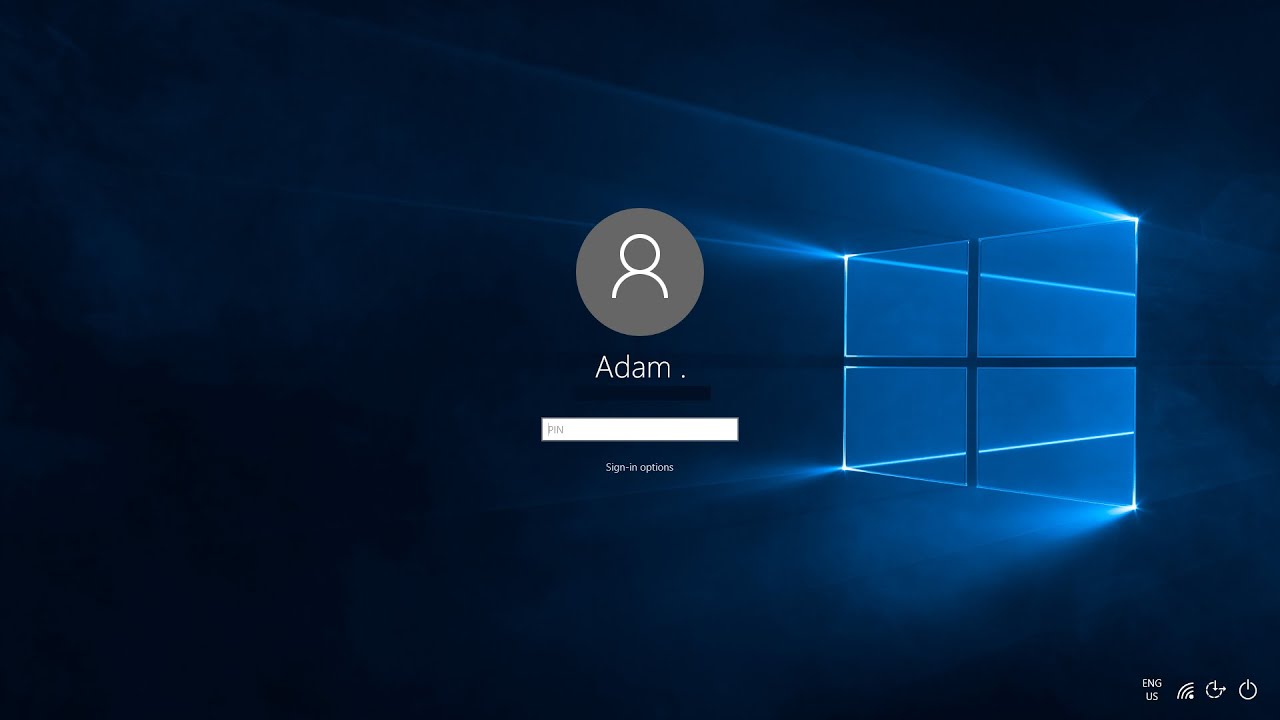
How To Turn Off Password Login On Windows H ng D n T t M t Kh u ng

Silencingchristians

How To Turn Off Password Protected Sharing In Windows 10 Tutorial In
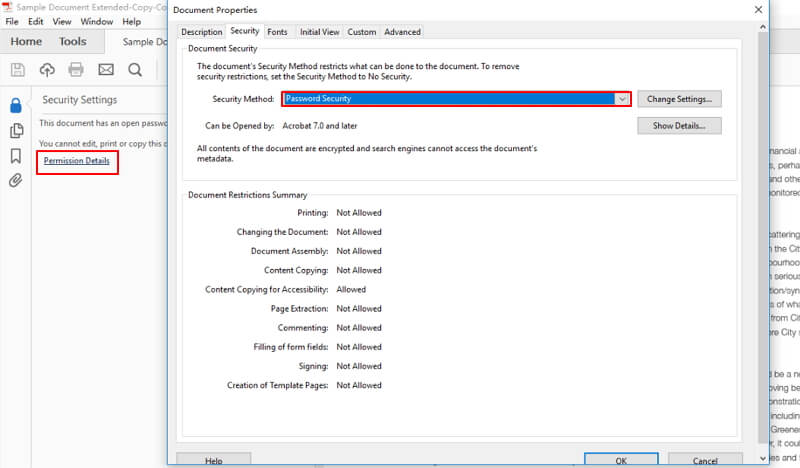
How To Permanently Delete Files From Dropbox CNET

Rajan Computer Blog How To Access Shared Folders In Windows 7

How To Turn Off Your Password For App Store Purchases In 4 Steps with

Jul 3 2021 nbsp 0183 32 After you turn off a feature you can turn it back on at any time This tutorial will show you how to turn Windows features on or off for all users in Windows 10 You must be signed in

Nov 29 2017 nbsp 0183 32 Some programs and features included with Windows such as Internet Information Services must be turned on before you can use them Certain other features are turned on by

Oct 6 2020 nbsp 0183 32 3 Turn on default or off Microsoft Defender Firewall for what you want and click tap on Yes when prompted by UAC to approve see screenshots below 4 Check or
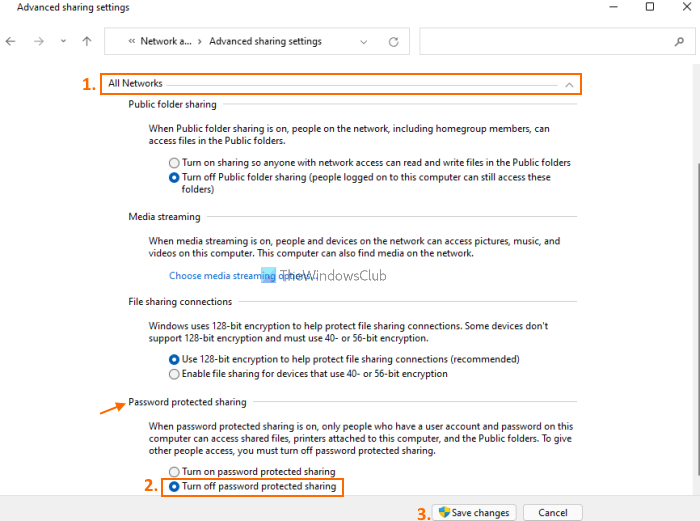
Oct 5 2024 nbsp 0183 32 How to Turn On or Off Sync Your Settings in Windows 10 When Sync settings is turned on Windows syncs the settings you choose across all your Windows 10 devices that
Dec 17 2023 nbsp 0183 32 To Turn On or Off Automatic Device Driver Installation Device Installation Settings allow you to change if Windows is to automatically download drivers and realistic icons for your
[desc-11] [desc-12]
[desc-13]