Turn Off Defender How To Manually Disable Windows Defender In Windows 10 How To Disable Or Turn Off Windows Defender In Windows 10 NEW How To Turn Off Windows Defender Techyuga Turn Off Windows Defender Windows Defender Defender Security Defender Windows Defender Download Windows 11 Kolflix Follow these steps to temporarily turn off real time Microsoft Defender antivirus protection in Windows Security However keep in mind that if you do your device may be vulnerable to threats Select Start and type Windows Security to
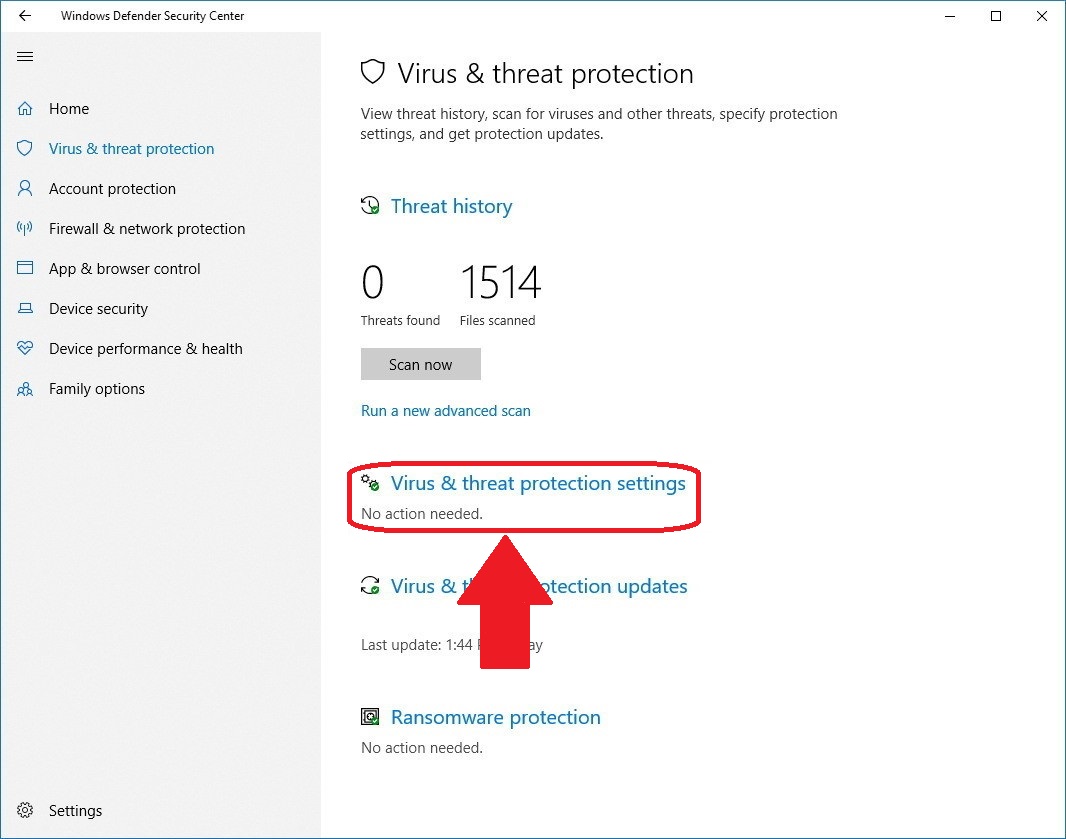
Windows Home users can use the Registry Editor to turn off Microsoft Defender Windows Pro users have the option to do it through either the Registry Editor or the Local Group Policy Editor You can determine whether Microsoft Defender is currently disabled by running the Get MpComputerStatus 1 Click on the Start menu and search for the Windows Security app Image credit Tom s Hardware 2 Once in the Windows Security app click on Virus threat protection Image credit Tom s
Windows Defender Download Windows 11 Kolflix Windows Defender 10 Windows Defender Link Windows 11 Tronkda How To Turn Off Windows Defender Temporarily And Permanently How To Turn On Windows Defender In Windows 10 Disable Or Enable Windows Defender In Windows 10 Winaero Turn On Or Off Windows Defender Antivirus In Windows 10 Tutorials How To Enable Or Disable Microsoft Defender In Windows 11 MiniTool Turn On Or Off Real time Protection For Microsoft Defender Antivirus
Turn Off Defender
 Turn Off Defender
https://cdn.ilovefreesoftware.com/wp-content/uploads/2015/02/turn-off-defender.gif
How to Turn Off Windows Defender Disable your antivirus if you dare By Scott Orgera Updated on January 6 2022 What to Know Start Settings Update Security select Windows Security Open Windows Security Next select Virus threat protection Manage settings turn off Real time protection
Pre-crafted templates use a time-saving service for developing a diverse series of documents and files. These pre-designed formats and designs can be made use of for numerous individual and expert jobs, consisting of resumes, invites, leaflets, newsletters, reports, presentations, and more, enhancing the material development procedure.
Turn Off Defender
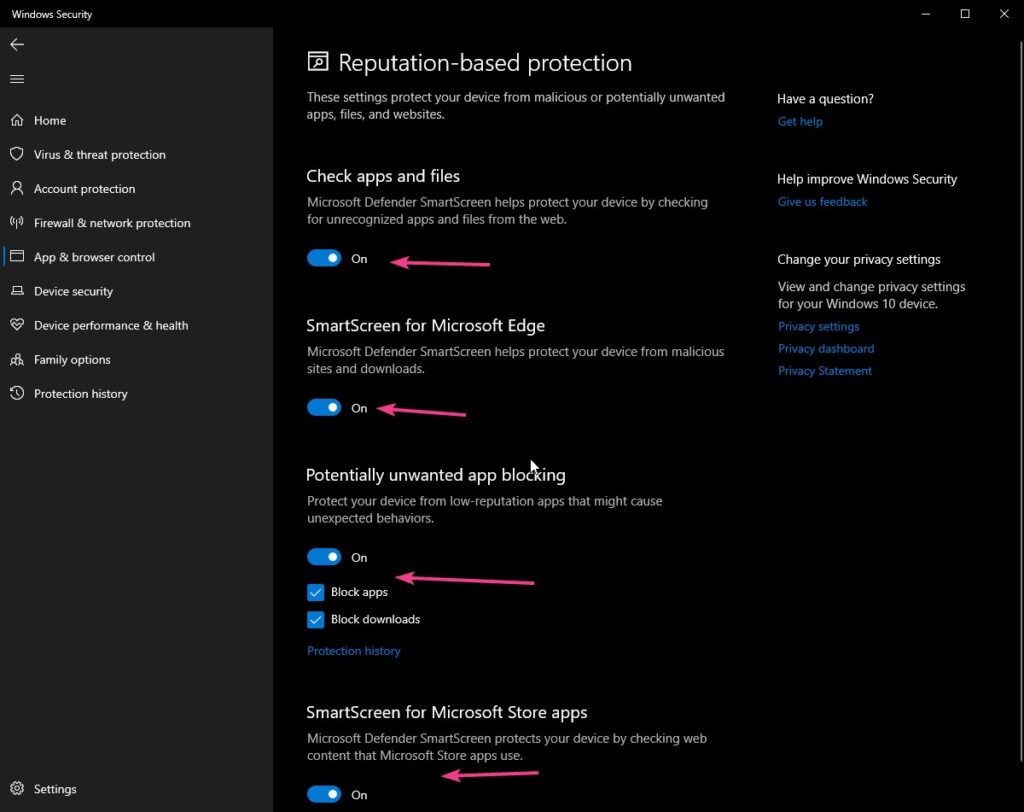
Windows Defender How To Disable Matriaslx

Windows Defender 10
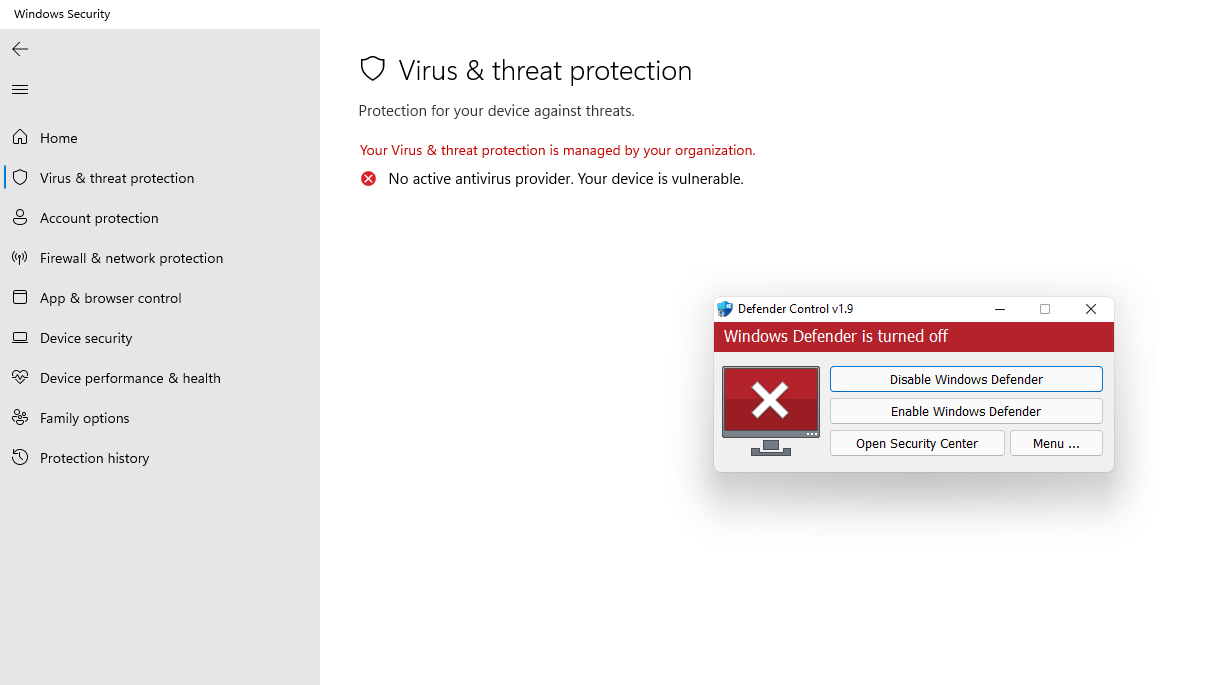
Windows Defender Link Windows 11 Tronkda
.png?width=740&name=Screenshot (7).png "How To Turn Off Windows Defender Temporarily And Permanently")
How To Turn Off Windows Defender Temporarily And Permanently
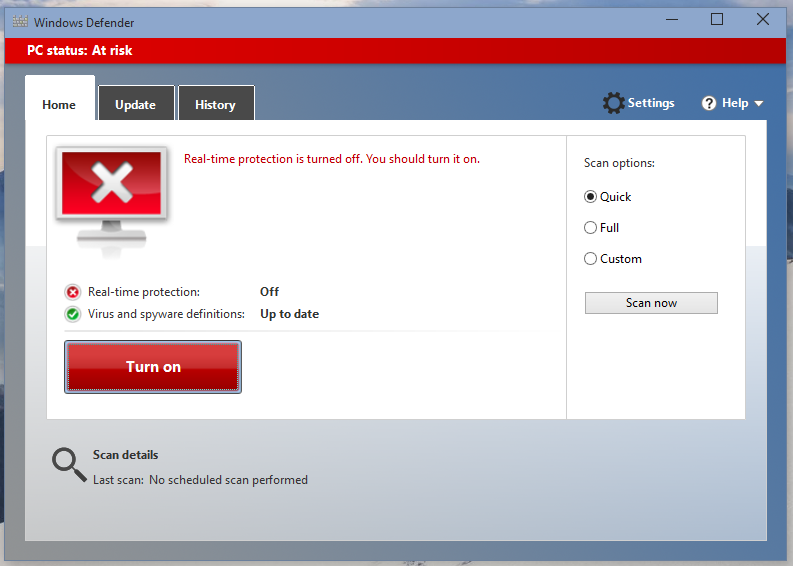
Disable Or Enable Windows Defender In Windows 10 Winaero
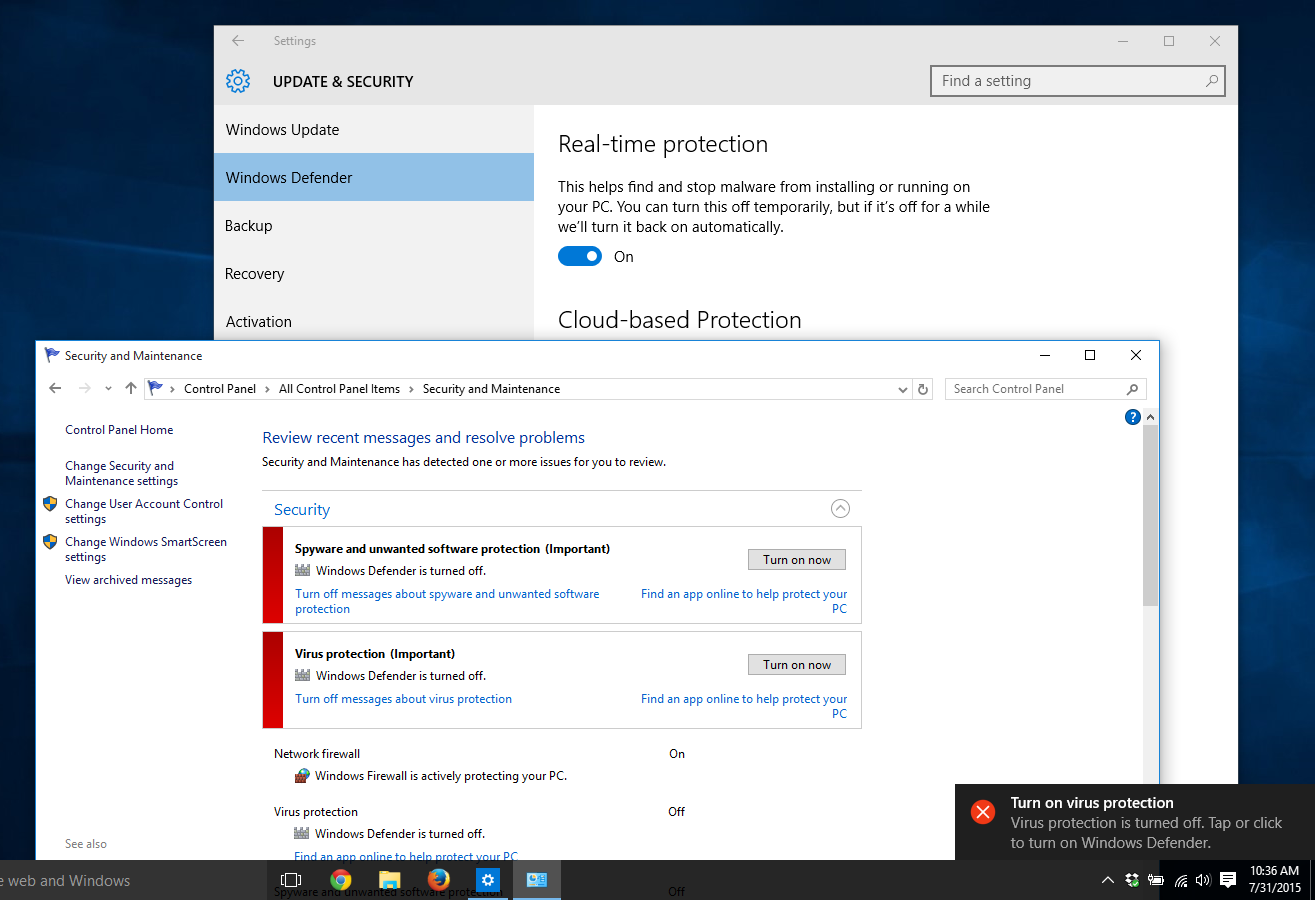
Turn On Or Off Windows Defender Antivirus In Windows 10 Tutorials

Method 1 Disabling Defender Temporarily Download Article 1 Press the Windows key and type Windows Security A list of matching search results will appear This method temporarily turns off Defender s real time antimalware protection which can be helpful if you need to install trusted software that
MD5 58008524a6473bdf86c1040a9a9e39c3 SHA1 cb704d2e8df80fd3500a5b817966dc262d80ddb8 SHA256 1ef6c1a4dfdc39b63bfe650ca81ab89510de6c0d3d7c608ac5be80033e559326 In Windows there is no option to completely turn off Microsoft Defender Defender

In Windows 11 and 10 there is no option to completely turn off Windows Defender Defender control is a portable freeware to disable or enable Windows defender Read more Direct Download Dns jumper 4 641 285

By Mauro Huculak last updated 12 September 2022 Yes you can disable Microsoft Defender Antivirus on Windows 10 and here s how Disable Defender Antivirus Image credit Future Jump to
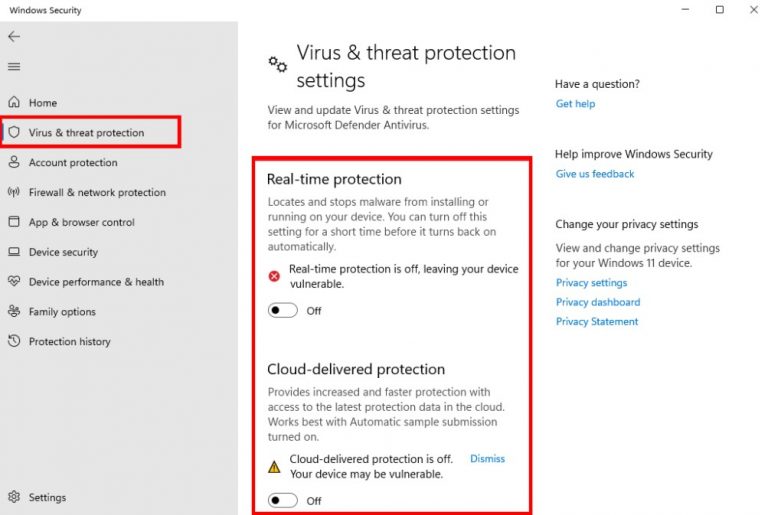
In Windows 10 you can turn off Microsoft Defender Antivirus real time protection but it will only be temporary Windows will automatically turn real time protection back on if it s off for a while See also Microsoft Defender Antivirus in the Windows Security app Microsoft Docs
[desc-11] [desc-12]
[desc-13]