Tkinter Text Widget Example Tkinter 9 Entry Widget Python Programming TKinter Entry Widget Tutorial YouTube Solved Readonly Tkinter Text Widget 9to5Answer Tkinter Text Widget Tutorial YouTube Tkinter Widgets Functions Of Tkinter Widgets With Different Examples 9 Using Python 3 3 platform independent for this question For the Entry widget you can bind a variable to this widget s text contents like so note the textvariable parameter in Entry constructor var tkinter StringVar entryField tkinter Entry master textvariable var e pack var set a new value entryField text now updated
Introduction and Simple Examples A text widget is used for multi line text area The tkinter text widget is very powerful and flexible and can be used for a wide range of tasks Though one of the main purposes is to provide simple multi line areas as they are often used in forms text widgets can also be used as simple text editors or even In this tutorial we will cover the Tkinter Text widget in Python If you want a text editor in your desktop application then you can use the Tkinter Text widget The text widget is used to provide a multiline textbox input box because in Tkinter single line textbox is provided using Entry widget You can use various styles and attributes with the Text widget
Tkinter Widgets Functions Of Tkinter Widgets With Different Examples Tkinter Text Widget Tag Method Display Different Text In Different Graphical Apps With Tkinter DEV Community Comparing Python GUI Libraries LabDeck Solved Is There A Way To Make The Tkinter Text Widget 9to5Answer Gui Widget Notebook Widget In Tkinter Create Tabs In Root Window Tkinter Gui With Tkinter In Python Tutorial IMAGESEE Tkinter Text Widget MultiLine Input In Python CodersLegacy 2023
Tkinter Text Widget Example
 Tkinter Text Widget Example
https://i0.wp.com/pythonprogramming.altervista.org/wp-content/uploads/2019/11/tkinter_entry_shuffler.png?ssl=1
Section 3 Ttk Tkinter Widgets Tkinter provides you with some commonly used widgets which allow you to start developing applications more quickly Frame learn how to use the Frame widget to group other widgets Text show a multi line text input field Scrollbar learn how to link a scrollbar to a scrollable widget e g a Text
Pre-crafted templates offer a time-saving service for producing a varied series of documents and files. These pre-designed formats and layouts can be made use of for various personal and professional jobs, consisting of resumes, invitations, flyers, newsletters, reports, presentations, and more, streamlining the content production process.
Tkinter Text Widget Example
Python Tkinter Text Box Widget Example Text Box Widget In Python

Tkinter Text Widget Tag Method Display Different Text In Different
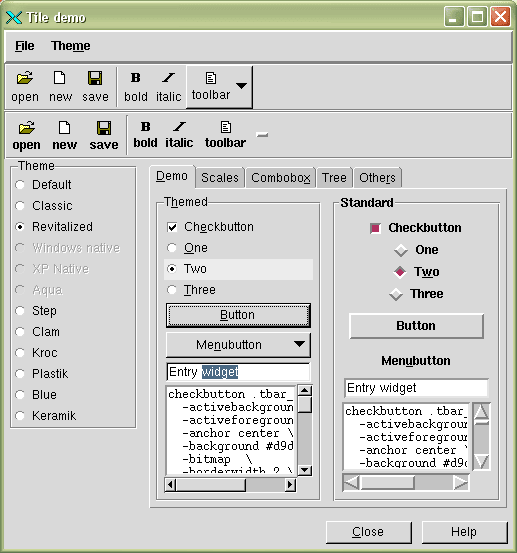
Graphical Apps With Tkinter DEV Community
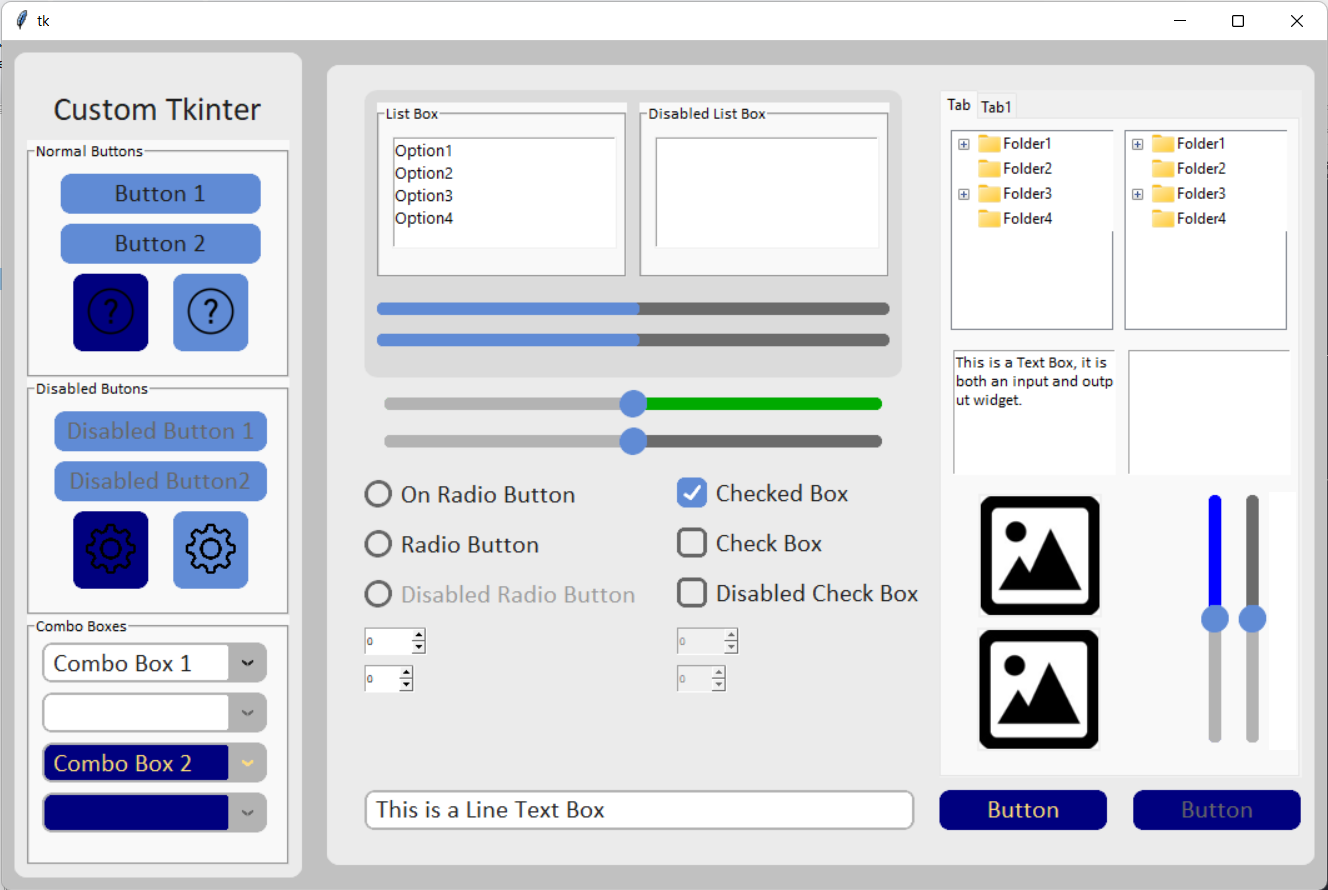
Comparing Python GUI Libraries LabDeck

Gui Widget

Notebook Widget In Tkinter Create Tabs In Root Window Tkinter

Text Widget Text Widget is used where a user wants to insert multiline text fields This widget can be used for a variety of applications where the multiline text is required such as messaging sending information or displaying information and many other tasks We can insert media files such as images and links also in the Textwidget
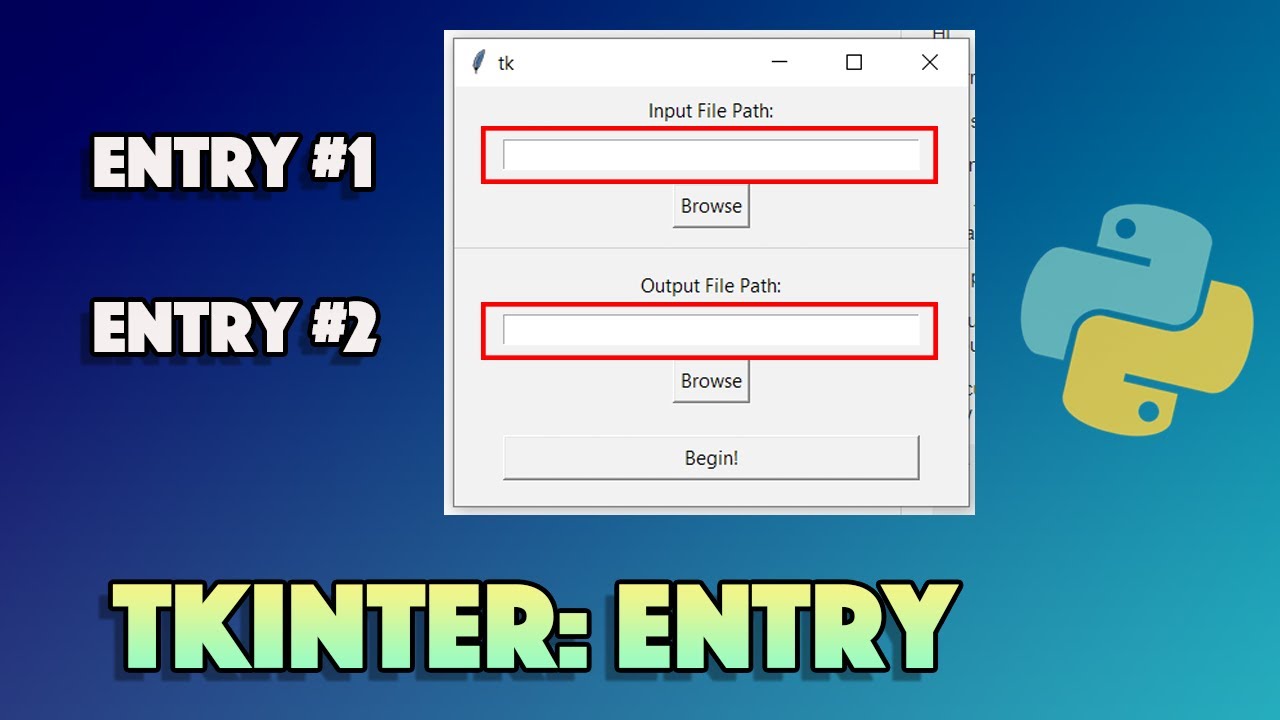
Read Python Tkinter Entry How to use Python Tkinter Text Box Size Text Box Size in Python Tkinter can be adjusted by changing the value of height and width of the Text box widget Height is the number of rows in the Text box widget Width determines the number of columns in the Text box widget In the below code snippet we have provided height as 12 and width as 40

Creating Text Widgets with Python The first step you need to know is how to create a text widget Simply instantiate the Text class in order to do so import tkinter as tk window tk Tk text widget tk Text creates text widget text widget pack After running the above commands in your Python shell you will see a
Like canvas widgets text widgets can contain images and any other Tk widgets including frames containing many other widgets In a sense this allows the text widget to work as a geometry manager in its own right The ability to add images and widgets within the text opens up a world of possibilities for your program
Given an empty text widget the above example prints 1 4 and 1 8 before it stops If you omit the stopindex option the search wraps around if it reaches the end of the text Finds the names of all images embedded in the text widget Tkinter doesn t provide a way to get the corresponding PhotoImage or BitmapImage objects
Tkinter Text Text widgets provide advanced capabilities that allow you to edit a multiline text and format the way it has to be displayed such as changing its color and font You can also use elegant structures like tabs and marks to locate specific sections of the text and apply changes to those areas Moreover you can embed windows and The tkinter package Tk interface is the standard Python interface to the Tcl Tk GUI toolkit Both Tk and tkinter are available on most Unix platforms including macOS as well as on Windows systems Running python m tkinter from the command line should open a window demonstrating a simple Tk interface letting you know that tkinter is properly installed on your system and also
For example for a text widget t tpare 2 0 END returns true If you create multiple instances of an image in the same Text widget Tkinter will generate a unique name by appending a followed by a number padx If supplied this option is a number of pixels of extra space to be added on both sides of the image