Tkinter Get Position Of Window Tkinter Window Position Python GUI Tutorial ApiDemos Tkinter On Input How Do I Change The Size And Position Of The Main Window In Tkinter And Tkinter Program To Center The Window Position ZEROONES Python Tkinter Window Size Python Guides How to specify where a Tkinter window should open Tkinter Python GUI Programming Tkinter window can be configured using the Geometry Manager When we specify the main window using the geometry width x height position right position left method then we generally enable the window to open in a particular position
1 Set Tkinter Window Size in Python If you make an application in python using tkinter And you want to increase or decrease the size of Window or Height width of your window you have to use following syntax Tk geometry width x height In this syntax you have to change width and height with desired number or integer To set the position of the Tkinter window while omitting the width and height we can define the specification in the geometry manager Example Import the required Libraries from tkinter import from tkinter import ttk Create an instance of tkinter frame win Tk Set the geometry of tkinter frame without specifying width and height x
Python Tkinter Window Size Python Guides 3 Drawing Lines And Rectangle Using Tkinter Canvas Widget Tkinter Tkinter Python 3 Freakele Tkinter Get Entry Text Code Example Tkinter Tutorial Python Pdf Tools Industrieskeen Set Tkinter Window Position And Size Or Center Screen Tkinter In Python How Do Get Position Of A Widget BP Ask GameDev tv Tkinter Geometry Learn How Does The Geometry Method Work In Tkinter How To Center The Main Window On The Screen In Tkinter With Python 3
Tkinter Get Position Of Window
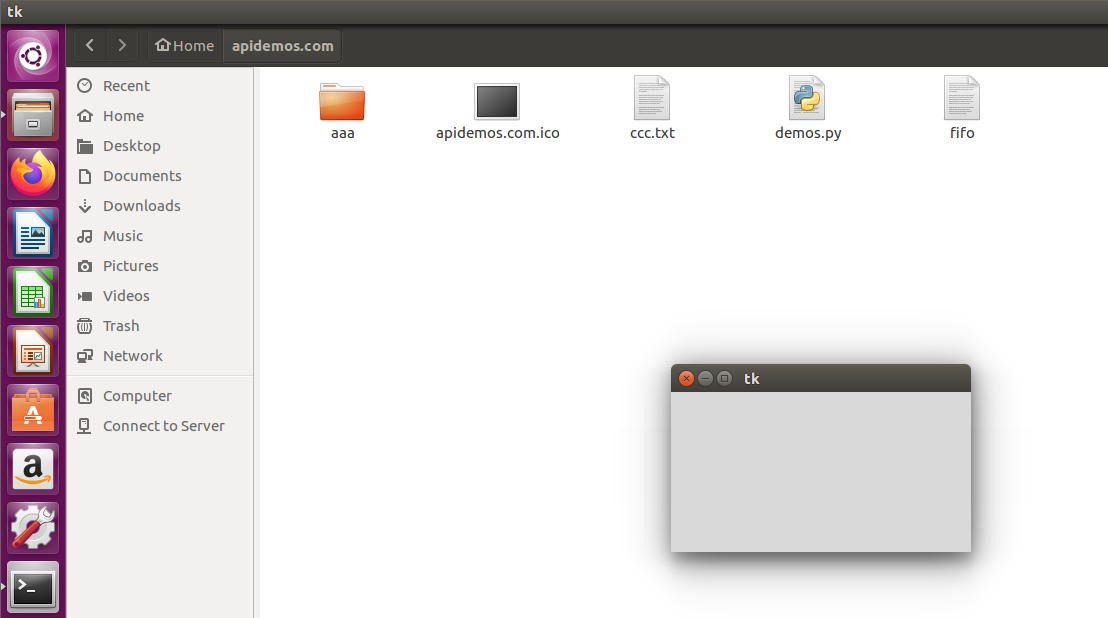 Tkinter Get Position Of Window
https://apidemos.geek-docs.com/tkinter/202208/image-20220820094000944.png
Python has a lot of GUI frameworks but Tkinter is the only framework that s built into the Python standard library Tkinter has several strengths It s cross platform so the same code works on Windows macOS and Linux Visual elements are rendered using native operating system elements so applications built with Tkinter look like they belong on the platform where they re run
Templates are pre-designed documents or files that can be utilized for numerous purposes. They can save effort and time by supplying a ready-made format and layout for producing different kinds of content. Templates can be used for individual or expert jobs, such as resumes, invitations, leaflets, newsletters, reports, discussions, and more.
Tkinter Get Position Of Window

Tkinter 9 Entry Widget Python Programming
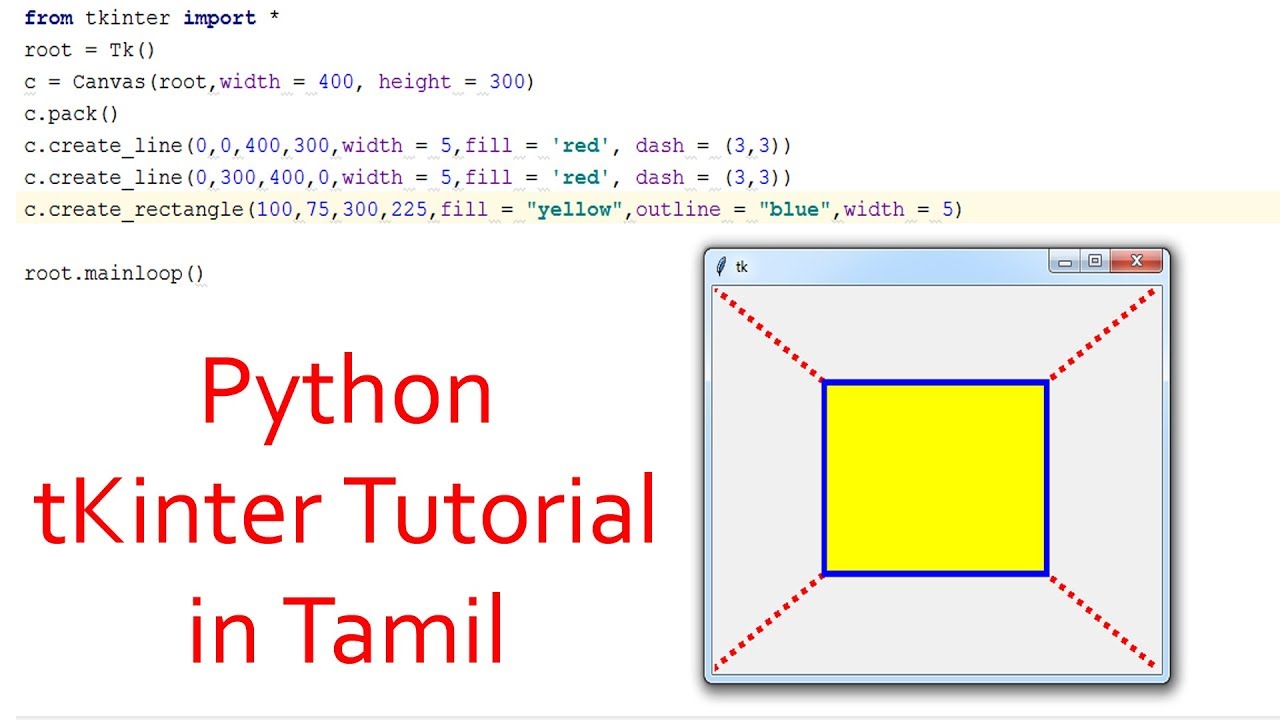
3 Drawing Lines And Rectangle Using Tkinter Canvas Widget Tkinter
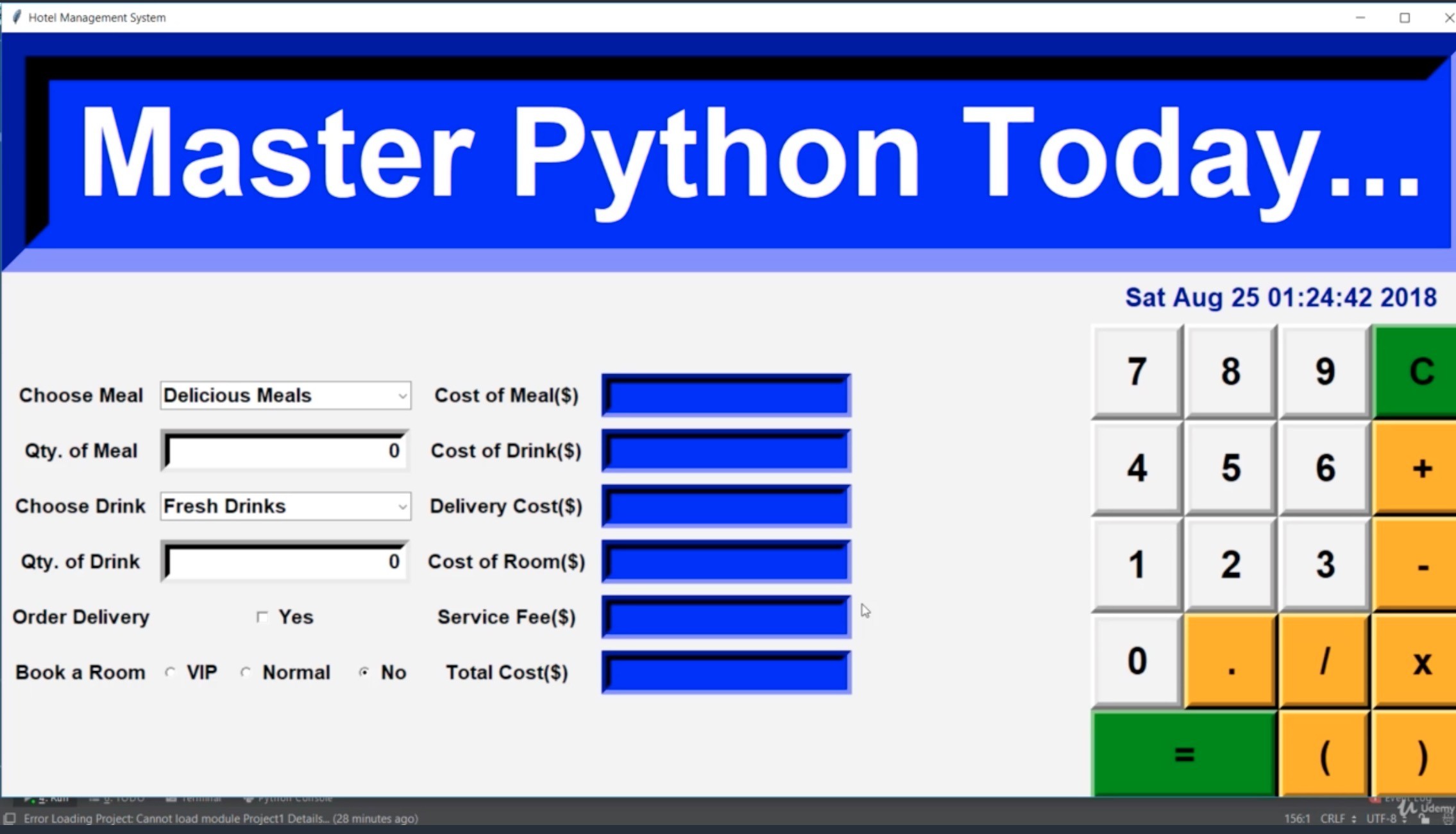
Tkinter Python 3 Freakele

Tkinter Get Entry Text Code Example

Set Tkinter Window Position And Size Or Center Screen Tkinter In Python
How Do Get Position Of A Widget BP Ask GameDev tv

Import the tkinter library from tkinter import Create an instance of the tkinter frame win Tk Define the geometry of the frame win geometry 600x400 Define the text widget my text Text win height 5 width 52 Create label lab Label win text TutorialsPoint Configure it using other properties lab config font Hel

To change the size and position of a window you use the geometry method window geometry new geometry Code language Python python The following example changes the size of the window to 600x400 and the position of the window to 50 pixels from the top and left of the screen

Tkinter has three built in layout managers that use geometric methods to position widgets in an application frame pack organizes widgets in horizontal and vertical boxes that are limited to left right top bottom positions Each box is offset and relative to each other

Summary in this tutorial you ll learn about the Tkinter place geometry manager to precisely position widgets within its container using the x y coordinate system Introduction to Tkinter Place Geometry Manager The Tkinter place geometry manager allows you to specify the exact placement of a widget using either absolution or relative positioning

Python Assets 2021 08 05 Comments Tk provides three methods to position widgets within a window which are represented in code by the pack place and grid functions They differ in versatility and restrictiveness so which one you should use it will depend on the result you want to achieve Let s make an approach to each one of them
In this video lesson I show how the geometry method can be used to set the location Position of a Python tkinter window Window position refers to the appearing place of the window on the screen In this section we will learn how to adjust the window how to position the window in Python Tkinter geometry is the method used for both purposes Syntax parent window geometry width size x height size x position y position
Centering Root Window on Screen from tkinter import root Tk Gets the requested values of the height and widht windowWidth root winfo reqwidth windowHeight root winfo reqheight print Width windowWidth Height windowHeight Gets both half the screen width height and window width height