Tkinter Entry Format Make Tkinter Python Applications Look Modern In 10 Minutes YouTube Python Tkinter Entry Implementing Date Format In If Statement Tkinter 9 Entry Widget Python Programming Tkinter Tkinter Here is the code to format the input as entered by user and on lost focus or once the focus is moved out of the input box the data is formatted The required format can be changed based by using setlocal locale setlocale locale LC ALL en US utf8 USA Function show format
Entry widgets are the basic widgets of Tkinter used to get input i e text strings from the user of an application This widget allows the user to enter a single line of text If the user enters a string which is longer than the available display space of the widget the content will be scrolled This means that the string cannot be seen in The tkinter package Tk interface is the standard Python interface to the Tcl Tk GUI toolkit Both Tk and tkinter are available on most Unix platforms including macOS as well as on Windows systems
Tkinter Gui With Tkinter In Python Tutorial IMAGESEE Tkinter Example PDF TKinter Entry Widget Tutorial YouTube Tkinter 2 X Tkinter Designer GUI Example Figma Community Introduction To Tkinter A Beginner s Guide Certisured Tkinter Create Beautiful Tkinter GUIs By Drag And Drop In Python
Tkinter Entry Format
 Tkinter Entry Format
https://i.ytimg.com/vi/PIaccbMT6fo/maxresdefault.jpg
Entry insert insert keyword is used to insert the word or sentence END determines that next character should be entered immediately after the last character Code from tkinter import ws Tk info Tf Entry ws info Tf insert END You email here info Tf pack ws mainloop
Templates are pre-designed files or files that can be utilized for various purposes. They can conserve time and effort by supplying a ready-made format and design for producing various kinds of material. Templates can be utilized for personal or expert tasks, such as resumes, invites, flyers, newsletters, reports, presentations, and more.
Tkinter Entry Format

Tkinter After Method Delayed Events In Tkinter YouTube
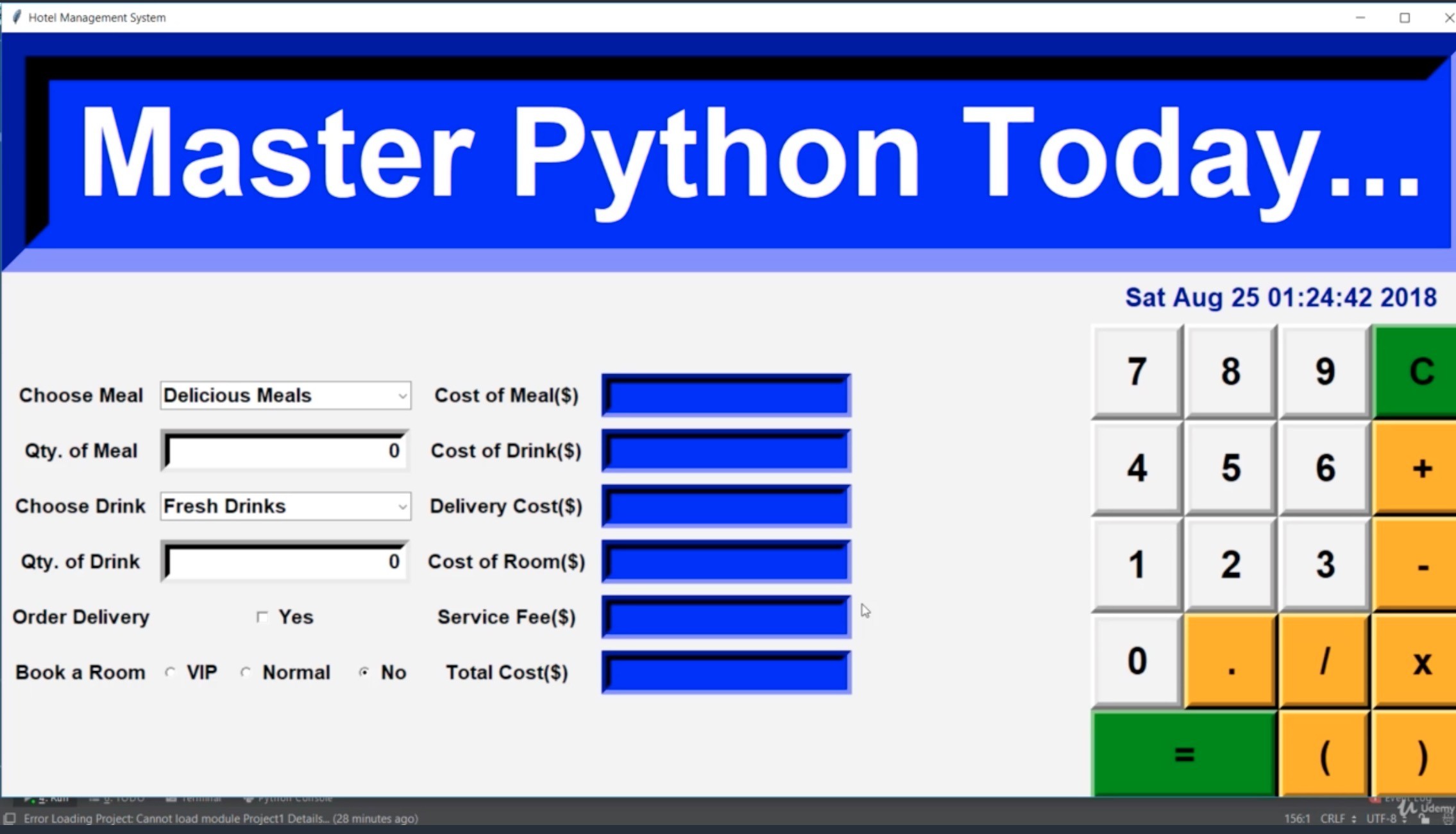
Gui With Tkinter In Python Tutorial IMAGESEE

Tkinter Example PDF
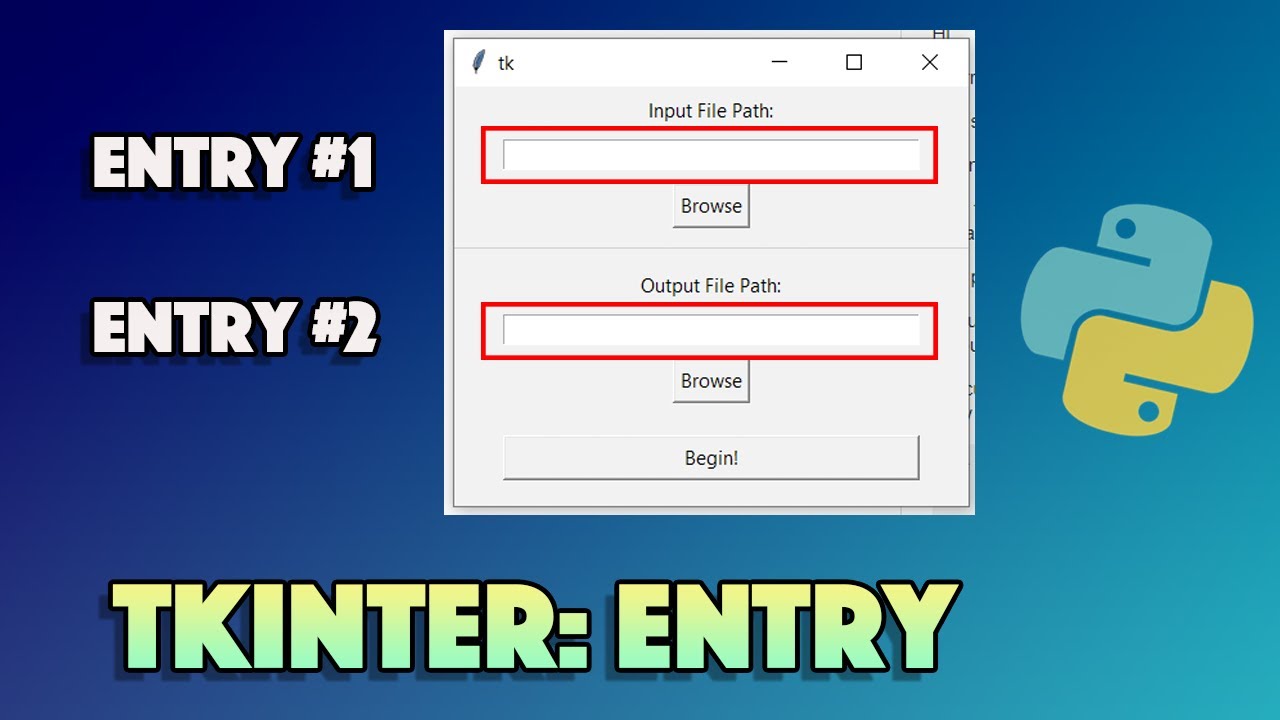
TKinter Entry Widget Tutorial YouTube

Tkinter Designer GUI Example Figma Community

Introduction To Tkinter A Beginner s Guide Certisured

Tkinter Entry Summary in this tutorial you ll learn how to use the Tkinter Entry widget to create a textbox Introduction to Tkinter Entry widget The Entry widget allows you to enter a single line text In Tkinter to create a textbox you use the Entry widget textbox ttk Entry master options Code language Python python In this syntax

The Entry Widget is a Tkinter Widget used to Enter or display a single line of text Syntax entry tk Entry parent options Parameters 1 Parent The Parent window or frame in which the widget to display 2 Options The various options provided by the entry widget are

Entry widgets are used to get the entry from the user It can be created as follows entry ttk Entry master option value Code 1 Creating Entry widget and taking input from user taking only String data from tkinter import from tkinter import ttk from tkinter messagebox import askyesno root Tk root geometry 200x100

Import tkinter as tk Create a new window with the title Address Entry Form window tk Tk window title Address Entry Form Create a new frame frm form to contain the Label and Entry widgets for entering address information frm form tk Frame relief tk

Tkinter Class API Reference Contents Entry tkinter Entry master None cnf kw Configuration Options background bd bg borderwidth cursor
Python Tkinter Entry Tkinter Entry widget allows user to input a single line of text via GUI application In this tutorial we will learn how to create an Entry widget and how to use it read a string from user Create Tkinter Entry Widget To create an Entry widget in your GUI application use the following sytnax widget tk Entry parent Tkinter tkcalendar Share Improve this question Follow edited Dec 4 2019 at 10 45 j 4321 15 7k 3 34 62 asked Mar 5 2019 at 22 10 John A 23 1 1 4 Add a comment 2 Answers Sorted by 7 This is possible without overriding select since version 1 5 0 using the date pattern argument See documentation
Tkinter Entry The Entry widget is used to accept single line text strings from a user If you want to display multiple lines of text that can be edited then you should use the Text widget If you want to display one or more lines of text that cannot be modified by the user then you should use the Label widget