Title Font Size Powerpoint Best Font Style And Size For Powerpoint Presentation Iranhor Modern Design Vector Linear Extended Font For Title Header Lettering How To Make Font In Word Taller Design Talk Best Font To Use For A Powerpoint Presentation Rewasummer Best Font Size For Powerpoint Presentation 2022 Bxecosmic WEB On the slide master or layout click the title text or the level of body text that you want to apply a new font style to On the Slide Master tab in the Background group click Fonts and then select a font from the list Repeat steps 1 through 4 for any other fonts that you want to change
WEB Sep 24 2017 nbsp 0183 32 This is a brief video no audio or annoying music that walks you through quot How to Change the Title and Legend Font Size quot If you enjoyed this video consider becoming a Patron so we can create even WEB All Microsoft PowerPoint presentations by default start with two fonts one font for the headings and one for the body text This font pairing decides the entire look of the presentation The theme plays an important role in the font choices and even blank presentations give you a theme to build upon
Best Font Size For Powerpoint Presentation 2022 Bxecosmic What font size use powerpoint presentation Media GovLoop Dashboard Powerpoint p How To Quickly Change The Font Size In WordPress Rank Math How To Make Font In Word Taller Design Talk PPT Minimum Font Size Slide PowerPoint Presentation Free Download Can T Change Height Of Table In Powerpoint Brokeasshome PPT Minimum Font Size Slide PowerPoint Presentation Free Download Font Management In PowerPoint Set Text Fonts Case Size And Color
Title Font Size Powerpoint
 Title Font Size Powerpoint
https://business.kontenterkini.com/wp-content/uploads/2020/04/ppt-sample-slide-font-size-powerpoint-presentation-free-intended-for-powerpoint-presentation-template-size-768x576.jpg
WEB On the Slide Master tab click the Fonts drop down menu Select the font you want to use for all the slides in the presentation You don t have to choose from the pre defined font pairs on the menu choose Customize Fonts at the
Templates are pre-designed files or files that can be utilized for numerous purposes. They can conserve time and effort by offering a ready-made format and layout for producing various sort of material. Templates can be utilized for personal or professional projects, such as resumes, invitations, flyers, newsletters, reports, presentations, and more.
Title Font Size Powerpoint
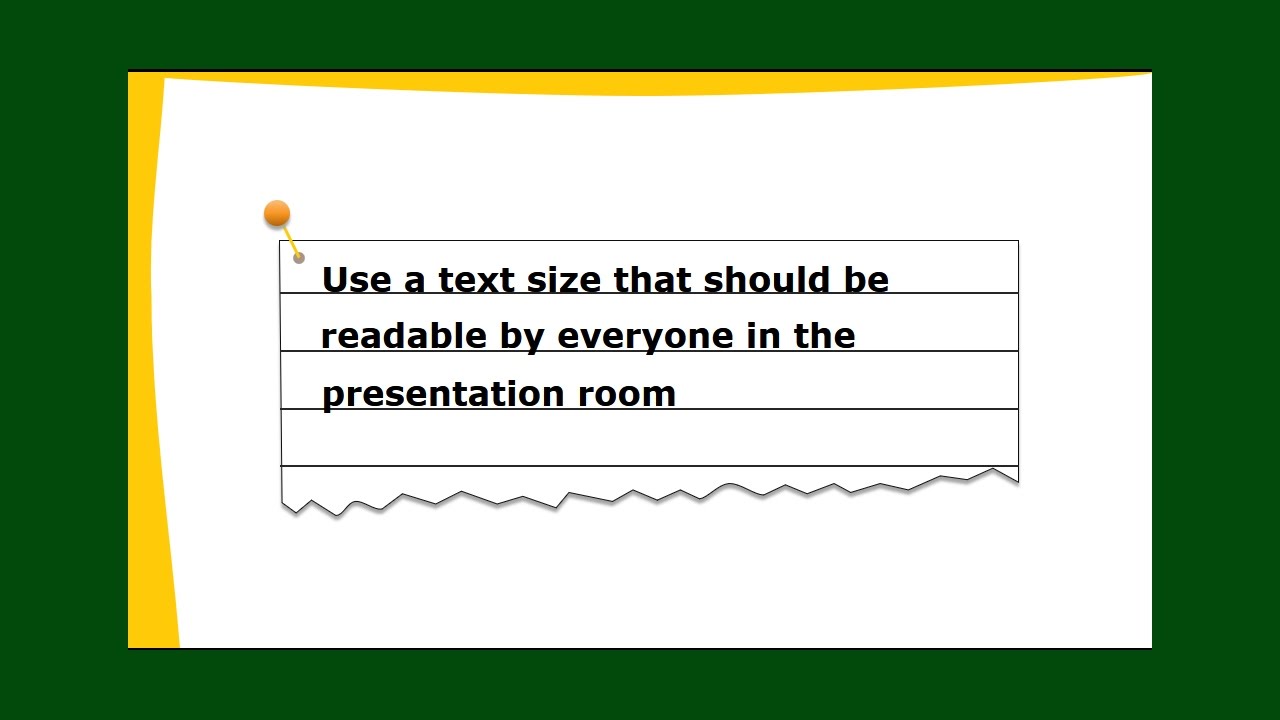
Font Size For Powerpoint Presentation Powerpoint Tip YouTube
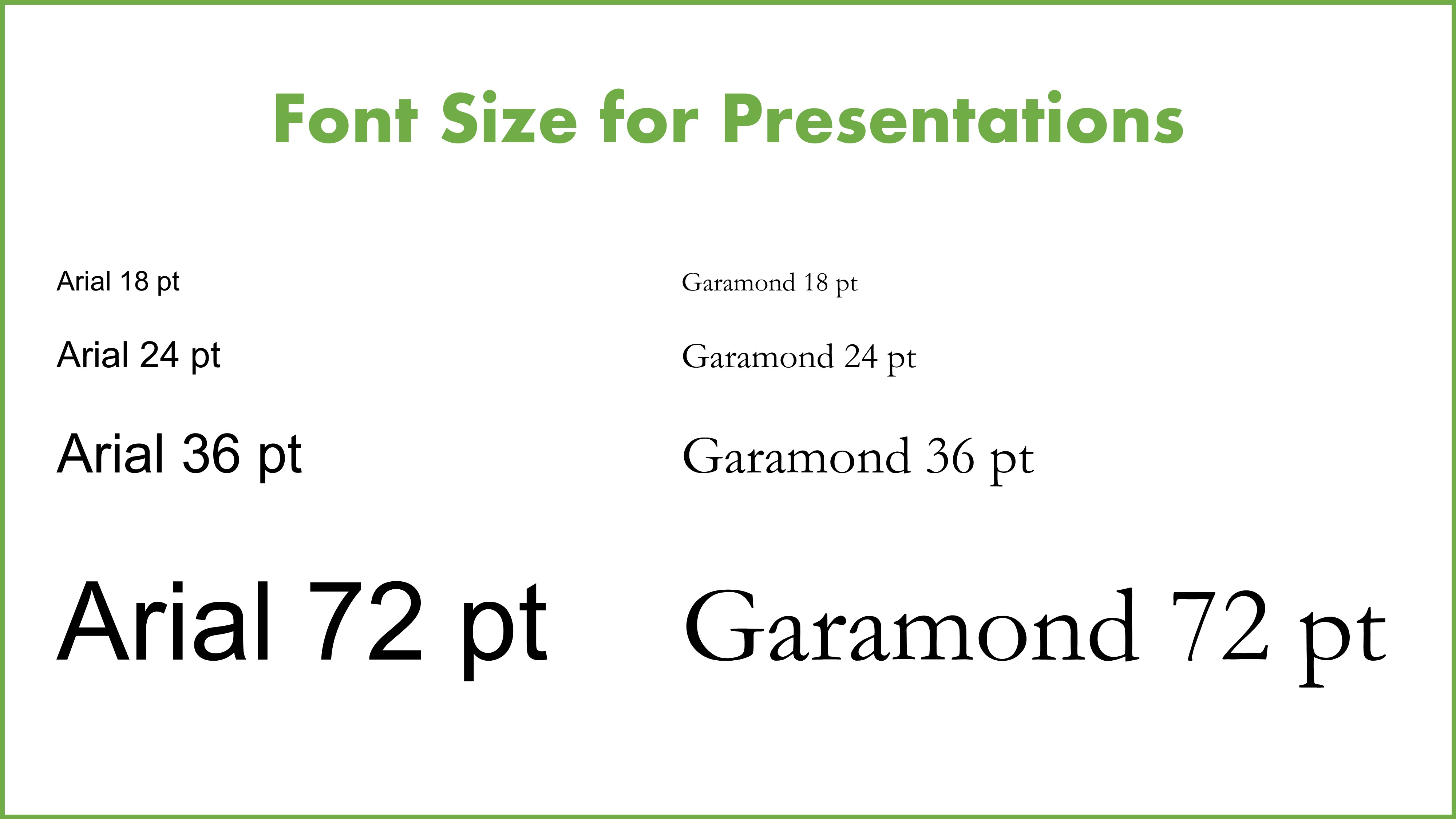
What font size use powerpoint presentation Media GovLoop
Dashboard Powerpoint p
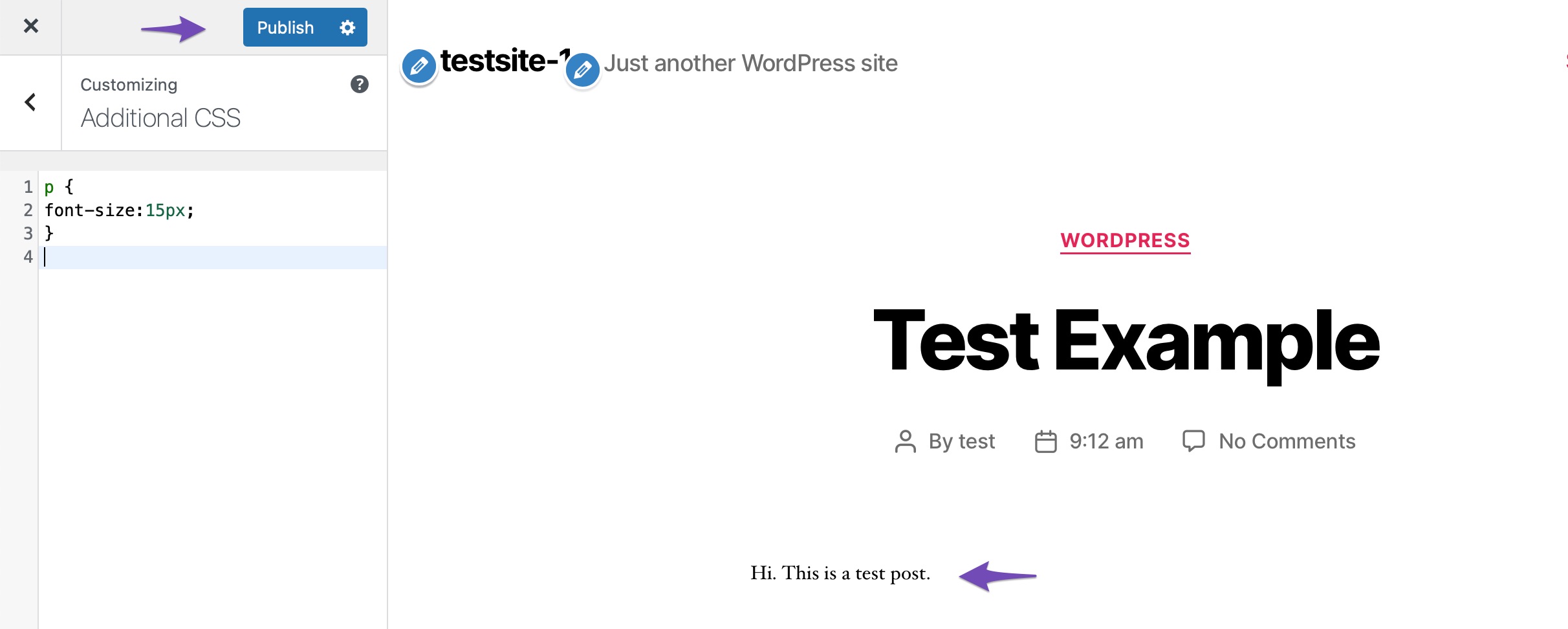
How To Quickly Change The Font Size In WordPress Rank Math
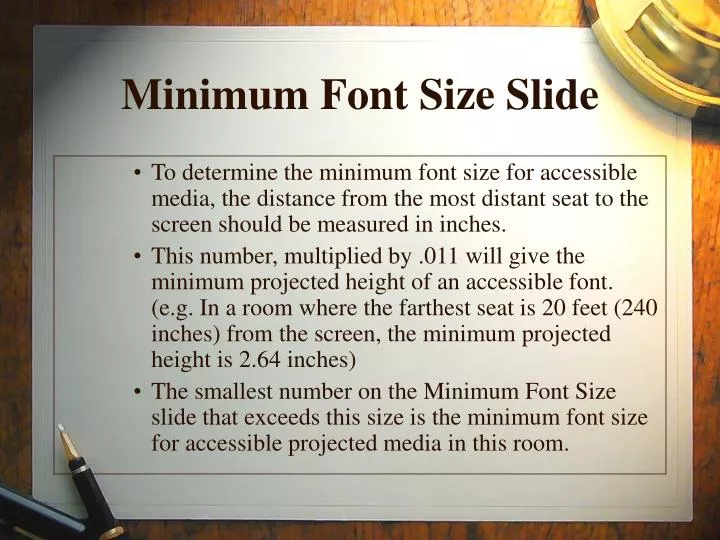
PPT Minimum Font Size Slide PowerPoint Presentation Free Download
Can T Change Height Of Table In Powerpoint Brokeasshome
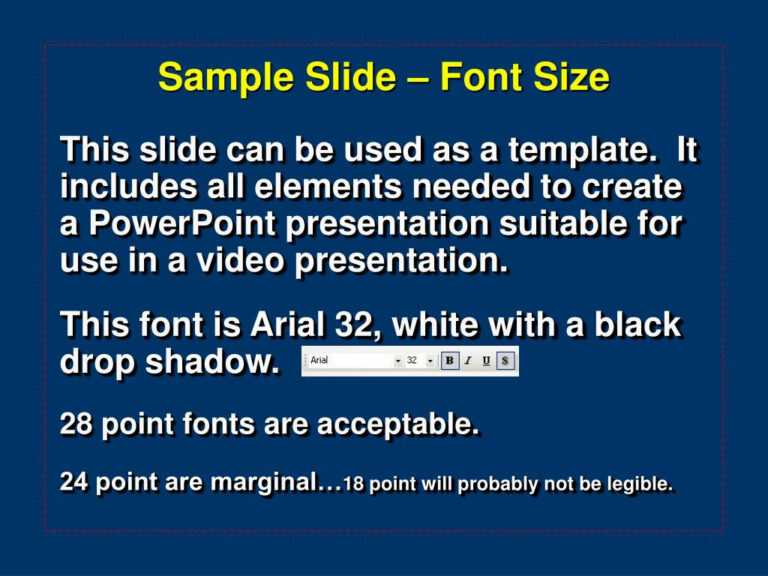
WEB Apr 22 2022 nbsp 0183 32 Minimum font size for main copy and bullets 18 points Preferred font size for main copy and bullets 24 points Preferred font size for headers or titles 36 to 44 points Make sure to think about the size of the screen and room as well when planning font sizes With a smaller screen in a larger space everything will look smaller than it is

WEB Dec 6 2022 nbsp 0183 32 One way to decide on the right size for your text is to consider the height of each line of text in proportion to the total height of the slide For example in a sales or training presentation the height of the title per line should take up approximately 4 of the slide s total height headers around 3 and copy text around 2
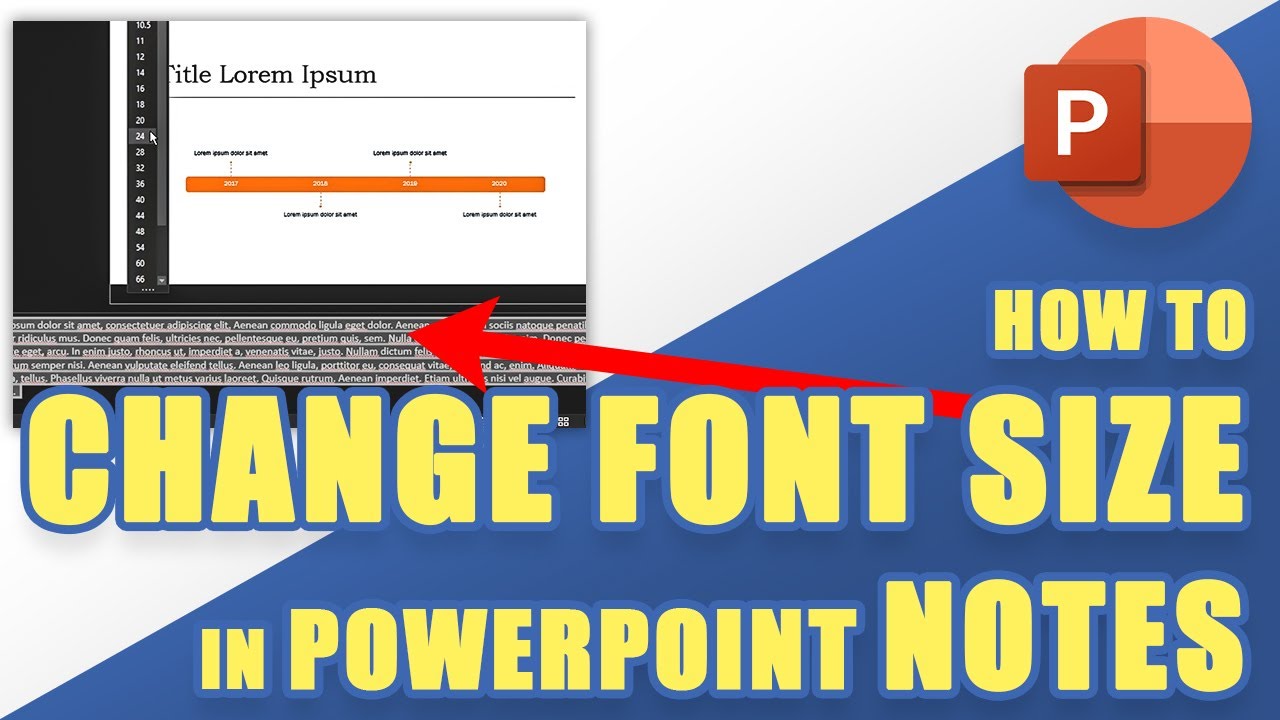
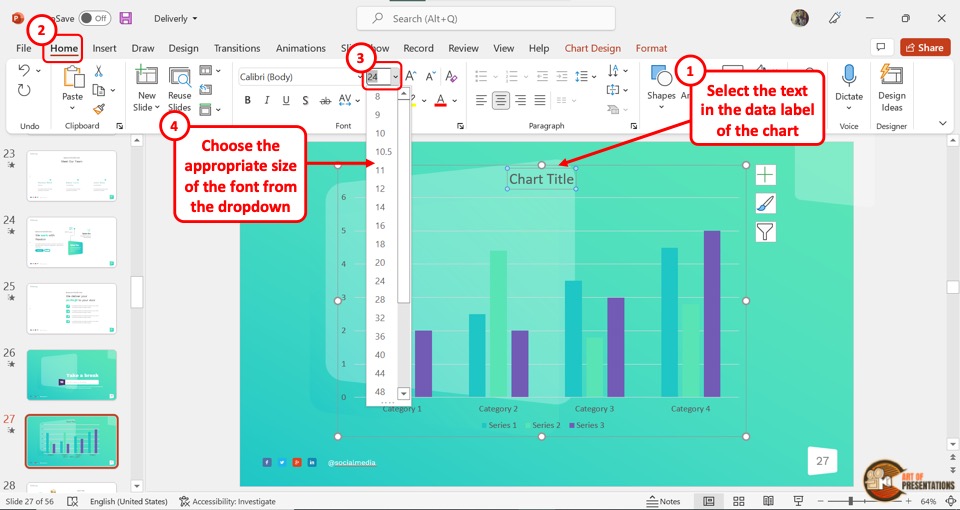
WEB Feb 24 2023 nbsp 0183 32 To change font size in PowerPoint first select the text Then click on the Font Size Dropdown option from the Font group on the Home tab in PowerPoint Choose font size 16 or 18 for desktop presentations and size 30 if your presentation will be seen on a big screen in an auditorium

WEB On the Home tab click the font size in the Font Size box You can also type in any size you want within the following limits Excel between 1 and 409 between 1 and 409 in multiples of 5 such as 10 5 or 105 5 PowerPoint between 1 and 3600 in multiples of 1 such as 10 3 or 105 7

WEB This Microsoft PowerPoint 2019 tutorial shows you how to create a Title Slide add title text add subtitle text increase and decrease font size format font with italics and apply
WEB Free Courses PowerPoint 2019 Basic PowerPoint Font Size Start Free Trial PowerPoint Font Size How to Format Text in PowerPoint You can use the Font group of the Home tab to change the way the text in your presentation appears by changing the font type size color and style Change Font Type WEB Jan 6 2021 nbsp 0183 32 The easiest way to replace the fonts in your presentation is to use the quot Replace Fonts quot tool This will search out and replace all examples of a font used across your presentation To start open your PowerPoint presentation From the quot Home quot tab on the ribbon bar click the arrow next to the quot Replace quot button
WEB Sep 28 2010 nbsp 0183 32 1 View gt Slide Master 2 Select large quot Mother quot Master at top 3 Select Title Placeholder by clicking on its edge the outline will go solid amp change font size 4 Repeat for Content Placeholder If you also use textboxes create one on any slide just how you want then right click it gt Set as Default Textbox