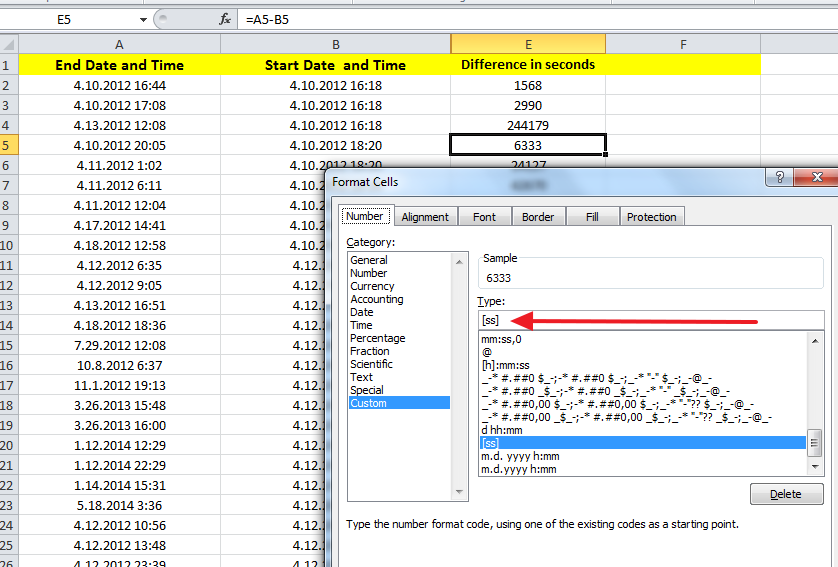
Time Difference In Excel How To Convert Time Difference Into Hours Or Seconds In Excel En Quelque Sorte Innocent Plat Calculate Duration Between Two Dates Excel Sum Time Difference In Days And Hours YouTube Calculate The Difference Between Two Times In Excel PakAccountants Calculating Time Differences In Excel The Learning Zone Web The easiest way to calculate a time difference in Excel is to simply subtract one time from the other This works because Excel stores dates as integers and times as decimal values see the page on Excel dates for more details
Web Feb 6 2023 nbsp 0183 32 To calculate time differences in Excel simply subtract two times Note if you time difference returns a negative number you ll see this To fix the output you can use the ABS Function to calculate the absolute value ABS C3 B3 Hours Minutes and Seconds Between Times Web Jan 28 2023 nbsp 0183 32 Use the simple subtraction formula to compute the difference END TIME START TIME This formula subtracts the end time from the start time to give you the time difference in hours and minutes This formula has limitations when subtracting PM time from AM time as it assumes that the time difference is within the same day
Calculating Time Differences In Excel The Learning Zone R s rit Geografie Filtru Excel Calculate Time Between Two Dates How To Calculate Difference In Excel Gambaran How To Know Date Difference In Excel Haiper How To Calculate Time Difference In Excel YouTube Calculate Time Difference In Excel Online Knowledge Portal Calculations With Dates No 2 In Microsoft Excel Youtube Difference Calculate Time Difference In Excel Subtract Time QuickExcel How To Consolidate Data In Excel Extendoffice Motiontop
Time Difference In Excel
 Time Difference In Excel
https://blog.cometdocs.com/wp-content/uploads/time-difference-in-seconds-in-excel.png
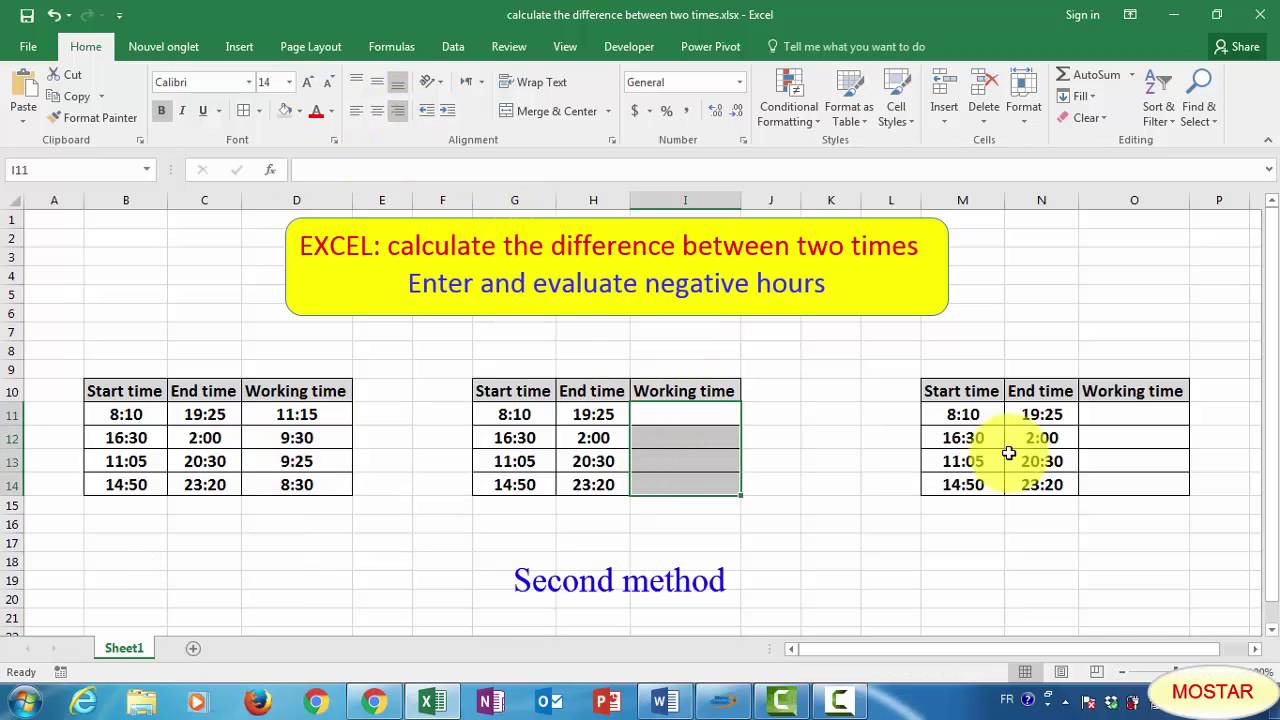
Web Aug 31 2021 nbsp 0183 32 Step 1 Input the time data Enter the data in your Excel worksheet The data should be in time format as for calculating a difference between two times Our sample data below is to calculate the total working hours of an employee in a week where the start time and end time of the Employee s working are recorded in an excel spreadsheet
Templates are pre-designed documents or files that can be used for numerous purposes. They can conserve effort and time by providing a ready-made format and design for producing various sort of material. Templates can be utilized for personal or professional tasks, such as resumes, invitations, flyers, newsletters, reports, discussions, and more.
Time Difference In Excel

Calculating Date And Time Differences In Excel Microsoft Excel Dating
R s rit Geografie Filtru Excel Calculate Time Between Two Dates
How To Calculate Difference In Excel Gambaran
How To Know Date Difference In Excel Haiper

Calculate Time Difference In Excel Online Knowledge Portal
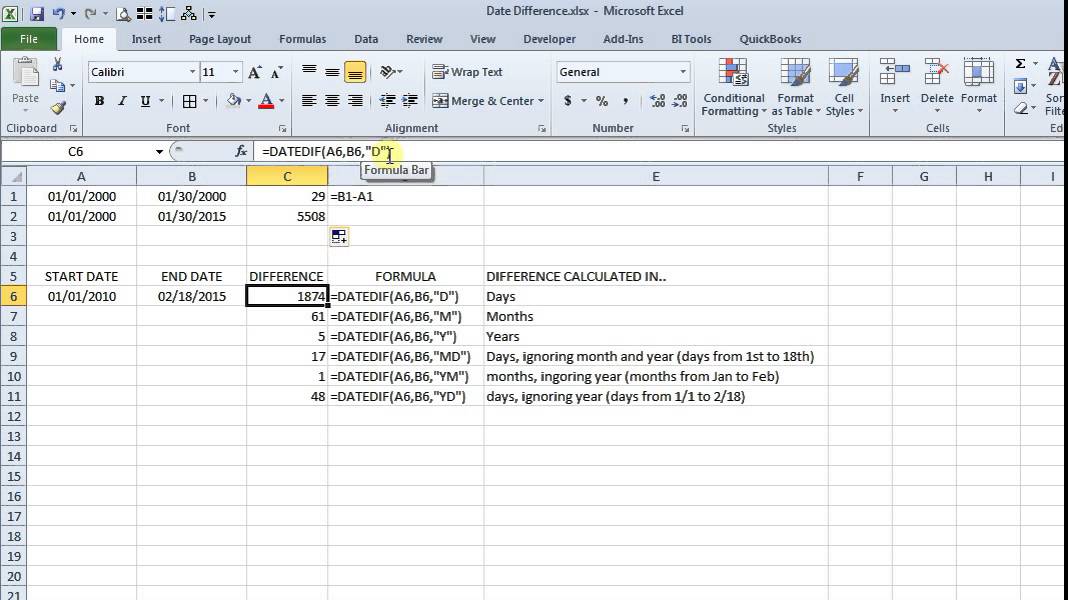
Calculations With Dates No 2 In Microsoft Excel Youtube Difference

Web Time Difference Formula 1 Times that are negative show as 2 To clearly see this change the number format of the values in cell A2 B2 and C2 to General 3 The time difference formula below always works
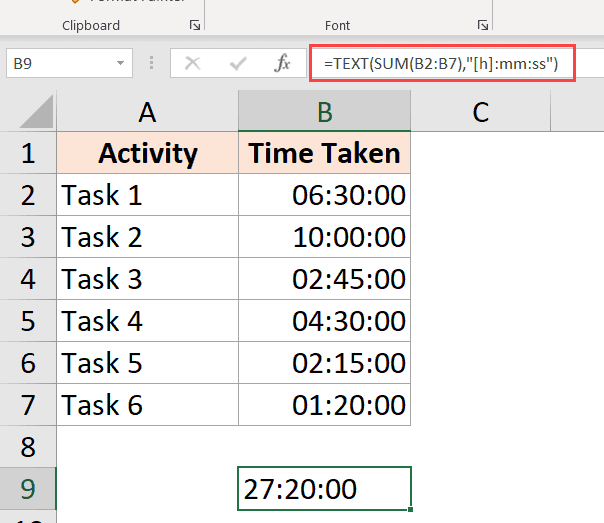
Web Mar 21 2023 nbsp 0183 32 Excel Date and Time tutorials The tutorial explains different ways to calculate times in Excel and demonstrates several methods of adding times and calculating time difference You will learn a few useful formulas to sum times and add hours minutes or seconds to a given time
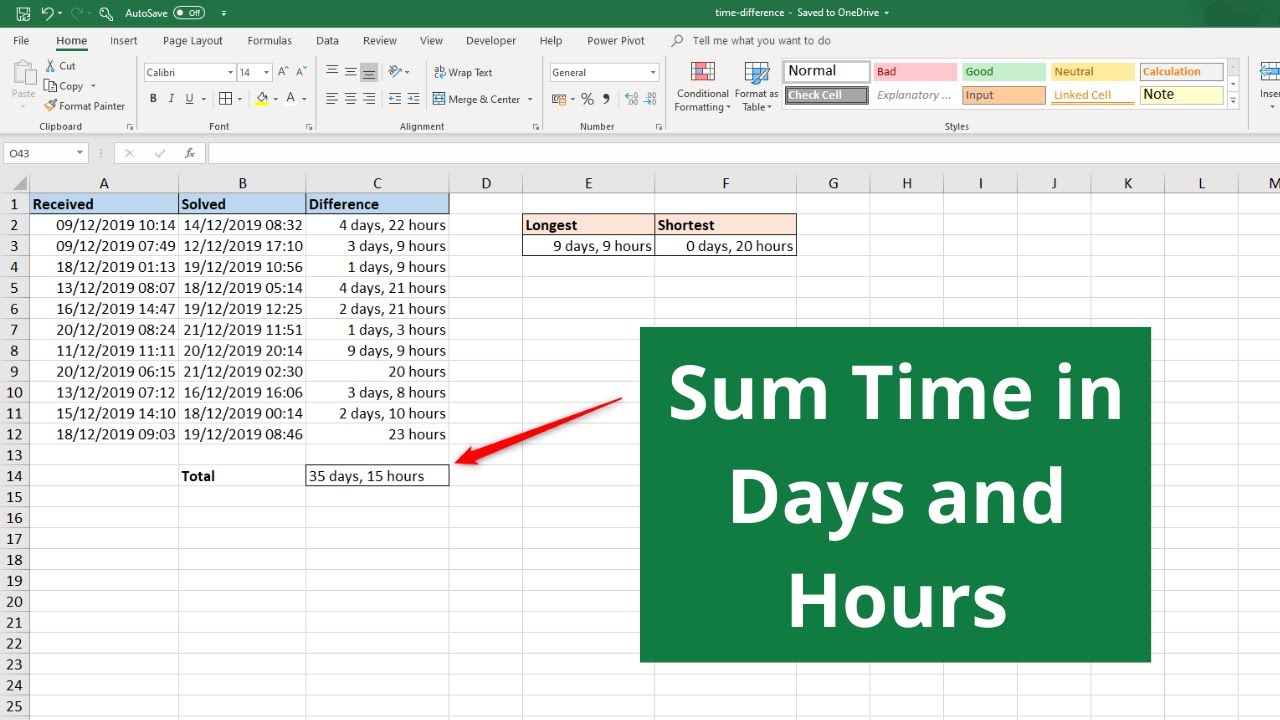
Web In this tutorial I will show you a couple of ways to perform calculations using time in Excel such as calculating the time difference adding or subtracting time showing time in different formats and doing a sum of time values

Web Sep 26 2023 nbsp 0183 32 When you work on something like a timesheet in Microsoft Excel you may need to get the difference between times For instance you may enter start time and end time where you need to see the number of hours worked
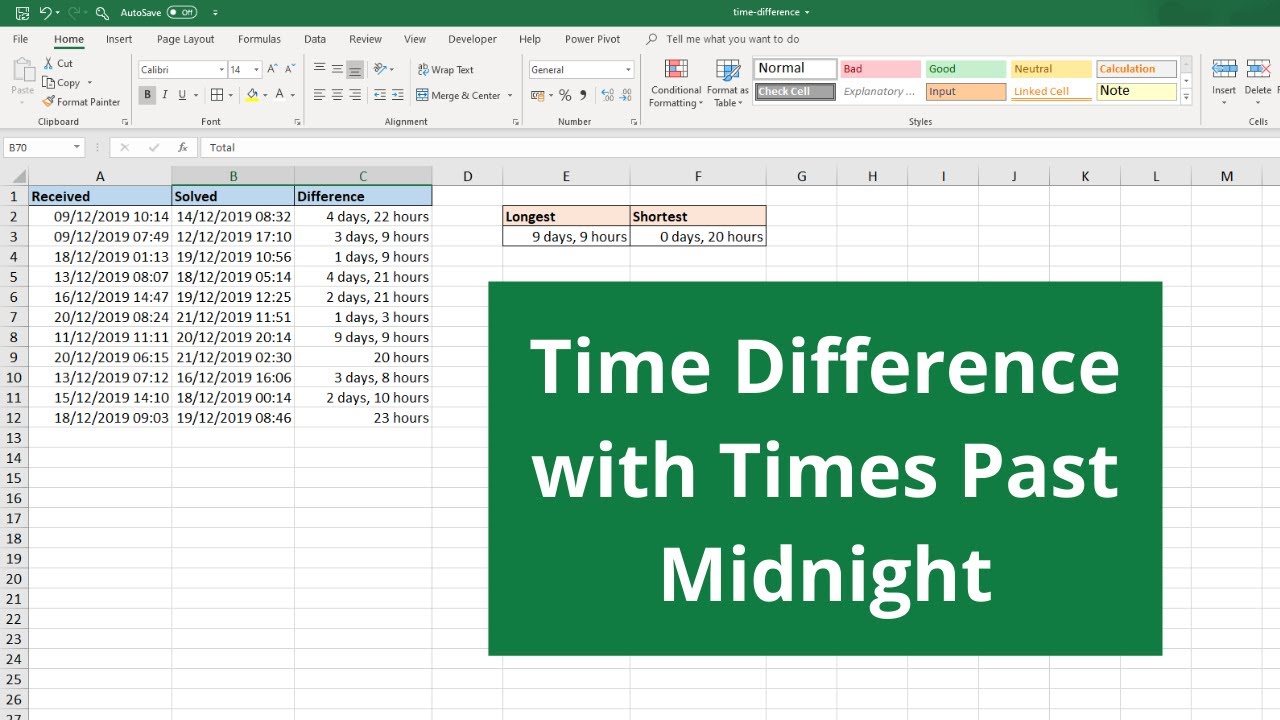
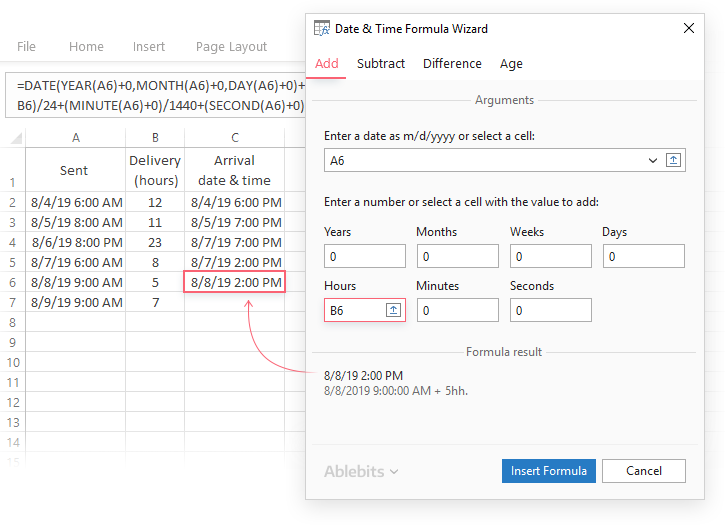
Web Windows Web Add time Suppose that you want to know how many hours and minutes it will take to complete two tasks You estimate that the first task will take 6 hours and 45 minutes and the second task will take 9 hours and 30 minutes Here is one way to set this up in the a worksheet Enter 6 45 in cell B2 and enter 9 30 in cell B3
Web How to Calculate time difference in Excel less than 24 hours To calculate the time difference choose a destination cell Enter the formula to subtract the value in the two cells In this case enter C4 B4 and press Enter This will give you the time difference between the given hours Web Sep 5 2020 nbsp 0183 32 But format the cells to use this format mm dd yy hh mm quot Z quot or mm dd yy HH mm quot Z quot if you are going to use 0 23 hours When you enter for example 08 04 20 00 01 the Z will appear automatically Then use the formula A2 A1 to get the time difference
Web Jun 19 2023 nbsp 0183 32 How to Calculate Time Difference in Excel If you re working with dates and times in Excel chances are you ll need to find the difference between two times Fortunately Excel offers several easy ways to calculate time differences and format the result however you need