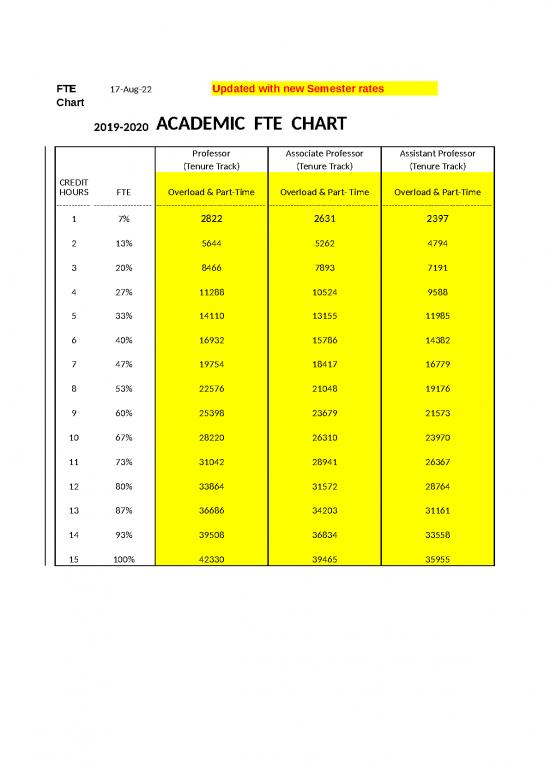
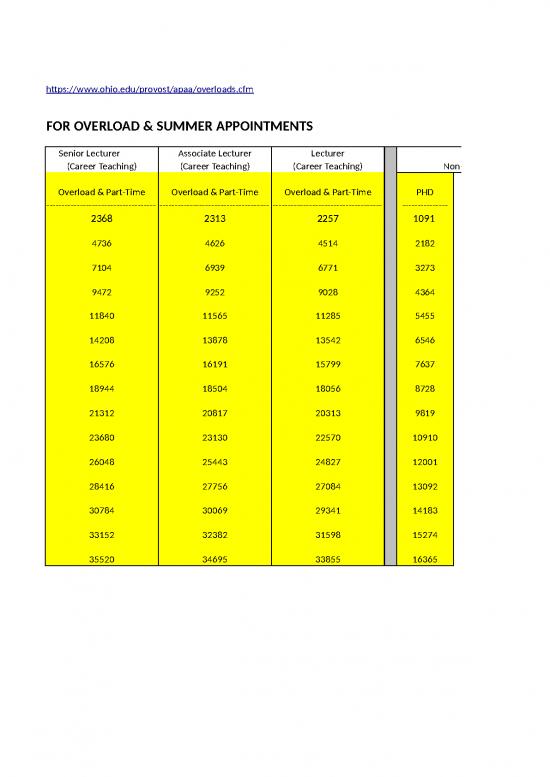
Time Calculation In Excel Sheet Time Calculation In Excel Sheet 46424 Annual Leave Calculator Time Calculation In Excel Sheet 46424 Annual Leave Calculator Time Calculation In Excel Sheet 46625 Tmc220x Tmc222x Calculations Time Calculation In Excel Sheet 46557 Fte Calculator Time Calculation In Excel Sheet 46557 Fte Calculator Web If not add 1 full day to the end time to represent a time on the next day and subtract the start time Time Difference in Hours as Decimal Value To calculate the difference between two times in hours as a decimal value multiply the previous formula by 24 and change the number format to General 1 The formula below does the trick Time Sheet
Web Apr 12 2023 nbsp 0183 32 1 Enter the start date and time in cell A2 and hit Enter Don t forget to write AM or PM 2 Enter the end time in cell B2 and hit Enter 3 Enter the formula B2 A2 in cell C2 and hit Enter An example of subtracting time on the same day in Excel Web With the above in mind the formula to calculate total time in cell H5 is SUM data Hours sum all time With the following custom time format above applied h mm The number returned by the SUM function is 3 1875 3 19 days which displays as 76 30 with the above time format applied
Time Calculation In Excel Sheet 46557 Fte Calculator Time Calculation In Excel Sheet 46657 Cycle Time Common Junction Time Calculation In Excel Sheet 46625 Tmc220x Tmc222x Calculations How To Calculate Time On Excel Spreadsheet 9 Easy Steps Time Calculation In Excel Sheet 46557 Fte Calculator Employee Time Clock Calculator Factorysalo Time Calculation In Excel Sheet 46217 Cost Savings Template Time Calculation In Excel Sheet 46267 Gpa Worksheet 15 How To Make Excel Auto Calculate Formulas Image Formulas
Time Calculation In Excel Sheet
 Time Calculation In Excel Sheet
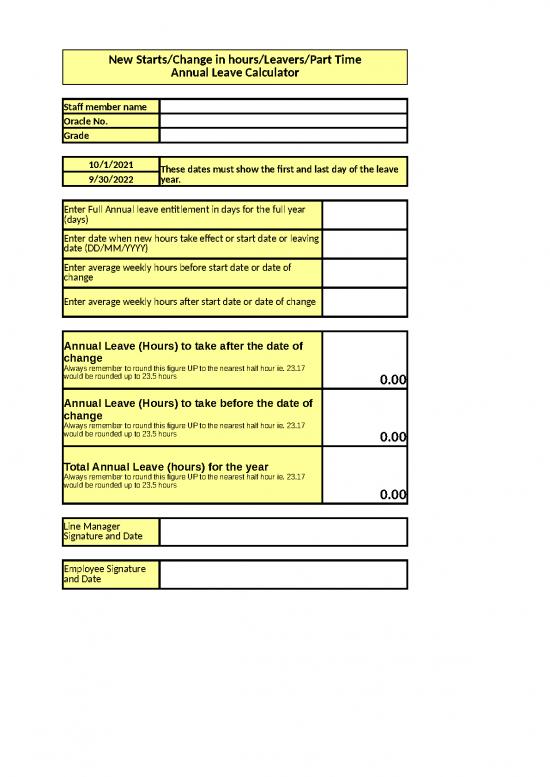
https://jagomart.net/static/files19/gbr2_annual_leave_calculator.png
Web TIME hour minute second The TIME function syntax has the following arguments Hour Required A number from 0 zero to 32767 representing the hour Any value greater than 23 will be divided by 24 and the remainder will be treated as the hour value For example TIME 27 0 0 TIME 3 0 0 125 or 3 00 AM
Pre-crafted templates use a time-saving solution for creating a diverse variety of files and files. These pre-designed formats and designs can be utilized for numerous individual and expert projects, consisting of resumes, invitations, flyers, newsletters, reports, presentations, and more, streamlining the content creation process.
Time Calculation In Excel Sheet
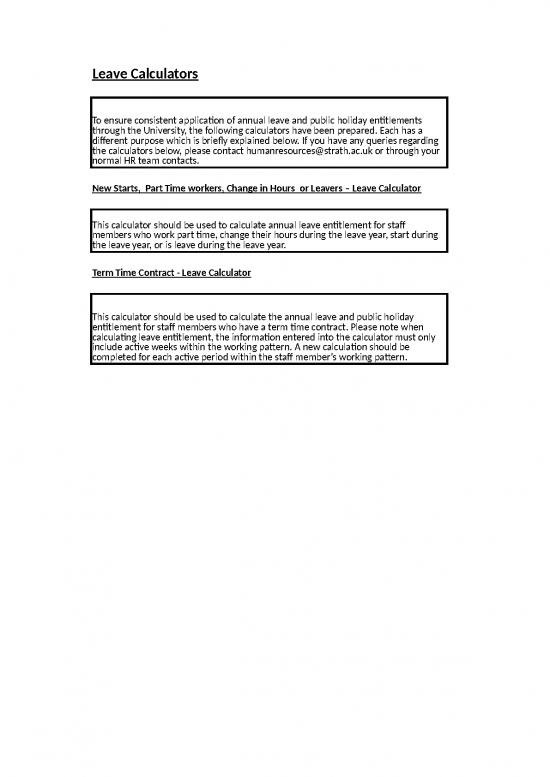
Time Calculation In Excel Sheet 46424 Annual Leave Calculator
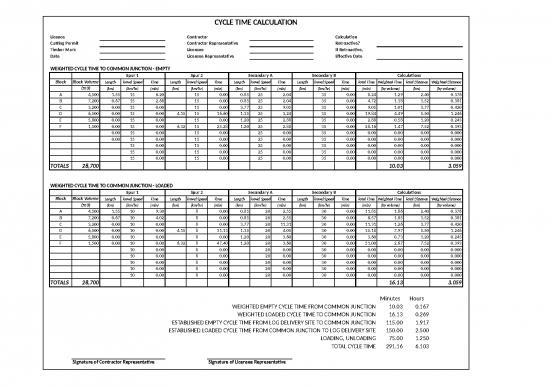
Time Calculation In Excel Sheet 46657 Cycle Time Common Junction
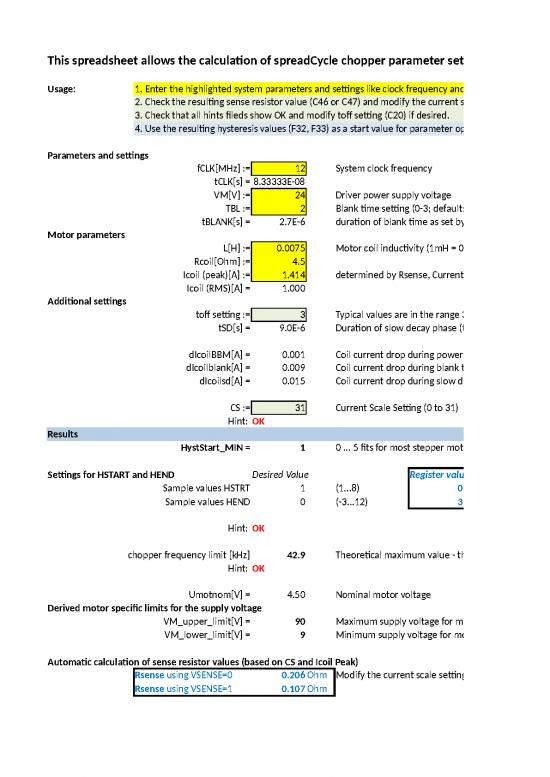
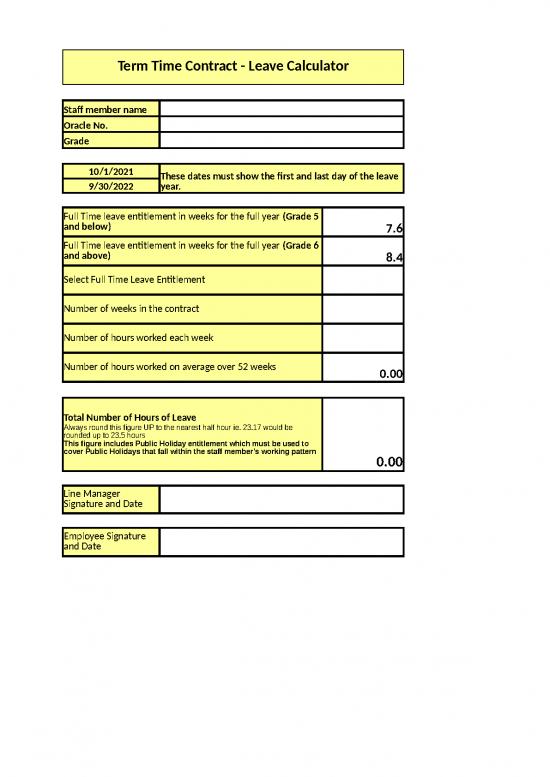
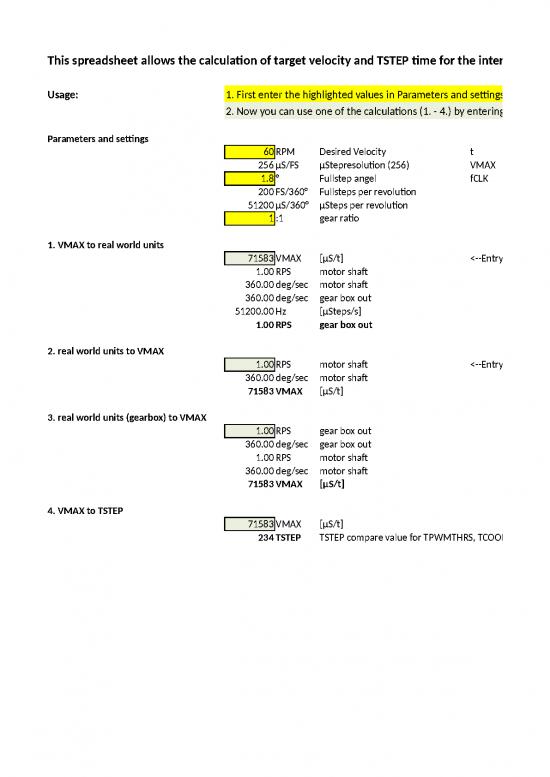
Time Calculation In Excel Sheet 46625 Tmc220x Tmc222x Calculations

How To Calculate Time On Excel Spreadsheet 9 Easy Steps
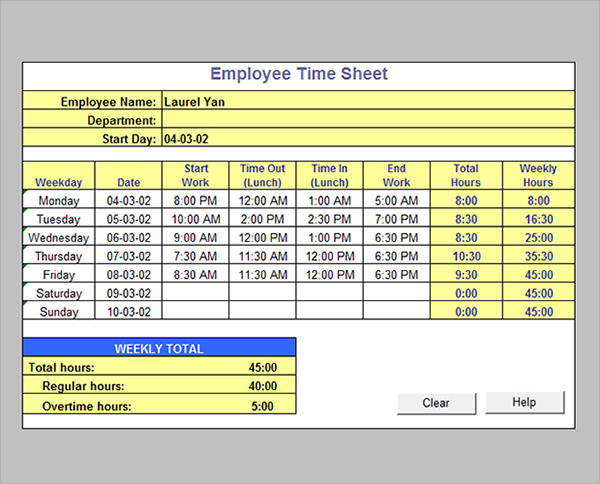
Employee Time Clock Calculator Factorysalo
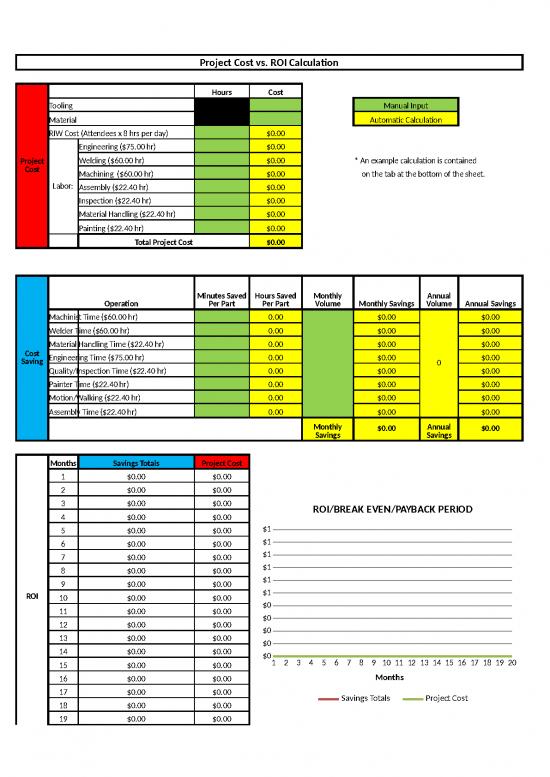
Time Calculation In Excel Sheet 46217 Cost Savings Template
Web Subtract time In cell B2 enter the start time and include a for AM or p for PM Then press Enter In cell C2 enter the end time including a or p as appropriate and then press Enter Type the other start and end times for your friends Joy and Leslie In cell D2 subtract the end
Web There are two approaches that you can take to present the results in the standard time format hours minutes seconds You use the subtraction operator to find the difference between times and then do either of the following Apply a custom format code to the cell by doing the following Select the cell
Web Simple Subtraction of Calculate Time Difference in Excel Select the cells where you want to apply the date format Hold the Control key and press the 1 key or Command 1 if using Mac In the Format Cells dialog box that opens click on the Number tab if not selected already In the left pane
Web Learn More Calculating Overtime We can use the same type of formula to calculate overtime In the example above the standard time is 8 hours The following formula calculates the Normal time worked in the day IF D3 C3 24 gt H 13 H 13 D3 C3 24 If the employee has worked more than 8 hours the formula will only return a maximum of 8
Web Aug 13 2021 nbsp 0183 32 Go to the Home tab and click quot Sum quot formerly labeled quot AutoSum quot Excel should recognize the cells that you want to use If not simply drag through the cells containing your times to populate the formula and hit Enter You should see the total number of hours and minutes for your entries
[desc-11] [desc-12]
[desc-13]