Text Style Name Copy And Paste Copy And Paste Symbols Cool Text Symbols Symbolonly Cursive Fonts Copy And Paste Hipsthetic How To Copy And Paste On A Chromebook TechRadar Bold Text Generator Copy And Paste How To Copy And Paste On Your IPhone Feb 1 2017 nbsp 0183 32
Official Google Translate Help Center where you can find tips and tutorials on using Google Translate and other answers to frequently asked questions To select a word double click it or use your cursor to select the text you want to change Start editing To undo or redo an action at the top click Undo or Redo Note To edit a document
How To Copy And Paste On Your IPhone 7 Copy And Paste Templates Rocketlevel Features Typedesk Canned Responses Install Our Apps Today Animal Copy And Paste Text Art Kwikvast Fancy Letters Copy And Paste Easy Copy And Paste Process With Instagram Fonts Generator Sophia How To Copy And Paste From Canva To Word Canva Templates Whuuut Copy And Paste R otaku Copy And Paste Column s Smartsheet Community
Text Style Name Copy And Paste
 Text Style Name Copy And Paste
https://symbolonly.com/copy-and-paste-symbols.png
4 txt 1 Neat Reader
Pre-crafted templates use a time-saving solution for producing a varied variety of files and files. These pre-designed formats and designs can be used for different individual and professional jobs, consisting of resumes, invites, leaflets, newsletters, reports, discussions, and more, improving the content creation process.
Text Style Name Copy And Paste

Font Copy And Paste Font Stylez

7 Copy And Paste Templates Rocketlevel
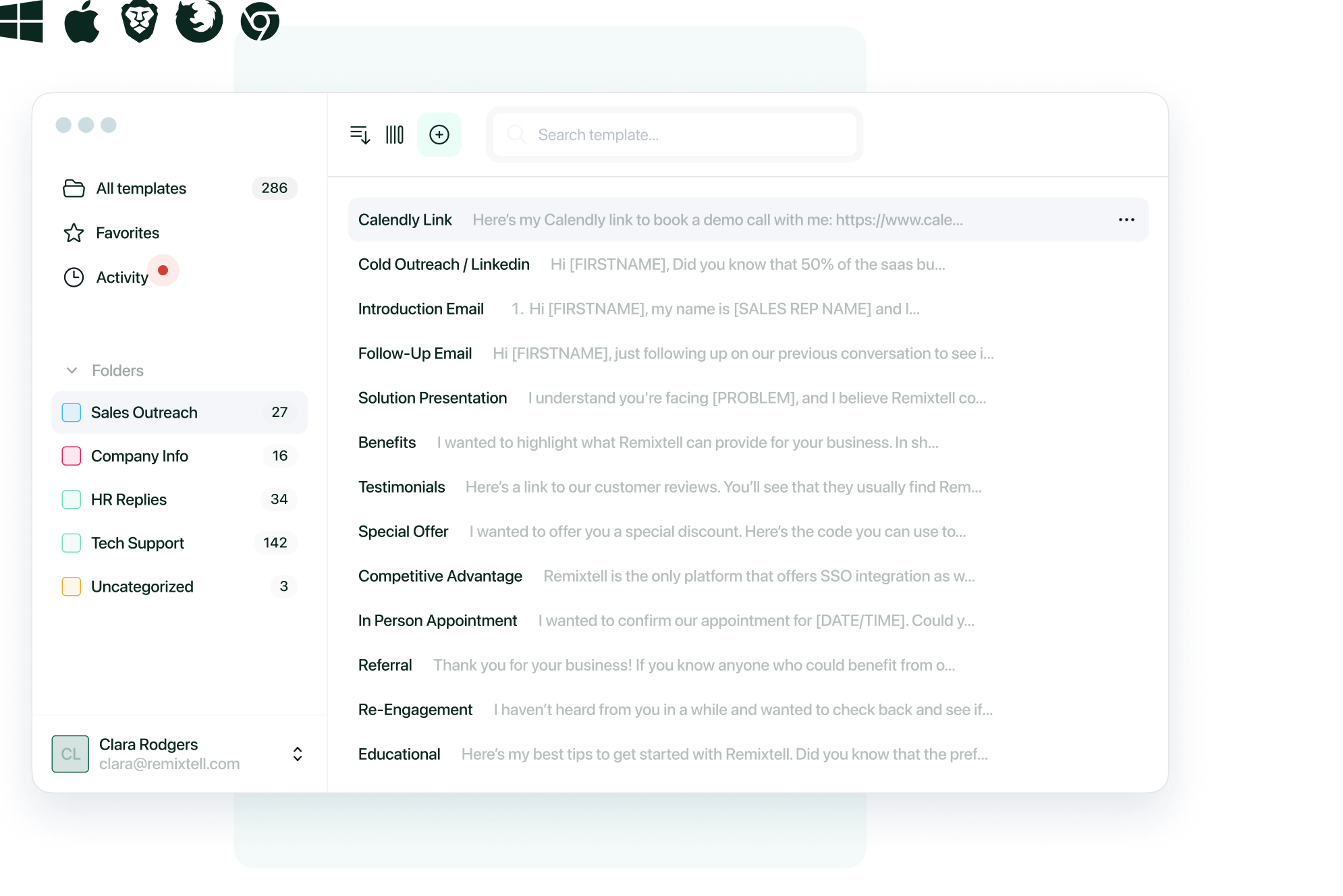
Features Typedesk Canned Responses Install Our Apps Today

Animal Copy And Paste Text Art Kwikvast

Easy Copy And Paste Process With Instagram Fonts Generator Sophia

How To Copy And Paste From Canva To Word Canva Templates

Translate longer text You can translate up to 5 000 characters at a time when you copy and paste your text On your computer open Google Translate At the top of the screen choose the

You can send and receive text messages with friends and contacts on Google Messages
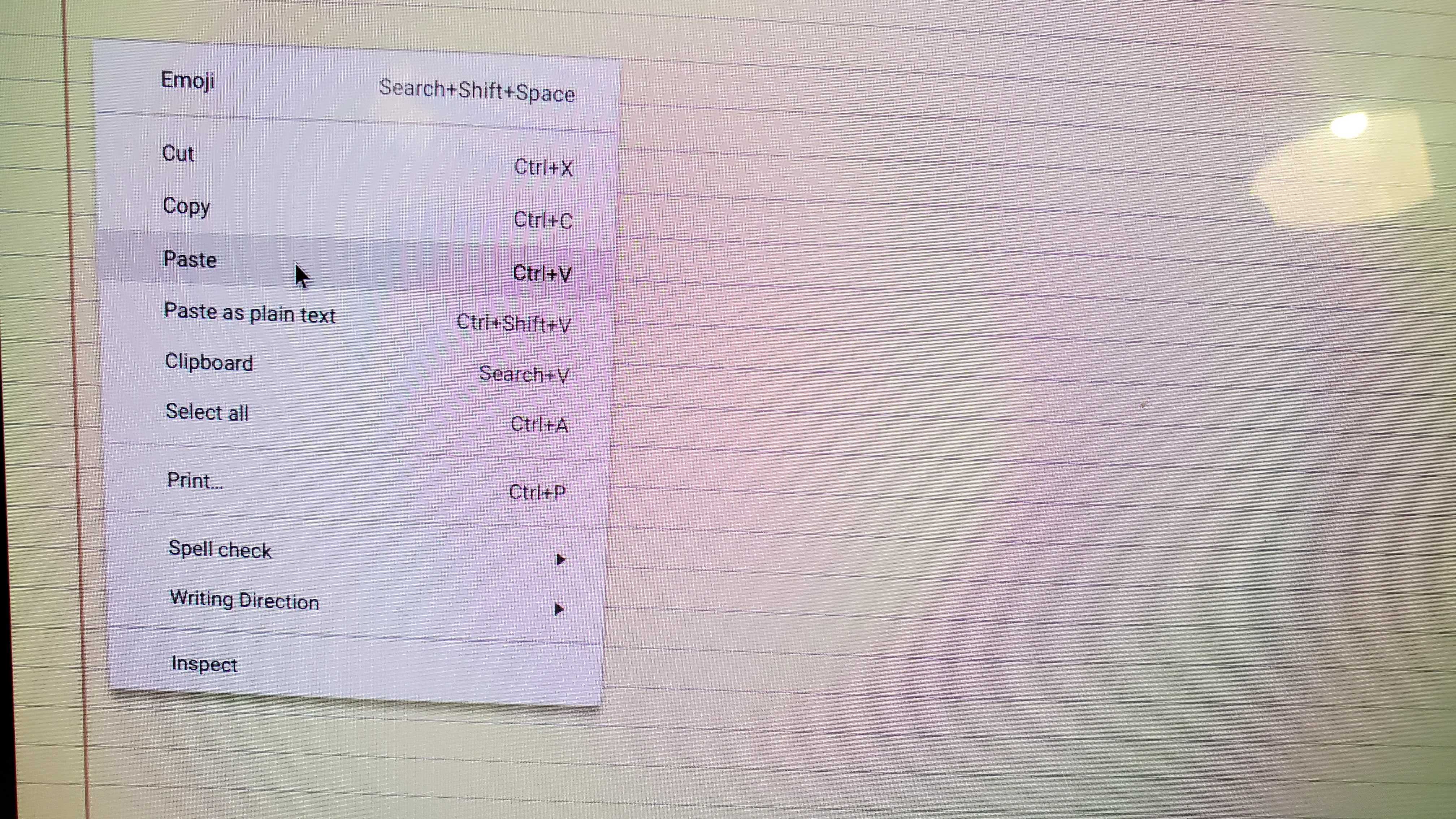
To retrieve accidentally deleted text messages on your Android device you have several options Check the Recycle Bin or Trash folder in your messaging app Some Android phones like
2 Excel gt

Sign in to Google Voice to check for new text messages or voicemail see your call history send a new message or update your settings Not sure which Google Account to use
[desc-11] [desc-12]
[desc-13]