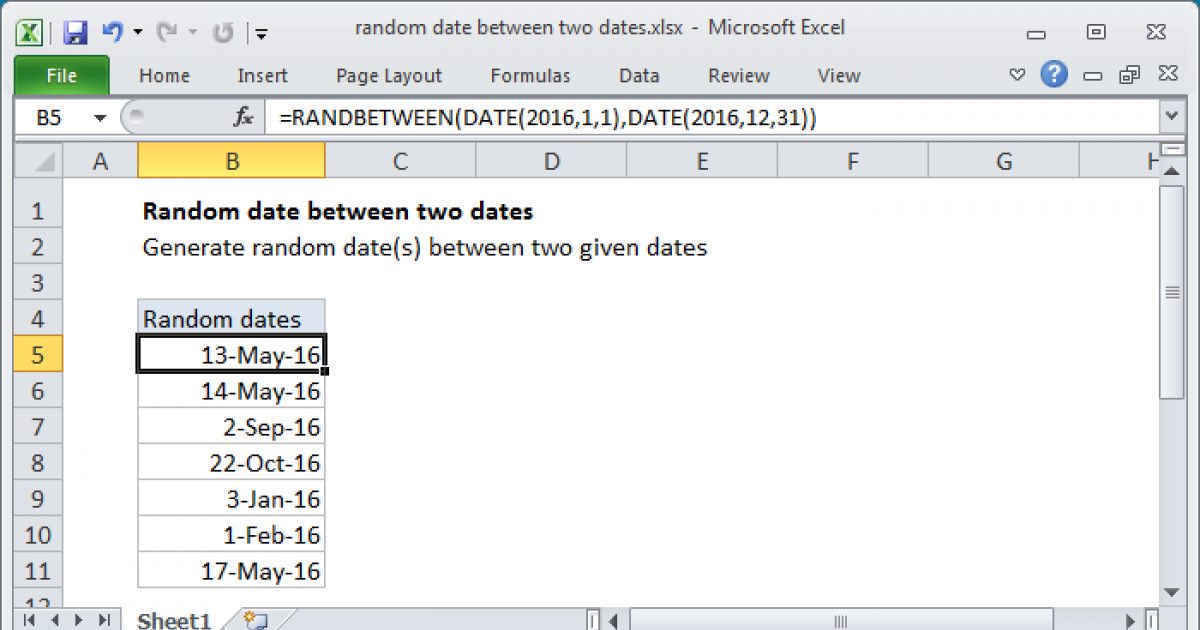
Tableau If Date Between Two Dates Then Datetime How To Omit Weekends Dates From The List Of Date Between Two Sum If Date Is Between Two Dates In Excel Find All Date Between Two Dates In JavaScript DNT Random Date Between Two Dates Excel Formula Exceljet How To Calculate Difference Between Two Dates In Excel Knowl365 Riset Step 1 Create Parameters for Date Range Build two separate parameters with a data type of Date one will be the minimum end of your range and the other will be for the maximum end of your range Once these are created right click on each one and choose Show Parameter Control If you would like to follow along using the Sample
The start date will be the first of the month calculated based on the date selected in the parameter and the end date will be selected by the user based on a parameter I read through the previous discussions and found there is no between operator in tableau Can someone help me with an workaround for this case Using Tableau Upvote Answer The DATEDIFF function will find the number of specified dateparts in this case days between two dates The starting date is LOOKUP MIN Order Date 1 which will return the date one row previous Table functions can be computed differently to allow the calculation to be further customized
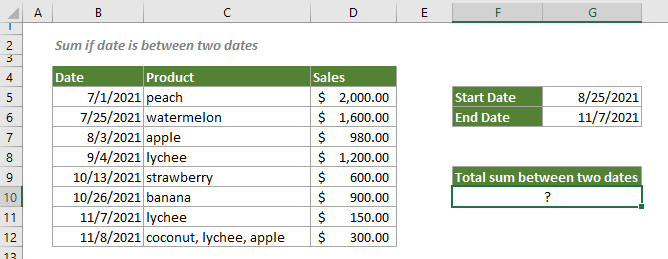
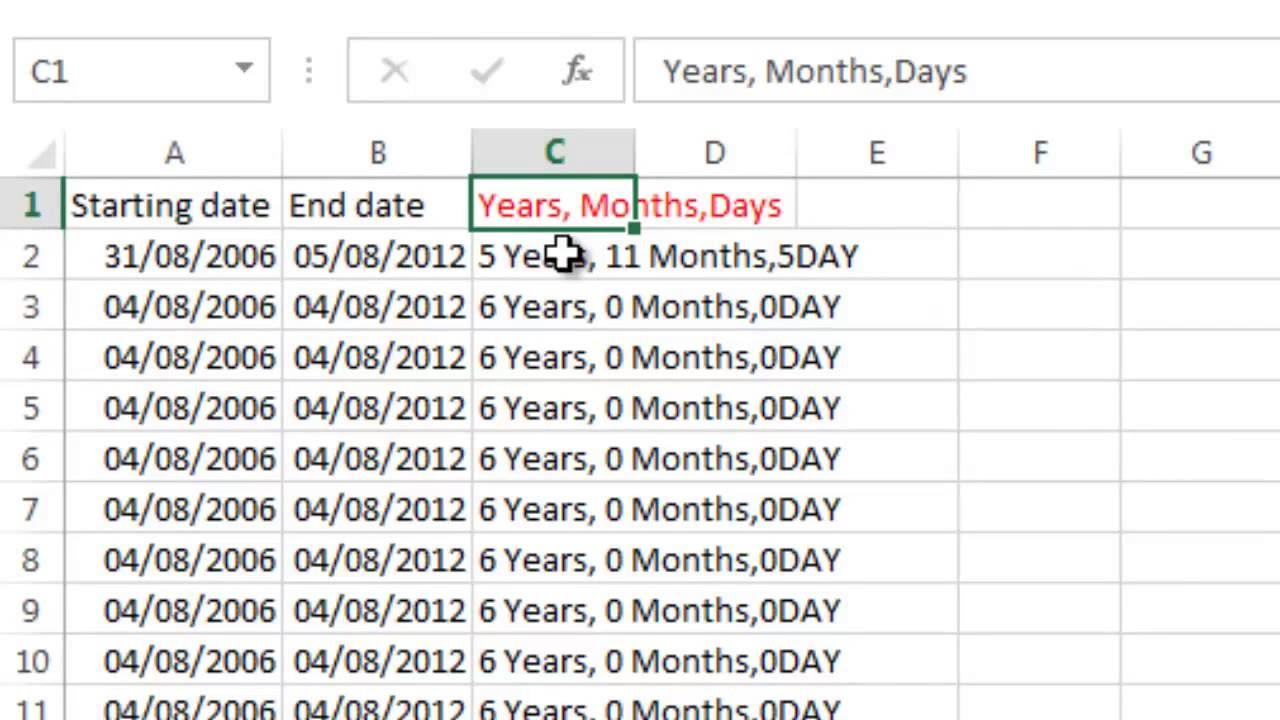
How To Calculate Difference Between Two Dates In Excel Knowl365 Riset Postgresql Date Between Two Dates DatabaseFAQs How To Sum If Date Between Two Dates In Excel Free Excel Tutorial Hot How To Calculate Difference Between Two Dates In Excel YouTube Php How To SELECT A Date Between Two Dates Stack Overflow How To VLOOKUP To Return Value If Date Falls Between Two Dates In Excel Date Calculator Between Two Dates For Android APK Download Sum Values Between Two Dates Free Excel Tutorial Hot Sex Picture Como Contar Se As C lulas Cont m Alguma Data dado No Excel
Tableau If Date Between Two Dates Then
 Tableau If Date Between Two Dates Then
https://i.stack.imgur.com/1OYUE.png
The syntax you ll need to use is as follows DATEDIFF day START DATE END DATE Try out some of the date parts in the table above swapping out day with another option Let s say in this example that we have a start date of July 1st 2022 and an end date of July 2nd 2022
Pre-crafted templates provide a time-saving option for creating a varied variety of documents and files. These pre-designed formats and designs can be used for different personal and expert jobs, consisting of resumes, invitations, leaflets, newsletters, reports, discussions, and more, streamlining the content creation procedure.
Tableau If Date Between Two Dates Then
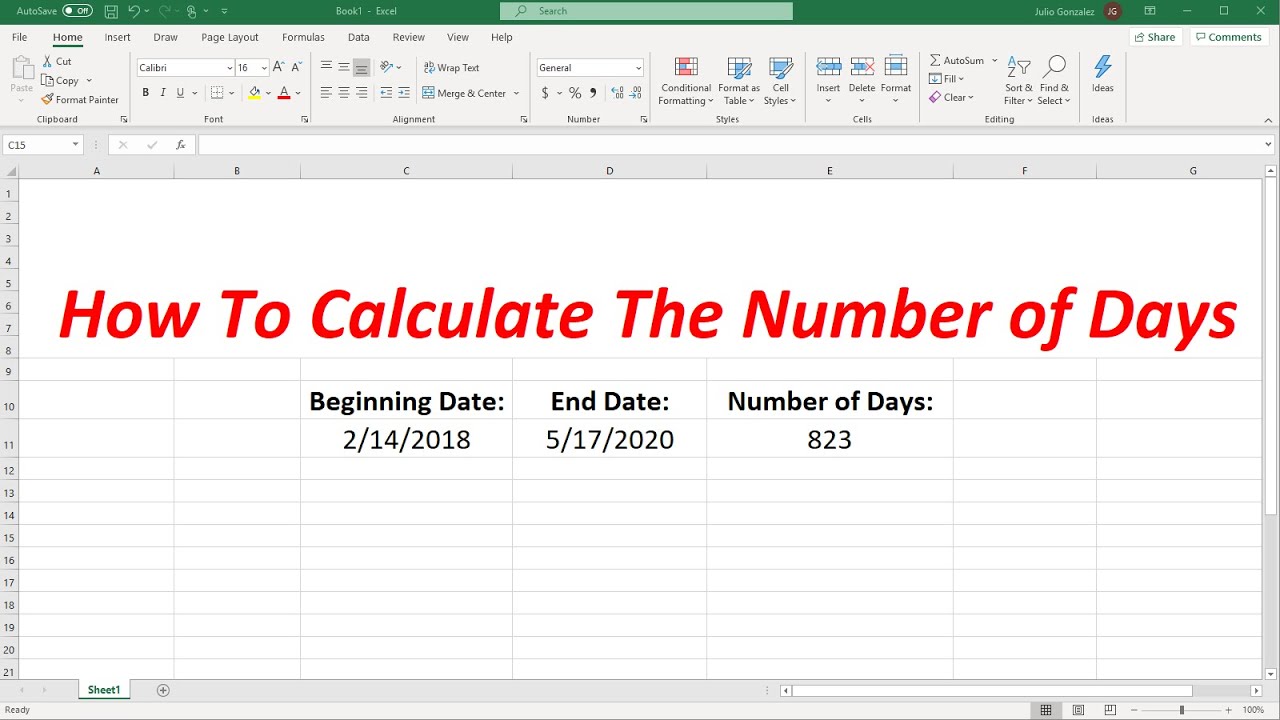
How To Calculate Days Between Two Dates In Excel Haiper

Postgresql Date Between Two Dates DatabaseFAQs
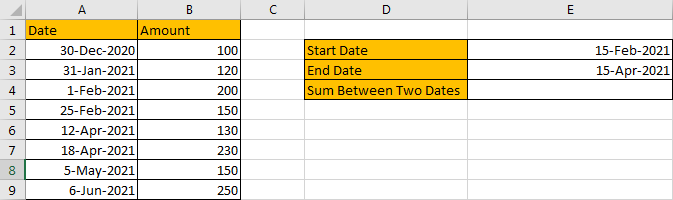
How To Sum If Date Between Two Dates In Excel Free Excel Tutorial Hot
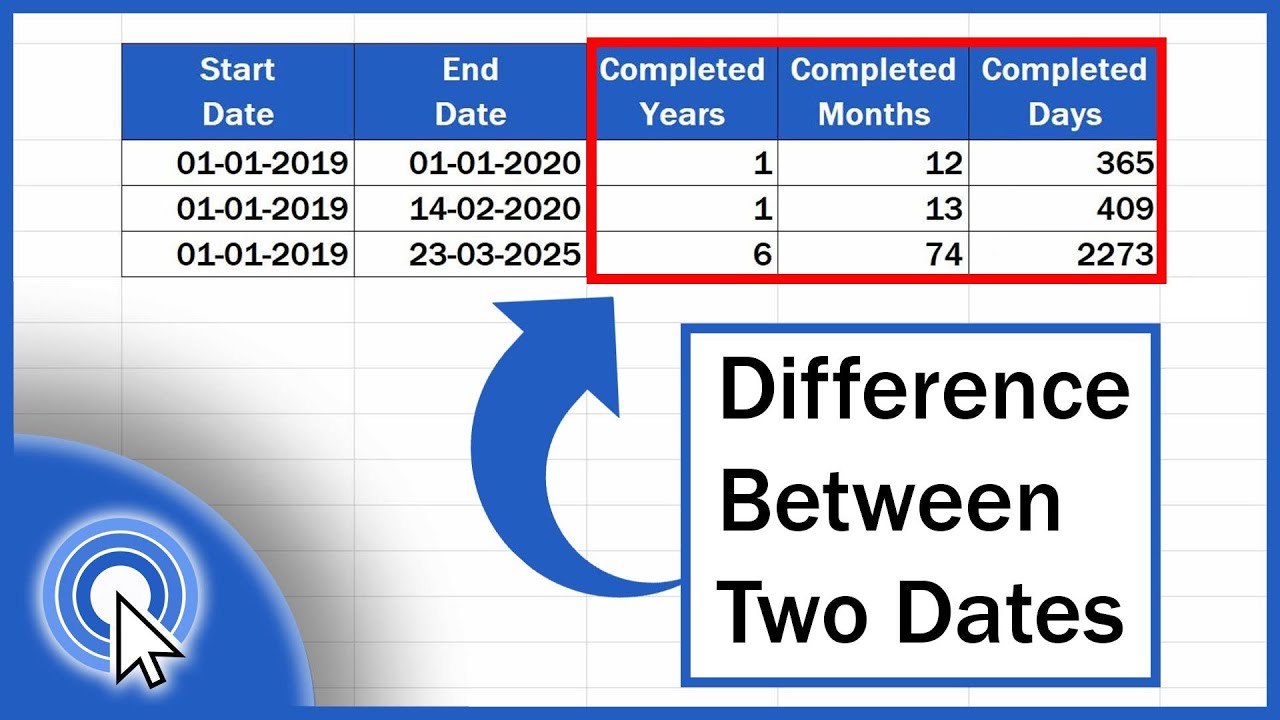
How To Calculate Difference Between Two Dates In Excel YouTube
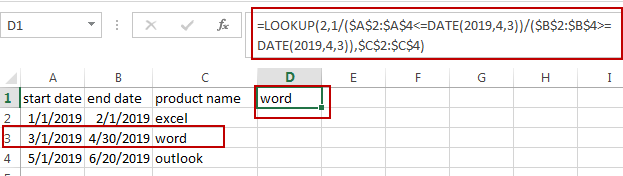
How To VLOOKUP To Return Value If Date Falls Between Two Dates In Excel
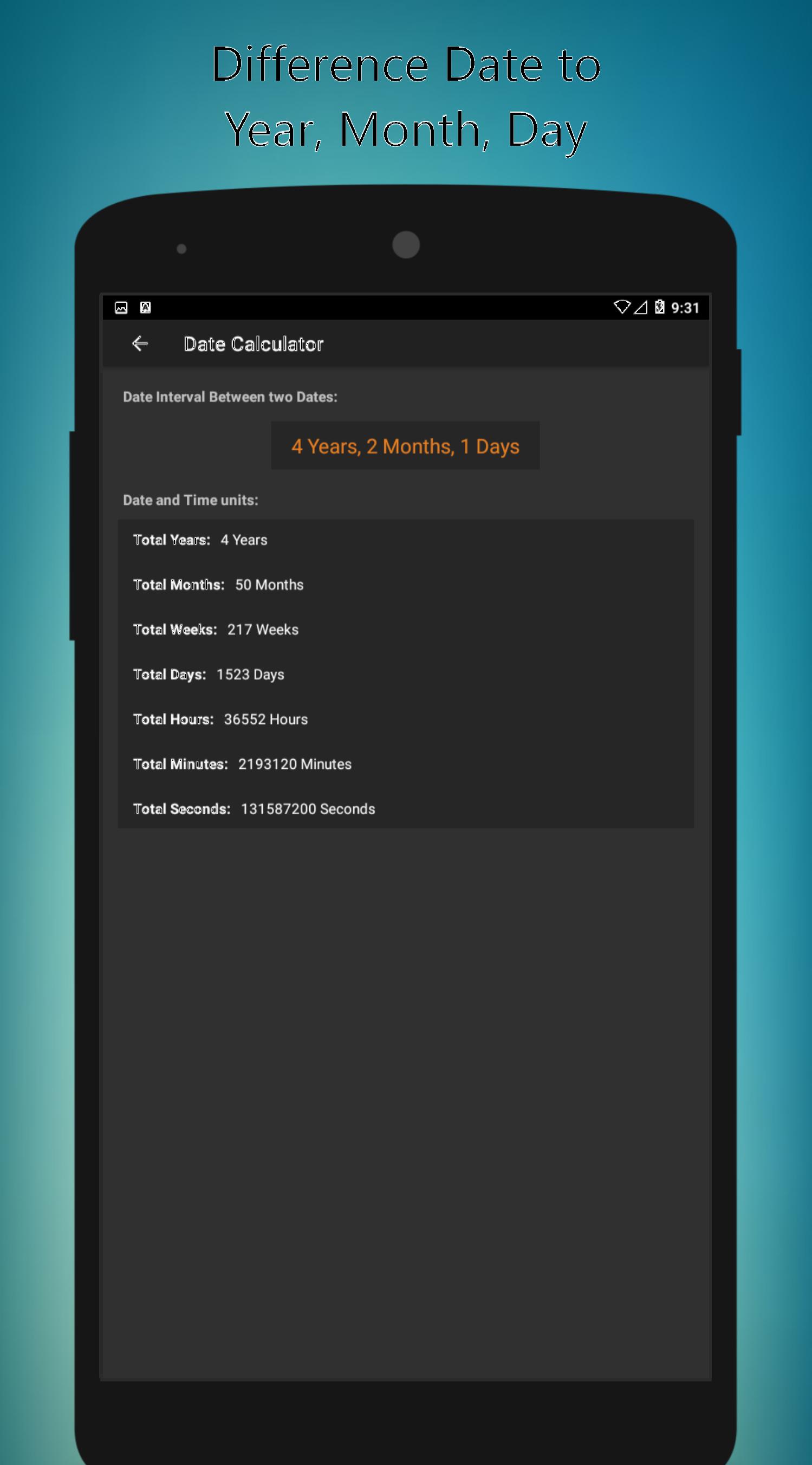
Date Calculator Between Two Dates For Android APK Download

Answer Use the following formulas as templates from which to create calculated fields In the formulas below Date is the name of the date dimension Filtering a Range of Days Use the following formula to create a calculated filed that filters for the last n days IF Date today n 1 OR Date today THEN NULL ELSE Date END
I am using Tableau 2022 1 and trying to create a calculated field as follows IF Ask Date Referral Date THEN Solicited The two dates come from different data sources joined by a field of constituent ID numbers The calculation comes back as valid but gives the wrong results all results are Not Solicited which isn t correct

DATEDIFF Returns the number of date parts weeks years etc between two dates DATENAME Returns the name of the specified date part as a discrete string DATEPARSE Returns specifically formatted strings as dates DATEPART Returns the name of the specified date part as an integer DATETRUNC This function can be thought of as date rounding
Logical calculations allow you to determine if a certain condition is true or false Boolean logic For example you might want to categorize values based on certain cutoffs A logical calculation might look something like this IF Profit 0 THEN Profitable ELSEIF Profit 0 THEN Break even ELSE Loss END
Option 1 Pivot the Date Fields Pivot the date fields so that there is only one field with date data and a second field like Event that describes whether the event is order placed or order shipped Note for some data sources pivoting can be done directly in Tableau Desktop For detailed directions see Pivot Data from Columns to Rows
Updated Nov 7 2022 DATEDIFF function is used to compute difference between two dates in Tableau Date1 Date2 In this article I would like to share with you how you can apply this function in your Tableau assignments But before that lets first explore a different approach for computing difference between dates Where Completion Date 7 Days Ago IF Load Date TODAY 7 THEN Completion Date ELSE NULL END However the calc always returns No Change even when there are differences between two dates The 7 Days Ago calc is in a historical source and Completion Date in that source is formatted differently compared to the Completion Date
Step 1 Create a parameter field Select Date field Setting the data type to integer will help performance since integer and boolean data types run faster than date and string data types Each value can be given a name that is easily recognized Step 2 Create the calculation Select Date field CASE Parameters