Systemctl Stop Failed Service Jenkins Job For Jenkins service Failed Because The Control Process Docker Job For Docker service Failed Because The Control Process Centos7 Restarting Network via Systemctl Job For Network Job For Docker service Failed Because Start Of The Service Was Systemctl Status Network service And journalctl xe For Details Aug 31 2018 nbsp 0183 32 systemctl is a controlling interface and inspection tool for the widely adopted init system and service manager systemd This guide will cover how to use systemctl to manage systemd services work with systemd Targets
To stop a currently running service use the stop argument with the systemctl command The example below shows how to stop the sshd service service During a restart of a running Mar 12 2025 nbsp 0183 32 To ensure the system is healthy failed units should be investigated on a regular basis Sooner or later a unit might fail and showing up the systemctl listing In this article we have a look at how to solve it Why do
Systemctl Status Network service And journalctl xe For Details Job For Tomcat service Failed Because The Control Process Exited With Centos7 systemctl Restart Netuork service Job For Network service Nginx Job For Nginx service Failed See systemctl Status Nginx Ubuntu systemctl service Job For Jenkins service Failed Because The Control Process Exited With Job For Httpd service Failed See systemctl Status Httpd service Kali Linux Job For Networking service Failed Because The Control linux rabbitmq Job For Rabbitmq server service Failed See
Systemctl Stop Failed Service
 Systemctl Stop Failed Service
https://img2022.cnblogs.com/blog/1095477/202201/1095477-20220124144631629-1811129926.png
I run sudo systemctl stop crio service and either the service will be stopped and after some seconds I get back the CLI prompt or immediately if the service is stopped already or in a
Templates are pre-designed documents or files that can be used for different functions. They can conserve time and effort by supplying a ready-made format and design for producing different type of material. Templates can be used for individual or expert jobs, such as resumes, invites, flyers, newsletters, reports, discussions, and more.
Systemctl Stop Failed Service

Kali Linux Job For Networking service Failed Because The Control

Job For Tomcat service Failed Because The Control Process Exited With

Centos7 systemctl Restart Netuork service Job For Network service

Nginx Job For Nginx service Failed See systemctl Status Nginx

Job For Jenkins service Failed Because The Control Process Exited With

Job For Httpd service Failed See systemctl Status Httpd service
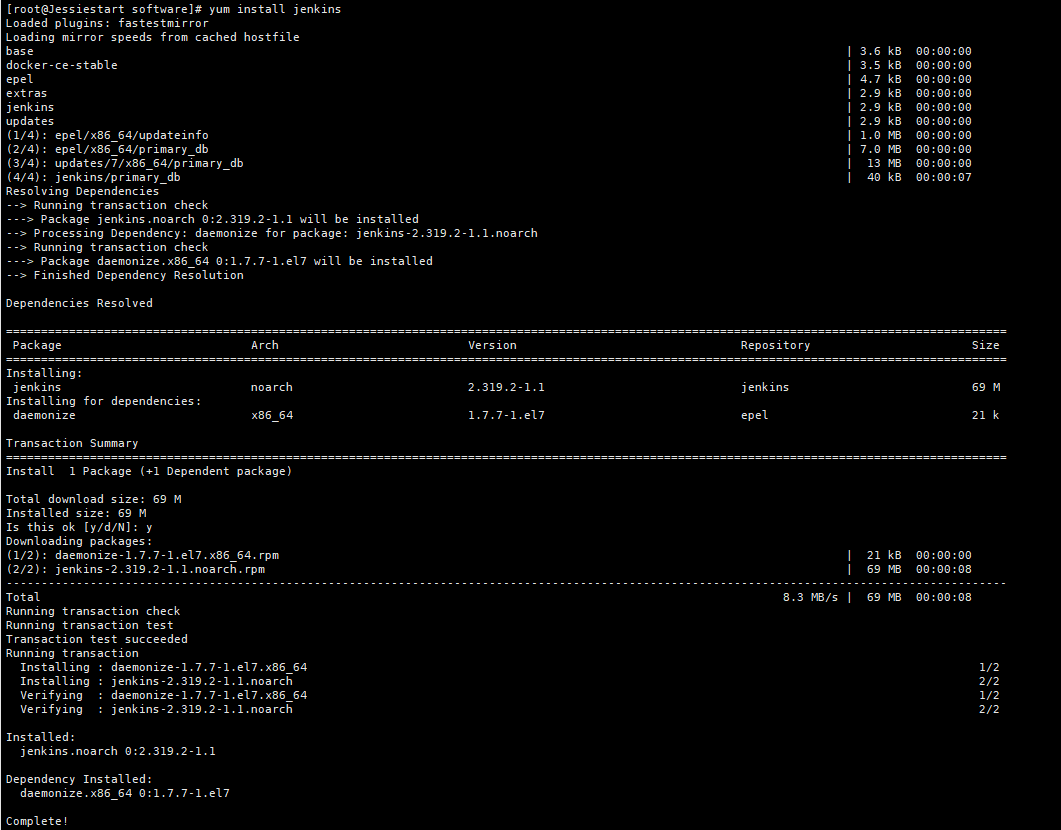
Jun 5 2024 nbsp 0183 32 We discussed systemctl which is a vital command line tool for managing system services in Linux playing a crucial role in tasks such as starting stopping restarting enabling
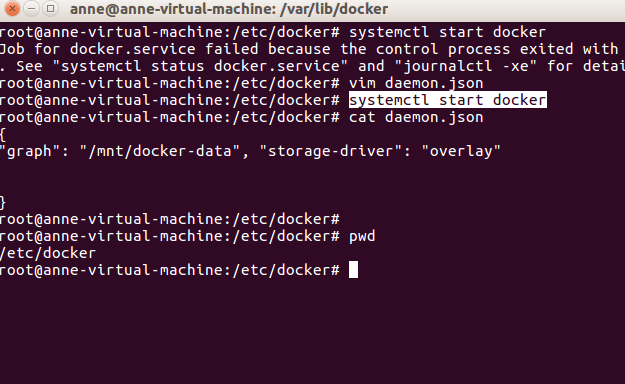
In systems using systemd it may be present as a backward compatibility command but the native systemctl command is just as simple systemctl disable servicename

Jan 19 2019 nbsp 0183 32 My service usr lib systemd system zookeeper service are fail when I stop vagrant localhost sudo systemctl stop zookeeper vagrant localhost sudo systemctl

Jun 1 2015 nbsp 0183 32 we have a simple systemd script to start a MineCraft server in a service fashion The SO is CentOS 7 Here the script Starting the service works fine but when stopping the

Aug 21 2018 nbsp 0183 32 Use the below systemctl command to determine systemd version Next we use systemctl command to list all currenly running services on our Redhat Linux server system Similarly we can list all services which failed to
Oct 4 2024 nbsp 0183 32 In this article we will understand the use of systemctl command in Linux and How to manage system services in linux By mastering systemctl you gain full control over your Jan 22 2018 nbsp 0183 32 115 Use systemctl to remove the failed status To reset all units with failed status systemctl reset failed or just your specific unit systemctl reset failed openvpn
If you use systemctl stop the service will eventually be killed with SIGKILL if it doesn t exit properly See man systemd kill for details