Systemctl Service Status Systemctl Status service Timedatectl YouTube Systemctl Status Network service And journalctl xe For Details Systemd Writing And Enabling A Service Running Programs When I Use Systemctl Status Mongodb I Cant Get Out Installation Jenkins Job For Jenkins service Failed Because The Control Process Web Oct 7 2017 nbsp 0183 32 systemctl is active quiet service will exit with status zero if service is active non zero otherwise making it ideal for scripts systemctl is active quiet service amp amp echo Service is running If you omit quiet it will also output the current status to its standard output
Web Nov 16 2020 nbsp 0183 32 The first and most important use of systemctl is checking service status Here s the syntax systemctl command argument systemctl status service systemctl status service There s your atd service info Started a while ago I should reboot and active PID there if I need to kill it though we can with systemctl too So what to check Web Jan 2 2024 nbsp 0183 32 In this tutorial I will share the commands which you can use to list systemctl services along with their state You can use these methods in scripts to add service status checks to make sure service is in running or failed state
Jenkins Job For Jenkins service Failed Because The Control Process Ubuntu systemctl service Job For Httpd service Failed See systemctl Status Httpd service linux systemctl Status Network service And journalctl xe For Open SSH Server Linux El Taller Del Bit Kali Linux Job For Networking service Failed Because The Control Install Docker And Docker Compose On Rocky Linux 8 045 PGSQL Job For Postgresql 13 service Failed Because The Job For Mysqld service Failed Because The Control Process Exited With
Systemctl Service Status
 Systemctl Service Status
https://i.ytimg.com/vi/k7ZKLFpxawI/maxresdefault.jpg
Web systemctl can include the complete output of its status listing without truncation by adding the l flag systemctl l status service name l don t truncate entries with ellipses no pager can be added to avoid invoking a pager when the
Templates are pre-designed files or files that can be used for various purposes. They can save effort and time by supplying a ready-made format and layout for developing various type of content. Templates can be used for individual or expert jobs, such as resumes, invites, flyers, newsletters, reports, presentations, and more.
Systemctl Service Status

Kali Linux Job For Networking service Failed Because The Control
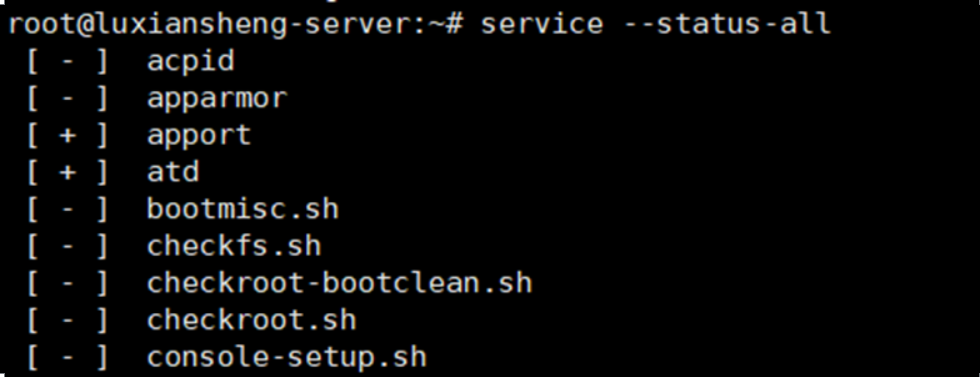
Ubuntu systemctl service

Job For Httpd service Failed See systemctl Status Httpd service
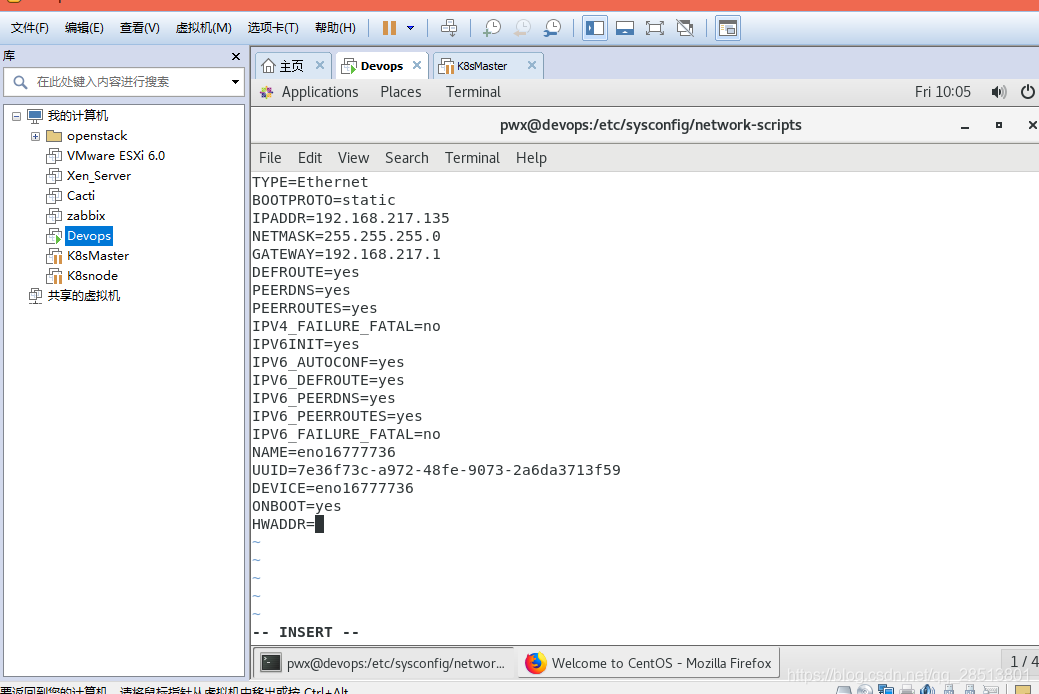
linux systemctl Status Network service And journalctl xe For

Kali Linux Job For Networking service Failed Because The Control

Install Docker And Docker Compose On Rocky Linux 8

Web Dec 19 2022 nbsp 0183 32 Using the systemctl status command The systemctl status command is the easiest way to get a snapshot of your Linux system s service s health You can use it to quickly find out which services are running and services that stopped or crashed This is your go to tool when you want to check the status of the services installed on your

Web Jan 24 2022 nbsp 0183 32 To check the status of a service on your system you can use the status command systemctl status application service This will provide you with the service state the cgroup hierarchy and the first few log lines

Web Jun 19 2023 nbsp 0183 32 As all you have to do is use the systemctl command to start stop enable and disable the service And same goes for checking the status of the service Here you d have to use the status flag with the systemctl command as shown systemctl status lt service name gt
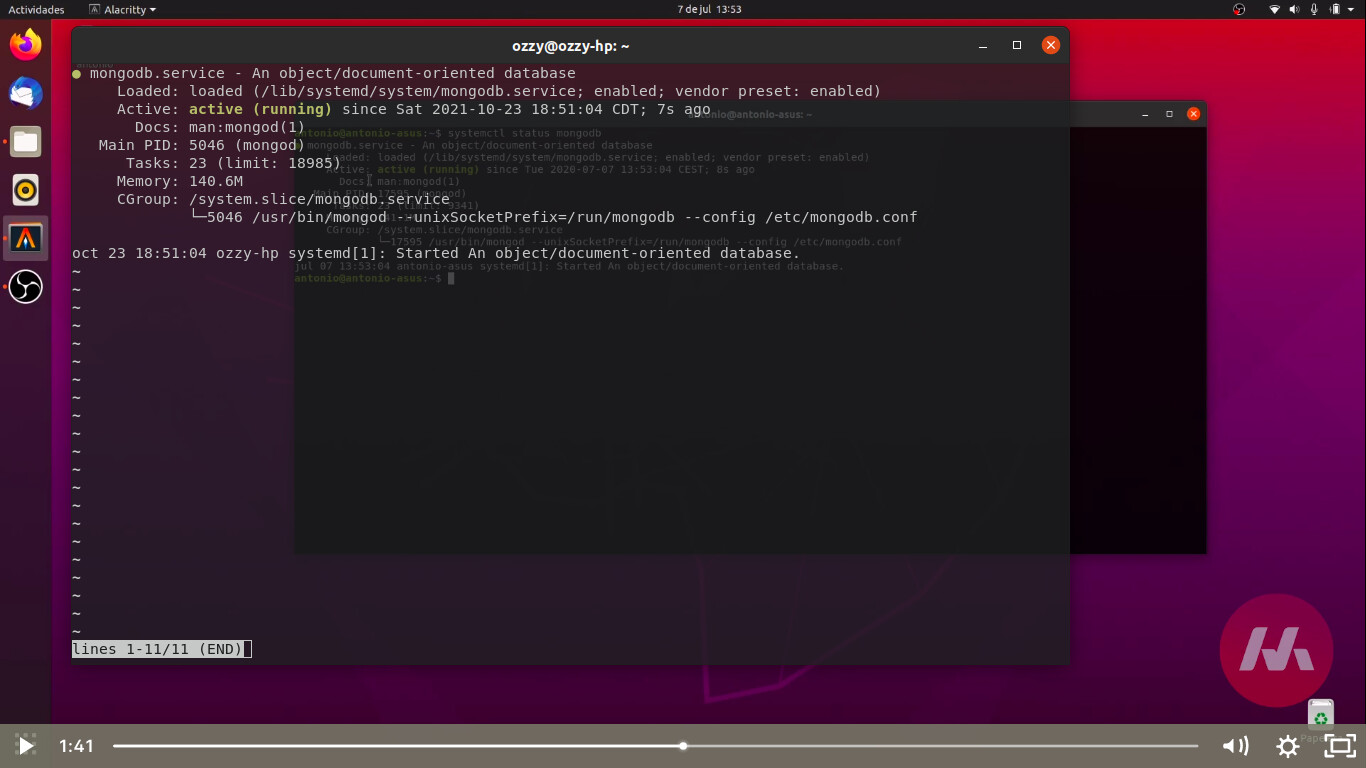
Web May 17 2022 nbsp 0183 32 Stop the service and recheck its status Disable the service reboot the system and confirm the service did not start Enable the service reboot the system and confirm the service did start Stop the service and use the mask subcommand to prevent it from launching Use the systemctl start command to attempt to start it Were you
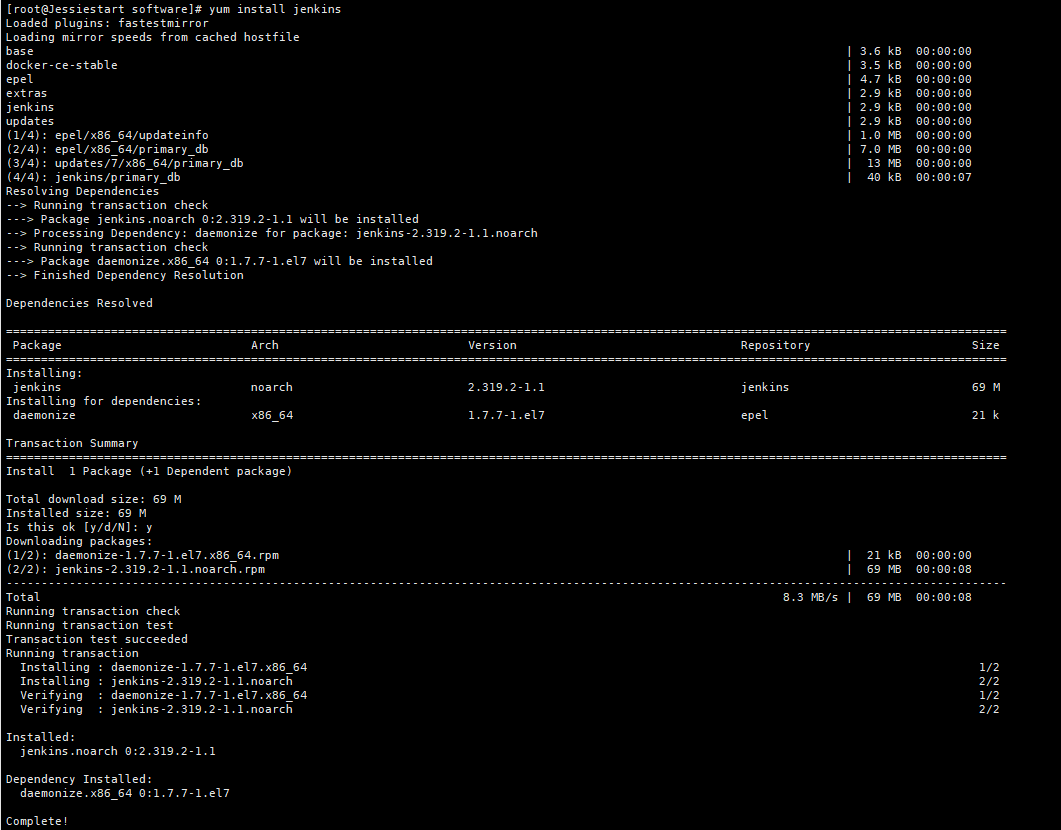
Web Aug 19 2023 nbsp 0183 32 Use quot systemctl type service state running quot to see all running services on a Linux system with systemd It provides details like name load sub state and description Systemd is a system and service manager in Linux that launches services Services are background tasks without a UI while daemons are launched on boot
Web Jan 2 2024 nbsp 0183 32 Step 2 Checking the service status with systemctl The systemctl command is a utility that controls Systemd and its units This tool allows us to check a unit s status and disable or enable them as needed Go ahead and view the list of all available units on your system through the command below Web Aug 31 2018 nbsp 0183 32 To start a systemd service in the current session issue the start command sudo systemctl start apache2 service Conversely to stop a systemd service issue the stop command sudo systemctl stop apache2 service In the above example we started and then stopped the Apache service
Web May 25 2022 nbsp 0183 32 Either way systemctl can help To see the status of all services type the following systemctl list units type service 8 List services by status To list services by status type the following systemctl list units type service state active Possible values for state include running stopped enabled disabled and failed