Systemctl Command To Start Service How To Manage Services In Linux Using Systemctl Start Stop Restart How To View Status Of A Service On Linux Using Systemctl Logos png WSL2 systemctl SQL Server 2017 Linux And Beyond Andrew Loree Ppt Download Systemd is a Linux system tool initially developed by the Red Hat Linux team It includes many features including a bootstrapping system used to start and manage system processes It is currently the default initialization system on most Linux distributions Many commonly used software tools such as SSH and Apache ship with a systemd service
1 Reboot Two fundamental tasks for systemctl are rebooting and shutting down the server To reboot type the following systemctl reboot 2 Shut down To initiate a shutdown process based on advanced configuration and power interface type the following systemctl poweroff 3 How to start stop and restart services in Linux by Ray Fernandez in Developer on June 22 2023 3 27 PM EDT Controlling services in Linux doesn t have to be a confounding experience Here s how
SQL Server 2017 Linux And Beyond Andrew Loree Ppt Download systemctl service Debian 11 Bullseye Systemctl Status Output Explained Thomas Stringer centos7 FAILED Failed To Start Switch Root See systemctl Status RHEL 8 CentOS 8 Enable Ssh Service Linux Tutorials Learn Linux Docker Docker Redirecting To bin systemctl Start Docker service Systemctl Command Examples Technology News Information Jobs How To Restart Network Interfaces On Linux Its Linux FOSS Systemctl Show Default Target
Systemctl Command To Start Service
 Systemctl Command To Start Service
https://i.ytimg.com/vi/j0_1GmPQ8nc/maxresdefault.jpg
Systemd is a software that allows you to launch Linux programs at boot on most Linux distributions including Ubuntu You can easily create an integrated service using systemd which can be controlled using systemctl systemd allows your program to write to the journal making it easier to track and monitor the service s activities
Templates are pre-designed documents or files that can be utilized for numerous purposes. They can save time and effort by providing a ready-made format and layout for creating different kinds of material. Templates can be utilized for personal or expert projects, such as resumes, invites, flyers, newsletters, reports, presentations, and more.
Systemctl Command To Start Service
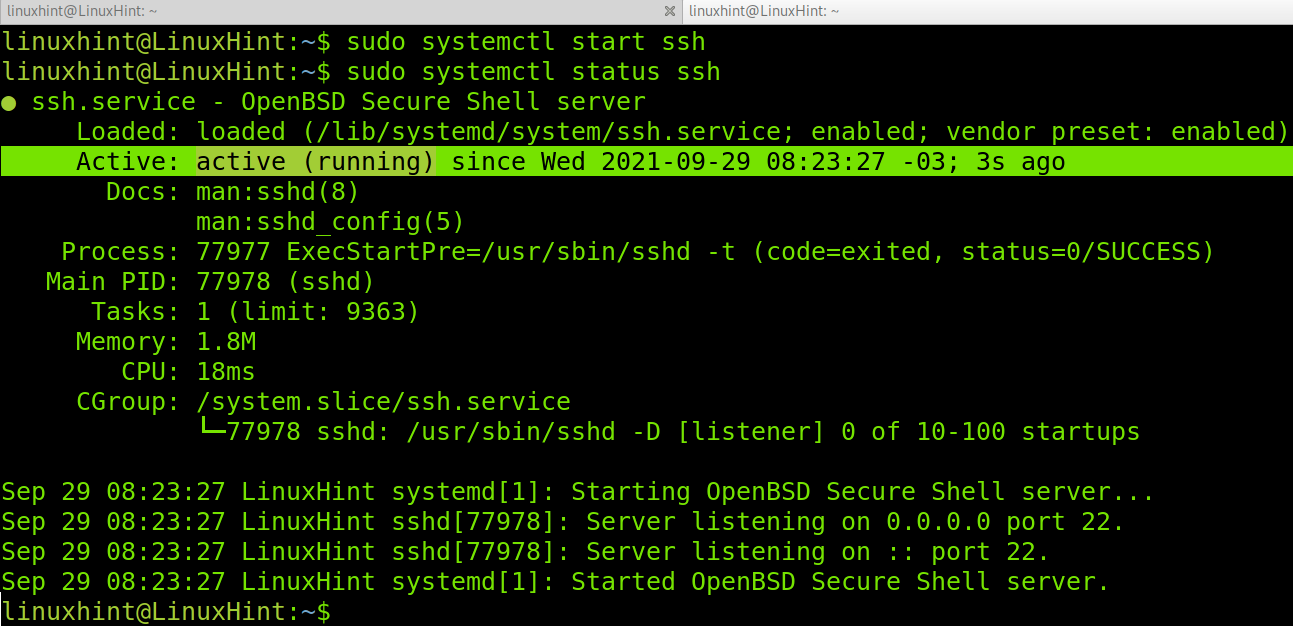
systemctl service Debian 11 Bullseye
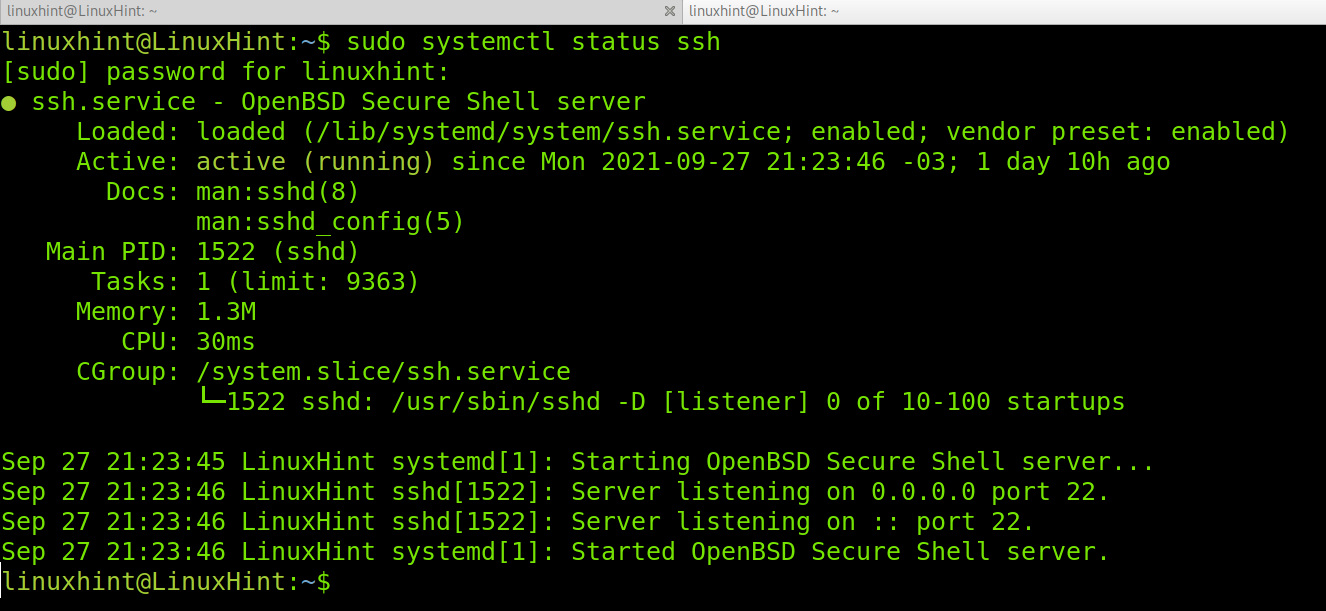
systemctl service Debian 11 Bullseye
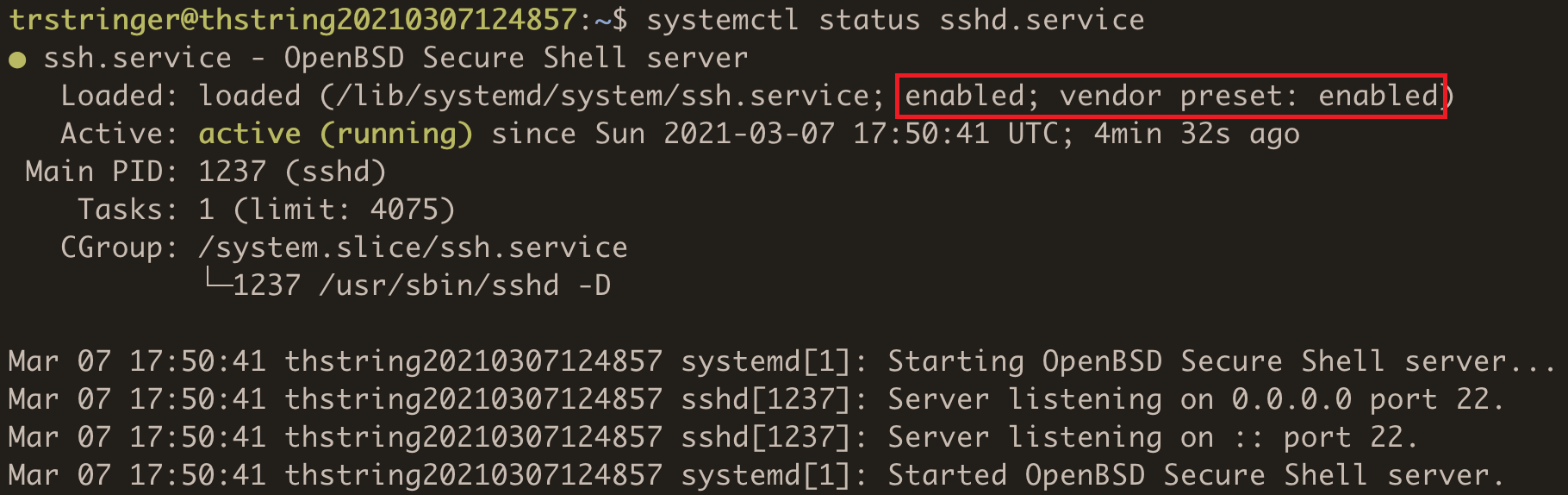
Systemctl Status Output Explained Thomas Stringer

centos7 FAILED Failed To Start Switch Root See systemctl Status
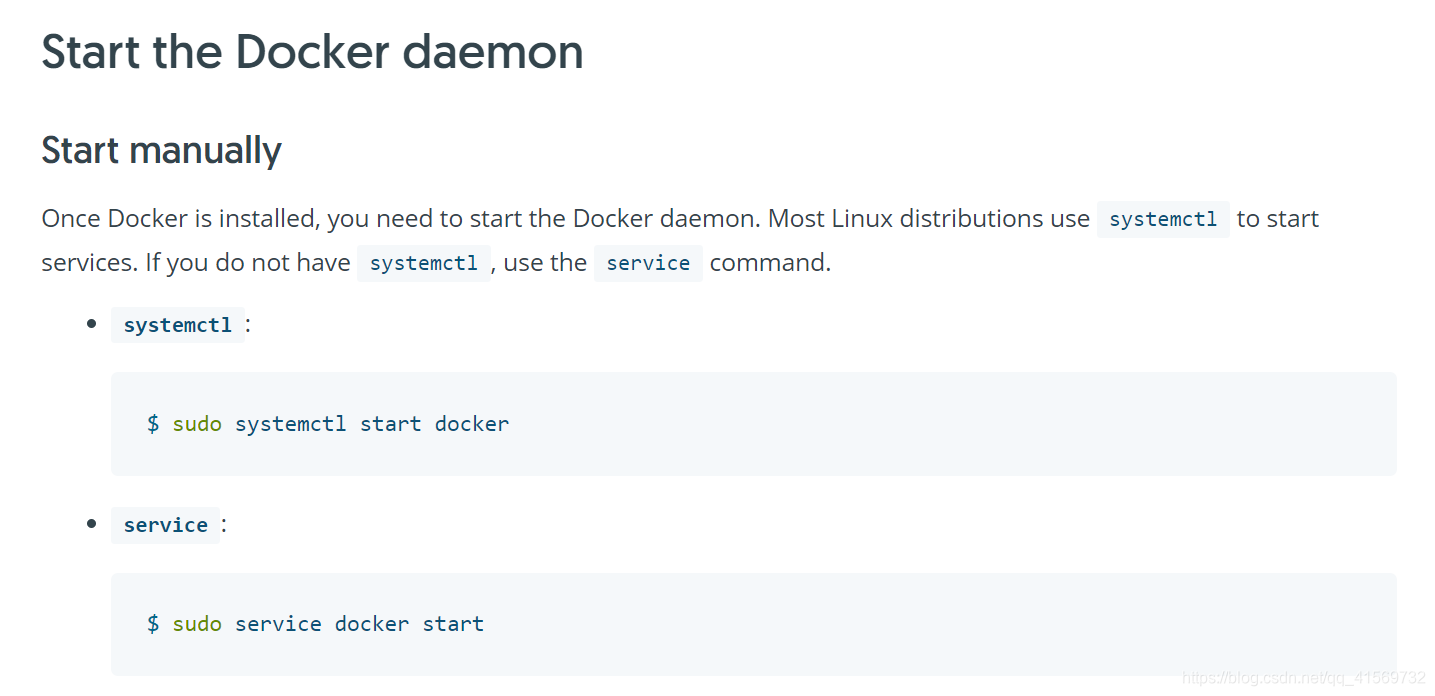
Docker Docker Redirecting To bin systemctl Start Docker service
Systemctl Command Examples Technology News Information Jobs

To start a systemd service on boot all you have to do is the enable flag with the systemctl command in the following manner sudo systemctl enable service name Want more details I got you How to start a systemd service on boot

To start a systemd service in the current session issue the start command sudo systemctl start apache2 service Conversely to stop a systemd service issue the stop command sudo systemctl stop apache2 service In the above example we started and then stopped the Apache service

To restart a running service you can use the restart command sudo systemctl restart application service If the application in question is able to reload its configuration files without restarting you can issue the reload command to initiate that process sudo systemctl reload application service
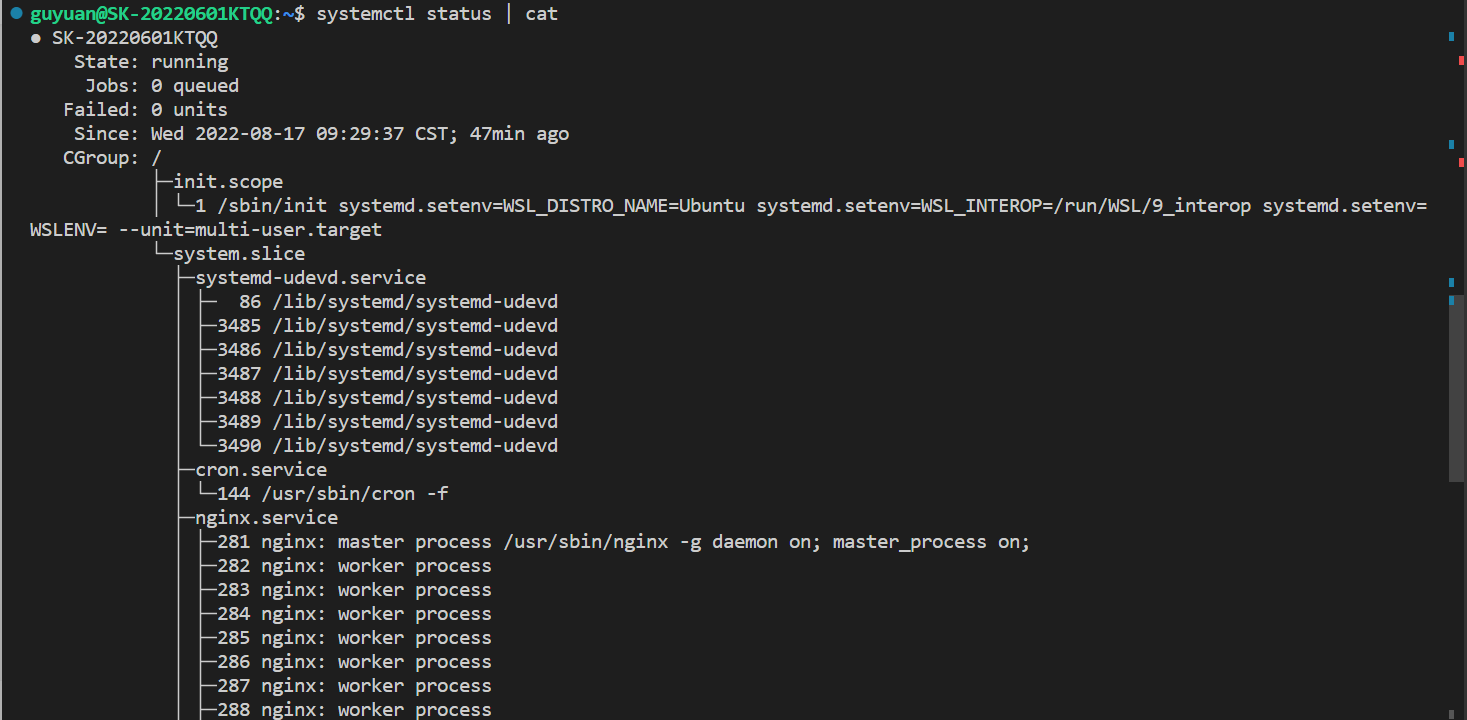
1 List all services systemctl list unit files type service all 2 Command Start Syntax sudo systemctl start service service The command start serves for starting activate one or more units specified on the command line Example sudo systemctl start mariadb Command Start 3 Command Stop Syntax sudo systemctl stop service service

To stop and restart the service in Linux use the command sudo systemctl restart SERVICE NAME After this point your service should be up and running again You can verify the state with the status command To restart Apache server use sudo systemctl restart apache2 How to Reload a Service
Systemctl is the systemd command for controlling how services start on a Linux system A service can be enabled disabled or masked and it can be configured to start at boot on demand manually or prevented from starting under any circumstances Enabling a service means it will start at boot 1 Start service You are recommended to start the service after installing a package or after making some changes to the configuration file To start the service all you have to do is use the start flag with the systemctl command as shown here sudo systemctl start service name
The systemctl command is the entry point for users to interact and configures the SystemD In short the differences between service and systemctl commands can be summarized as two different commands for two different init systems 3 service Command The service command has a general syntax of service SCRIPT COMMAND