Swiftui Text Line Break Mode SwiftUI Take A Break Mac App YouTube How To Add A New Line To A JavaScript String Line Break 1 1 YouCanLearnThis Animate Text Style Changes In SwiftUI Style Text In SwiftUI YouTube Google Maps Google Maps is a web mapping platform and consumer application developed by Google It offers satellite imagery aerial photography street maps 360 176 interactive panoramic views of streets Street View real time traffic conditions and route planning for traveling by foot car bike air in beta and public transportation
Create and collaborate on immersive data driven maps from anywhere with the new Google Earth See the world from above with high resolution satellite imagery explore 3D terrain and buildings in hundreds of cities and dive into streets and Find local businesses view maps and get driving directions in Google Maps
Style Text In SwiftUI YouTube SwiftUI Multi line Text Fields watchOS How To Force SwiftUI Text To break By Character By Jaeho HTML Line Breaks A Quick Guide New Way To Control Number Of Lines Of SwiftUI Text In IOS 16 Sarunw Text Line Design Font Diagram Rectangle Logo Parallel Brand Enter Break Mode When A Function Is Called Visual Studio Hacks Book Line Break 1 The Eyeopener Excuses Break Mode R dellorofficial
Swiftui Text Line Break Mode
 Swiftui Text Line Break Mode
https://i.ytimg.com/vi/d--Ohcu58O0/maxresdefault.jpg
Official Google Maps Help Center where you can find tips and tutorials on using Google Maps and other answers to frequently asked questions
Templates are pre-designed documents or files that can be utilized for various purposes. They can conserve time and effort by supplying a ready-made format and layout for producing different type of material. Templates can be utilized for individual or expert jobs, such as resumes, invitations, flyers, newsletters, reports, presentations, and more.
Swiftui Text Line Break Mode

Line Break Microsoft Word 2022 Line For Free
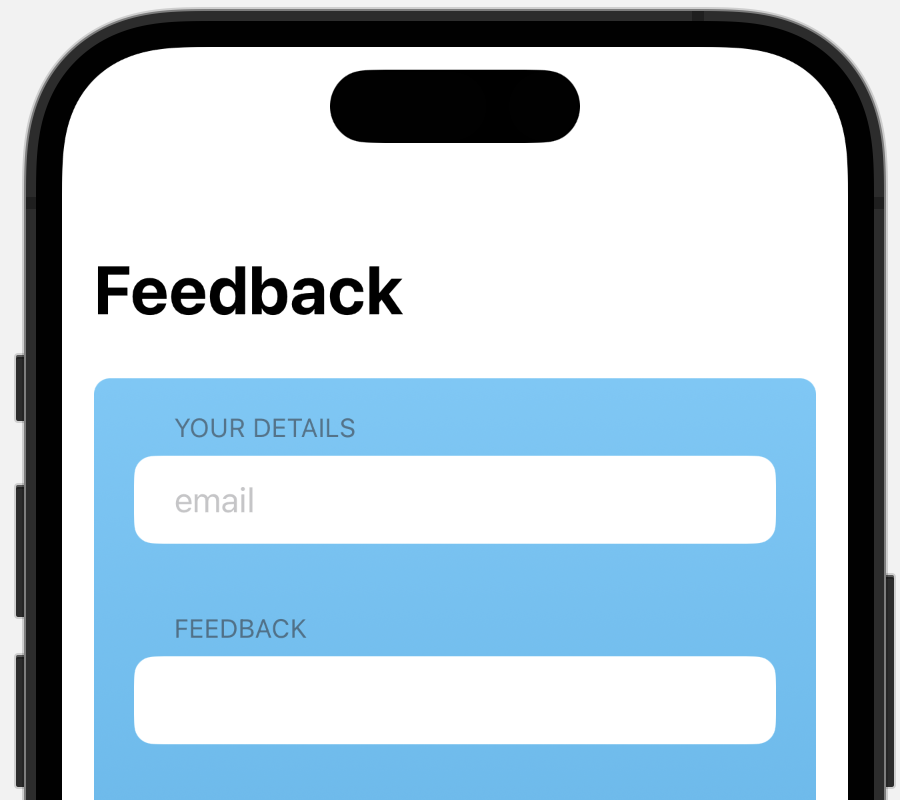
SwiftUI Multi line Text Fields
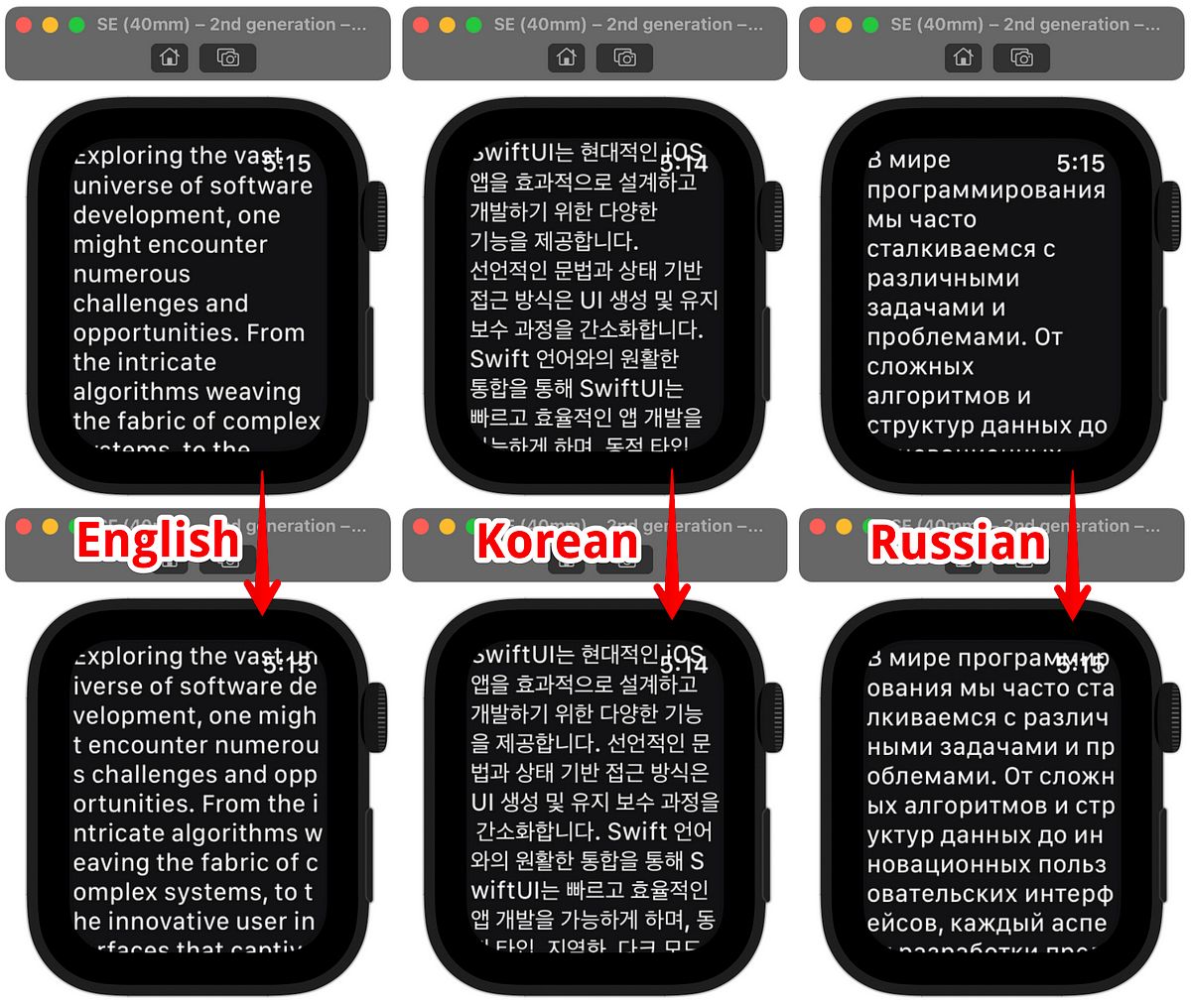
watchOS How To Force SwiftUI Text To break By Character By Jaeho

HTML Line Breaks A Quick Guide

Text Line Design Font Diagram Rectangle Logo Parallel Brand

Enter Break Mode When A Function Is Called Visual Studio Hacks Book

Discover the world with Google Maps Experience Street View 3D Mapping turn by turn directions indoor maps and more across your devices

Explore and navigate the world with confidence using Google Maps Find the best routes with live traffic data and real time GPS navigation for driving walking cycling and public transport Discover over 250 million businesses and places from restaurants and shops to everyday essentials with photos reviews and helpful information

Important To keep yourself and others safe stay aware of your surroundings when you use directions on Google Maps When in doubt follow actual traffic regulations and confirm signage from the road or path that you re on You can get directions for driving public transit walking ride sharing cycling flight or motorcycle on Google Maps
Get started with Google Maps This article will help you set up learn the basics and explain various features of Google Maps You can use the Google Maps app on your mobile device or Google Maps on your computer

On your computer open Google Maps Make sure you re signed in On the left choose an option Get directions to relevant places Click a place in the list You ll get places based on your Gmail Calendar and recent travel history Get directions to saved places If you saved your work or home address in your Google Account click Home or Work You can edit your home or work
[desc-11] [desc-12]
[desc-13]