Swiftui Set Button Height Ios SwiftUI Set Corner Radius Depending On Its Own Height Stack Save An Image To MacOS File System With SwiftUI Software Development Set The Window Size In SwiftUI Programming Tips From Programmer SwiftUI Button Styles WT Engineering Blog Passing Data Between Views In SwiftUI Using A Property Configuration label padding background Color red 0 green 0 blue 0 5 foregroundStyle white clipShape Capsule struct ContentView View var body
How to create a button in SwiftUI What is the difference between Button and onTapGesture in SwiftUI Assigning a Role to Buttons How do I customize a You can use the buttonStyle modifier to change the appearance of your button in several ways Button Some Text Action to perform
Passing Data Between Views In SwiftUI Using A Property Sheets In SwiftUI Explained With Code Examples SwiftLee What s New In Xcode 14 WWDC22 Appcircle Blog SwiftUI Images SwiftUI Tutorial What Changed For SwiftUI 2 And SwiftUI 3 New Behind The Scenes Of SwiftUI With Aviel Gross BrightDigit SwiftUI Swiftui IOS Dark Mode PreferredColorScheme Works almost Fine Links In SwiftUI Swift Anytime
Swiftui Set Button Height
 Swiftui Set Button Height
https://i.stack.imgur.com/DQbEF.png
Aug 23 2022 Swift 5 5 iOS 15 Xcode 14 Learn how to easily customize your app buttons style with the minimum effort by leveraging the latest SwiftUI button modifiers By Andy
Templates are pre-designed files or files that can be used for different purposes. They can conserve time and effort by offering a ready-made format and layout for creating different sort of material. Templates can be utilized for individual or professional jobs, such as resumes, invites, flyers, newsletters, reports, discussions, and more.
Swiftui Set Button Height
Swiftui How To Set UIImage s Height To Always Be The Same As The
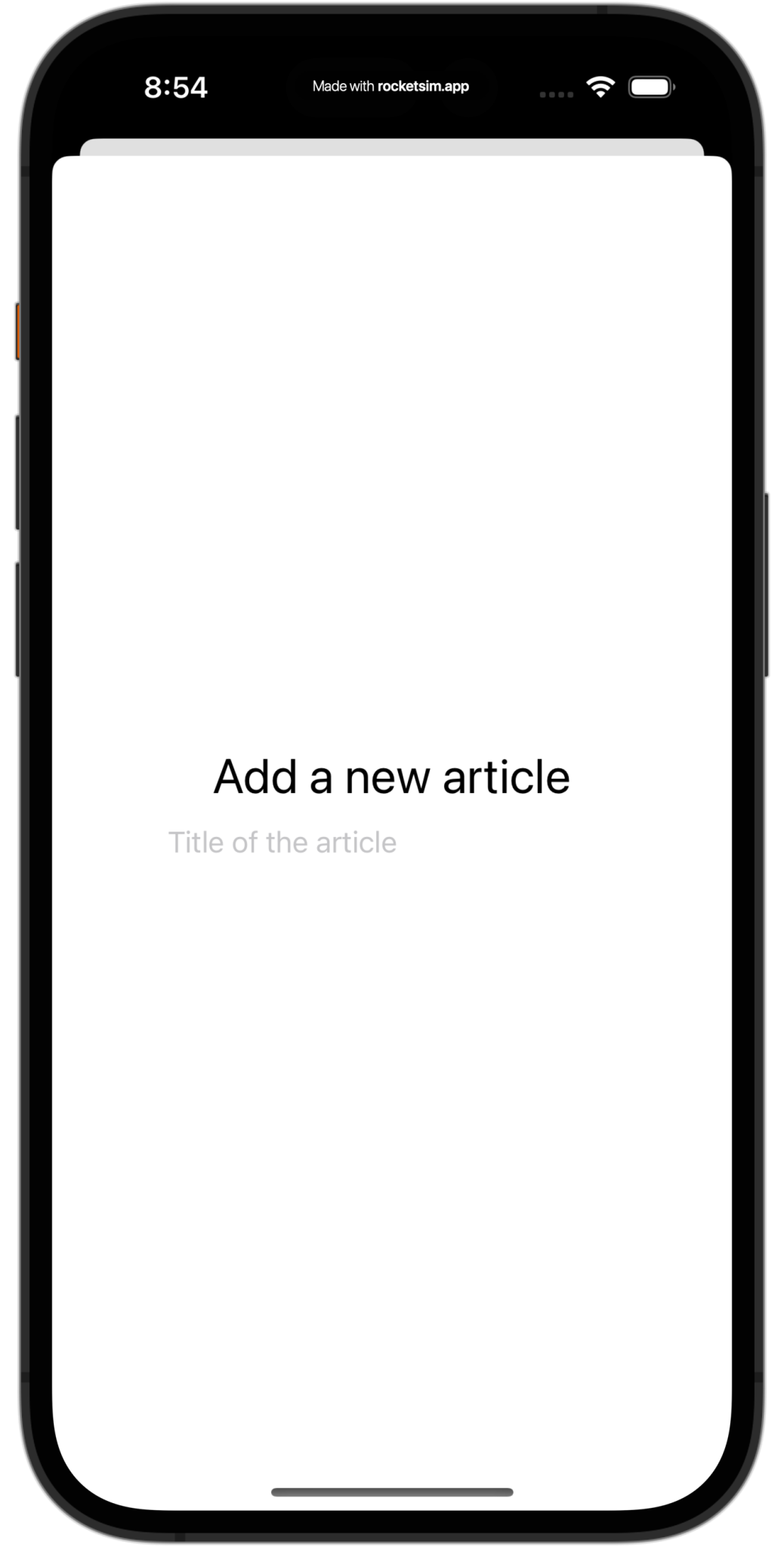
Sheets In SwiftUI Explained With Code Examples SwiftLee
What s New In Xcode 14 WWDC22 Appcircle Blog
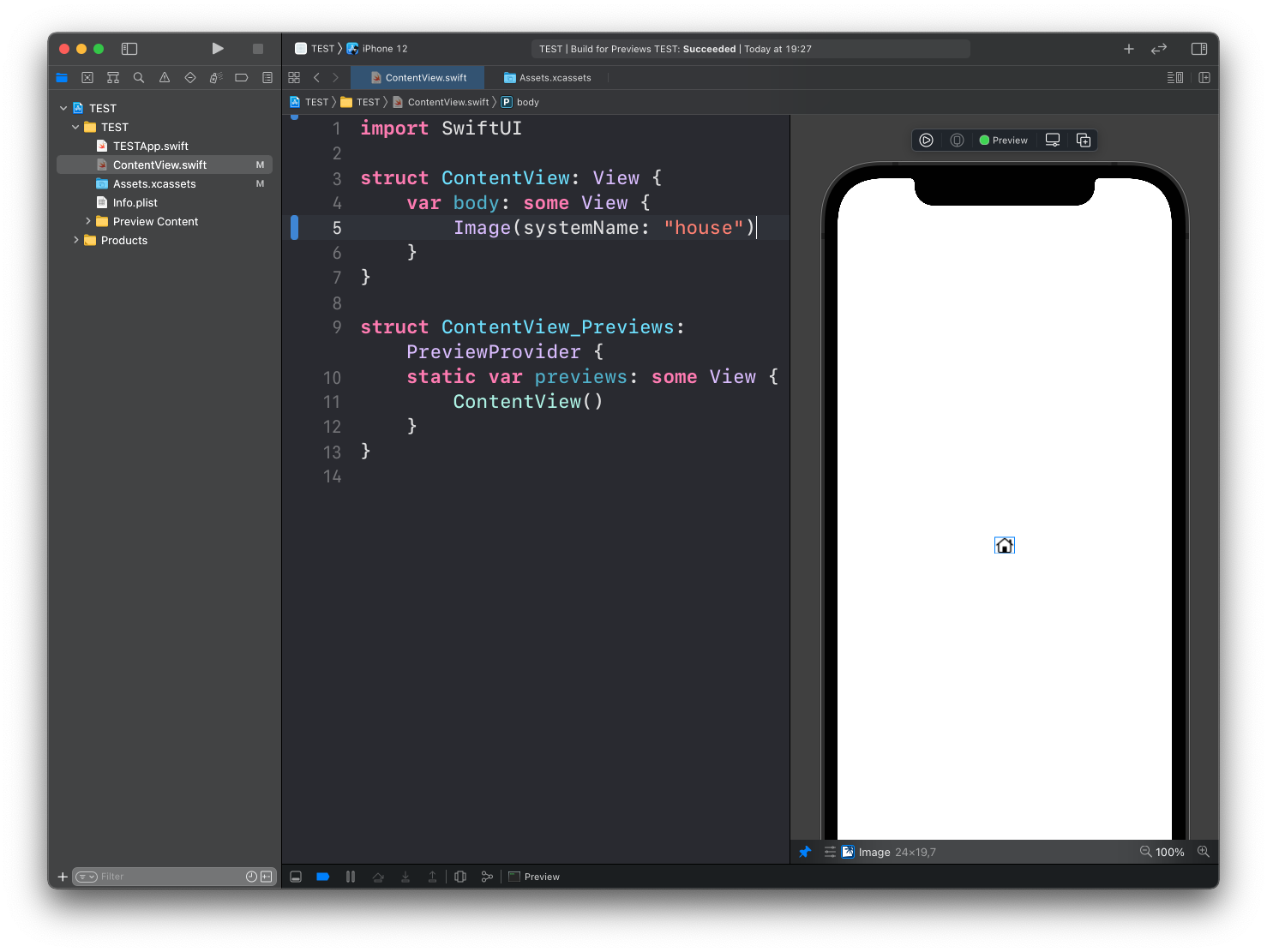
SwiftUI Images

Behind The Scenes Of SwiftUI With Aviel Gross BrightDigit
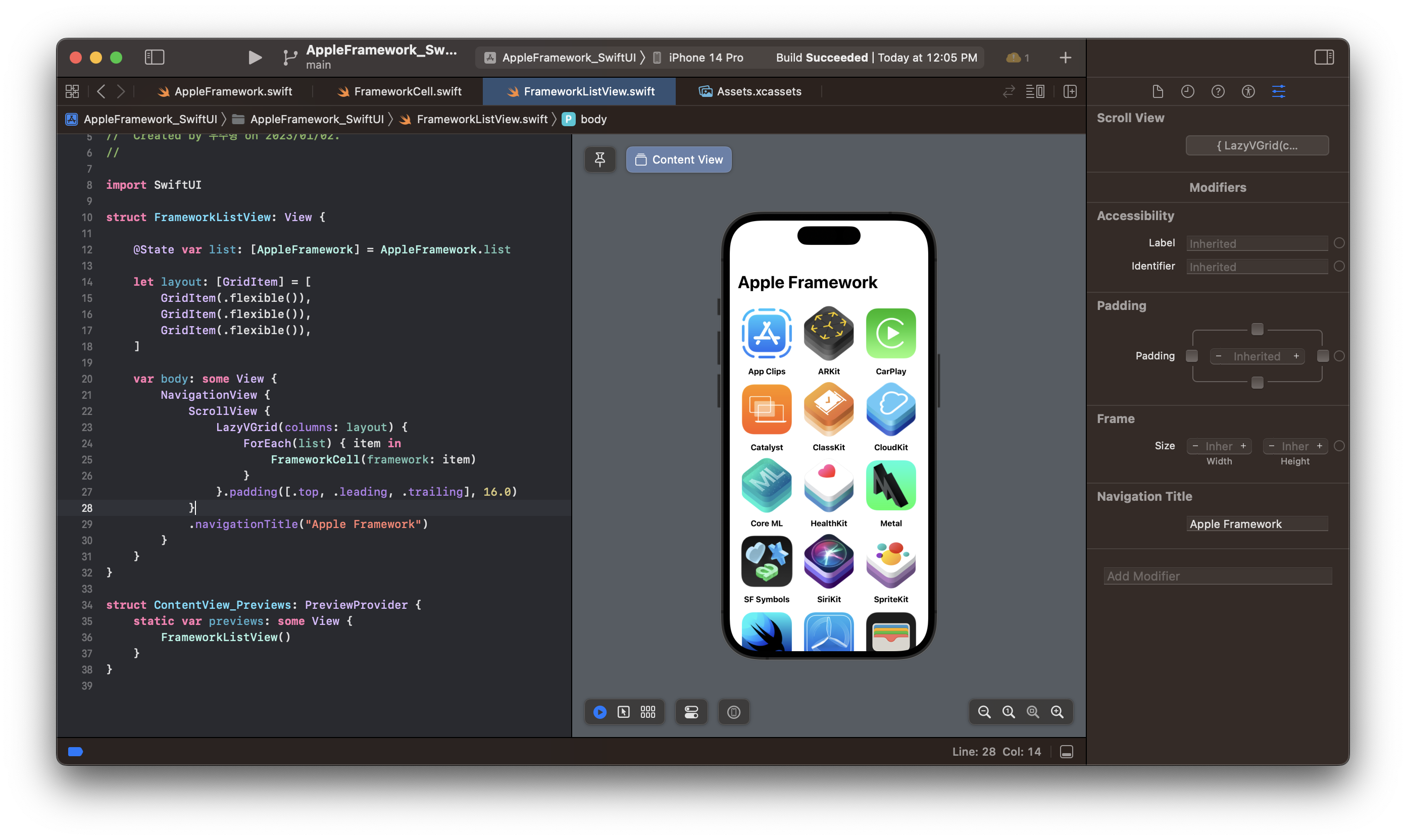
SwiftUI

You can change the size of a SwiftUI Button by using controlSize There are four sizes to choose from mini small regular This is default size large Here is an
Using Flexible Frames In cases where you want your button to adapt its size based on its container you can use min ideal and max size parameters Button action

Struct PrimaryButtonStyle ButtonStyle var backgroundColor Color black var textColor Color Color white var height CGFloat 46 var cornerRadius

The most straightforward way to set a button size is to define its width and height explicitly using the frame modifier Button Fixed Size Button print
Use buttons for any user interface element that initiates an action Buttons automatically adapt their visual style to match the expected style within these different containers and contexts For example to create a List cell
How to make a SwiftUI view to fill its container width or height To make a SwiftUI view take all available width we use frame modifier with maxWidth and You can control a button style by using buttonStyle modifier In this example I set the button style to borderedProminent Button Bordered Prominent
New in iOS 17 SwiftUI s containerRelativeFrame is a simple but powerful way to make views have a size relative to their container which might be their whole