Swiftui Section Height Swift SwiftUI How To Make List And Section Transparent Stack Overflow Swiftui List With Custom Header Stack Overflow Listview SwiftUI List Set Section Header Height Stack Overflow Build An Expandable Collapsable Description Section SwiftUI Crypto How To Add Section Header And Footer To SwiftUI List Sarunw The default minimum height of a row in a list iOS 13 0 iPadOS 13 0 macOS 10 15 Mac Catalyst 13 0 tvOS 13 0 watchOS 6 0 visionOS 1 0 Beta var defaultMinListRowHeight CGFloat get set Configuring rows func listRowInsets EdgeInsets some View Applies an inset to the rows in a list func listRowHoverEffect HoverEffect some View
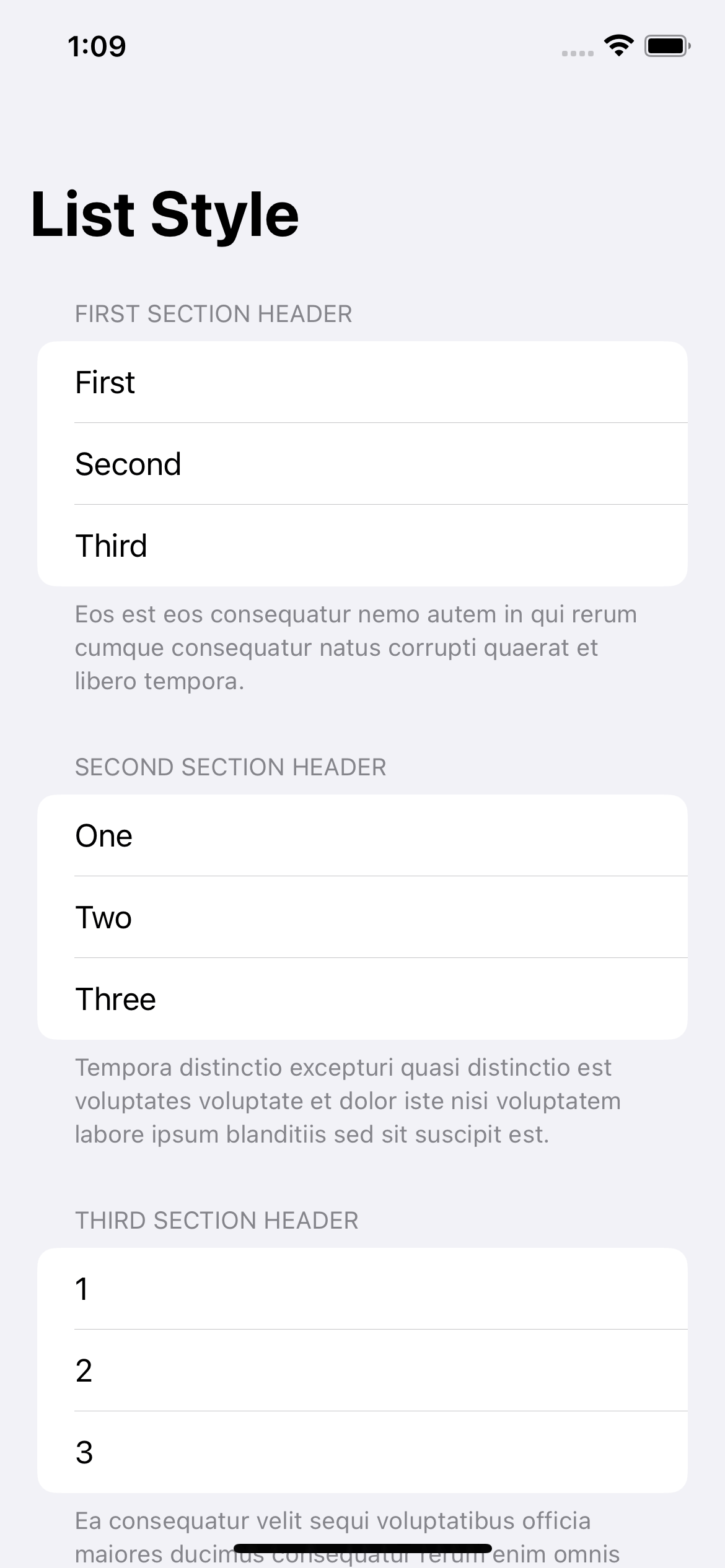
Updated in iOS 15 SwiftUI s list view has built in support for sections and section headers just like UITableView in UIKit To add a section around some cells start by placing a Section around it optionally also adding a header and footer Section header and footer Now that we know what a section header and footer look like it is time to learn how to add it to a list of data First let s learn how to add sections to a SwiftUI list After that we will learn how to add a header and footer for those sections How to group a SwiftUI list into a section
How To Add Section Header And Footer To SwiftUI List Sarunw SwiftUI Section List Form Hirauchi Genta SwiftUI List Style Examples Sarunw SwiftUI List section Header height change Layout SwiftUI Height And Spacing Of Views In GeometryReader Within Swiftui List With Custom Image Header Stack Overflow Listview SwiftUI List Set Section Header Height Stack Overflow SwiftUI Sheet Half Height Custom Sizes With PresentationDetents Behind The Scenes Of SwiftUI With Aviel Gross BrightDigit
Swiftui Section Height
 Swiftui Section Height
https://i.stack.imgur.com/sftTn.png
The alignment parameter specifies this view s alignment within the frame Text Hello world frame width 200 height 30 alignment topLeading border Color gray In the example above the text is positioned at the top leading corner of the frame If the text is taller than the frame its bounds may extend beyond the bottom of the
Templates are pre-designed files or files that can be utilized for various purposes. They can conserve time and effort by supplying a ready-made format and design for developing different type of material. Templates can be used for personal or expert jobs, such as resumes, invitations, flyers, newsletters, reports, presentations, and more.
Swiftui Section Height

SwiftUI List section Header height change
SwiftUI Section List Form Hirauchi Genta
SwiftUI List Style Examples Sarunw

SwiftUI List section Header height change

Swiftui List With Custom Image Header Stack Overflow

Listview SwiftUI List Set Section Header Height Stack Overflow

Listview SwiftUI List set section header height Stack Overflow I have a List List ForEach model sections s in Section header SectionView ForEach items id self item in Stack Overflow About Products For Teams

The default minimum height of a header in a list iOS 13 0 iPadOS 13 0 macOS 10 15 Mac Catalyst 13 0 tvOS 13 0 watchOS 6 0 visionOS 1 0 Beta var defaultMinListHeaderHeight CGFloat get set Discussion When this value is nil the system chooses the appropriate height The default is nil Configuring headers

The following example shows how to add a standard refresh control to a list When the user drags the top of the list downward SwiftUI reveals the refresh control and executes the specified action Use an await expression inside the action closure to refresh your data The refresh indicator remains visible for the duration of the awaited operation

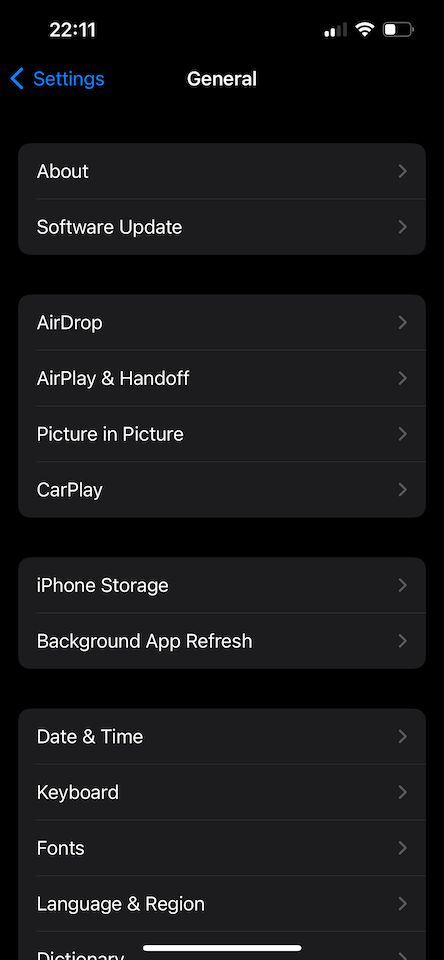
SwiftUI supports five different looks automatic grouped inset insetGrouped plain sidebar List items item in Text item label listStyle plain If you don t provide a style SwiftUI will assume automatic On iOS automatic and insetGrouped have the same look
Create a new SwiftUI view in the Views group named LandmarkList swift Step 2 Replace the default Text view with a List and provide LandmarkRow instances with the first two landmarks as the list s children The preview shows the two landmarks rendered in a list style that s appropriate for iOS
SwiftUI s containerRelativeFrame is a simple but powerful way to make views have a size relative to their container which might be their whole window the scroll view they are inside or even just one column in your layout 1 Set frame maxWidth infinity to make the text view expand to fill a container width 2 Set blue border will make an invisible frame of a frame modifier visible As you can see the text view s size stays the same as depicted by the pink border
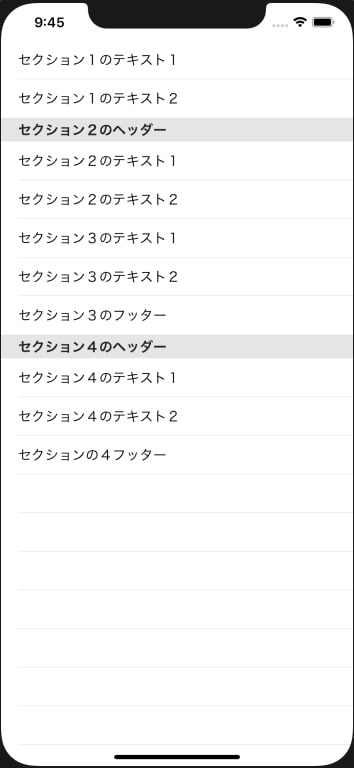
On top of that we re going to use a technique which hides empty rows in the List to make it look like this SwiftUI List with custom section header and a footer This look can be achieved by using a ForEach structure which makes a view from an underlying data struct ContentView View let hikingTrails Trail name Stanford Dish