Sum If Duplicate Values In Excel Excel How To Use Vlookup Match Mba Excel Riset Formula To Find Duplicates In Excel 6 Suitable Examples How To Find And Remove Duplicates In Excel Excel Examples Arrays How To Combine Duplicate Rows And Sum The Values 3 Column In Laura Tsitlidze Last updated on September 5 2022 This tutorial demonstrates how to combine duplicate rows by summing them in Excel Combine Duplicate Rows In Excel there is often a need to combine duplicate rows in a range and sum them in a separate column
1 Using Remove Duplicates Tool and SUMIF Function You can use the Remove Duplicates tool of Excel and use the SUMIF function to duplicate rows and sum values in Excel Steps First copy the Customer column make sure you start copying from the header Customer using CTRL C or from the ribbon We covered all possible comparison operators in detail when discussing Excel SUMIF function the same operators can be used in SUMIFS criteria For example the following formula with return the sum of all values in cells C2 C9 that are greater than or equal to 200 and less than or equal to 300 SUMIFS C2 C9 C2 C9 200
Arrays How To Combine Duplicate Rows And Sum The Values 3 Column In How To Find Duplicate Values In Excel YouTube How To Find Duplicates In Excel And Remove Or Consolidate Them 31 Find Duplicate Values In Excel Using Formula Most Complete Formulas Online Offline Earn Money With Easy Skills What Is The Duplicates How To Count Duplicate Values Only Once In Excel 4 Easy Ways How To Combine Duplicate Rows And Sum The Values In Excel How To Rank Duplicate Without Skipping Numbers In Excel View Duplicate Formula In Excel Tips Formulas
Sum If Duplicate Values In Excel
 Sum If Duplicate Values In Excel
https://cdn.extendoffice.com/images/stories/doc-excel/count-duplicates-in-a-column/doc-count-duplicates-in-a-column-fb.png
The core of this formula is SUMIF which is used to lookup the correct values for F and H Using SUMIF to lookup values is a more advanced technique that works well when the values are numeric and there are no duplicates in the lookup table The trick in this case is that the criteria for SUMIF
Templates are pre-designed documents or files that can be used for numerous purposes. They can save time and effort by providing a ready-made format and design for creating different kinds of material. Templates can be used for personal or expert tasks, such as resumes, invites, leaflets, newsletters, reports, discussions, and more.
Sum If Duplicate Values In Excel
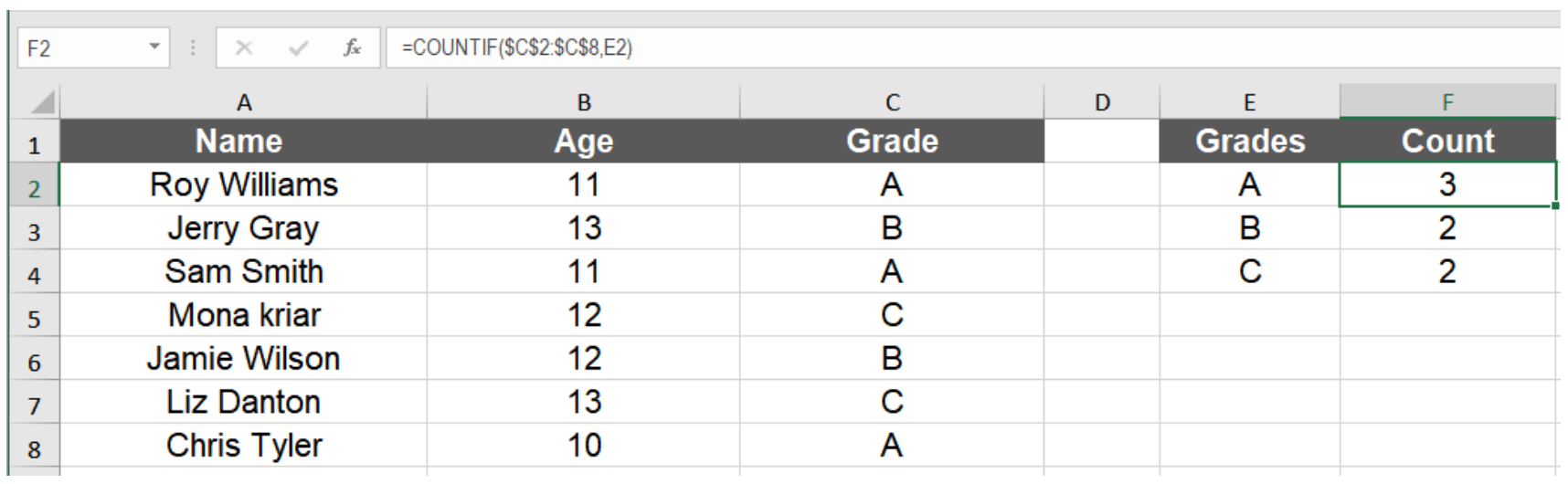
How To Count Duplicate Values In Excel Excelchat
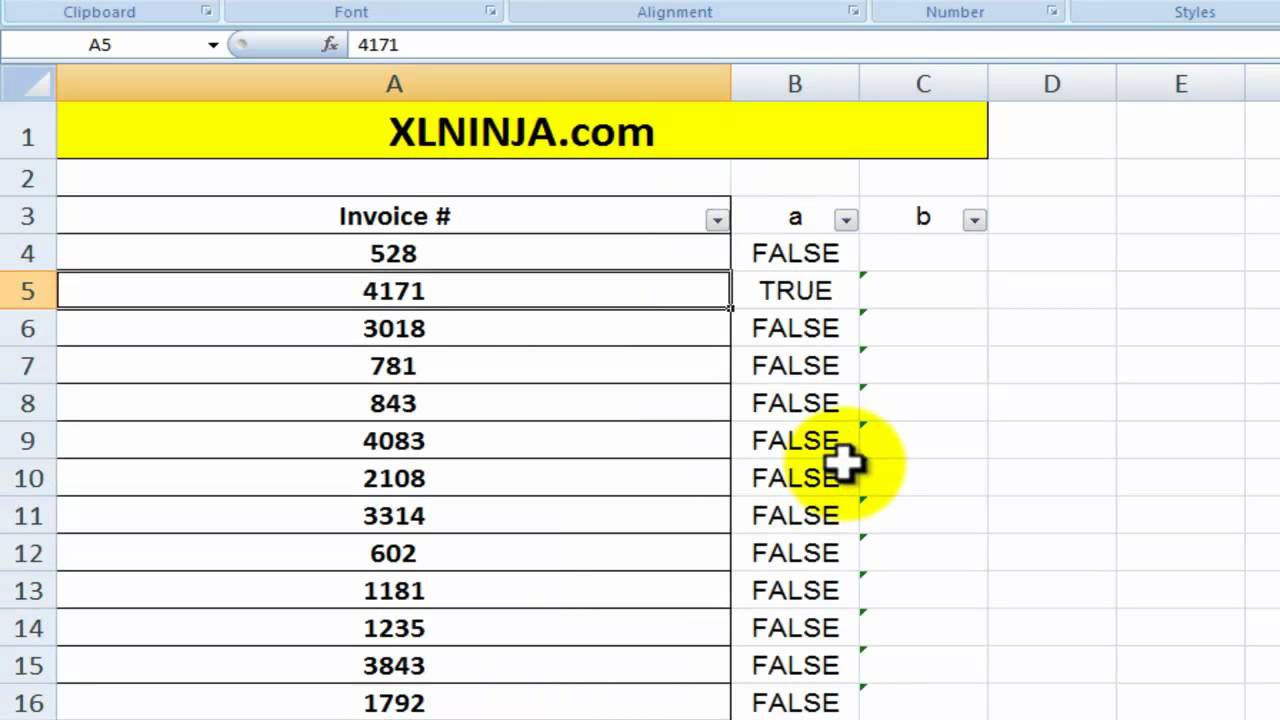
How To Find Duplicate Values In Excel YouTube

How To Find Duplicates In Excel And Remove Or Consolidate Them
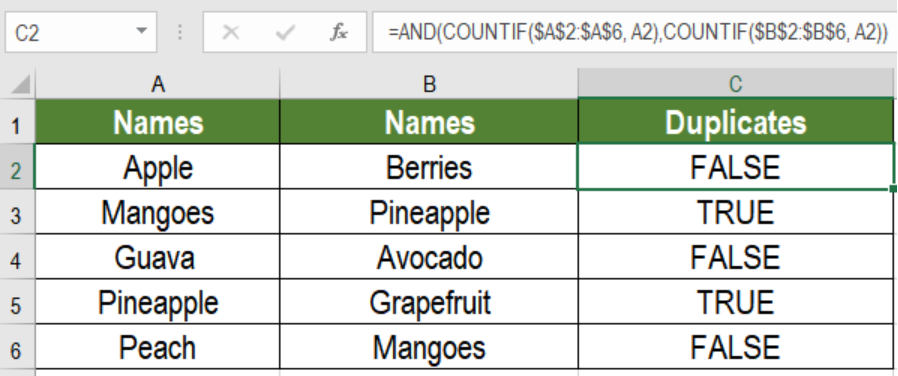
31 Find Duplicate Values In Excel Using Formula Most Complete Formulas
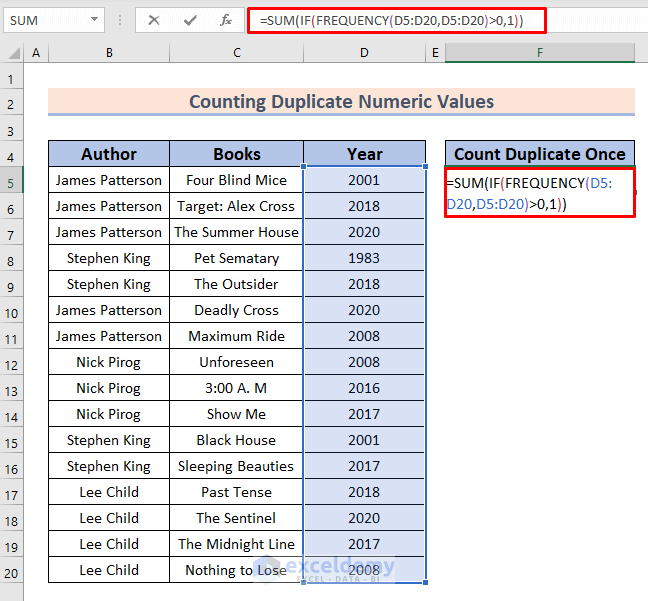
How To Count Duplicate Values Only Once In Excel 4 Easy Ways
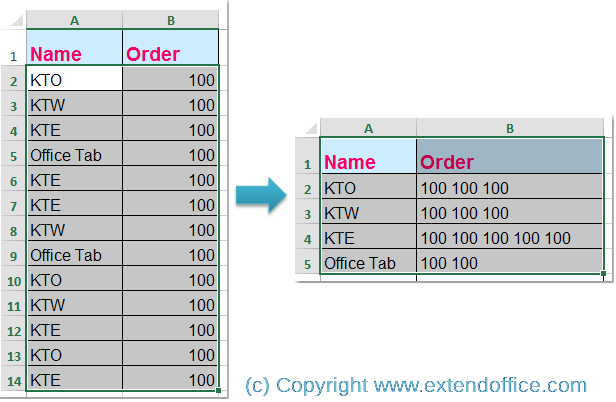
How To Combine Duplicate Rows And Sum The Values In Excel

Excel will combine any duplicates found in the first column and sum their corresponding values in the adjacent columns as following screenshot shown Notes If the range doesn t include a header row ensure to uncheck Top row from the Use labels in option
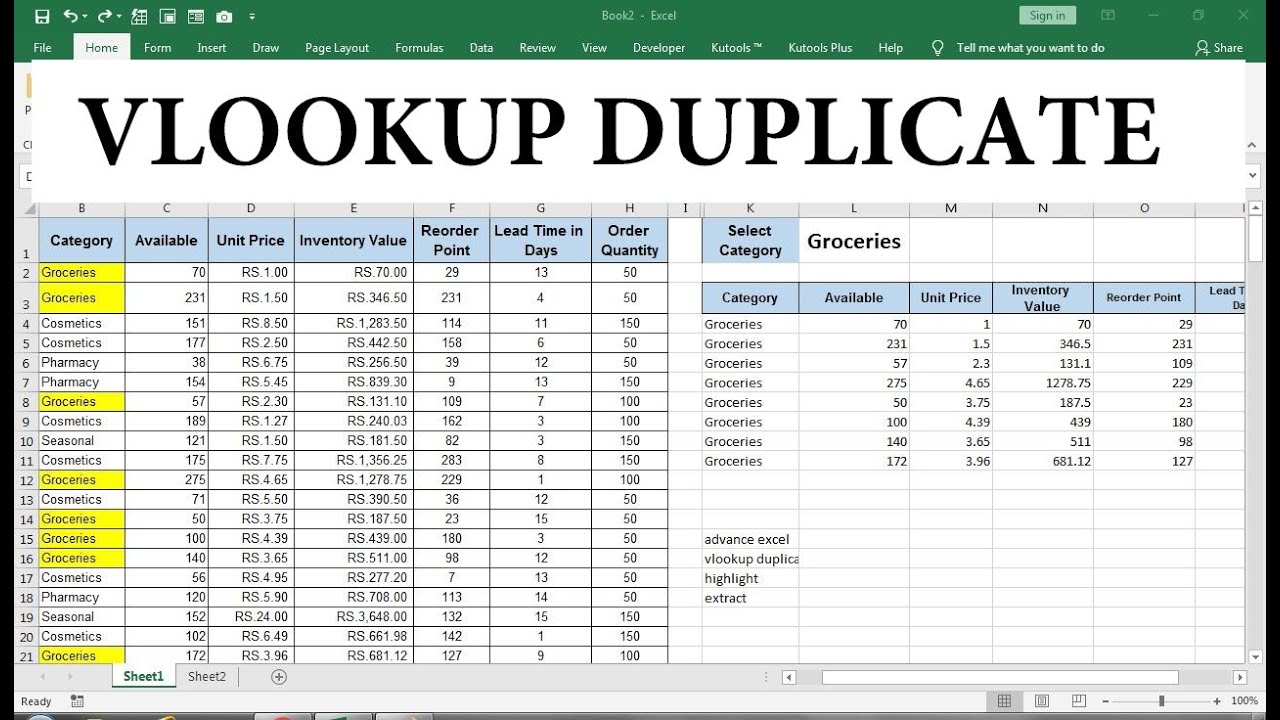
Assuming the values started in A1 paste this function into D1 and copy to D1 D16 to get sums for each field there would of course be duplicates SUMIF A 1 A 16 A1 C 1 C 16 Share

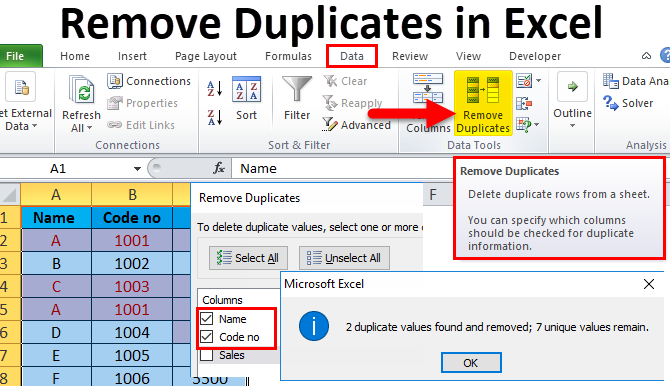
Click the Remove Duplicates command in the Data Tools group Step 2 Removing Duplicates Clicking on the Remove Duplicates command will reveal the Remove Duplicates dialog box Click on Select All Then click OK Step 3 Use the SUMIF function Create another column for the total values The syntax of the formula will be
Excel Sum that excludes duplicates Ask Question Asked 13 years 9 months ago Modified 10 years ago Viewed 20k times 0 I have data in the following format Id Value 1 20 2 40 3 20 3 20 4 50 I want to sum the value column while excluding duplicates from the id column In this case I should end up with a total of 130 Can

Introduction When working with large data sets in Excel it s common to encounter duplicate values This can lead to errors in calculations and analysis if not handled properly One important aspect of data maintenance is the removal of duplicate values to ensure data integrity
[desc-11] [desc-12]
[desc-13]