Sudo Apt Install Gnome Desktop How To Install Gnome Desktop On MX Linux Systran Box Ubuntu 22 04 Install Gnome Extensions Manager Workaround Ubuntu Mini Iso Sudo Apt Install Kde Coplasopa How To Install Gnome On Ubuntu 22 04 LTS Jammy Jellyfish Linux Ubuntu 17 10 Alpha With Gnome Desktop Released Securitron Linux Blog Web May 24 2022 nbsp 0183 32 updating System repositories Now execute the following command to install the GNOME Desktop minimal sudo apt install ubuntu desktop minimal Installing minimal Ubuntu Desktop Once it is successfully installed reboot your system minimal GNOME Desktop Installing GNOME Desktop full version
Web Apr 29 2020 nbsp 0183 32 sudo apt install tasksel Use tasksel to install the following package group sudo tasksel install ubuntu desktop minimal Reboot your system sudo reboot In this artcile you will learn how to install a minimal Gnome Desktop environment on Ubuntu 20 04 Focal Fossa Linux Web Aug 19 2023 nbsp 0183 32 sudo apt install ubuntu gnome desktop Installing GNOME Minimal Version If you want to install the minimal version of GNOME Desktop which requires only 800mb of space and comes with less applications by default execute this command sudo apt install ubuntu desktop minimal Installing GNOME Vanilla Version GNOME vanilla
Ubuntu 17 10 Alpha With Gnome Desktop Released Securitron Linux Blog Ubuntu Mini Iso Sudo Apt Install Kde Perwa KDE And GNOME On Mint 19 1 TuxArena Blog A Different Way To Manage Your Linux Desktop GNOME Kali Linux 2022 2 Released With 10 New Tools And Other Enhancements How To Get A Complete GNOME 3 Desktop In Ubuntu 12 10 Without How To Install Gnome Desktop In Ubuntu 17 04 Tips On Ubuntu 4 Ways To Install Telegram On Ubuntu 22 04 20 04 LTS How To Install GNOME3 In Ubuntu 12 04 11 10 It s All About Linux
Sudo Apt Install Gnome Desktop
 Sudo Apt Install Gnome Desktop
https://syscdn.systranbox.com/1661359266067.png
Web Apr 30 2012 nbsp 0183 32 sudo apt get install gnome shell Logging In To access GNOME Shell sign out of your current desktop From the login screen click the little button next to your name to reveal the session options Select the GNOME option in the menu and log in with your password The Desktop GNOME Shell s desktop includes a minimal interface with just a
Pre-crafted templates use a time-saving solution for producing a varied variety of files and files. These pre-designed formats and layouts can be used for various individual and professional projects, consisting of resumes, invitations, leaflets, newsletters, reports, discussions, and more, streamlining the content production procedure.
Sudo Apt Install Gnome Desktop
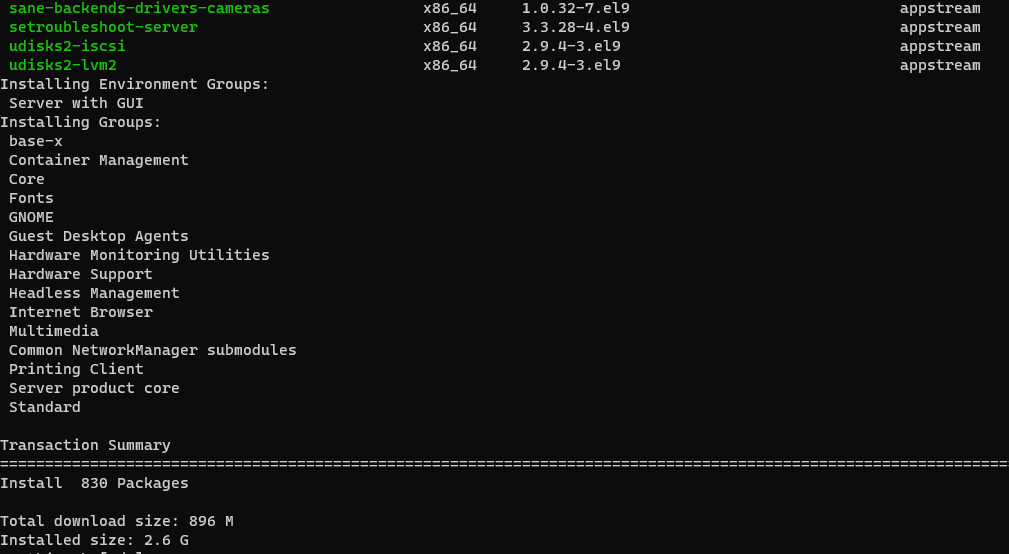
How To Install Gnome GUI On Redhat 9 Or 8 Linux Server
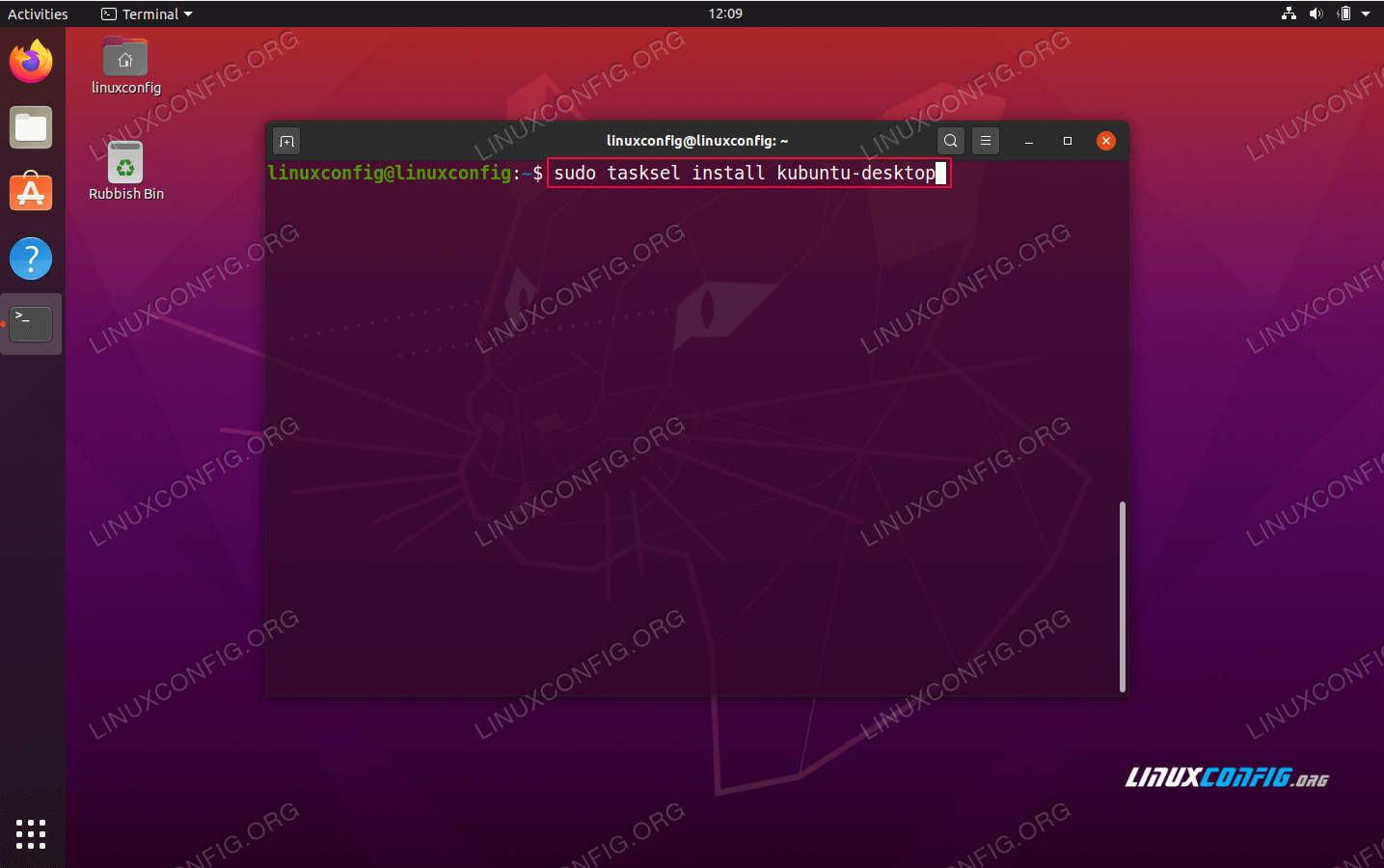
Ubuntu Mini Iso Sudo Apt Install Kde Perwa

KDE And GNOME On Mint 19 1

TuxArena Blog A Different Way To Manage Your Linux Desktop GNOME

How To Get A Complete GNOME 3 Desktop In Ubuntu 12 10 Without
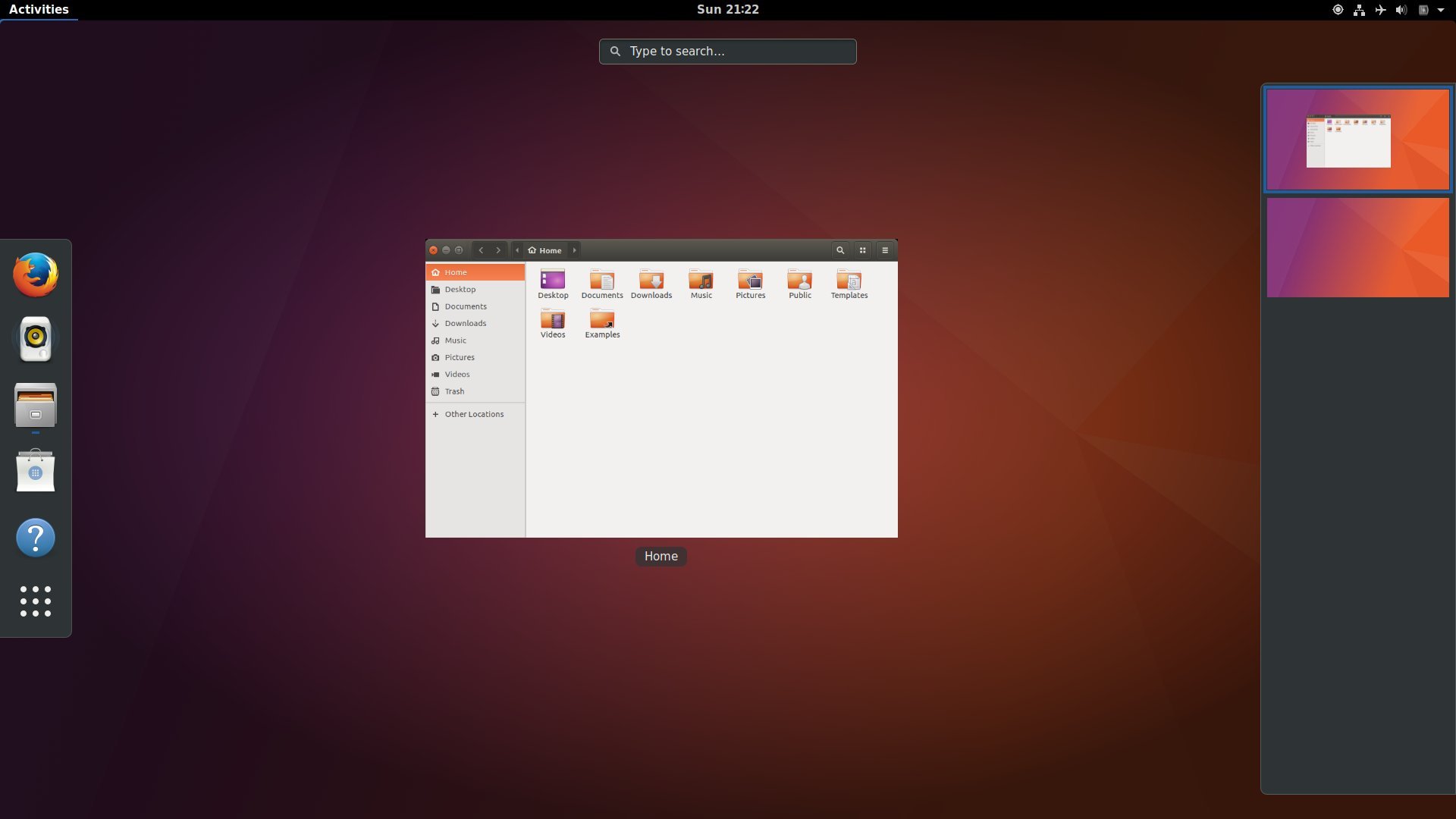
How To Install Gnome Desktop In Ubuntu 17 04 Tips On Ubuntu

Web Oct 31 2023 nbsp 0183 32 You can install the full version of GNOME using the quot sudo apt install ubuntu gnome desktop quot command GNOME Desktop comes with lots of extra software including LibreOffice GIMP Firefox and RhythmBox For a more lightweight GNOME installation you can opt for GNOME Desktop Minimal or Vanilla GNOME Method 1

Web Aug 13 2023 nbsp 0183 32 To install the minimal GNOME desktop environment use your system s package manager to install the GUI and gdm3 window manager sudo apt install gnome session gdm3 After installation is complete reboot your system and you will be presented with a GNOME login

Web Aug 3 2014 nbsp 0183 32 Other desktop meta packages are xubuntu desktop ubuntu gnome desktop lubuntu desktop and edubuntu desktop Share Improve this answer Follow edited Apr 19 2015 at 19 16 muru 197k 54 54 we could use sudo apt install ubuntu desktop minimal to minimal install ubuntu desktop it removes around 80 packages

Web Jan 16 2022 nbsp 0183 32 sudo apt update sudo apt install tasksel Next use the tasksel command to install GNOME desktop sudo tasksel install ubuntu desktop If the installation prompt asks you to select your default window manager because you are currently using a different one be sure to select gdm3 if you want GNOME to be your default desktop

Web Apr 19 2021 nbsp 0183 32 Prerequisites A base Ubuntu 20 04 instance Sudo privileges Install GNOME Vanilla on Ubuntu 20 04 GNOME Vanilla has fewer applications and it takes fewer system resources Therefore it is ideal for servers Run the following command on the terminal to install Vanilla desktop sudo apt install gnome session gdm3
Web Aug 4 2022 nbsp 0183 32 Ubuntu Desktop The default Ubuntu Desktop is a modified version of the GNOME desktop environment 1 Install Ubuntu Desktop by running the following command sudo apt install ubuntu desktop Note if asked confirm slim as the default desktop manager 2 Reboot the system when the installation finishes by typing Web Jul 9 2020 nbsp 0183 32 sudo apt update sudo apt upgrade sudo apt autoremove sudo apt remove ubuntu desktop sudo apt autoremove sudo apt install ubuntu desktop or sudo apt get install ubuntu gnome desktop one could as well as try sudo apt get install reinstall ubuntu gnome desktop
Web Nov 9 2023 nbsp 0183 32 Open the terminal and run the following commands sudo apt update sudo apt upgrade Make sure your system is fully up to date If any updates are available install them and reboot the system if necessary Once you ve done that you can move on to the next step Step 2 Install Vanilla GNOME on Ubuntu 22 04 LTS