Sudo Apt Get Update Not Working Ubuntu Raspberry Pi Raspbian Sudo Apt get Update Not Working 2 Solutions C mo Instalar Abs guide En Ubuntu Barcelona Geeks Raspberry Pi Sudo Apt get Update Not Working Problem With Mergelist Sudo Apt get Update Vs Upgrade What Is The Difference Apt Get Update Not Working Inside Container When Ufw Enabled Ubuntu 20 To install software and updates from newly added or changed sources you have to reload the information about available software You need a working Internet connection to continue I press reload and it says Failed to download repository information Check your Internet connection ADDED The details tab reveals
1 Answer Sorted by 4 Go to etc apt conf and insert http proxy http username password server port You should also set the systemwide variable as export http proxy Put this into your bashrc and restart Share Sudo apt get update I m getting the following error Err 2 http security ubuntu ubuntu focal security InRelease Could not connect to security ubuntu 80 2001 67c 1562 18 connect 111 Connection refused Reading package lists
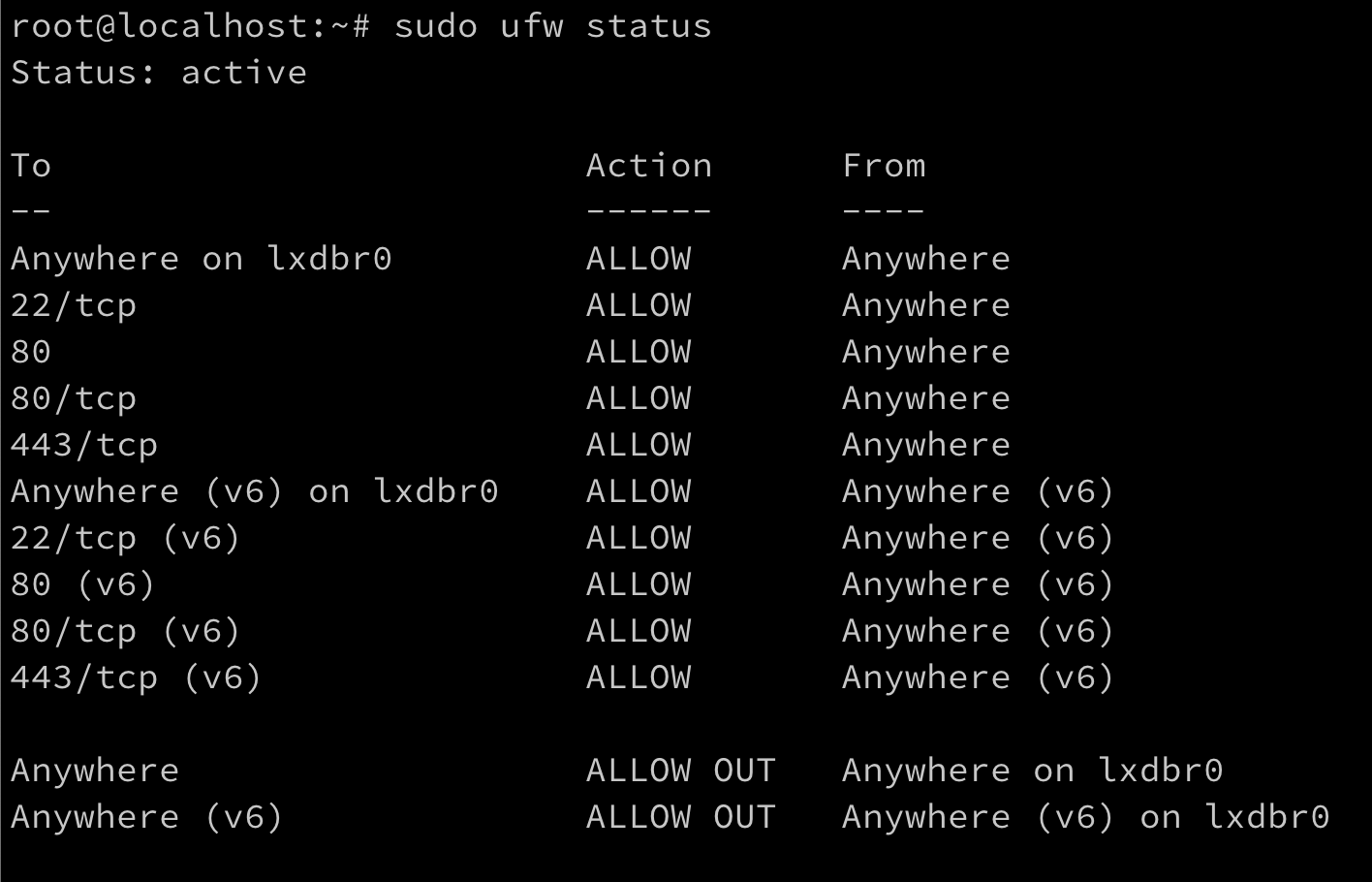
Apt Get Update Not Working Inside Container When Ufw Enabled Ubuntu 20 Raspberry Pi Sudo Apt get Update Not Working 2 Solutions YouTube Apt get Update Apt get Upgrade Apt get Dist upgrade Sudo Apt get Update Command Not Performing All The Task In Ubuntu 16 04 What Does Sudo Apt get Update Command Do Linux Commands List Linux Archive Why Intel Wants To Pump The Web Into Your TV Page 2 TechRadar Unable To Use Sudo Apt get Update On My Terminal Unable To Install Minecraft Server Unter Debian 11 Installieren UnknownWorkspace
Sudo Apt Get Update Not Working Ubuntu
 Sudo Apt Get Update Not Working Ubuntu
https://i.ytimg.com/vi/lKMKQPghd74/maxresdefault.jpg
Error PMM 11 Mar 28 2022 6 45 PM Installed WSL 2 Debian but previously tried Ubuntu with same issues Installation went smoothly but when I tried the following wsl2 prompt sudo apt get update I get the following output to the terminal Err 1 http security debian debian security bullseye security InRelease
Pre-crafted templates use a time-saving option for producing a diverse variety of files and files. These pre-designed formats and designs can be used for numerous personal and expert projects, consisting of resumes, invites, leaflets, newsletters, reports, discussions, and more, simplifying the material creation process.
Sudo Apt Get Update Not Working Ubuntu

Raspberry Pi Raspberry Pi Sudo Apt get Update Not Working 2 Solutions

Raspberry Pi Sudo Apt get Update Not Working 2 Solutions YouTube
Apt get Update Apt get Upgrade Apt get Dist upgrade

Sudo Apt get Update Command Not Performing All The Task In Ubuntu 16 04

Linux Archive

Why Intel Wants To Pump The Web Into Your TV Page 2 TechRadar

Here are some reasons why the sudo apt get update may not work Problems with internet connectivity Errors in repository configuration Software conflicts GPG error Release file issue 7 Errors and Solutions to Fix sudo apt get update Not Working
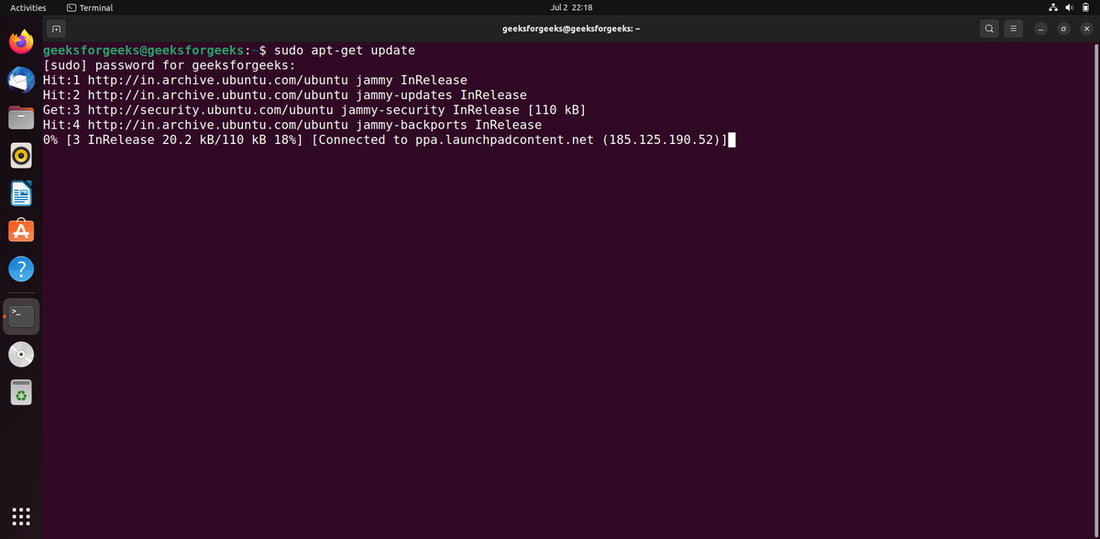
Proxy Settings Firewall or Security settings Outdated Package Manager Inconsistent Package Lists Solutions to 3 Types of sudo apt update Not Working Error in Ubuntu While running the command sudo apt update Linux users may sometimes fall into trouble for a couple of reasons

In order to update the local apt package index you run sudo apt get update However for various reasons you may encounter errors while updating the APT package index In the following I describe several ways to fix common apt get update errors Hash Sum Mismatch Error

Follow following steps First Backup your old sources list mv etc apt sources list etc apt sources list back Check your OS version Release lsb release r Go to http repogen simplylinux ch Select Country Select Ubuntu Release Select Your choice Important is first 12 and choose whatever you require Generate new sources list
More specifically the following two commands will update your APT sources to use the old releases versions of the packages After that your apt update and apt upgrade should succeed
Quick Answer To fix the Ubuntu 22 04 apt get update connection failure issue you can start by checking the repository URLs in the etc apt sources list file and correcting any incorrect URLs If that doesn t solve the problem check for network restrictions such as antivirus software or firewall settings blocking internet access 4 I tried to upgrade Ubuntu 18 04 LTS to 20 04 LTS in WSL maybe before it was available for WSL and it failed to upgrade After that attempt I am not able to upgrade any packages using sudo apt get upgrade citing an issue of unmet dependencies I have tried out many possible solutions from the net and none of them works
1 when I try to download something I use sudo apt get install upgrade package However this gives me error messages sudo apt get upgrade Reading package lists Done Building dependency tree Reading state information Done You might want to run apt get f install to correct these