Sudo Apt Get Install Snort Ubuntu How To Install Snort On Ubuntu UpCloud Snort Setup And Install EASY Powerful Intrusion Detection How To Install Snort On Ubuntu 2023 How To Use The Snort Intrusion Detection System On Linux Snort Zovt These consist of Real time Traffic Monitor A network s incoming and outgoing traffic can be observed using Snort When it finds potentially harmful packets or threats on Internet Protocol IP networks it will monitor traffic in real time and notify users Packet Logging
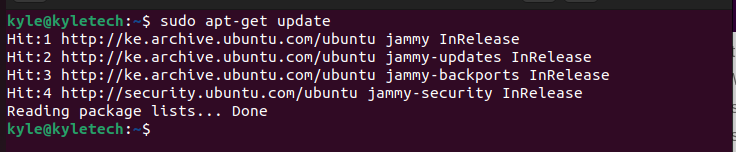
1 I am having problem with installing snort on Kali I used the command sudo apt get install snort y but it replies only that unable to locate the package error I did upgrade update edit sources list and did this one too sudo rm var lib apt lists vf then I tried to fix broken with sudo apt fix broken install Step 1 Update the packages To update the packages using apt get open the terminal Then type the mentioned command sudo apt get update Step 2 Install Snort For installing Snort on Ubuntu 22 04 write out the command below in the terminal sudo apt get install snort y
Snort Zovt How To Install Snort On Ubuntu 22 04 Apt get Install Snort You Ubuntu Snort 3 NIDS Apt get Install Snort You How To Install Snort On Ubuntu 20 04 How To Install Snort On Ubuntu 20 04 LinuxWays How To Install Snort In Kali Linux Systran Box How To Install Snort On Kali Linux Systran Box
Sudo Apt Get Install Snort Ubuntu
 Sudo Apt Get Install Snort Ubuntu
https://upcloud.com/media/snort_logo-2.png
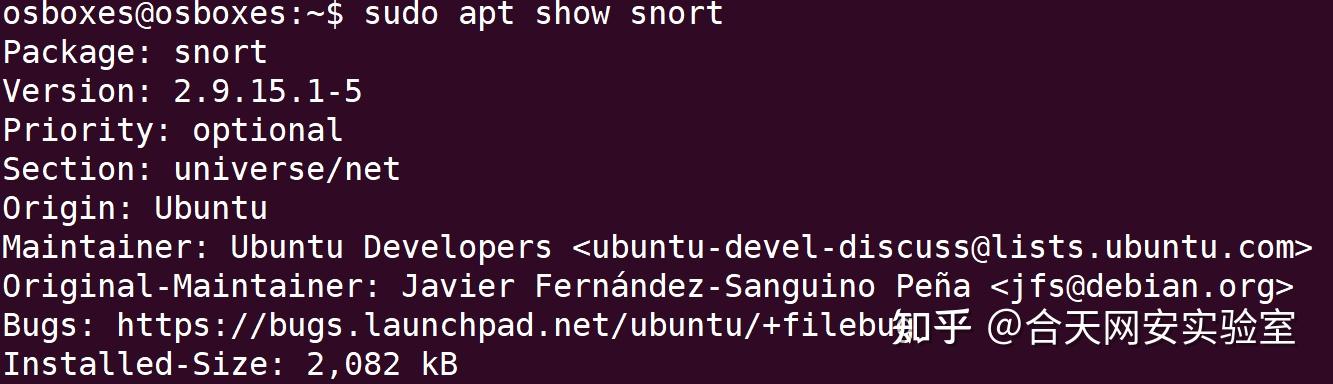
There are multiple ways to install snort on your Ubuntu 20 04 LTS Server You can choose to use any of the below methods depending on your requirements and needs a Using APT In the next step you can install Snort from default Ubuntu repo by using sudo apt install snort command as shown below
Pre-crafted templates provide a time-saving service for producing a diverse variety of documents and files. These pre-designed formats and layouts can be utilized for numerous individual and professional jobs, consisting of resumes, invitations, leaflets, newsletters, reports, discussions, and more, streamlining the content development process.
Sudo Apt Get Install Snort Ubuntu

Linux Snort
How To Install Snort On Ubuntu 22 04

Apt get Install Snort You
Ubuntu Snort 3 NIDS

How To Install Snort On Ubuntu 20 04
How To Install Snort On Ubuntu 20 04 LinuxWays
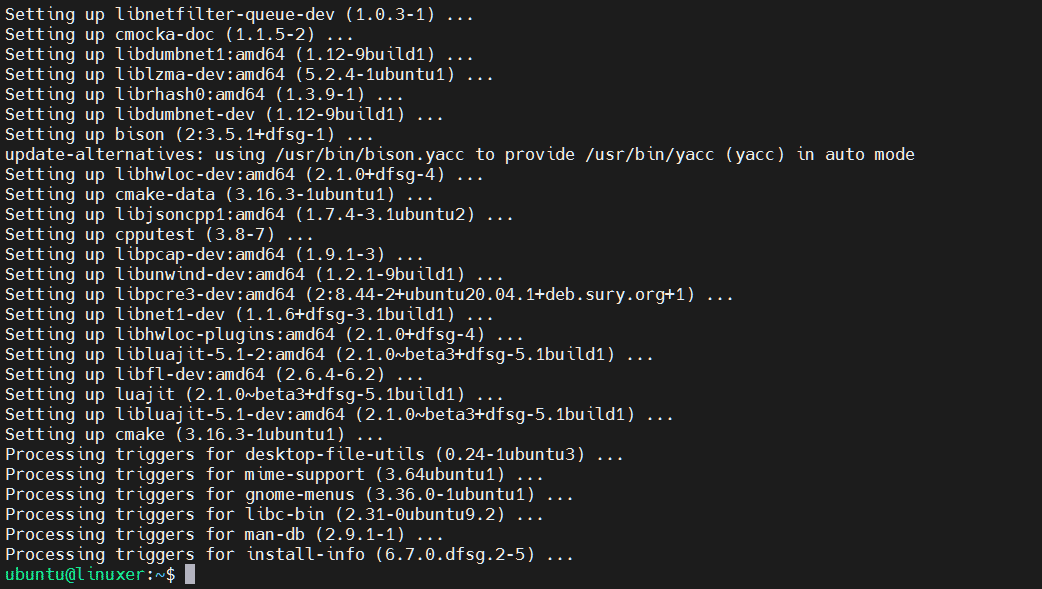
Step 1 Update the system First update and upgrade your Ubuntu system sudo apt update sudo apt upgrade Step 2 Install Required Dependencies Ubuntu default repository has snort package The snort package available there is the old version To install Snort 3 we have to build from the source

Install the required libraries with the following command sudo apt install y gcc libpcre3 dev zlib1g dev libluajit 5 1 dev libpcap dev openssl libssl dev libnghttp2 dev libdumbnet dev bison flex libdnet autoconf libtool With the prerequisites fulfilled next up is how to install Snort on Ubuntu 16

Step 1 Update the system Run the apt command to update sudo apt update Output Step 2 Install required libraries Run the following command

To install Snort on Ubuntu use this command sudo apt get install snort As the installation proceeds you ll be asked a couple of questions And we don t need to use sudo pamac install snort When you re asked if you want to build Snort from the AUR Arch User Repository press Y and hit Enter We don t want to edit the build files
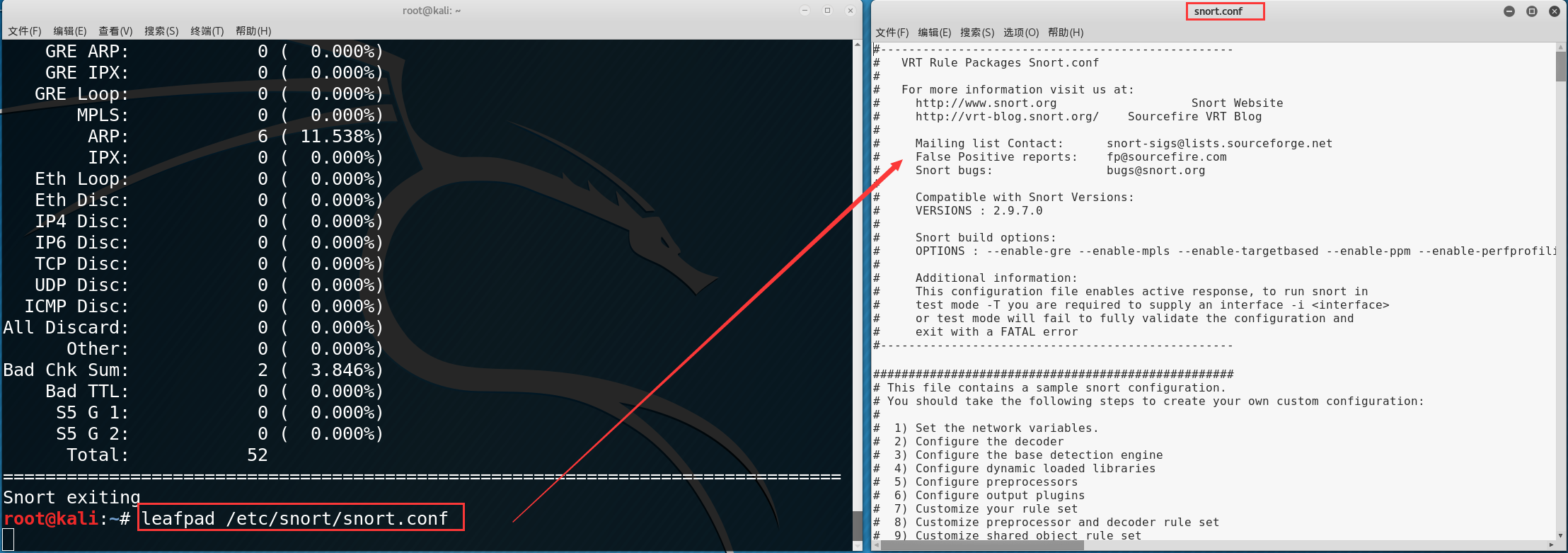
Step 1 Update the apt Packages and Install Snort Using the apt It is important to update the packages regularly to ensure the wellness of system security and stability Usually the packages are updated to address vulnerabilities and optimize performance To begin with launch the terminal on Ubuntu using the key combinations CTRL ALT T keys
Learn how to install Snort on Ubuntu 22 04 and strengthen your system s security with this comprehensive guide Step by step instructions and expert tips included sudo apt update sudo apt upgrade y This command will update the package lists and upgrade any outdated packages on your Ubuntu 22 04 system Step 2 Install Required There are three methods to install snort on Ubuntu 20 04 We can use apt get apt and aptitude In the following sections we will describe each method You can choose one of them Install snort Using apt get Update apt database with apt get using the following command sudo apt get update
Install Snort on Ubuntu 22 04 LTS Jammy Jellyfish Step 1 First make sure that all your system packages are up to date by running the following apt commands in the terminal sudo apt update sudo apt upgrade sudo apt install wget apt transport https gnupg2 software properties common Step 2