Substance Painter Stencil Size Substance Painter 2 5 3 How To Add Stencils And Use Them YouTube Substance Painter Beta 10 Video Using Stencil Masks Computer Graphics Opacity Stencil Substance Painter Tutorial Espa ol YouTube Substance Painter Stencils Projections EXPLAINED YouTube Using Stencils In Substance Painter YouTube WEB Feb 22 2023 nbsp 0183 32 Mastering Stencils in Substance Painter Your Ultimate Guide Substance Painter is one of the most powerful 3D texturing tools used by artists worldwide It is an all in one solution that allows artists to create realistic textures for their 3D models
WEB Jul 1 2022 nbsp 0183 32 Position your 3D object then adjust the stencil by pressing S Here are the crucial shortcuts we need to know about S Left Click rotate the stencil S SHIFT Left Click snap rotation S Right Click zoom the stencil S Middle Click move the stencil And that s it WEB Jul 13 2023 nbsp 0183 32 The Stencil is an additional grayscale mask for the brush stroke Contrary to the alpha which is applied for each individual stamps the Stencil is a global mask applied from the Viewport point of view
Using Stencils In Substance Painter YouTube Substance Painter Stencils YouTube Substance Painter PROJECTION Painting Tutorial Physical Projection StylizedMossyCliff Substance Material On Substance 3D Community Assets Substance Painter Skinning Template Stencils Decals And Material Stamps In Substance Painter YouTube Handpainting Skin Textures In Substance FlippedNormals Substance Painter Substance Painter Logo This New Version Of Substance Painter Includes
Substance Painter Stencil Size
 Substance Painter Stencil Size
https://i.ytimg.com/vi/vSooLENxKX8/maxresdefault.jpg
WEB Jun 28 2022 nbsp 0183 32 I am working on a project that requires me to stamp the attached alpha to my model However the alpha is wider than my model so I was wondering if there is a way to only scale the alpha in just 1 particular axis X Axis only Thank you
Templates are pre-designed files or files that can be used for numerous functions. They can save effort and time by providing a ready-made format and layout for creating various type of material. Templates can be utilized for personal or professional tasks, such as resumes, invitations, leaflets, newsletters, reports, discussions, and more.
Substance Painter Stencil Size

Stencil Tutorial For Substance Painter YouTube
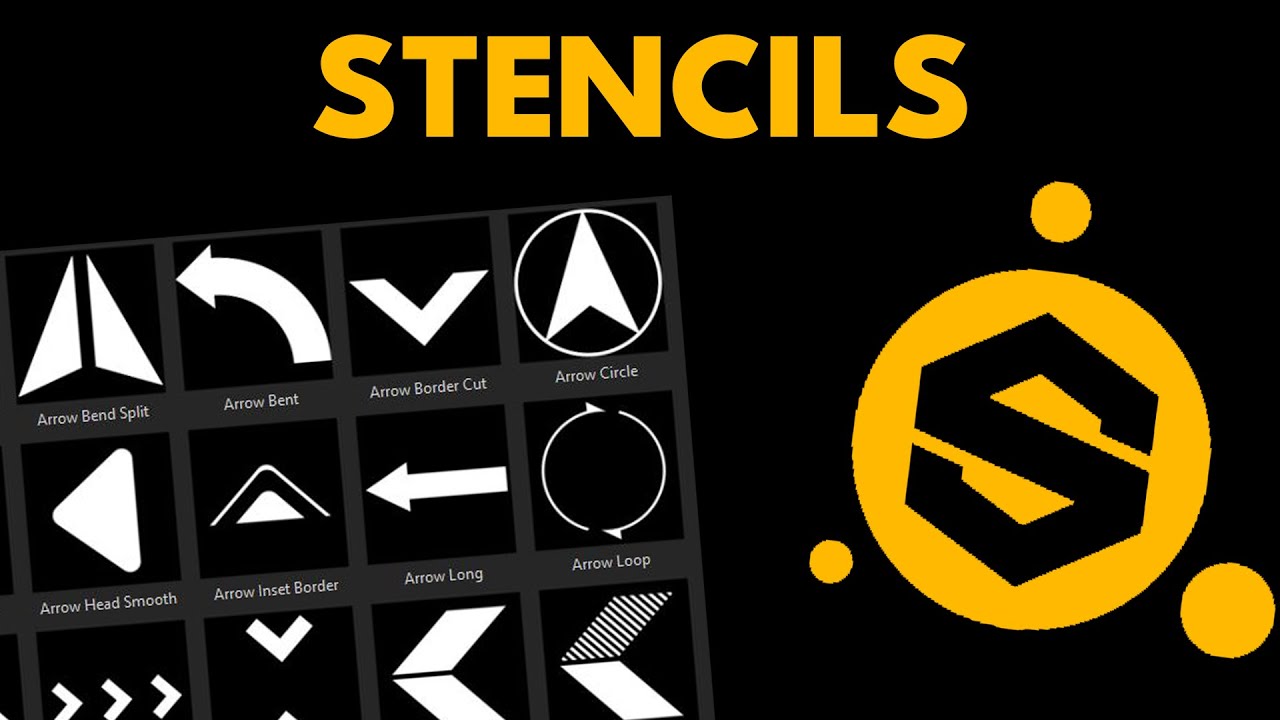
Substance Painter Stencils YouTube
Substance Painter PROJECTION Painting Tutorial Physical Projection
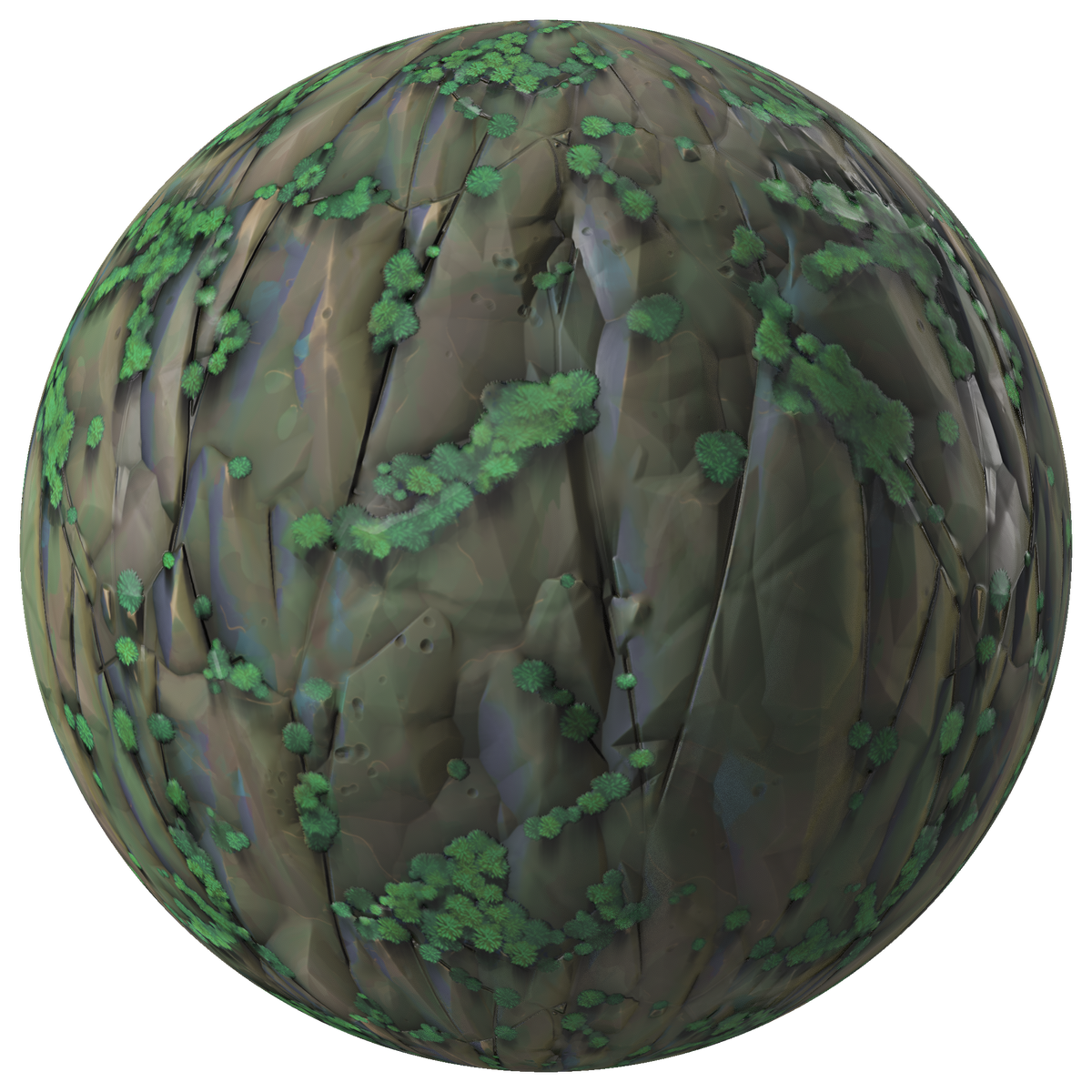
StylizedMossyCliff Substance Material On Substance 3D Community Assets

Stencils Decals And Material Stamps In Substance Painter YouTube
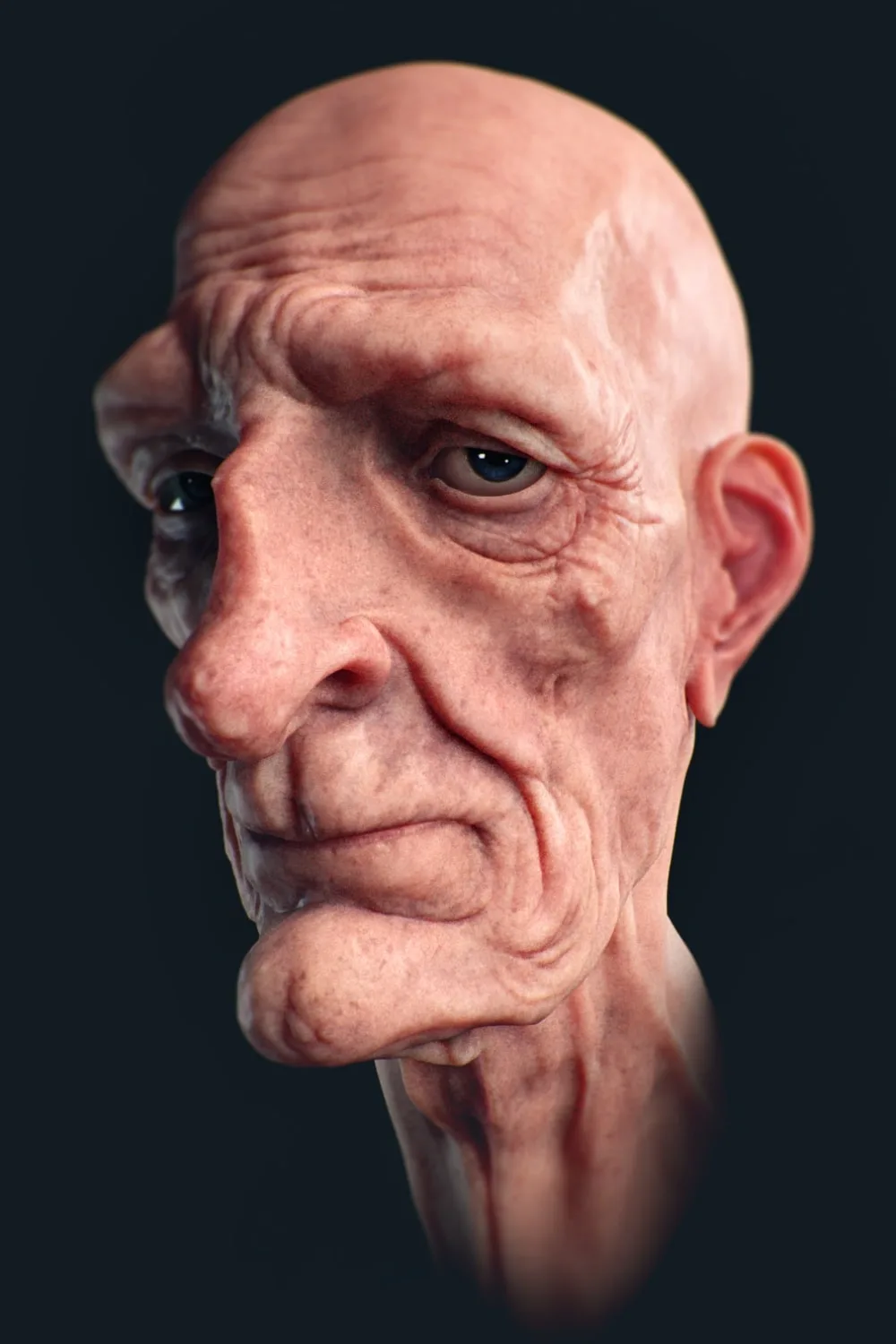
Handpainting Skin Textures In Substance FlippedNormals

WEB Nov 14 2020 nbsp 0183 32 How to work on Stencils and Projection in Substance Painter Lesson 17 of 25 Substance Painter Full Course Stencils in substance painter allow you projec

WEB Feb 8 2022 nbsp 0183 32 Table of Contents 00 00 Basics 02 18 Black Masks 04 16 Alpha and Stencil 07 20 Stencil and Dynamic Brush A Quick tutorial usiong the Stencil options in Substance Painter how

WEB Here is the crash course on Stencils in Substance Painter Substance Painter Playlist Intro To Substance Painter amp Why It AI Art Stable Diffusion Tutorial Playlist Using

WEB Jul 12 2023 nbsp 0183 32 The Paint tool is comprised of a brush alpha stencil and material The brush properties are similar to the brush properties found in Adobe Photoshop You have controls for adjusting size spacing opacity flow and various jitter settings

WEB Learn how to use Stencils inside of Substance Painter
WEB May 24 2023 nbsp 0183 32 Usually it is used trough the Projection Tool but you can also add a Stencil to you current brush eraser You ll simply have to add a grayscale map in the Stencil slot of the brush and now all the painting will be applied only trough the Stencil WEB May 23 2023 nbsp 0183 32 I m having a couple of issues working with Substance Painter 8 3 stencils The 1st is possibly a bug and the 2nd is possibly a feature request 1 when holding S to adjust the size rotation and zoom of the stencil the model goes so dark it s impossible to transform the stencil as required
WEB Download and share for free 3D assets created by the Substance 3D community