Substance Painter Scale Mask Face Skin In Substance Painter Froyok Fabrice Piquet Face Skin How To Use Smart Mask In Substance Painter YouTube How To Use Smart Mask In Substance Painter YouTube Substance Painter 4 Grunge Mask Settings And Additional Maps YouTube Just One slensk tg fa Nexus Vefverslun Welcome to our Substance Painter tutorial for beginners In this video we ll walk you through two essential techniques Add Bitmap Mask and Add Mask with
Substance Painter is a non destructive software that allows users to change the document resolution later providing flexibility in the creative process Navigating the 3D view in Substance Painter is made easy by using the alt key and different mouse buttons to orbit pan and zoom in and out of the view Substance Painter uses high dynamic Welcome to my channel 3DWolf Here we create game assets using various software like Autodesk Maya Mudbox Zbrush Substance Painter Substance Designer Un
Just One slensk tg fa Nexus Vefverslun Creating RGBA Mask Adobe Substance 3D Painter YouTube Substance Painter Ders 3 Fill Layer Black Mask White Mask Ve 80 High Detail Smart Mask Texturing Essential Substance Painter How To Use Smart Mask In Substance Painter YouTube Mask Outlines Borders Using Anchor Points Substance Painter Tips Pin On Paint Face In Substance Substance Painter Mask By Polygon YouTube How To Add Dirt In Substance Painter Dirt Mask Tutorial YouTube
Substance Painter Scale Mask
 Substance Painter Scale Mask
https://i.pinimg.com/originals/6d/97/98/6d97982410b24a4d1223c06dd9815ada.jpg
Substance 3D Painter is a 3D painting software that allows users to texture and add materials directly to 3D meshes in real time In comparison Substance 3D Designer is primarily a material authoring software that generates textures from procedural patterns inside node based graphs So Designer is an alternative to creating textures and
Templates are pre-designed files or files that can be utilized for various functions. They can save effort and time by providing a ready-made format and layout for developing different sort of material. Templates can be utilized for personal or professional tasks, such as resumes, invites, flyers, newsletters, reports, discussions, and more.
Substance Painter Scale Mask

Substance Painter 2021 Geometry Mask YouTube
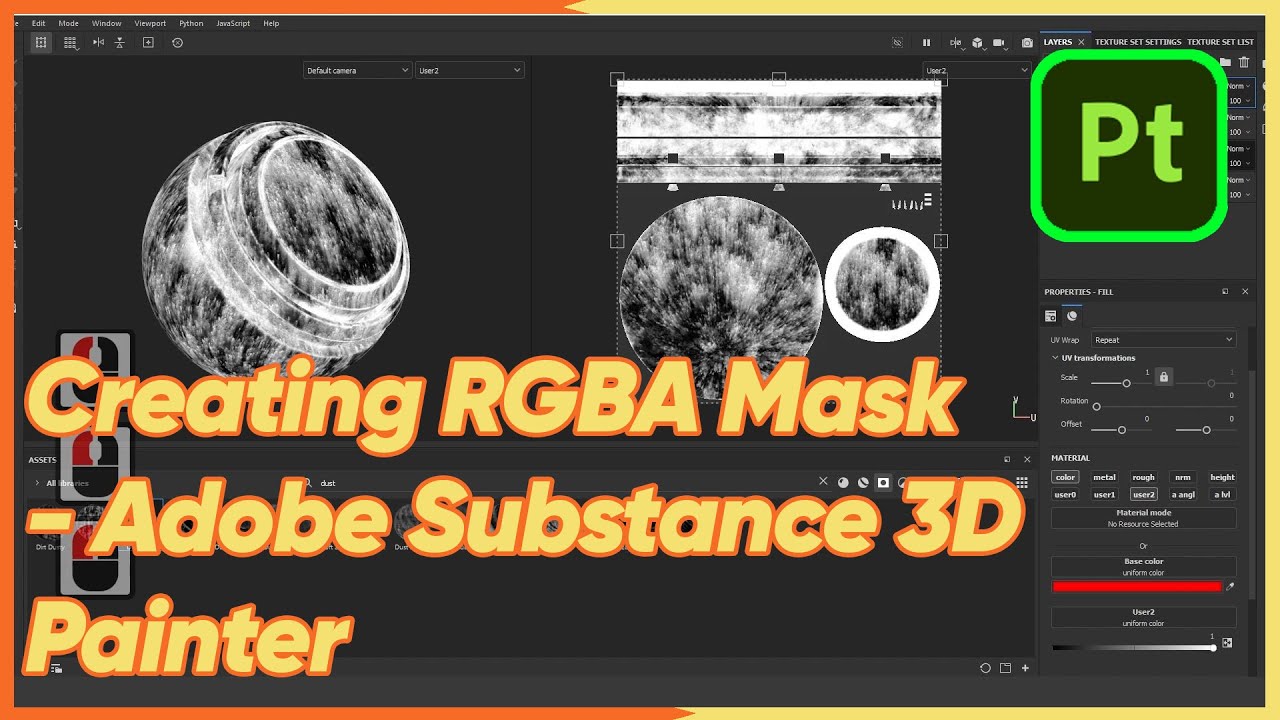
Creating RGBA Mask Adobe Substance 3D Painter YouTube

Substance Painter Ders 3 Fill Layer Black Mask White Mask Ve

80 High Detail Smart Mask Texturing Essential Substance Painter

Mask Outlines Borders Using Anchor Points Substance Painter Tips

Pin On Paint Face In Substance

Mask Editor Mastery in Substance Painter YouTube 2024 Google LLC The Mask Editor is a powerful tool in Substance Painter IN this tutorial I show you how it works so you can level

How to scale smart masks from generated materials Specifically I m using the Steel Painted Chipped Dirty smart material from the materials tab in Substance Painter and I m basically just looking to make the rust spots bigger in comparison to the model

Layer stack actions The Geometry mask state can be quickly modified from the layer stack directly by right clicking on the icon It offers the following actions Painting through masked geometry When parts of the geometry have been excluded then can be hidden in the viewport

Substance Painter Scaling of smart materials and smart masks OccultMonk interpolator Offline Send Message OccultMonk interpolator Apr 2016 Is there a way to change the scale of a whole smart material or smart mask Different objects need different scales of effects
Marketplace Resources High Detail Smart Masks substance painter High Detail Smart Masks substance painter by Javad Rajabzade in Resources 5 0 based on 40 ratings 12 reviews A pack of 25 High Detail and completely customizable smart masks spmsk to increase realism and enhance your workflow Advantage of this package Customizable
You can add an anchor point to your paint layer This is basically a reference to the original layer that the anchor point is added to Afterwards you are able to add a fill to the mask of your new layer and you can then select it as your mask input Not sure if I explained it properly but it should definitely work This way you can later quickly move scale rotate the decal or even edit the grid of the projection The mask of a layer is never saved as a preset but I ve personally tried to turn a Megascans decal into a Substance 3D Painter decal and I can see where the problem comes from To use a bitmap as a decal in Substance 3D Painter you
1 Correct answer Your first screenshot indicates you have not yet baked the meshmaps You need to do that after importing the mesh so that they are available for the generator in your smart material Your first screenshot indicates you have not yet baked the meshmaps