Substance Painter Bake Textures Can I Bake High Poly Its Textures To A New Low Poly Materials And My BAKE TEXTURES SUBSTANCE PAINTER P01 YouTube Substance 3D Painter Baking Mesh Maps Substance Painter Tutorial Fundamentals 05 Baking Textures YouTube How To Fix Overlapping Baking Issues In Substance Painter YouTube Use Blender and Substance Painter to bake textures in this free tutorial on CGTRADER BY Rudy89 Steve Holmes and Sami Tarvainen Here we ll be going over a workflow for baking textures using Blender s Subdivision Surface Multiresolution modifier and Substance Painter s texture baking The tutorial covers a variety of different processes techniques and my favourite tools so don t let
Overview Summary Baking is the process of transferring surface information into Textures so that every detail of a Mesh doesn t need to be rendered Substance Painter s baking function is suitable for creating multiple Texture maps that can be applied to Assets and props in the Unity Editor Select your Unity version Last updated November 28 2020 I need to bake a texture from one UV map to another x Addie x Community Beginner Oct 18 2021 Is this doable I m taking a straight up texture fill that is aligned to the original UV map and I want to project it to the new UV map I had opened changing the file to one with the desired UVs in project settings would reproject it but it did
How To Fix Overlapping Baking Issues In Substance Painter YouTube Allegorithmic Substance Painter 2 2 Computer Graphics Daily News How To Bake Textures In Blender Artisticrender Baking In Substance 3D Painter 8 3 YouTube Quick Guide To Texture Baking In Substance Painter YouTube Substance Painter Import Issue And Normal Bake Issue Polycount Texture Baking Normal Map Artifacts In Substance Painter Blender Creating Tileable Textures In Substance Painter Design Talk Shaders Baked Normals In Substance Painter Doesn t Look Correctly In
Substance Painter Bake Textures
 Substance Painter Bake Textures
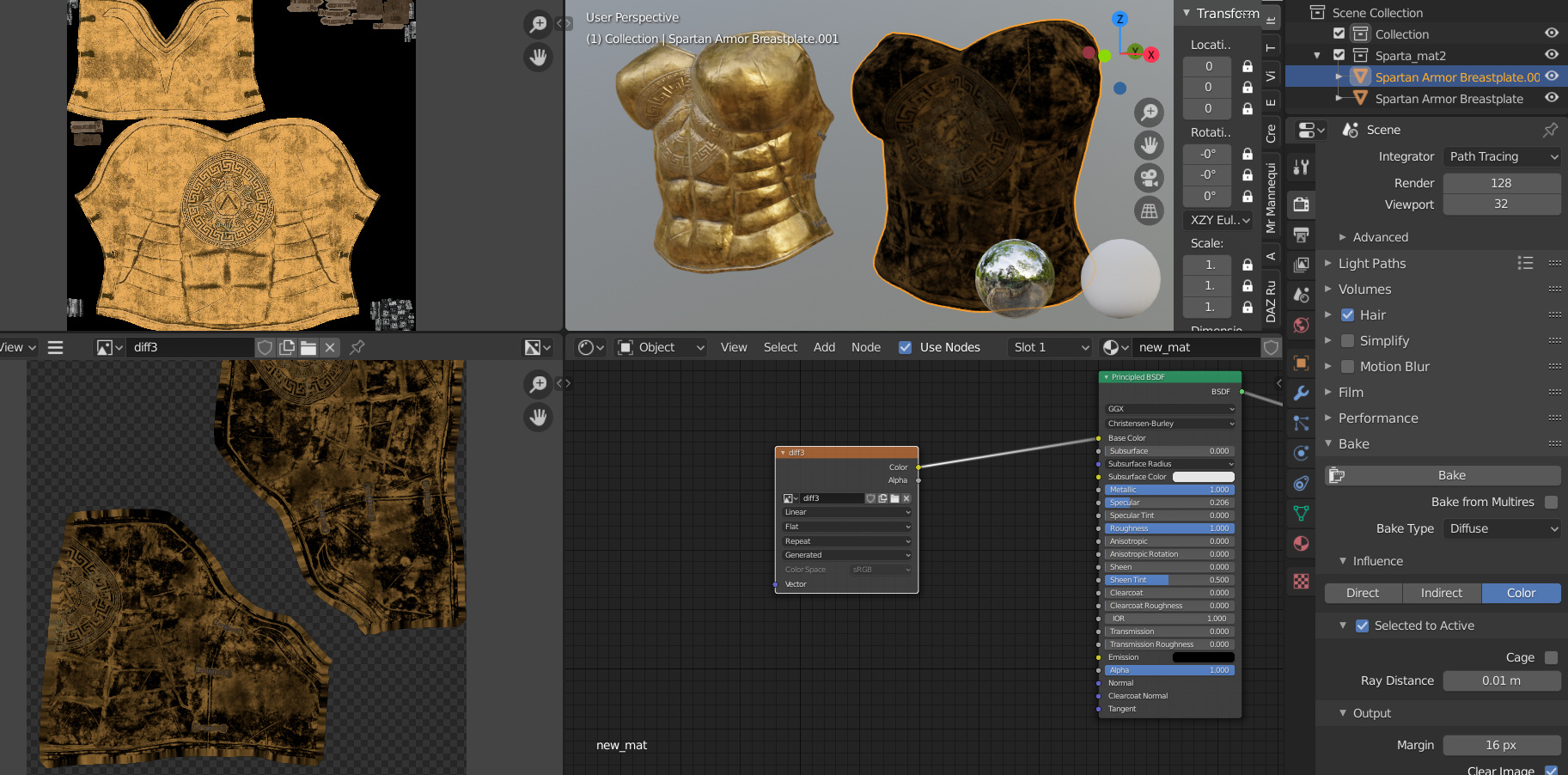
https://blenderartists.org/uploads/default/original/4X/e/e/b/eebe0b075e59afc5be8945688e0f22284d1fb314.jpeg
One of the many great things with Substance Painter is the ability to use the colour ID map that is generated from ZBrush and baked into Substance Painter This can be used as a mask for materials texture applications baked from the high resolution details in ZBrush
Templates are pre-designed documents or files that can be utilized for different purposes. They can save time and effort by providing a ready-made format and design for producing different kinds of material. Templates can be used for individual or expert projects, such as resumes, invites, leaflets, newsletters, reports, presentations, and more.
Substance Painter Bake Textures
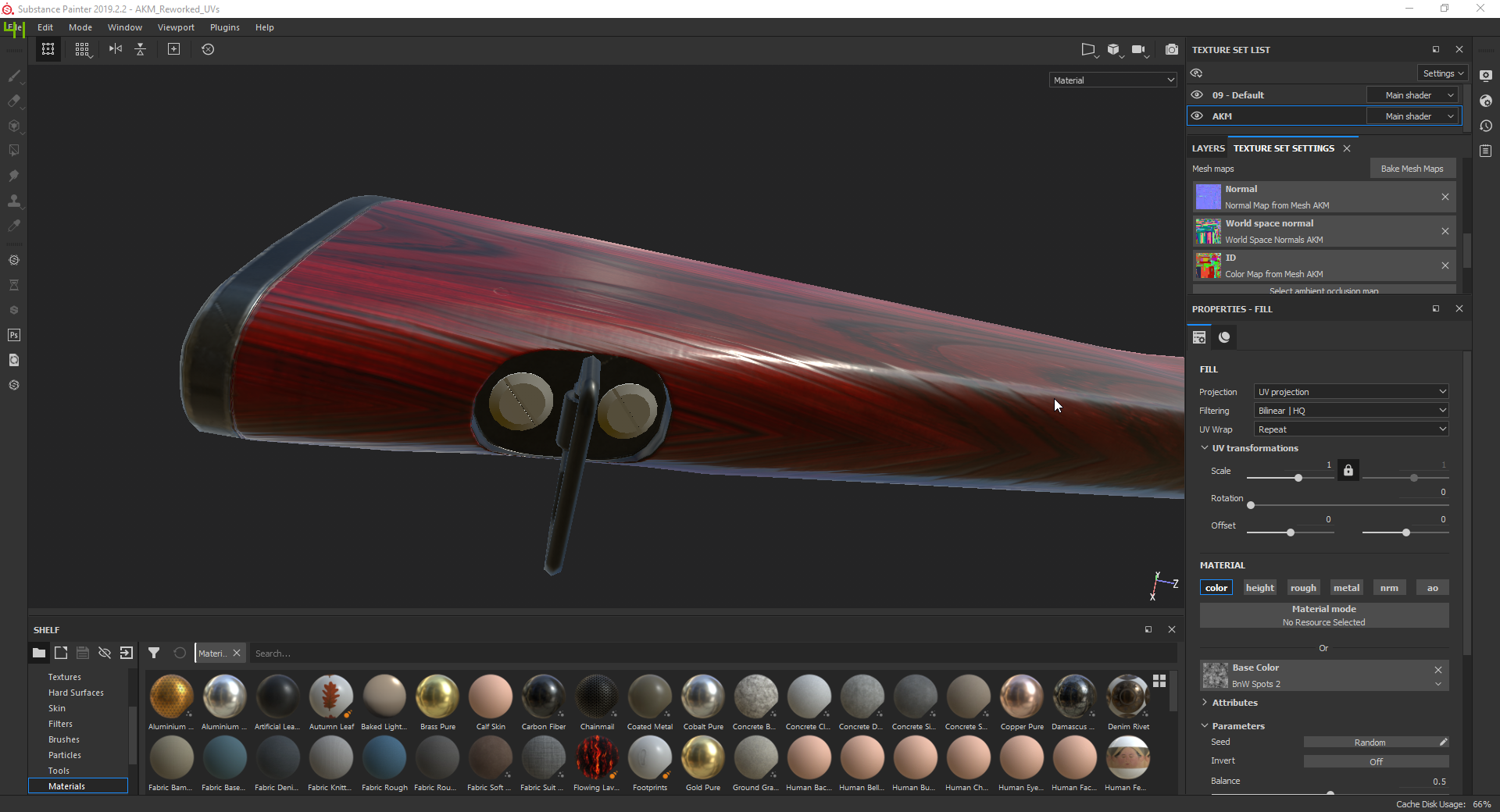
Substance Painter Import Issue And Normal Bake Issue Polycount
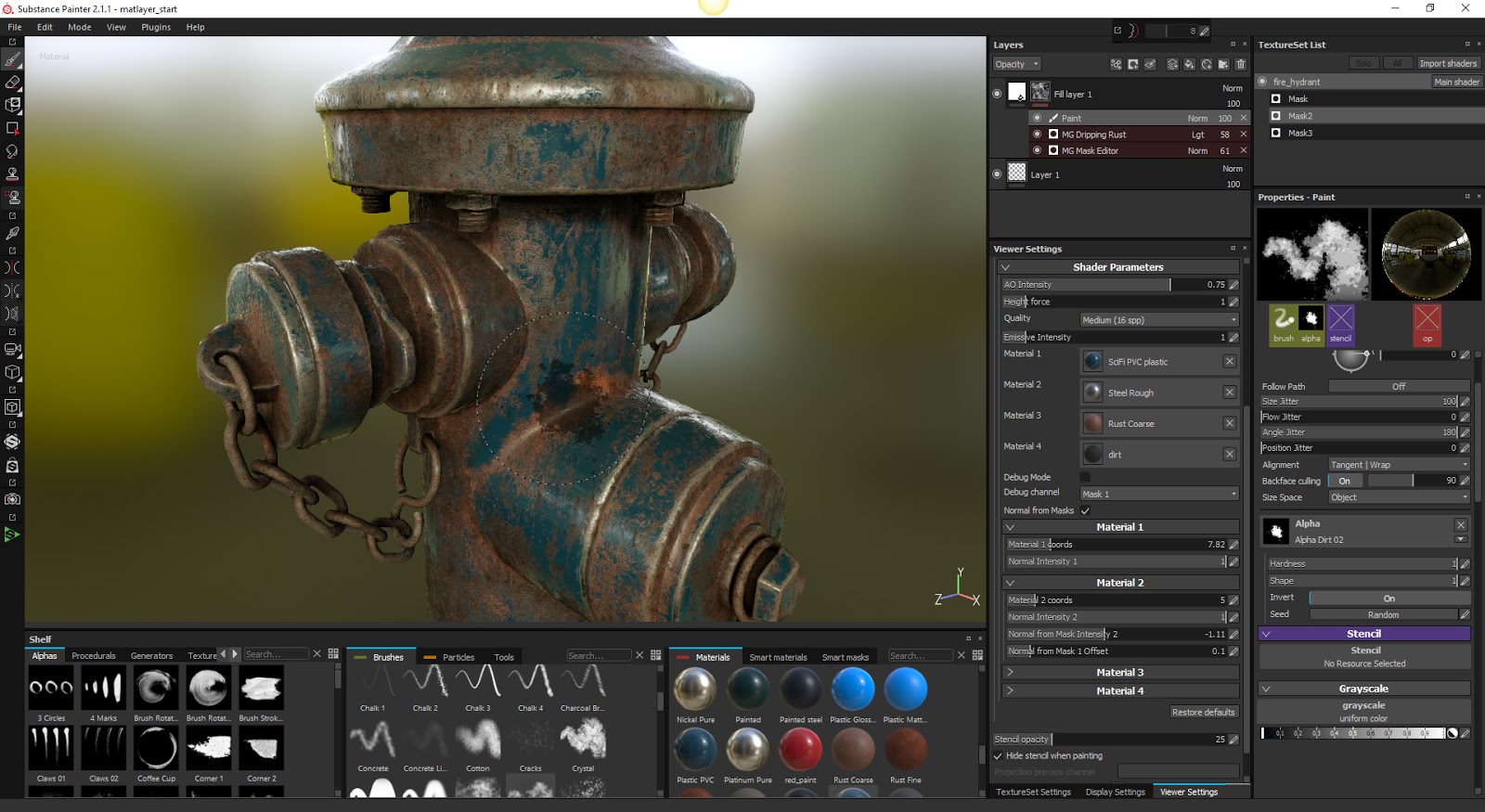
Allegorithmic Substance Painter 2 2 Computer Graphics Daily News
How To Bake Textures In Blender Artisticrender

Baking In Substance 3D Painter 8 3 YouTube

Substance Painter Import Issue And Normal Bake Issue Polycount

Texture Baking Normal Map Artifacts In Substance Painter Blender
Enjoy this FREE chapter from our FlippedNormals Exclusive Creating Your First High Quality 3D Prop http FlipNm co first3DpropTutorialGet 25 OFF the full

How to bake mesh maps Substance 3D Painter Last updated on How to bake mesh maps This page gives an overview of the baking process in Painter dedicated baking mode 1 Switch to baking mode By default Painter is set to the Painting mode when creating or opening a project To be able to bake mesh maps you need to switch to the baking mode
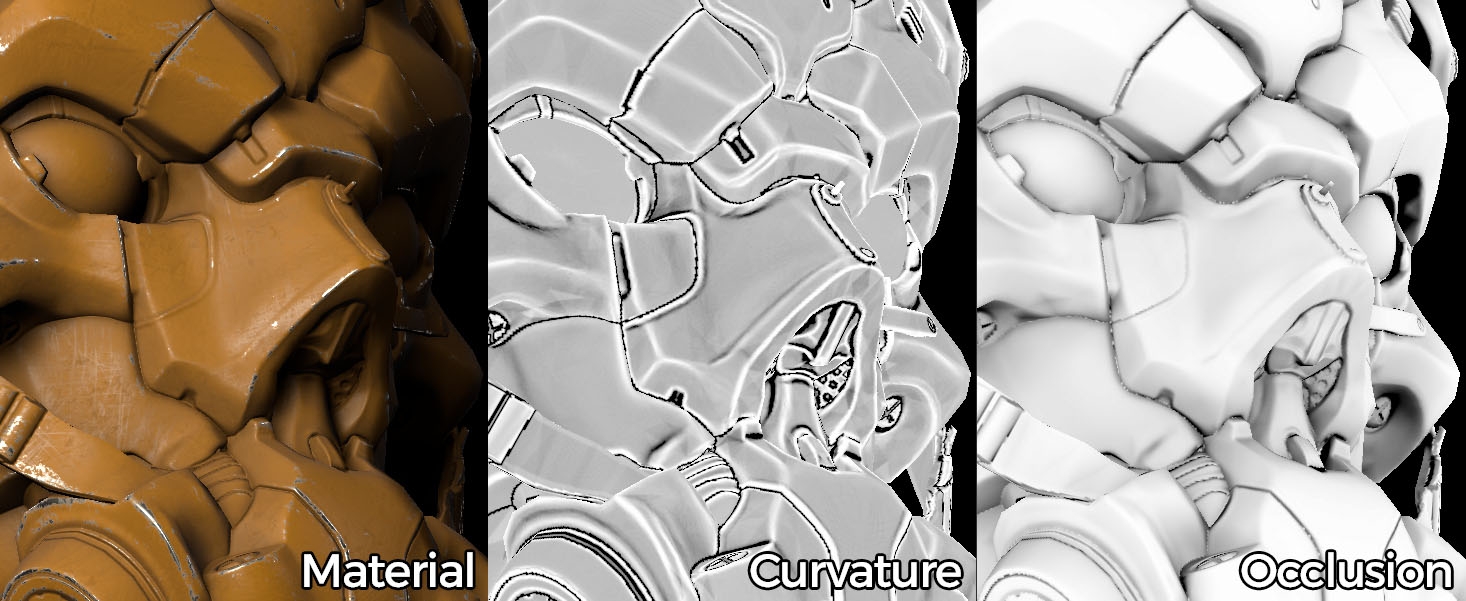
Introduction Baking in Substance 3D painter 8 3 Adobe Substance 3D 193K subscribers Subscribe Subscribed 2K Share 85K views 11 months ago This video covers Painter 8 3 s new baking features

YouTube is something I do in my spare time so in order for me to do this full time support the channel and brand by joining any of the links below and get

How to Bake Textures in Substance Painter Lesson 4 of 25 Substance Painter Full Course Once you have applied the vertex colors and added ID maps to your model and you have already imported
Download and share for free 3D assets created by the Substance 3D community Substance 3D offers the tools you need to texture 3D assets Modernize your texturing process with advanced brushes and smart materials PlayVideo Discover the foundations of Substance 3D Painter Jump start your creativity with foundational video tutorials Meet the industry s standard texturing software
Community Beginner Apr 13 2022 When I start a new project with an FBX file from blender 2 83 and I then bake the mesh maps the ambient occlusion map texture has a strange pattern as shown in the picture below The pattern bleeds through tany materils that I apply and smart matterials follow the strange pattern