Startup Settings Windows 10 Not Working Start Windows 10 In Safe Mode Fortune Salaire Mensuel De Bluetooth Settings Windows 10 Not Working Fortune Salaire Mensuel De Brightness Settings Windows 10 Not Working C ch M Startup Settings N u Windows 10 L i Kh ng Boot V o c Desktop How To Enter BIOS Utility On All PCs And Boot From USB Dec 4 2023 nbsp 0183 32 View startup apps in Windows 10 11 via Settings Step 1 Open the Settings app Navigate to Apps gt Startup page Step 2 The Startup page displays applications that load with
Other startup settings include advanced features intended for use by system administrators and IT professionals This article describes how to modify the Windows startup behavior and the Under the Startup India initiative eligible companies can get recognised as Startups by DPIIT in order to access a host of tax benefits easier compliance IPR fast tracking and more
How To Enter BIOS Utility On All PCs And Boot From USB How To Start Windows 10 In Safe Mode StackHowTo Windows 10 Settings Not Opening Working Fixed YouTube Enable Always Boot To Advanced Startup Settings In Windows 10 Tutorials Minecraft On Windows 10 Not Working Peatix Dell Touchpad Scroll Not Working Windows 10 Goodsitecharlotte Uefi Firmware Settings Windows 10 Not Showing UnBrick ID How To Change Startup Settings In Windows 10 8 1 7 Uefi Firmware Settings Windows 10 Not Showing UnBrick ID
Startup Settings Windows 10 Not Working
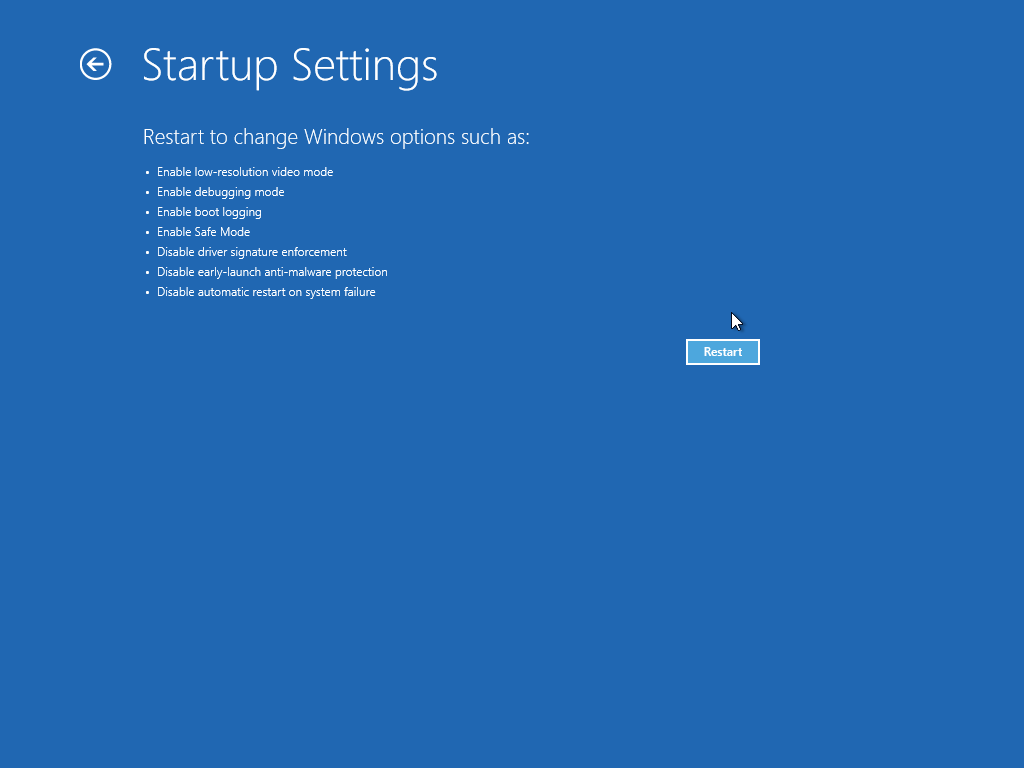 Startup Settings Windows 10 Not Working
https://winaero.com/blog/wp-content/uploads/2014/10/restart-with-startup-settings-enabled.png
Apr 29 2022 nbsp 0183 32 The Startup folder in Windows 11 is a location you use to add programs that can t otherwise open automatically at startup Suppose you want to manage applications that do
Pre-crafted templates offer a time-saving solution for developing a diverse variety of files and files. These pre-designed formats and layouts can be made use of for various personal and professional projects, including resumes, invites, leaflets, newsletters, reports, discussions, and more, enhancing the content creation procedure.
Startup Settings Windows 10 Not Working

How To Use The Windows 10 Start Menu 6 Steps with Pictures

How To Start Windows 10 In Safe Mode StackHowTo
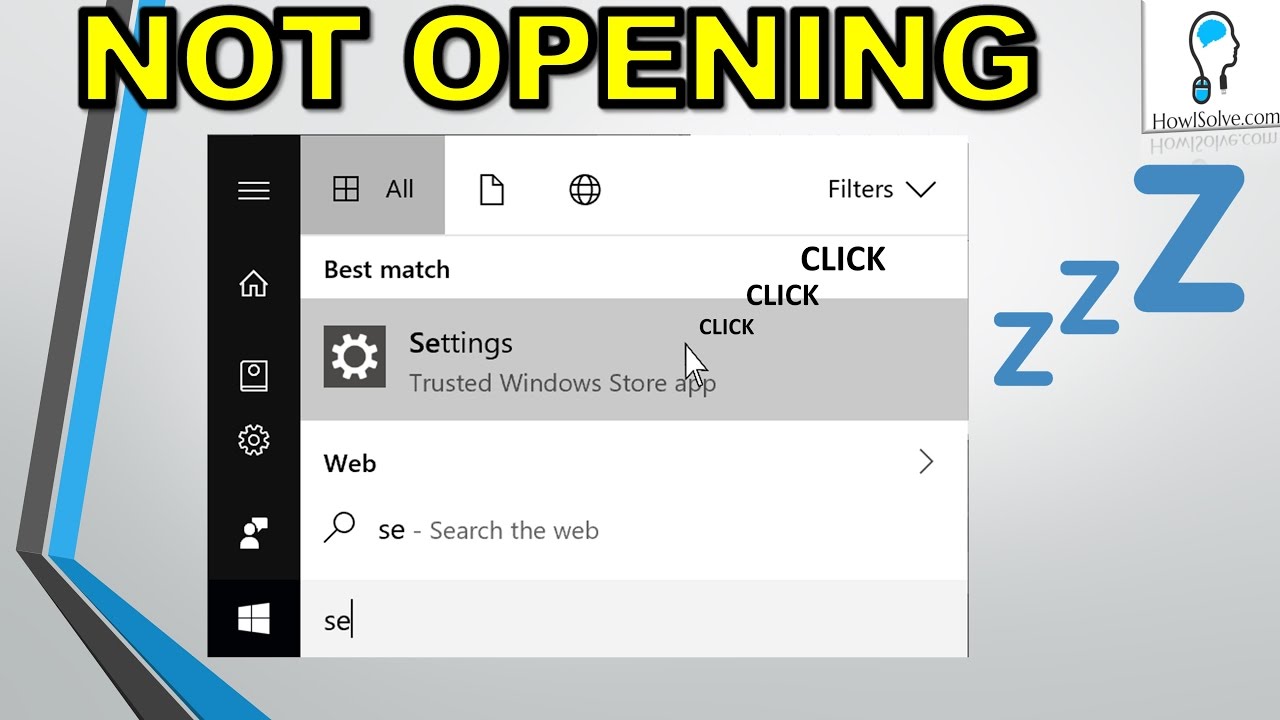
Windows 10 Settings Not Opening Working Fixed YouTube
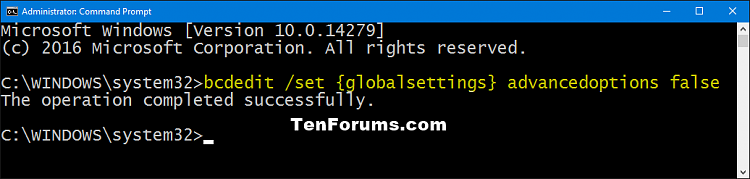
Enable Always Boot To Advanced Startup Settings In Windows 10 Tutorials
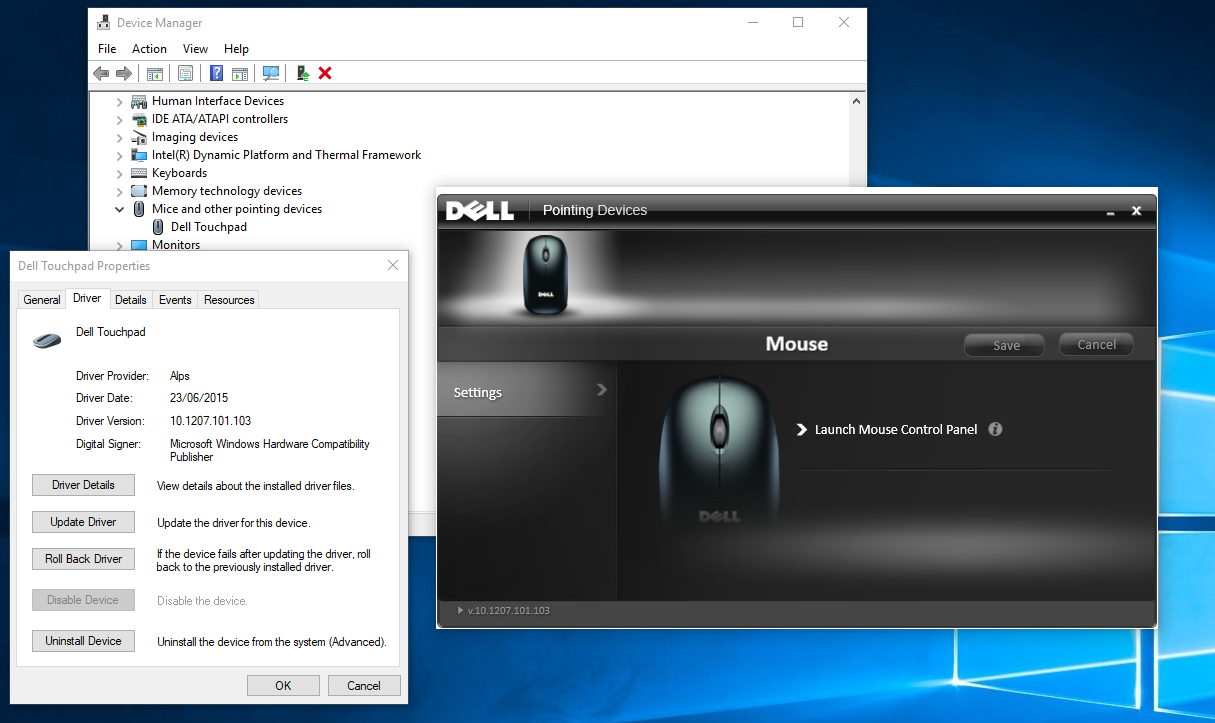
Dell Touchpad Scroll Not Working Windows 10 Goodsitecharlotte
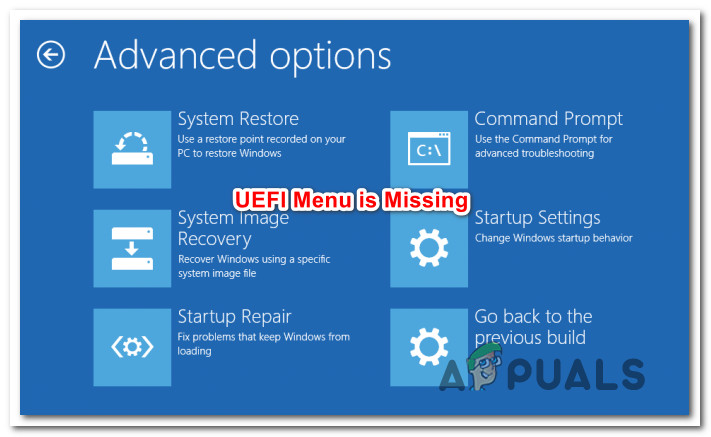
Uefi Firmware Settings Windows 10 Not Showing UnBrick ID
Mar 11 2024 nbsp 0183 32 The Startup folder in Windows 10 11 is a system folder where you can add program shortcuts to make them start with Windows 10 11 In other words by adding a program s

By customizing which applications launch on startup you can streamline your routine ensuring that only the tools you need for your daily tasks are ready and waiting for you Depending on

Sep 28 2023 nbsp 0183 32 Windows has a hidden folder called Startup that keeps the shortcuts to the apps to launch them automatically on startup This guide will tell you how to access this Windows
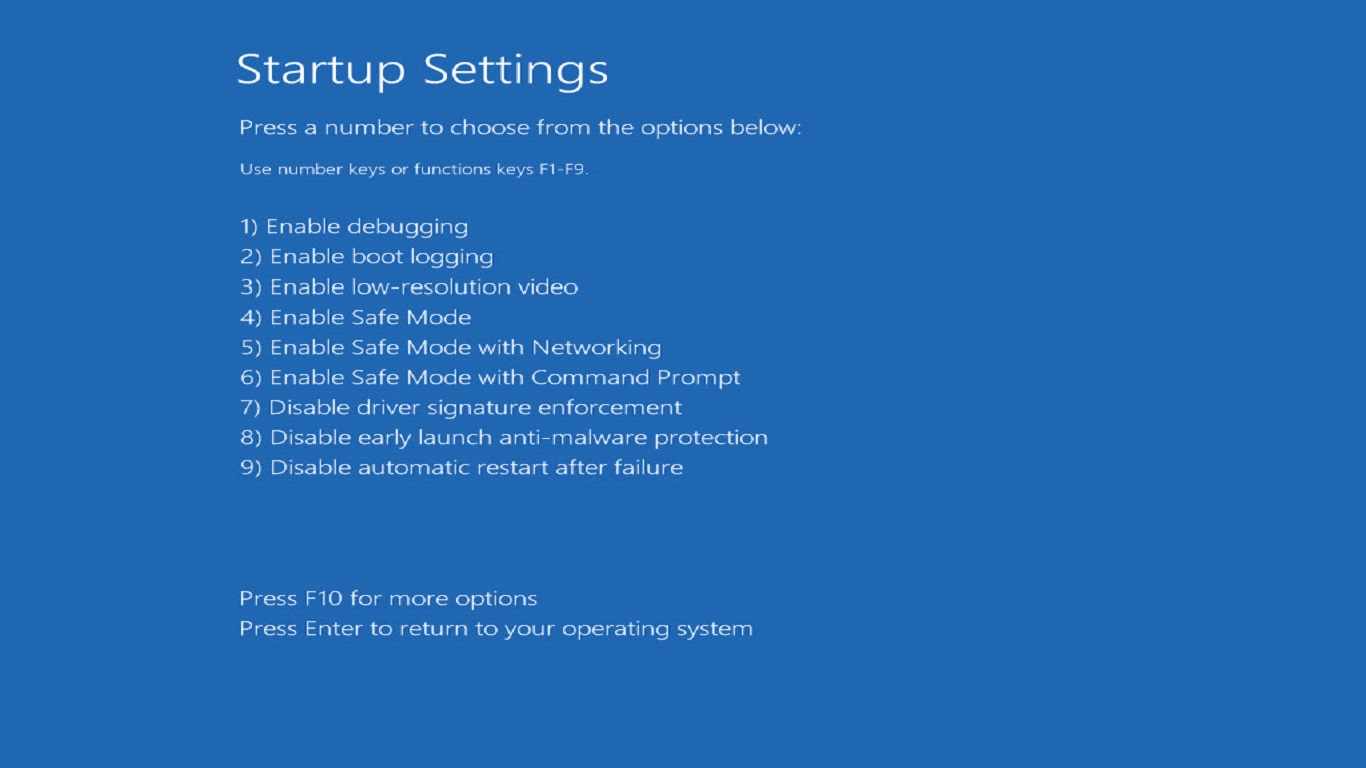
Apr 25 2023 nbsp 0183 32 You get to control which applications launch when you start up your Windows computer Customize your computer by learning how to stop apps from opening on startup

To access the Startup folder on Windows 10 press Windows R and enter quot shell startup quot into the Run window Add a shortcut in the Startup folder to launch a program when your PC starts
[desc-11] [desc-12]
[desc-13]