Start Windows Service With Command Line Arguments Understanding Command Line Arguments And How To Use Them Windows Command Line Mommyaca Use Main Method Arguments With Command Line YouTube How To Use Mysql Command Line Client In Windows Login Pages Info Windows 7 How Do I Find Out Command Line Arguments Of A Running 43 After added command line definition We could passing env through this command line supposed we used Debug as example XXXService exe
Run command example exe install this command will install this executable as service Name of service is myservice Open services and verify 1 NSSM If you have just installed your service you can try removing service and adding it again with correct parameters using Command prompt by running
Windows 7 How Do I Find Out Command Line Arguments Of A Running Command Line Argument In C YouTube Specifying Command Line Arguments In JGrasp Lab 2 CSCI 1230 Command Line Arguments In C YouTube Introduction To Command Line Arguments In C Great Learning Windows Command Line Tutorial 2 Listing Files And Directories YouTube How To Launch Quickshare With Command Line Arguments Quicklaunch Windows Terminal Preview 1 5 Release Windows Command Line
Start Windows Service With Command Line Arguments
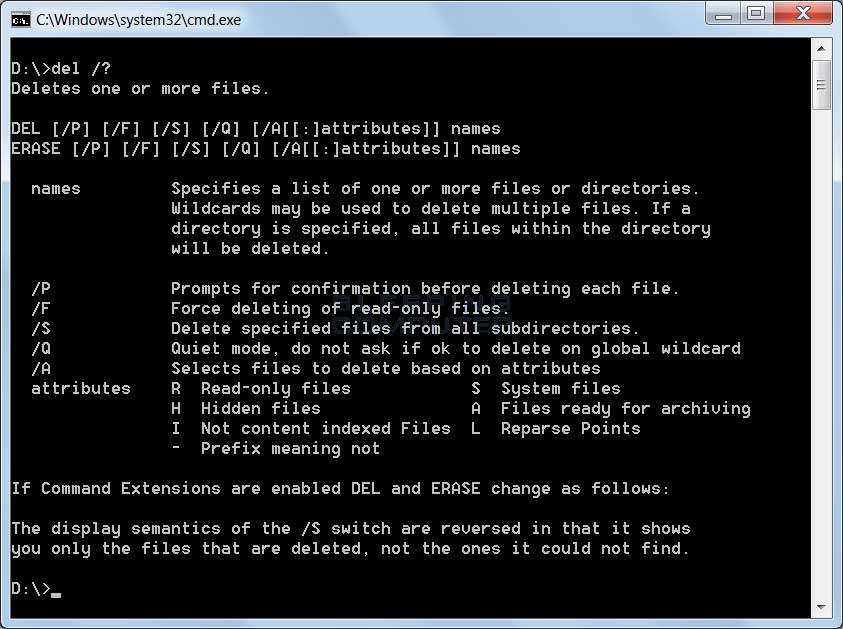 Start Windows Service With Command Line Arguments
https://www.bleepstatic.com/tutorials/basic-concepts/command-line-arguments/windows-command-line-args.jpg
ServicePilot exe start stop restart wait sec noforce computer name args params verbose retry times service name where start
Templates are pre-designed files or files that can be utilized for various functions. They can conserve time and effort by supplying a ready-made format and design for producing different sort of material. Templates can be utilized for individual or professional projects, such as resumes, invitations, leaflets, newsletters, reports, discussions, and more.
Start Windows Service With Command Line Arguments

How Do You Input Command Line Arguments In IntelliJ IDEA Gang Of Coders
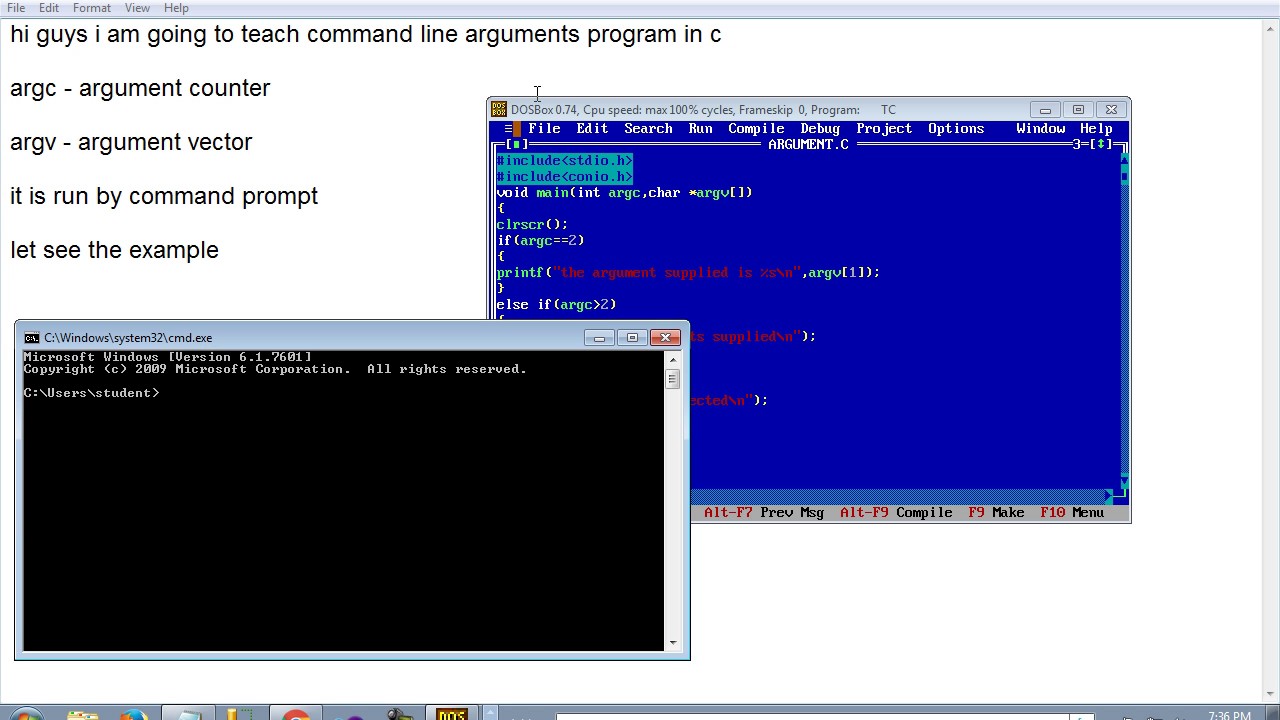
Command Line Argument In C YouTube
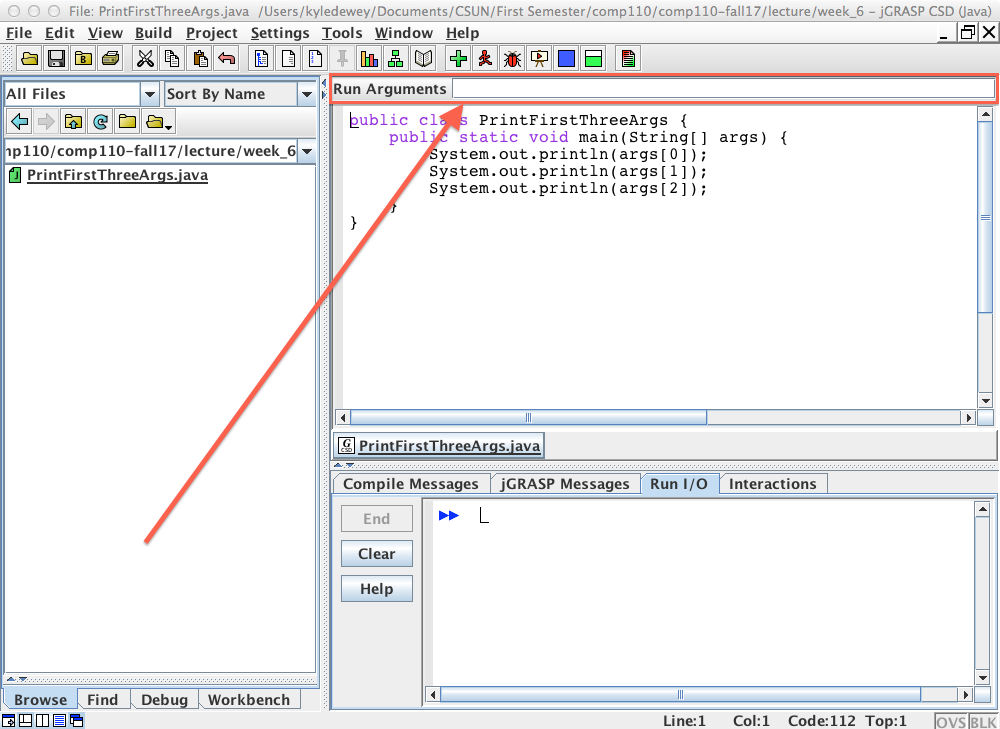
Specifying Command Line Arguments In JGrasp
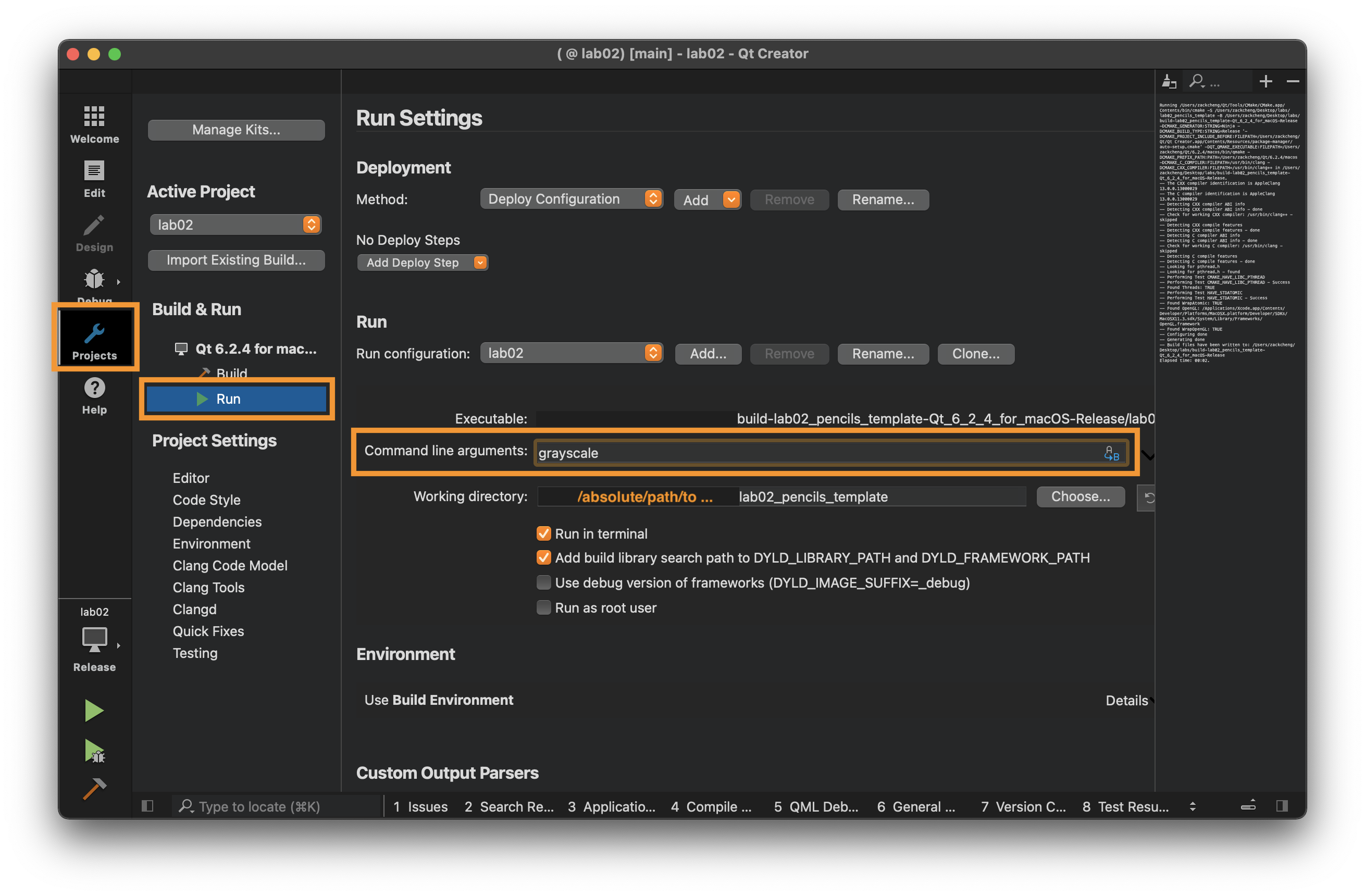
Lab 2 CSCI 1230

Introduction To Command Line Arguments In C Great Learning
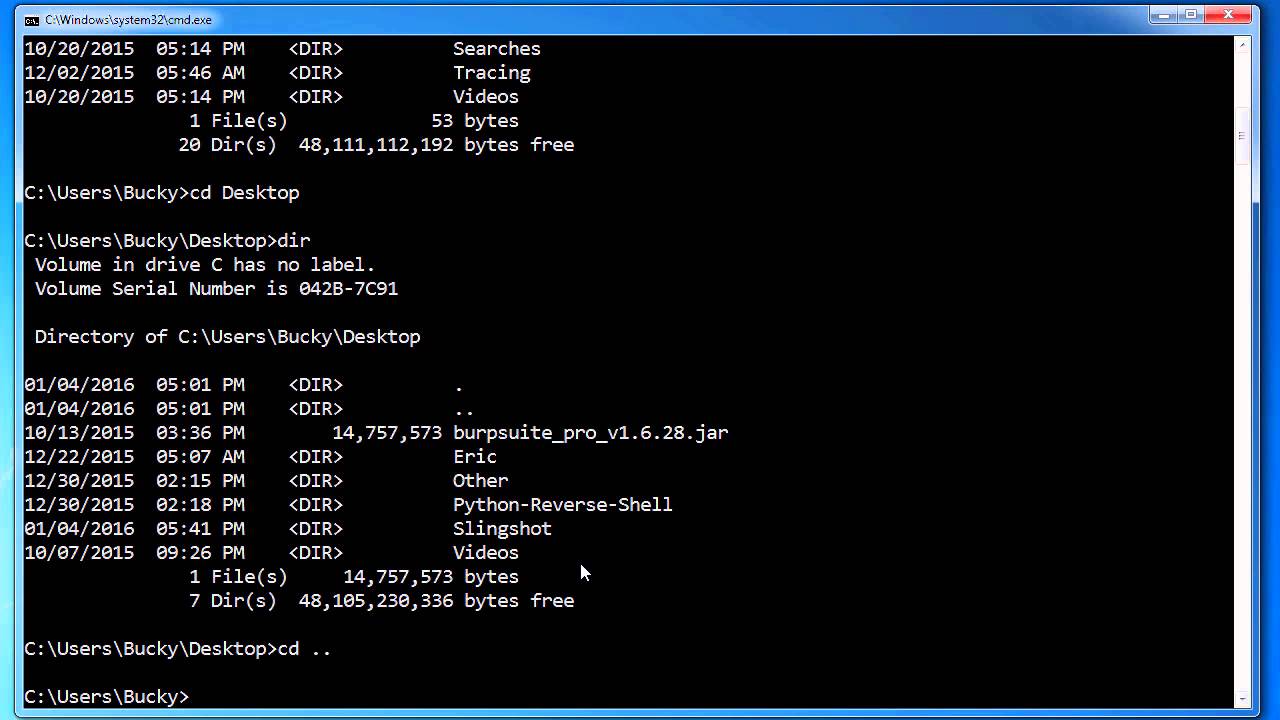
Windows Command Line Tutorial 2 Listing Files And Directories YouTube
Edit To clarify net start servicename works just fine but I need to pass parameters to the service I can do this manually in services msc
1 Press the start button in the lower left corner 2 In the search bar type Command Prompt without the quotation marks 3

You can start stop pause resume or restart a BizTalk Server service by using Services msc or using the command prompt

Open PowerShell Terminal or PowerShell ISE as Administrator Use the following Get Service the command along with a Name or DisplayName

Windows Service Controller sc is a command line utility that communicates with Service Control Manager and services It also provides you
You can use net stop service name to stop it and net start service name to start it up again basically restarting the service command line parameters types into Start parameters edit box persistenly and use them to start service automatically Yes it does http msdn
Open Start Search for Command Prompt right click the top result and select the Run as administrator option Type the following command to