Start Windows Repair From Command Prompt How To Repair Windows 10 Using Command Prompt YouTube Windows 10 Startup Repair Command Prompt How To Repair Windows 11 With SFC And DISM 2022 Top 5 Ways Repair Windows 10 11 Using Command Prompt How Do I Run Startup Repair From Command Prompt Efficient Software Web Nov 23 2018 nbsp 0183 32 Open Settings Click on Update amp Security Click on Recovery Under the quot Advanced startup quot section click the Restart now button After completing the steps you can now continue with the steps
Web Nov 22 2021 nbsp 0183 32 Step 1 Using DISM and SFC for system repair Step 2 Try a recent restore point or image backup Step 3 In place upgrade to current Windows 10 version Step 4 Completely reinstall Windows 10 Web Dec 16 2022 nbsp 0183 32 Here s how 1 Navigate to the Windows 10 Advanced Startup Options menu On many laptops hitting F11 as soon as you power on will get you to the
How Do I Run Startup Repair From Command Prompt Efficient Software Command Prompt Opens And Closes On Startup Loxatoolbox Windows 7 Backup Command Line Dusupernal How To Startup Repair Windows 10 11 Using Command Prompt How To Open Command Prompt In Windows 10 Different Ways VERA STAR COMPUTER SERVICE TOP 1 IN HO CHI MINH CITY C ch M Command Best 2 Ways To Boot To Command Prompt In Windows 10 How To Repair Windows 10 Using Command Prompt Amberstevens Best Command Prompt Hacks And Tricks
Start Windows Repair From Command Prompt
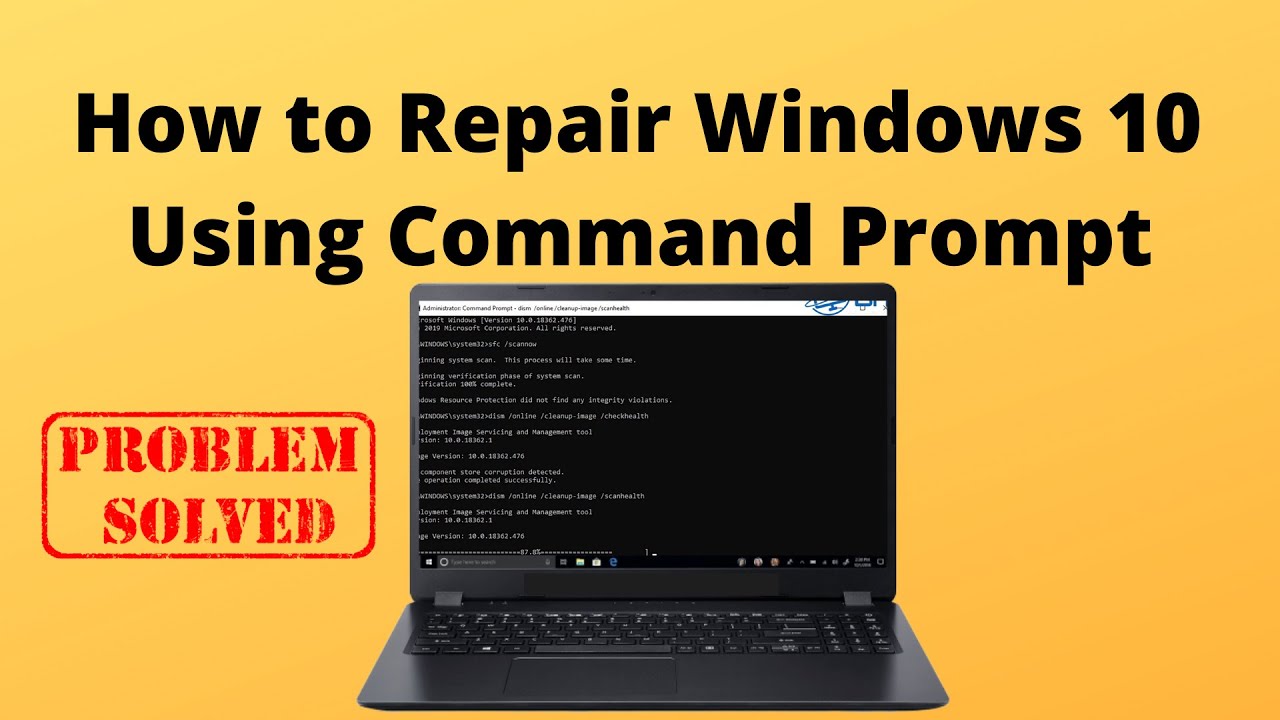 Start Windows Repair From Command Prompt
https://i.ytimg.com/vi/FS6GRiIOoCk/maxresdefault.jpg
Web Safe Mode with Networking Starts Windows in safe mode and includes the network drivers and services needed to access the Internet or other computers on your network Safe
Pre-crafted templates provide a time-saving solution for producing a diverse series of documents and files. These pre-designed formats and designs can be made use of for different individual and expert projects, including resumes, invitations, leaflets, newsletters, reports, discussions, and more, enhancing the material production procedure.
Start Windows Repair From Command Prompt
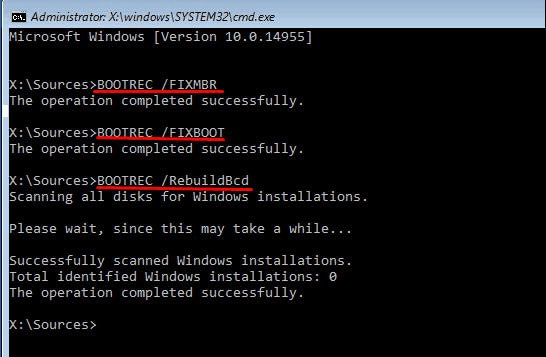
Windows 10 Startup Repair Command Prompt

Command Prompt Opens And Closes On Startup Loxatoolbox
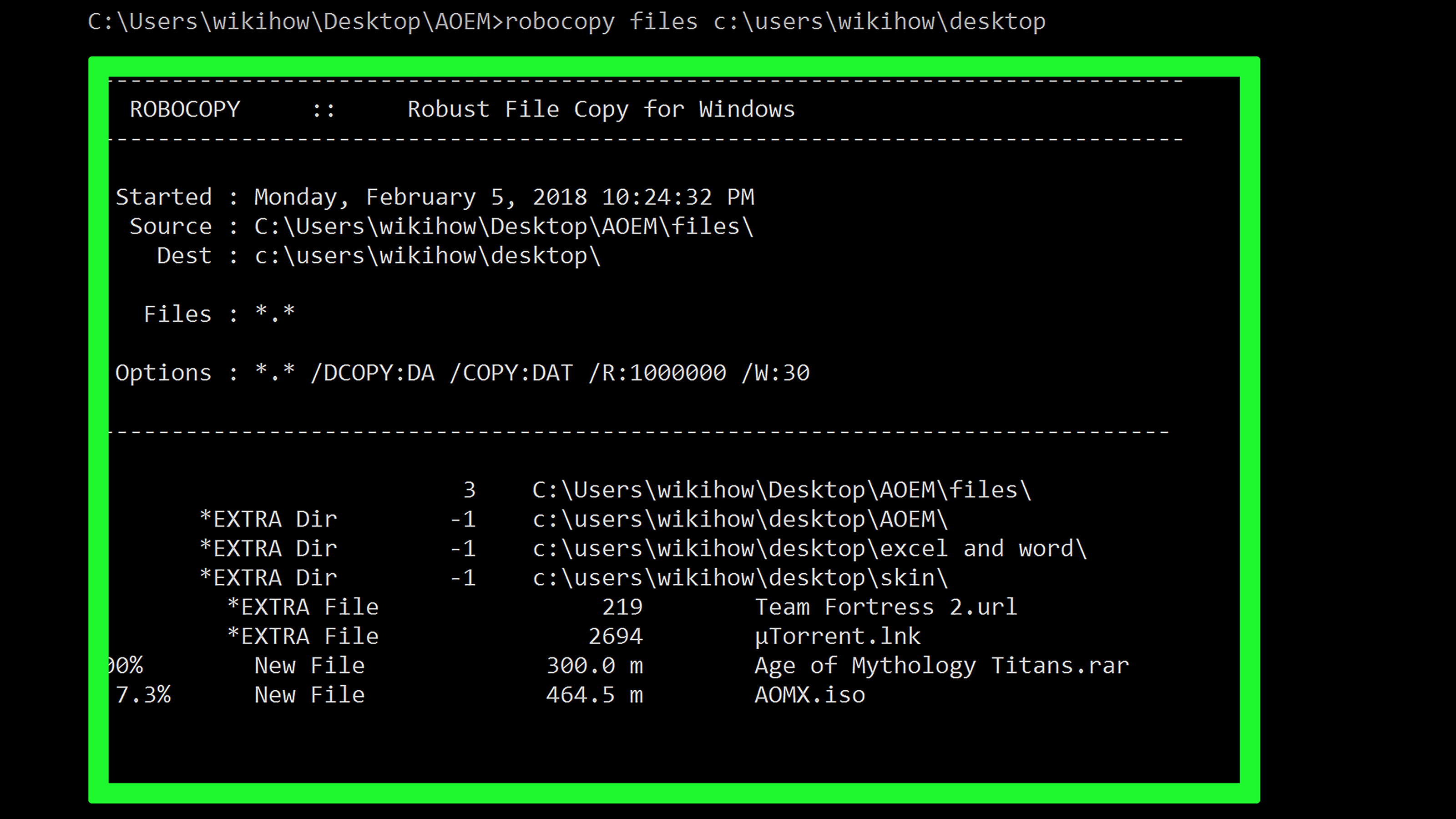
Windows 7 Backup Command Line Dusupernal
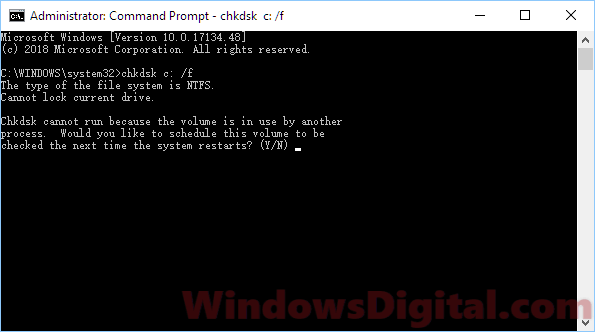
How To Startup Repair Windows 10 11 Using Command Prompt
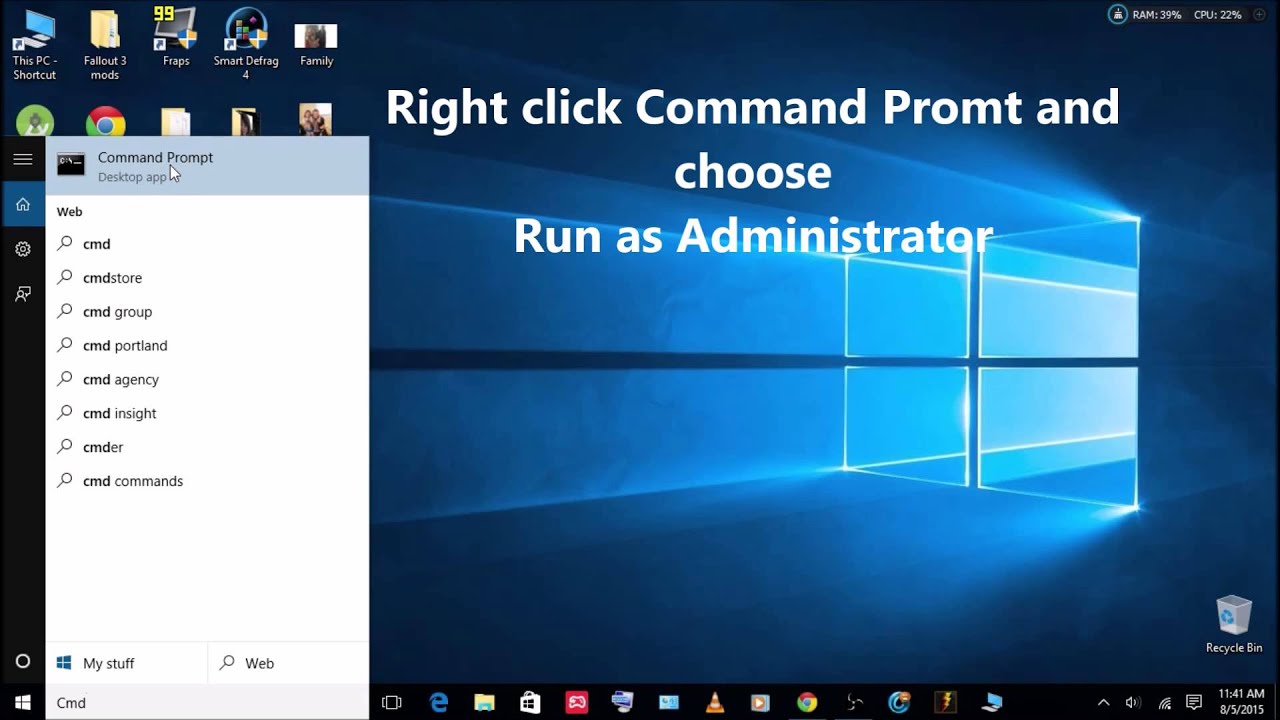
VERA STAR COMPUTER SERVICE TOP 1 IN HO CHI MINH CITY C ch M Command
Best 2 Ways To Boot To Command Prompt In Windows 10
Web Aug 18 2023 nbsp 0183 32 1 Open quot Start quot search for the Command Prompt select it and run as administrator 2 Then type the command quot sfc scannow quot
Web Jun 1 2022 nbsp 0183 32 Step 1 Start the Command Prompt using a recovery drive Step 2 Use Command Prompt to fix issues with your PC s boot records 2 1 How to repair the EFI
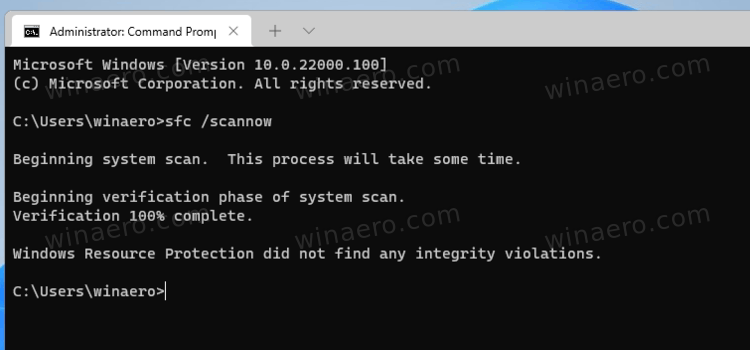
Web Sep 12 2023 nbsp 0183 32 Open Command Prompt or PowerShell as administrator then run quot sfc scannow quot to fix corrupted Windows System Files If SFC fails to run properly or cannot
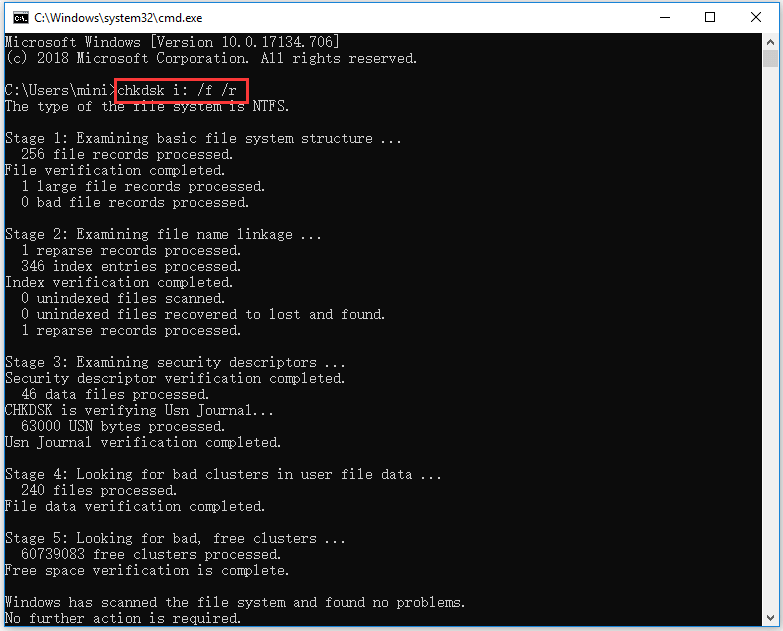
Web Oct 18 2023 nbsp 0183 32 With Windows 10 startup repair Command Prompt you can use CHKDSK command to scan and fix disk errors Type chkdsk F f command line and hit Enter

Web At the command prompt type the following command and then press ENTER findstr c quot SR quot windir Logs CBS CBS log gt quot userprofile Desktop sfcdetails txt quot Note The Sfcdetails txt file
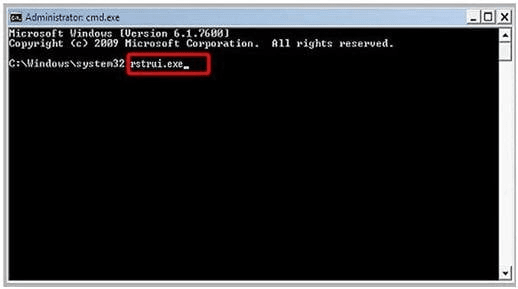
Web Jun 8 2023 nbsp 0183 32 Open Command Prompt Type rstrui exe in the window and then press Enter Follow the on screen instructions to complete the system restore This article Web Part 2 How to Enter in Advanced Repair Options if Windows Could Not Start If the computer does not enter to Windows normally or in safe mode for any reason e g
Web May 30 2023 nbsp 0183 32 1 Scan and Repair Your Hard Drive Using CHKDSK 2 Repair Windows 11 10 Missing or Damaged Files Using SFC 3 Repair Windows 11 10 Update Error