Start Windows Firewall Service From Command Line How To Update Ubuntu Using Command Line Gui Www vrogue co Windows 11 Allow Block Apps In Firewall Procedimientos Recomendados Para Configurar Windows Defender Firewall Quickly Fix Your Issues Related To Windows Firewall Check Firewall Port Is Open Or Block On Windows 11 Using PowerShell Press the Windows R keys on your keyboard at the same time to launch Run Type the control firewall cpl Run command in the Open text box Click the OK option to bring up Windows Defender Firewall 3 How to Open Windows Defender Firewall With the Search Tool
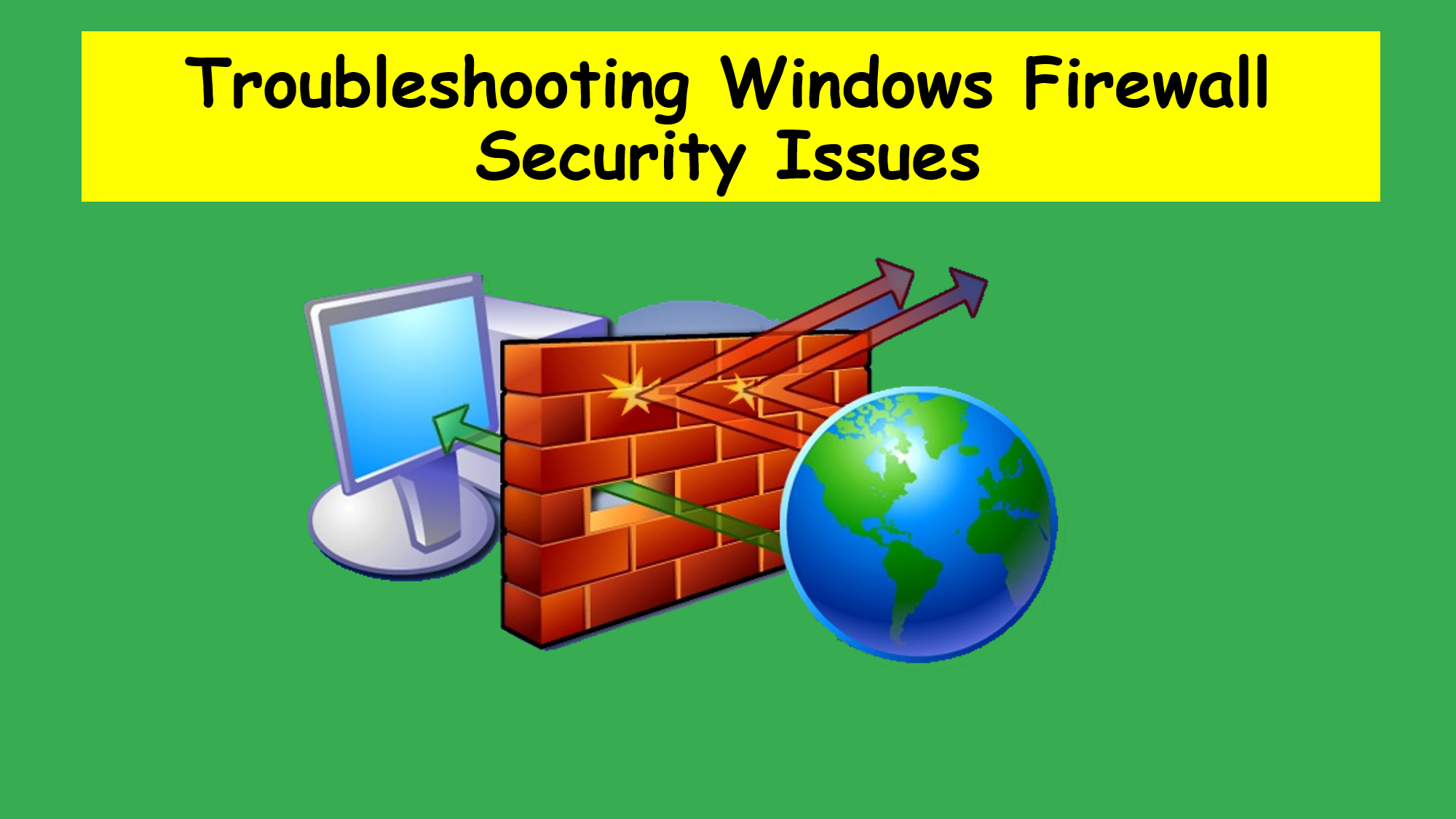
Enable Disable Windows firewall using command line netsh firewall set opmode mode ENABLE DISABLE exceptions ENABLE DISABLE profile CURRENT DOMAIN STANDARD ALL interface name Sets firewall operational configuration Parameters mode Operational mode ENABLE Enable firewall DISABLE Disable firewall The Windows Defender Firewall with Advanced Security WFAS is a Microsoft Management Console MMC snap in that provides advanced configuration functionalities It can be used locally and in group policy GPO implementations If you are configuring a single device select START type wf msc and press ENTER If you re configuring devices joined to an Active Directory domain create or edit a
Check Firewall Port Is Open Or Block On Windows 11 Using PowerShell Enable Or Disable Windows Firewall From Command Prompt Project Zero Understanding Network Access In Windows AppContainers Opening The Windows Firewall From The Run Command Network Firewall Shows aws alert strict Action When It Set With Stop Start Restart Windows Service Command Line How To Windows 10 Basics How To Enable And Disable The Windows Firewall Firewall HELP Gaming What Is Firewall As A Service FWaaS Perimeter 81
Start Windows Firewall Service From Command Line
 Start Windows Firewall Service From Command Line
https://i.stack.imgur.com/6DjZo.jpg
1 Open Windows Security using the Start Menu 2 Open Windows Security using the search 3 Open Windows Security from the Settings app 4 Open Windows Security by asking Cortana to do it 5 Create a link to Windows Security on your desktop 6 Pin Windows Security on your taskbar or Start Menu 7 Open Windows Security using the Run window 8
Pre-crafted templates provide a time-saving service for developing a varied variety of files and files. These pre-designed formats and designs can be utilized for different personal and professional tasks, including resumes, invites, flyers, newsletters, reports, discussions, and more, improving the content production procedure.
Start Windows Firewall Service From Command Line

How To Run Windows Defender From Command Line In Windows
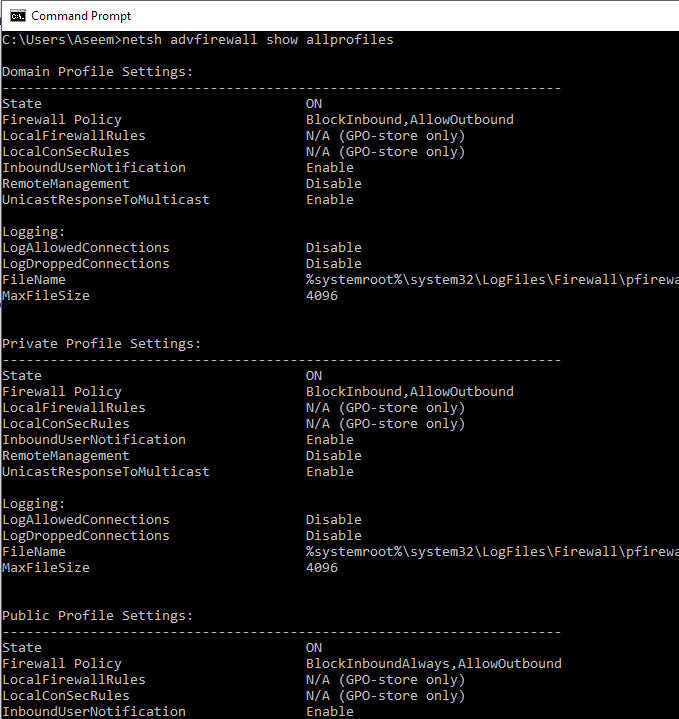
Enable Or Disable Windows Firewall From Command Prompt

Project Zero Understanding Network Access In Windows AppContainers

Opening The Windows Firewall From The Run Command
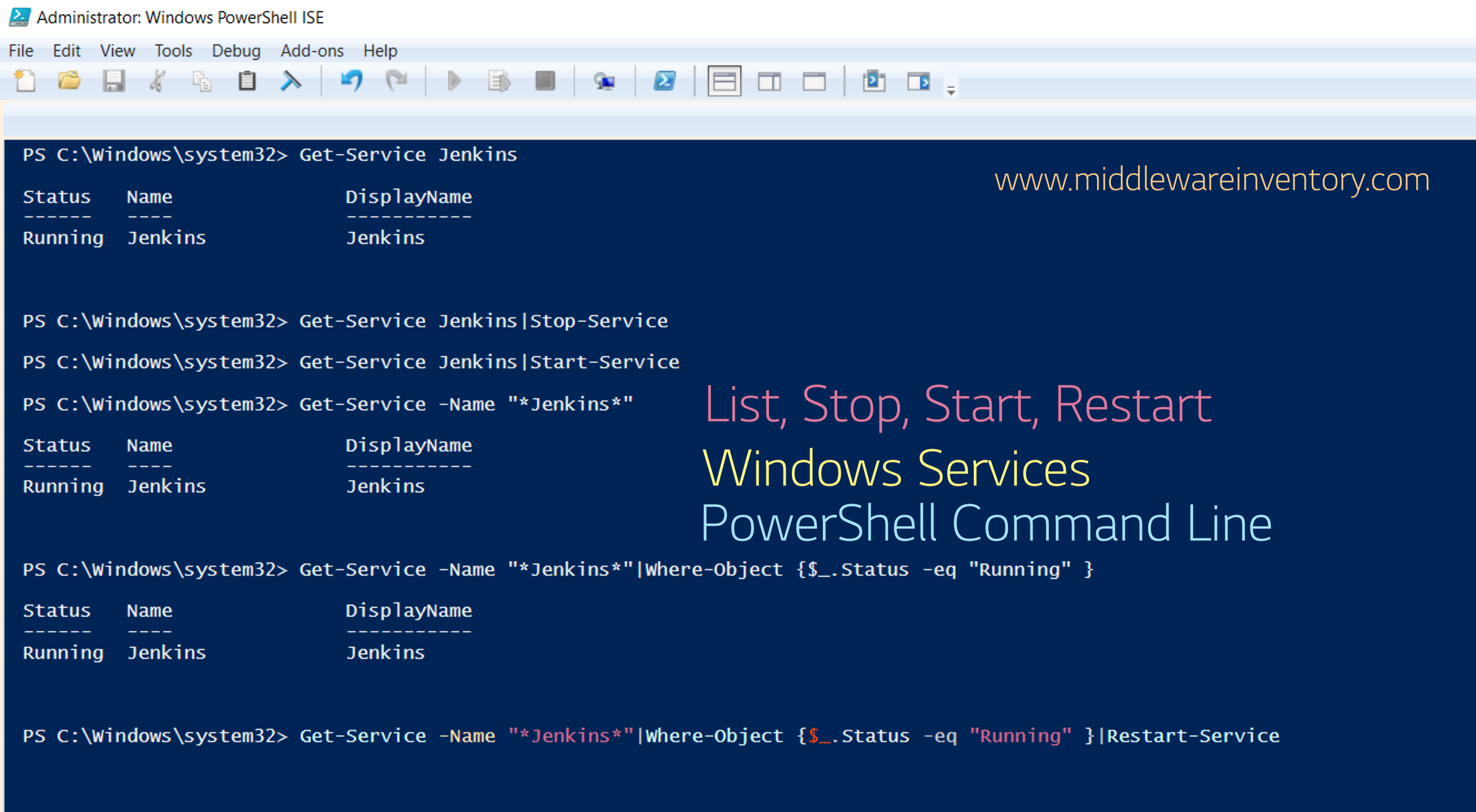
Stop Start Restart Windows Service Command Line How To

Windows 10 Basics How To Enable And Disable The Windows Firewall

Step 1 First you need to run the Command Prompt with administrative privileges Click the Start menu and search for Command Prompt Once the app appears in the results right click and

1 Open the Windows Defender Firewall using the search 2 Start the Windows Defender Firewall using Control Panel 3 Open Windows Defender Firewall using the Settings app 4 Start the Windows Defender Firewall using the Run window 5 Use Command Prompt PowerShell or Windows Terminal to open the Windows Defender Firewall

Manage Windows Firewall from Command Prompt First to see whether the Windows Firewall is enabled on a server or computer type this command at the command prompt netsh advfirewall show allprofiles
9 To stop a service use net stop service name To start a service use net start service name Both these need running from a elevated prompt To disable a service use sc config Name of Service start disabled This also needs running from a elevated prompt Finally a list of services and their states is in the registry at
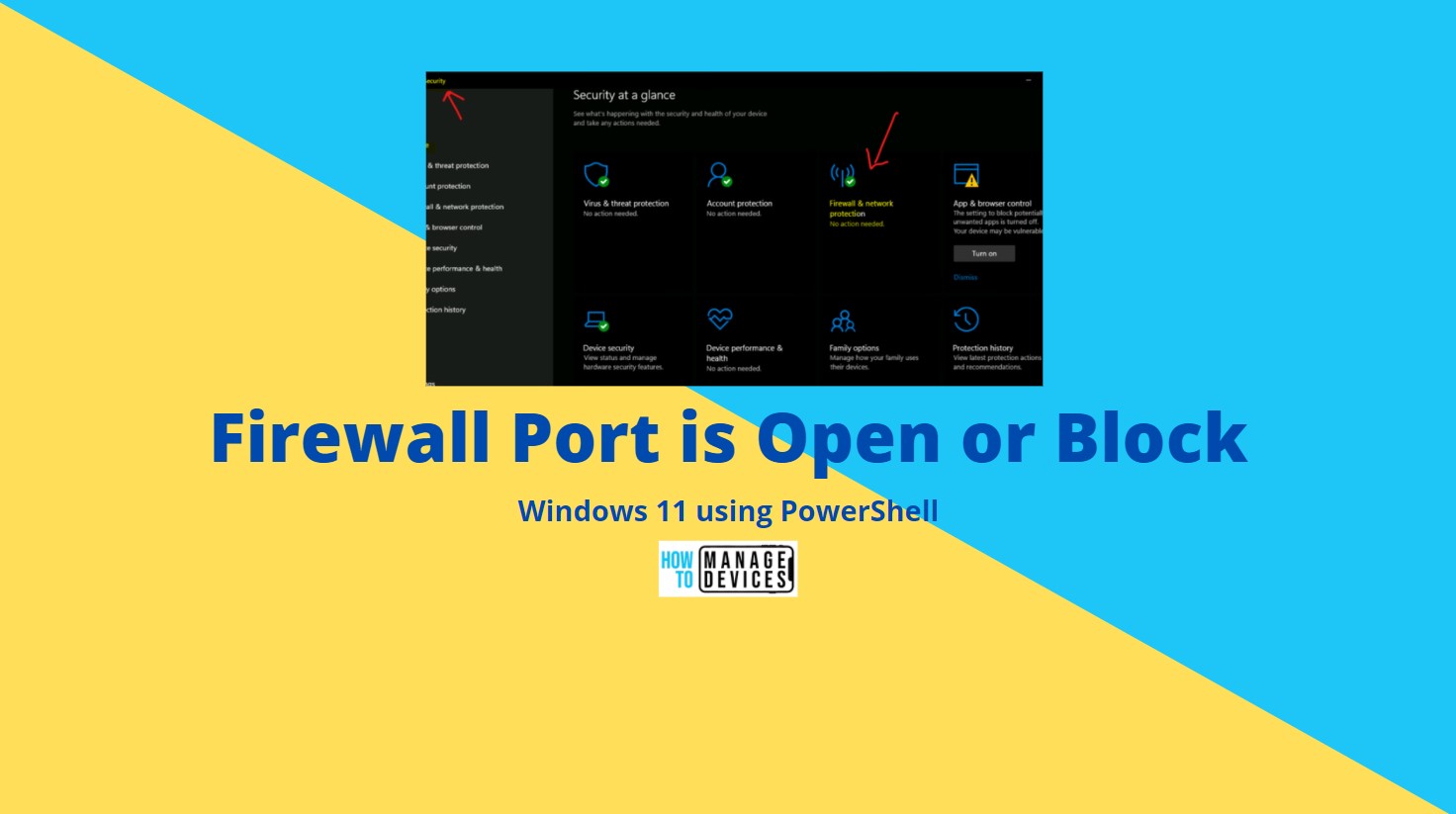
You can manage your Windows 11 firewall configuration and services using netsh and sc command from a Command prompt that runs as an administrator Steps to configure Windows 11 firewall from command prompt Launch command prompt with Administrator privilege Related How to open command prompt as administrator on Windows
To switch on Windows Firewall carry out the following steps Log onto the computer as an administrator Open Windows Firewall by clicking the Start button and then clicking Control Panel In the search box type firewall and then click Windows Firewall In the left pane click Turn Windows Firewall on or off Start or stop Windows service from command line CMD by Srini We normally use Services msc to start or stop or disable or enable any service We can do the same from windows command line also using net and sc utilities Below are commands for controlling the operation of a service Command to stop a service net stop servicename
Step 1 Press the Windows key X and choose the Windows PowerShell Admin option from the menu Step 2 Type the command Restart Service Name MpsSvc and press Enter Step 3 Wait for the PowerShell to execute the command Step 4 Once the command is executed check if the Firewall is working correctly Conclusion