Start Vmware From Command Line Linux How To Install Firefox On Linux From Command Line Systran Box Como Recuperar O Mysql Da Linha De Comando Em Rela O Ao Windows Hot How To Change Networks From The Command Line In Linux Systran Box How To Open And Run Python Files In The Terminal LearnPython Rip DVD From Command Line Linux Mint Cinnamon YouTube The key option that you want is the nogui option so that the VMware Workstation gui doesn t come up You should be able to use the vmrun command to start up VMs in the background from the command line and use it in etc rc local when your system boots You will need to use sudo e etc rc local to edit that file
If you start the virtual machine from the command line using the vmware cmd full Path to VMX file start or vim cmd vmsvc power on vmid command you see errors similar to Traceback most recent call last File usr bin vmware cmd line 93 in main File usr bin vmware cmd line 65 in main About This Book Getting Started with vSphere Command Line Interfaces gives an overview of command line interfaces in vSphere and gets you started with ESXi Shell commands and vCLI VMware vSphere Command Line Interface commands This book also includes instructions for installing vCLI and a reference to connection parameters
Rip DVD From Command Line Linux Mint Cinnamon YouTube How To Start Linux Mint From The Command Line Systran Box Ubuntu 22 04 Connect To WiFi From Command Line Linux Tutorials How To Install Cinnamon Linux Desktop From Command Line Systran Box Blog Archives Masterrevizion How To Check OS Version In Linux From Command Line Sneppets Bash Scripting Read Input From Command Line Linux Tutorials Learn The 7 Best Command Line Music Players For Linux Flipboard Installing VMWare Tools From Command Line Linux RHEL 6 Cent OS
Start Vmware From Command Line Linux
 Start Vmware From Command Line Linux
https://syscdn.systranbox.com/how-to-install-firefox-on-linux-from-command-line-.jpg
VSphere CLI Command Overviews This chapter introduces the command set presents supported commands for different versions of vSphere lists connection options and discusses vCLI and lockdown mode This chapter includes the following topics Introduction
Templates are pre-designed documents or files that can be utilized for different purposes. They can conserve time and effort by offering a ready-made format and layout for creating various sort of content. Templates can be used for individual or expert jobs, such as resumes, invites, leaflets, newsletters, reports, presentations, and more.
Start Vmware From Command Line Linux

How To Open An Image From The Command Line In Linux Systran Box

How To Start Linux Mint From The Command Line Systran Box

Ubuntu 22 04 Connect To WiFi From Command Line Linux Tutorials

How To Install Cinnamon Linux Desktop From Command Line Systran Box
How To Check OS Version In Linux From Command Line Sneppets

Bash Scripting Read Input From Command Line Linux Tutorials Learn

Procedure To run the vmware command on a Linux host system use the following syntax usr bin vmware n x X t q s variable name value v path to vm vmx http s path to vm vmx X toolkit options To run the vmware command on a Windows host system use the following syntax
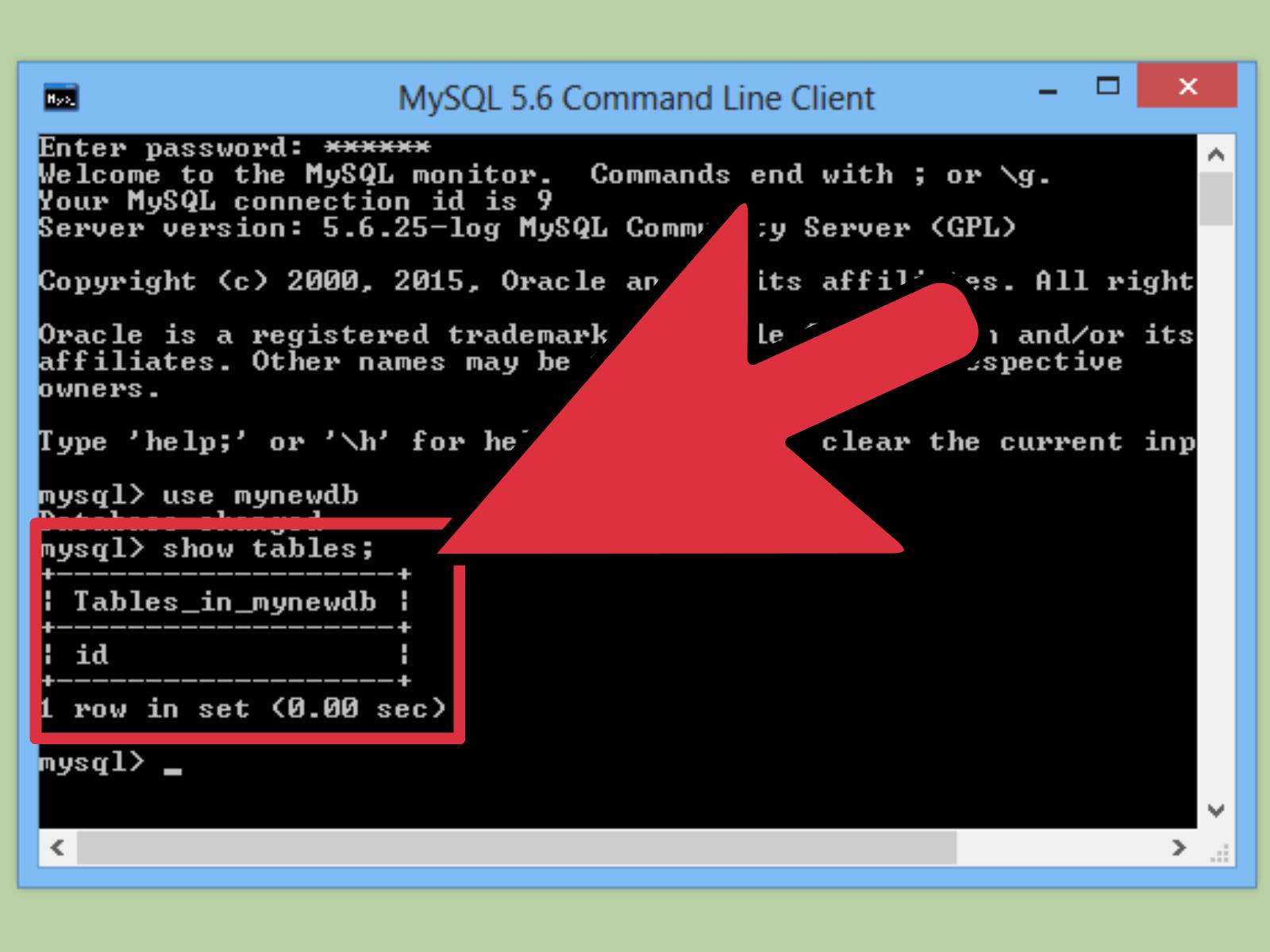
To start a virtual machine from the command line use the vmware command See Using the vmware Command What to read next Start a Virtual Machine You can start a virtual machine from the VM menu or from the toolbar When you use the VM menu you can select a soft or hard power option or start the virtual machine in BIOS setup mode Read more

To power on a virtual machine from the command line List the inventory ID of the virtual machine with the command vim cmd vmsvc getallvms grep vm name Note The first leftmost column of the output shows the vmid Check the power state of the virtual machine with the command vim cmd vmsvc power getstate vmid
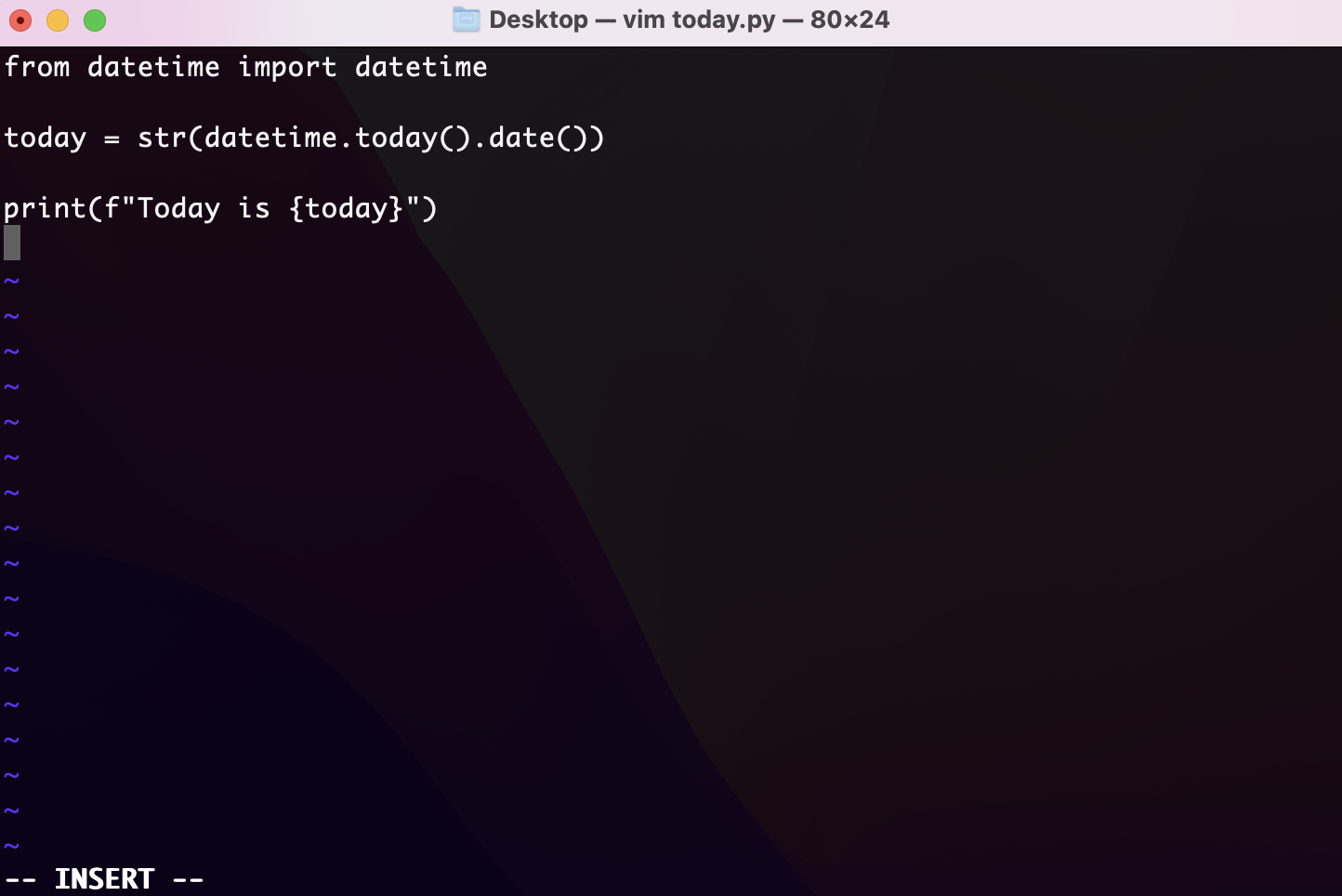
Updated on 10 28 2022 You can use command line installation options to install Workstation Pro on a Linux host system To use the installation options you must be logged in as root Exit from the root account after the installation is finished Parent topic Install Workstation Pro on a Linux Host Previous Page Next Page

Linux VMWare Server 2 Start Stop VMs From a Shell Prompt Linux VMWare Server 2 Start Stop VMs From a Shell Prompt To start a virtual machine with Vmware server 2 0 on a Linux host stored on storage called iscsi vmrun T server h https My 10 UNIX Command Line Mistakes
Indicates that the command returns immediately without waiting for the task to complete In this mode the output of the cmdlet is a Task object For more information about the RunAsync parameter run help About RunAsync in the VMware PowerCLI console optional Server VIServer named wildcards VMware Workstation Start Stop VMs from Command Line In the folder C Program Files VMware VMware Workstation C Program Files x86 VMware Workstation You ll find vmrun Command format vmrun AUTHENTICATION FLAGS COMMAND PARAMETERS 1 To start a virtual machine C Program Files VMware VMware Workstation vmrun T ws C VMs Linux vmx 2
Vmware server comes with the nifty vmware cmd utility It allows an administrator to perform various operations on a virtual machine from Linux command line shell prompt such as