Start Nginx Command Line Windows Libuuid so 1 No Version Information Available Programmer Sought III Introduction To Nginx Configuration File Nginx Restart Windows Command Restart Nginx Ubuntu Command Instalar Nginx Y Configurarlo Como Servidor Proxy Inverso ASP NET Beginner s Guide Building nginx from Sources Building nginx on the Win32 platform with Visual C Changes Command line interface Command line parameters Compatibility Configuration file measurement units Configuring HTTPS servers Connection processing methods Controlling nginx Converting rewrite rules Debugging nginx with DTrace pid provider
1 Download Nginx Server from the web Since we don t already have Nginx Server the very first thing you need to do is download it To do the same go to nginx click on download and then Getting Started We have this handy getting started document to get you going There is also the following resources Igor s introductory docs Guide to the most common web stack Martin s Nginx PHP Primer Additionally there are examples and tutorials below to help you get up to speed with configuring NGINX the way you want it
Instalar Nginx Y Configurarlo Como Servidor Proxy Inverso ASP NET Download And Upload Files To Server Through Terminal Windows 10 Command Line Proxy Settings How To Start Stop And Restart Nginx systemctl Nginx Commands How To Install Nginx On CentOS 8 10 Most Used Nginx Commands Every Linux User Must Know Docker Run Image Get Command Line Back Minegross Nginx session start Start Stop And Restart Nginx Web Server On Linux
Start Nginx Command Line Windows
 Start Nginx Command Line Windows
https://www.programmersought.com/images/476/bb613cab9baeec70fb1452889c6237ec.png
CommandLine for more command line options and process signals Frequently Asked Questions for solutions to common problems Community if you still can t find the answers to your questions
Templates are pre-designed documents or files that can be utilized for numerous functions. They can conserve time and effort by offering a ready-made format and layout for developing various type of content. Templates can be used for individual or professional jobs, such as resumes, invites, leaflets, newsletters, reports, discussions, and more.
Start Nginx Command Line Windows

How To Start Stop Or Restart Nginx AtulHost

Download And Upload Files To Server Through Terminal
Windows 10 Command Line Proxy Settings
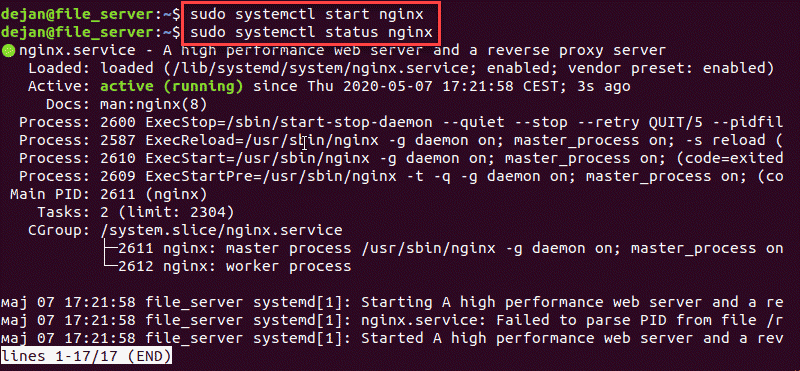
How To Start Stop And Restart Nginx systemctl Nginx Commands

10 Most Used Nginx Commands Every Linux User Must Know
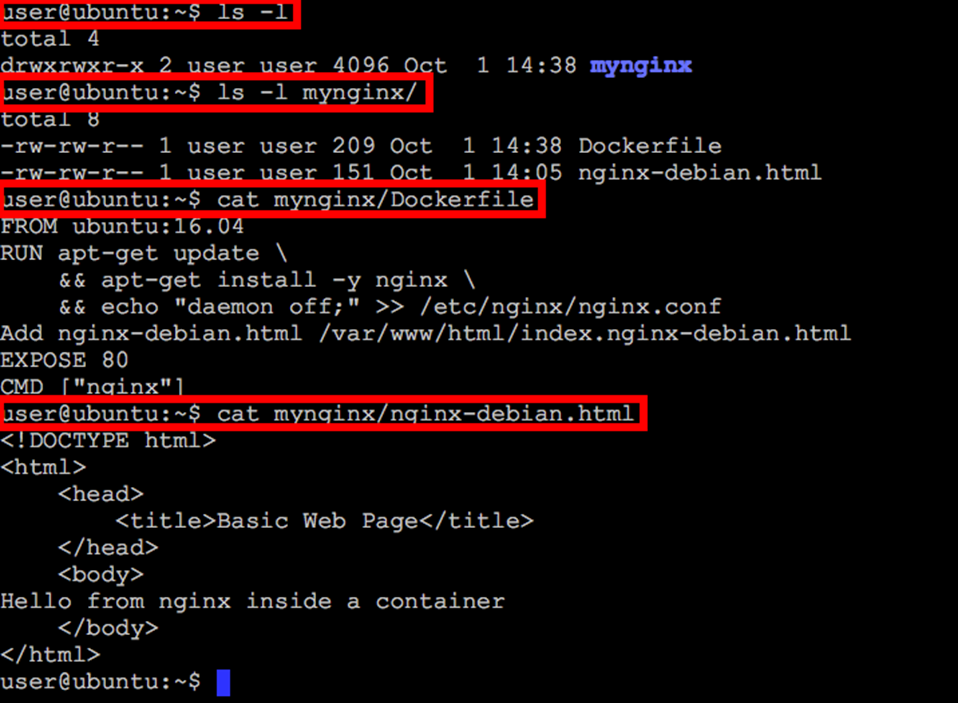
Docker Run Image Get Command Line Back Minegross

CommandLine Starting Stopping and Restarting NGINX This page shows you how to start NGINX and once it s running how to control it so that it will stop or restart Starting NGINX NGINX is invoked from the command line usually from usr bin nginx Basic Example of Starting NGINX usr bin nginx Advanced Example of Starting NGINX

Make the task to start daily at a certain time through the bat file it will check whether the service is already running to avoid creating multiple nginx exe instances If due to some reason Nginx shuts down within 5 minutes it will start Windows Startup shortcut Create one shortcut of nginx exe and put it in the startup folder of Windows
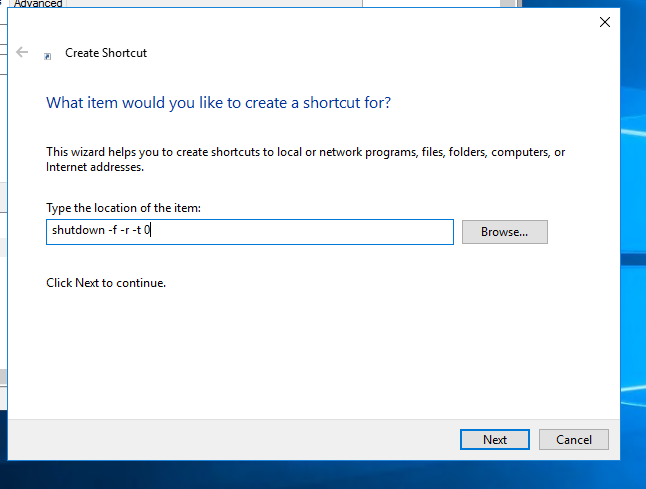
1 Using Nginx Application File 2 Using PowerShell 3 Using IIS Manager How to Configure Nginx For Windows Example Application of Nginx in Windows Frequently Asked Questions Tip if all you need is a local web server to test your applications here are the ways to set up a local web server in Windows Installing Nginx in Windows

To start Nginx execute the systemctl command with the start option sudo systemctl start nginx How to Restart Nginx Gracefully Restart Nginx If you re refreshing Nginx after changing the configuration it s best to gracefully reload the service That shuts down old processes and restarts new ones with the new configuration

Manage Configuration Groups for Cloud Databases with the trove command line tool Open a CMD prompt and start Nginx with the following command C nginx nginx exe Note some features are missing For further information see nginx for Windows Next steps If you want to serve more than one site we recommend that you set up Nginx server
NGINX is a high performance web server developed to facilitate the increasing needs of the modern web It focuses on high performance high concurrency and low resource usage Although it s mostly known as a web server NGINX at its core is a reverse proxy server NGINX is not the only web server on the market though Prerequisites Before you start with the installation process make sure you have administrative rights on your Windows system as they are required for software installation Additionally ensure your system meets the minimum hardware requirements for Nginx Step 1 Downloading Nginx Go to the Nginx download page
Nginx is an open source web server and reverse proxy server that was developed by Igor Sysoev in 2004 Nginx became very popular because it is fast versatile and can be used as a web server and reverse proxy This popularity has developed since it was first released