Start Button Not Working Windows 10 Top 7 Tested Methods To Fix Windows 8 1 10 Start Button Not Working How To Fix Not Working Windows 10 Start Button Geek House Www vrogue co How To Solve Windows 10 Start Button Not Working Problem 2019 YouTube FIX Start Button Not Working In Windows 10 How To Fix Windows 10 Start Button Not Working Web Feb 26 2019 nbsp 0183 32 Open Task Manager by holding CTRL SHIFT and ESC at the same time Go to the Processes tab Note Click More Details if you don t see tabs Scroll down and find Windows Explorer from the list of active applications Right click
Web Apr 16 2023 nbsp 0183 32 If you really need the Start Menu button to work and don t mind losing access to third party applications booting into Safe Mode can be an excellent way to get the Start Menu back For the uninitiated Safe mode is a Windows tool that disables unnecessary drivers and programs to boot the computer in a pristine state with basic Web Aug 21 2019 nbsp 0183 32 The simplest way to open Settings is to hold down the Windows key on your keyboard the one to the right of Ctrl and press i If for any reason this doesn t work and you can t use the Start menu you can hold the Windows key and pressing R which will launch the Run command
How To Fix Windows 10 Start Button Not Working SOLVED Windows 10 Start Button Not Working WindowsCla FINALLY SOLVED Windows 10 Start Button Not Working Cortana Edge And 3 Solutions To Fix Start Button Not Working In Windows 10 8 1 8 3 Solutions To Fix Start Button Not Working In Windows 10 8 1 8 How To Fix Not Working Windows 10 Start Button Geek House Www vrogue co How To Fix The Windows 10 Start Menu Not Working Start Menu Does Not Open Or Start Button Not Working In Windows 10 Windows 10 Start Button Not Working 9 Ways To Enable It
Start Button Not Working Windows 10
 Start Button Not Working Windows 10
http://www.pcerror-fix.com/wp-content/uploads/2015/11/windows-10-start-menu-not-working.jpg
Web Jun 3 2021 nbsp 0183 32 If your Start Menu is not working in Windows 10 the easiest way to restart it is directly in the Task Manager The new dedicated Start process means we won t even have to shut down
Templates are pre-designed documents or files that can be used for different functions. They can save time and effort by supplying a ready-made format and layout for producing various type of content. Templates can be utilized for personal or professional tasks, such as resumes, invites, flyers, newsletters, reports, discussions, and more.
Start Button Not Working Windows 10

Start Button Not Working Windows 10 Fix YouTube
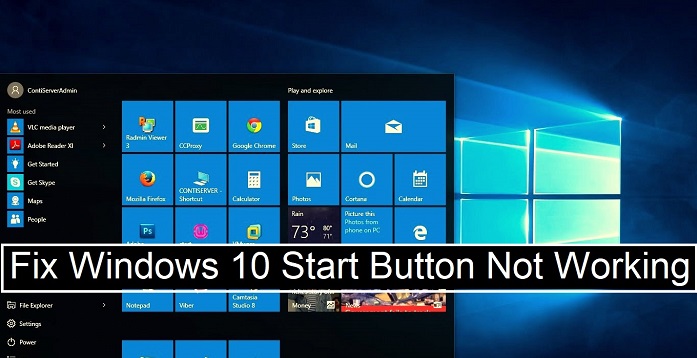
SOLVED Windows 10 Start Button Not Working WindowsCla
FINALLY SOLVED Windows 10 Start Button Not Working Cortana Edge And

3 Solutions To Fix Start Button Not Working In Windows 10 8 1 8
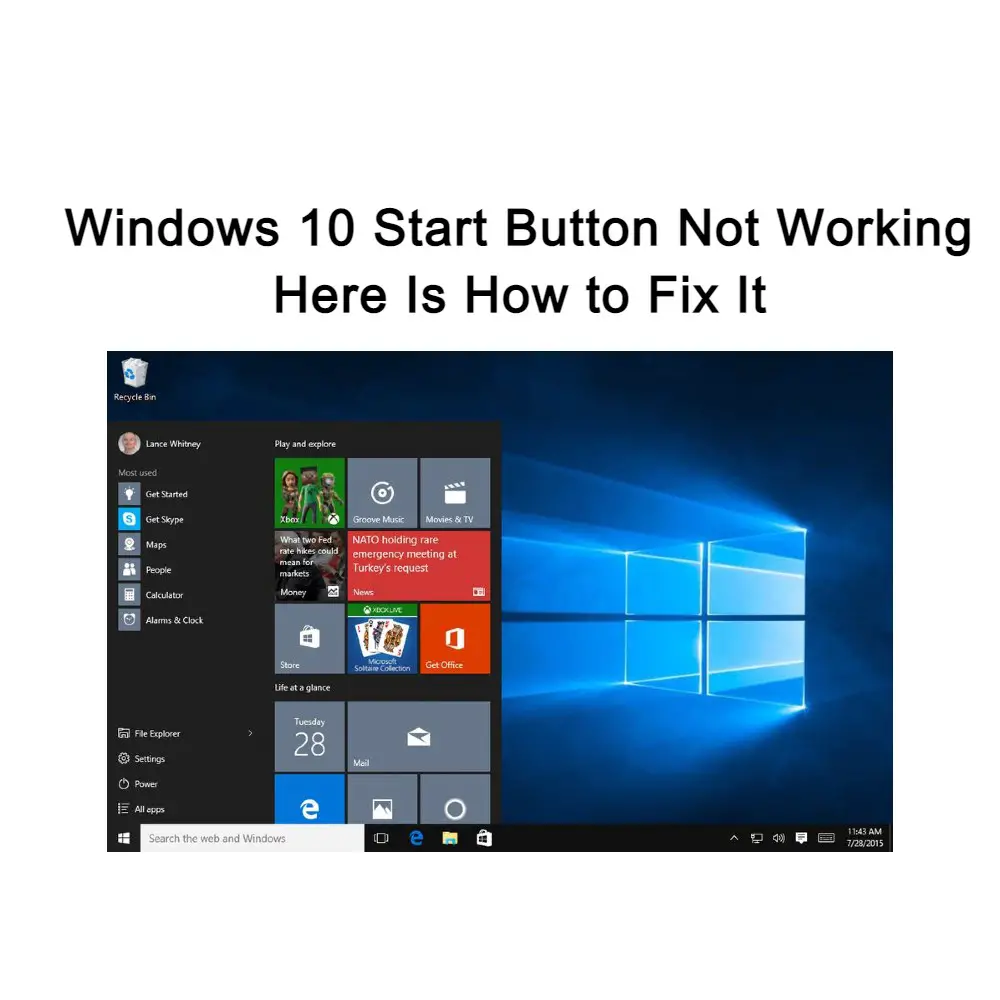
How To Fix Not Working Windows 10 Start Button Geek House Www vrogue co

How To Fix The Windows 10 Start Menu Not Working

Web Dec 18 2019 nbsp 0183 32 Replies 2 Press the Ctrl Alt Del keys on the keyboard at the same time or right click the Taskbar and select Task manager Type powershell tick the box for Create this task with administrative privileges and click OK Type sfc scannow into the window and press the Return key

Web Oct 4 2023 nbsp 0183 32 Many users reported that the Start button stopped working on their Windows 10 PC To fix this problem you might have to use Powershell and re register all preinstalled applications Start Menu button is frozen won t open on Windows 10

Web Nov 6 2020 nbsp 0183 32 If the Start Menu is still giving you trouble or other core Windows apps are crashing then you can try to restore any missing or corrupt Windows system files To do this you ll need to open the Windows Command Prompt as an administrator and run the System File Checker program
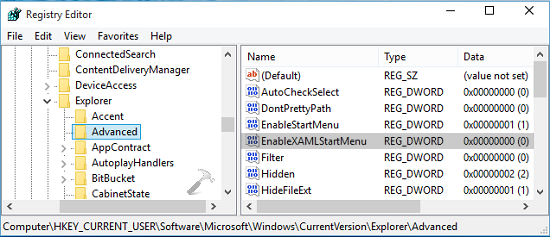
Web Feb 21 2020 nbsp 0183 32 The Windows 10 Start menu may stop working for a variety of reasons including an incomplete operating system update an update bug corrupted system files or corrupted user account files How to Get a Windows 10 Start Menu to Work Restart your computer Sometimes the easiest solution works
Web The following are some things you can try if you re having problems with the Start menu or Cortana First check for updates Press Windows logo key R type ms settings and then select OK This opens Settings In Settings choose Update amp security gt WindowsUpdate and then select Check for updates Install any available updates and restart
[desc-11] [desc-12]
[desc-13]