Spotify Windows Location Spotify App For Windows 10 Is Now Available In The Windows Store Spotify Windows App Location Ladyrenew Spotify Download Location Windows Rtjawer Spotify Windows App File Location Blocksyellow Axt Ung nstig Aussetzen Spotify Download Ordner Pc Erarbeiten Brandy Web Apr 4 2019 nbsp 0183 32 You want to type in the following command mklink j lt link gt lt target gt where lt link gt is the path to the original folder that we re recreating and lt target gt is the path to the new folder that we ve pasted
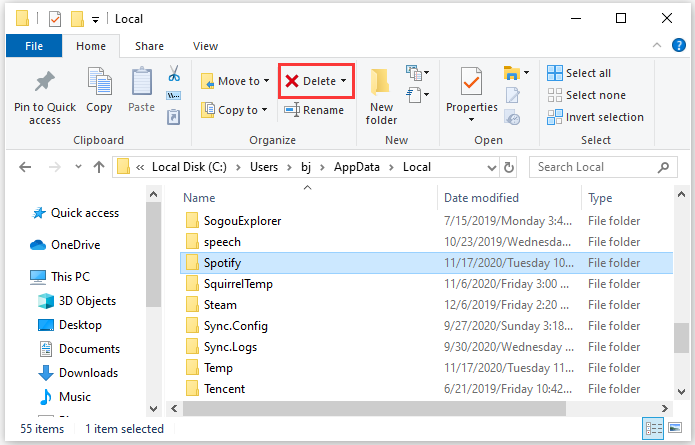
Web Aug 30 2017 nbsp 0183 32 It should be instead quot C Program Files Spotify quot folder or at least quot C Users lt user gt AppData Loca Spotify quot folder One of those NOT the above Whoever wrote the installation update routine must have been on drugs or something Web Aug 19 2023 nbsp 0183 32 If you re using Spotify on a Windows computer the downloaded songs are stored in a specific location on your hard drive By default they are stored in the following directory C Users Username AppData Local Spotify Storage To navigate to this location and access your downloaded songs follow these steps
Axt Ung nstig Aussetzen Spotify Download Ordner Pc Erarbeiten Brandy Spotify Default Offline Playlist Download Location Windows 10 Yellowex Spotify Download Location Paseluxe Spotify Logo Images Transparentes PNG Play Spotify Download Location Windows Lasopanine How To Find And Change Spotify Download Location In Windows 10 Hide Spotify Media Controls Pop Up When Changing Volume In Windows 10 Spotify Windows 11 Tervekuopio Spotify Updates Desktop Look Introduces Features Seen On Mobile
Spotify Windows Location
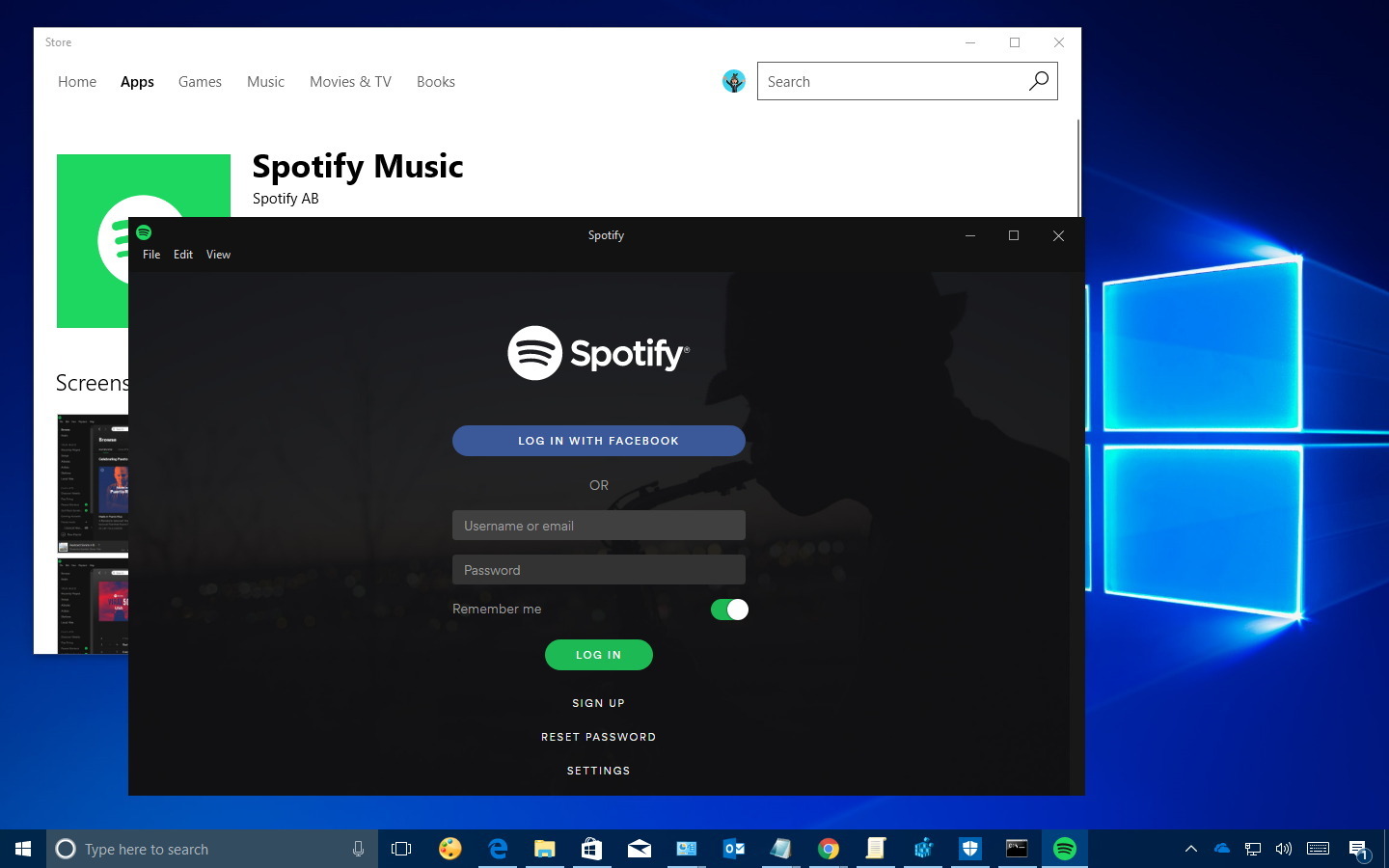 Spotify Windows Location
https://pureinfotech.com/wp-content/uploads/2017/06/spotify-windows-store-download.jpg
Web Go to Your Library The Local Files folder should now appear in Playlists Pick the source of the file for how to add audio to the Spotify folder on your device Browser or Storage app on iOS Mac Windows Not working To enable local file transfers between devices you may need to allow access to your local network
Templates are pre-designed documents or files that can be utilized for different purposes. They can save time and effort by providing a ready-made format and layout for developing various type of material. Templates can be used for individual or expert jobs, such as resumes, invites, leaflets, newsletters, reports, discussions, and more.
Spotify Windows Location
Spotify Won t Open On Windows 10 Here Is How To Fix It
Spotify Default Offline Playlist Download Location Windows 10 Yellowex

Spotify Download Location Paseluxe

Spotify Logo Images Transparentes PNG Play

How To Find And Change Spotify Download Location In Windows 10
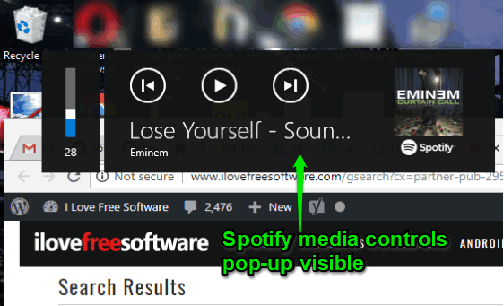
Hide Spotify Media Controls Pop Up When Changing Volume In Windows 10
Web May 1 2019 nbsp 0183 32 On Spotify go to Settings gt Show Advanced Settings gt Offline Songs Storage and you should be able to check the location where your songs get downloaded The default storage location should be set to C Users lt Username gt AppData Local Spotify Storage but you can change it to another

Web When you chose to download Spotify music it stores the downloaded songs or music locally in your hard drive Let me show where Spotify stores the downloaded music and songs Once you know the location you can either back up the files or change the download location to somewhere convenient

Web Sep 14 2018 nbsp 0183 32 Nothing to worry If you have installed spotify from the Windows Store you can t find it because the location where apps are installed which is under you local hard disk solid state drive inside Program Files in WindowsApps That folder is system protected and users aren t allowed to peek inside it

Web You can use Spotify in a different country or region for up to 14 days To use it for longer than 14 days change your account settings Log in to your account page Click EDIT PROFILE Scroll down to Country or region and select your new one from the dropdown list Note Your new country or region only shows when you re actually there

Web Mar 21 2012 nbsp 0183 32 Unable to install or update spotify because it is doing so Data okay Binaries not okay Blocking against things like Cryptolocker All exe s launched from any of the following locations based on the OS will be blocked For Windows 7 Path AppData exe Path AppData exe Path LocalAppData exe Path
Web Storage information Spotify uses your device memory to Store parts of music and podcasts as cache so it can play without lagging Store downloaded music and podcasts to play offline We recommend having at least 1GB of free memory on your device for Spotify Web Jan 22 2023 nbsp 0183 32 Go to Spotify s local music folder right click anywhere blank and choose Paste Open Spotify and you should see your local music Modify Your Firewall Settings to Add Spotify to the Exception List Your PC s Microsoft Defender Firewall also known as Windows Defender Firewall may be preventing Spotify s access to your local files
Web Sep 25 2023 nbsp 0183 32 The location listed here is the location on your computer where you ll find the index dat file Go to the location of your index dat file in File Explorer or Finder Select and delete the file called index dat Reopen Spotify and check your local files