Spotify Account Settings Payment 365food How To Delete Your Spotify Account Android Authority Spotify Account Settings Rassolo How To Delete Your Spotify Account Digital Trends How To Make Your Spotify Music Sound Better Android Authority Step 1 Open Spotify and go to your Account page The first step to changing your payment method on Spotify is to open the Spotify app on your mobile device or launch the Spotify web player on your computer Once you re logged in navigate to the Account page To do this on the Spotify app tap on the Home tab at the bottom of the
Go to spotify and log in to your account Tap the settings cog in the upper right corner Select View Account Tap Manage your plan Next to your plan tap Update Enter the details for QUICK ANSWER To change your payment method on Spotify Log into your account on the Spotify website and click on your profile picture Click Account then scroll down to Your plan Next to your
How To Make Your Spotify Music Sound Better Android Authority How To Login To Spotify Family Account FamilyScopes How To Delete Your Spotify Account Step by Step Guide How To Set Up Spotify Family Parental Controls ANDROID AUTHORITY How To Change Your Spotify Username 2022 Ultimate Guide Puff Putty Retaliation Spotify Settings Extinct Form Detailed Repaszta Vaku Mozdony How To Switch Accounts On Alexa Koml Szen tus Sz rny How To Delete Spotify Account Permanently For Good TechWiser Cara Memulihkan Daftar Putar Yang Dihapus Di Spotify Sridianti
Spotify Account Settings Payment
 Spotify Account Settings Payment
https://365food.io/images/new/menu.svg
The Spotify mobile app s accessibility and user centric design ensure that you can seamlessly manage your account settings including payment information with just a few simple taps This emphasis on user convenience underscores Spotify s commitment to delivering a hassle free experience allowing you to focus on enjoying your favorite music
Pre-crafted templates offer a time-saving option for creating a diverse series of files and files. These pre-designed formats and layouts can be made use of for various individual and expert tasks, including resumes, invites, leaflets, newsletters, reports, presentations, and more, enhancing the material production procedure.
Spotify Account Settings Payment
How To Change Your Spotify Payment Plan Or Payment Method By Changing
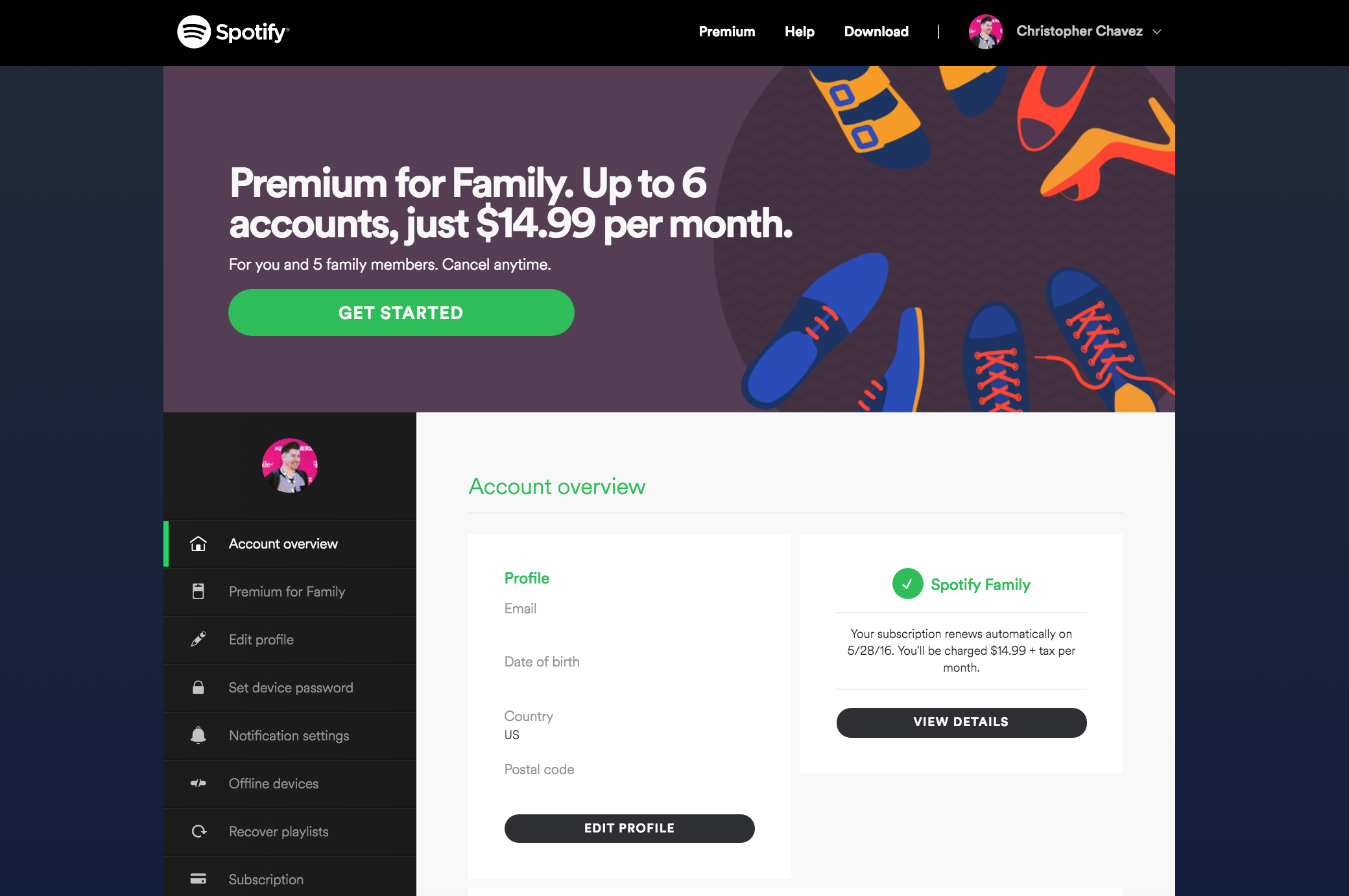
How To Login To Spotify Family Account FamilyScopes
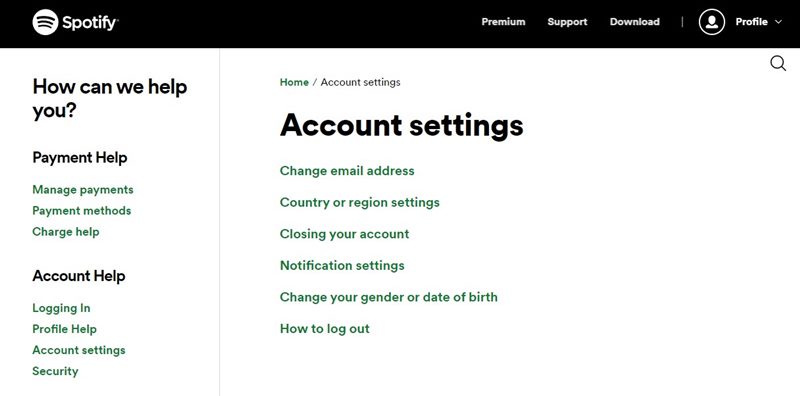
How To Delete Your Spotify Account Step by Step Guide
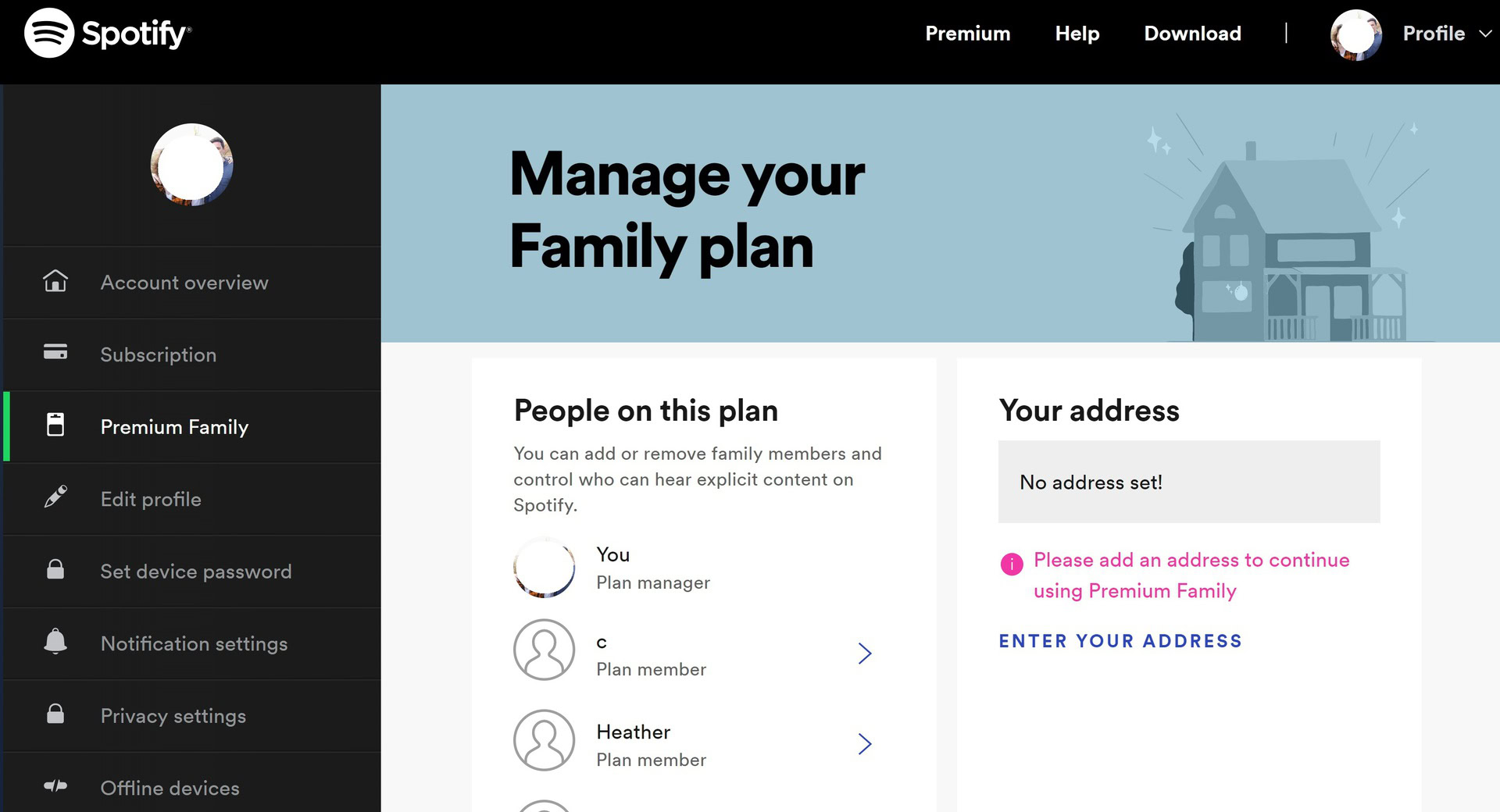
How To Set Up Spotify Family Parental Controls ANDROID AUTHORITY

Puff Putty Retaliation Spotify Settings Extinct Form Detailed

Repaszta Vaku Mozdony How To Switch Accounts On Alexa Koml Szen tus Sz rny

Your plan details You can view your plan and payments on your account page under Manage your plan Log in to your account page Note If your plan is associated with a partner you need to make any changes with them Was this article helpful
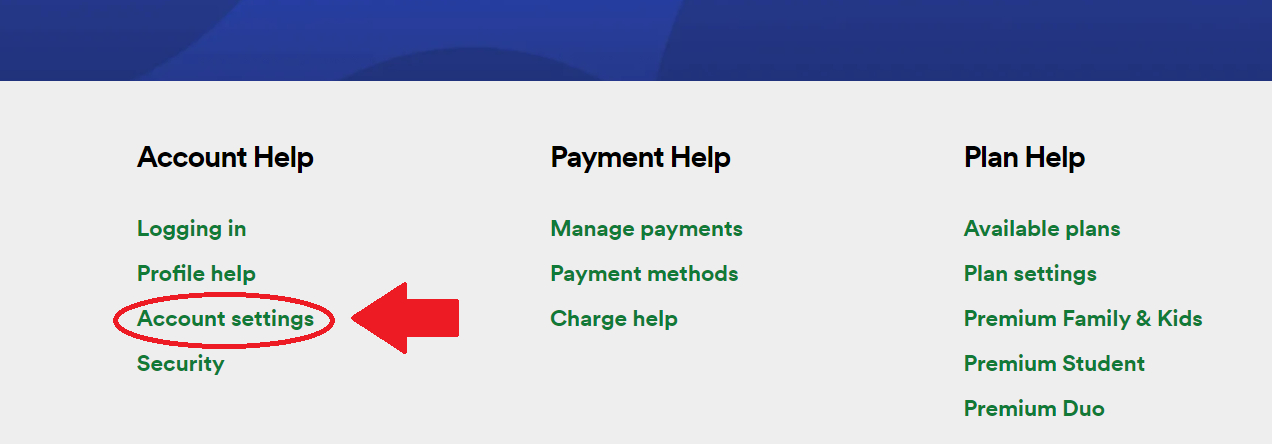
You can change your Spotify payment plan by going to your account settings menu You ll have to use an internet browser to change your Spotify payment plan but you can do it on either
Forgot your password Don t have an account Sign up for Spotify

QUICK ANSWER To change your Spotify payment method open a web browser on your computer or mobile device Go to your Spotify Account page select Saved payment cards and click Add card Enter your new payment details and click Save How to change the Spotify payment method The Spotify payment method can be changed using a web browser
0 00 Intro0 13 Changing payment method1 09 Changing Spotify payment planFollow these steps to change your Spotify payment information MORE TECH INSIDER VIDEO
Step 2 Navigate to your payment settings After accessing your Spotify account settings the next step is to navigate to your payment settings This is where you ll find the option to update your credit card information In the account settings menu look for the section labeled Payment or Payment Details Guide to Change Spotify Payment Method on Mobile App Android iOS Step 1 Open the Spotify app on your smartphone Tap on your Profile Icon in the top left corner Step 2 Now go to Settings and
Follow these easy steps Log in to your Spotify account on your desktop or mobile app Click on the Profile button at the top right corner of the page Select Account from the dropdown menu Scroll down to the Your plan section and click on Change payment details