Spacebar Layouts Triple modes Wired 2 4g DK60 64 keys Hotswap PCB VIAL GH60 ISO ANSI Mua Keycaps Double Shot Sparta ABS Keycaps SA Profile Full 172 Key The Different Layouts And Sizes Of Web Pages Are Shown In This Graphic Banana Split Trash Man Wiki Website Design Inspiration Graphic Design Inspiration Japanese Poster Verkko You can enter text with different keyboard layouts or input methods by switching between them There are a few different ways to switch between keyboard layouts or input methods On a hardware
Verkko 19 tammik 2022 nbsp 0183 32 Below are shortcuts and steps to change the keyboard layout in Windows 11 Press and hold the Windows key and repeatedly press the Spacebar to Verkko 24 tammik 2023 nbsp 0183 32 Pressing Windows key Spacebar switches your keyboard layout in Windows 11 You should see your keyboard layout change on the Taskbar s system tray Alternatively press and hold the
Website Design Inspiration Graphic Design Inspiration Japanese Poster Graphic Design Books Graphic Design Lessons Graphic Design Software Custom Demon Slayer Spacebar Keycap Hirosart Question On KBD75 Split Spacebar Layout MechanicalKeyboards Nba Art Basketball Design Sports Graphics Poster Ideas Sport Poster Pinterest Hanni Twitter Layouts Jaehyun Jeans Kpop Women Iphone Makeup Park Signage Signage Board Brochure Design Layouts Museum Exhibition SPACEBAR MILK CHOCOLATE BAR 3500mg Wavy Shrooms
Spacebar Layouts
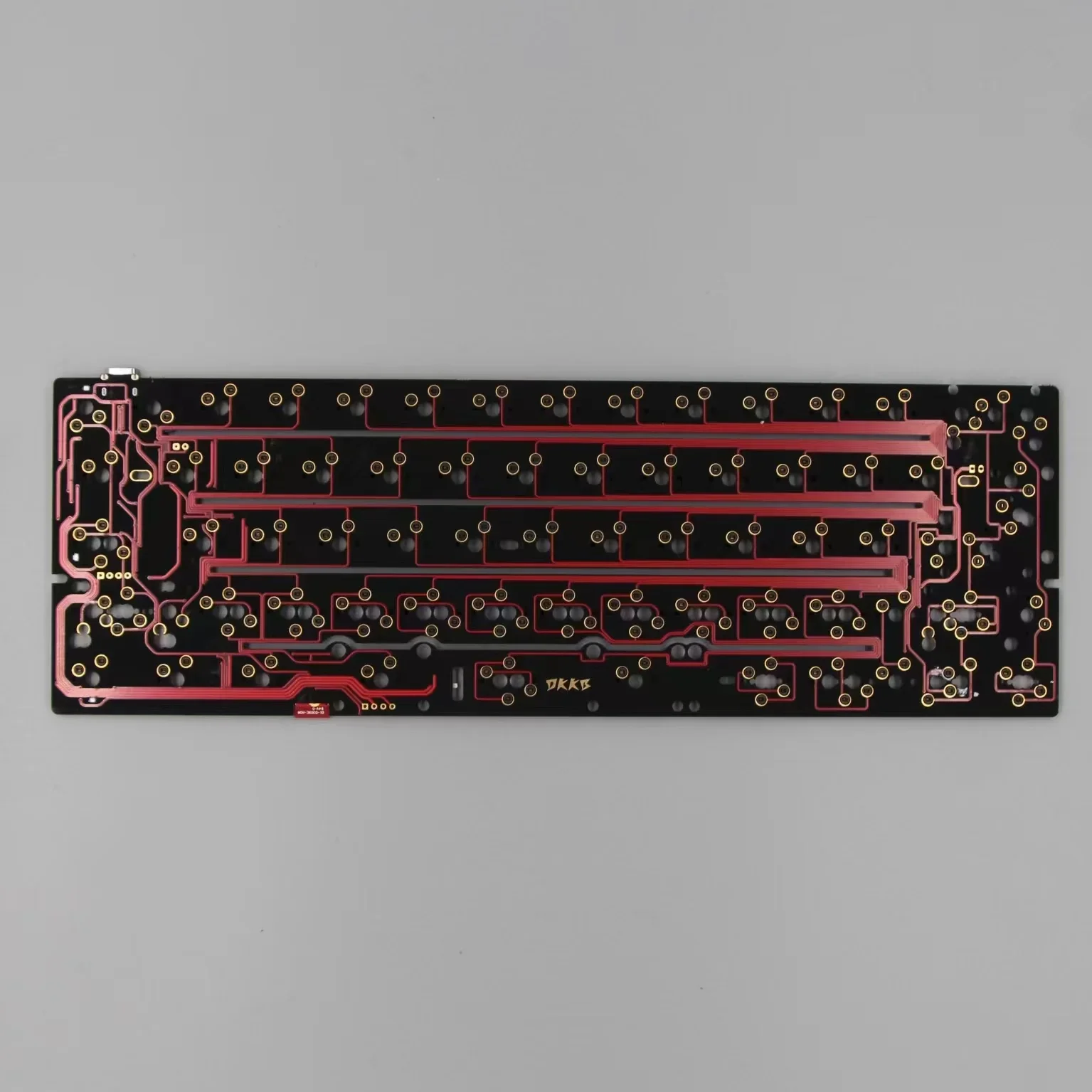 Spacebar Layouts
https://ae01.alicdn.com/kf/S3fd2c0abab8e4bef9c319b8c21c2612dh/Triple-modes-Wired-2-4g-DK60-64-keys-Hotswap-PCB-VIAL-GH60-ISO-ANSI-Split-spacebar.jpg
Verkko If you delete all layouts except the default and the layout you are using the Win Space shortcut will be disable After you restart your computer It is a good method if you want to keep the language options and spell
Templates are pre-designed files or files that can be used for numerous functions. They can conserve time and effort by providing a ready-made format and design for developing different kinds of content. Templates can be utilized for personal or expert jobs, such as resumes, invites, leaflets, newsletters, reports, presentations, and more.
Spacebar Layouts

Arabic Typing Typing Site

Graphic Design Books Graphic Design Lessons Graphic Design Software

Custom Demon Slayer Spacebar Keycap Hirosart

Question On KBD75 Split Spacebar Layout MechanicalKeyboards


Hanni Twitter Layouts Jaehyun Jeans Kpop Women Iphone Makeup
Verkko 26 elok 2022 nbsp 0183 32 Hi I m on Windows 11 and recently noticed the shortcut quot Windows Space Bar quot will switch between my computer s languages and keyboard layout

Verkko 24 tammik 2023 nbsp 0183 32 Use Windows Spacebar to change the keyboard language or layout The same result can be achieved by using the

Verkko 10 helmik 2021 nbsp 0183 32 Use Windows Spacebar to change the keyboard language or layout Press Windows Spacebar and the next keyboard layout in the list becomes active
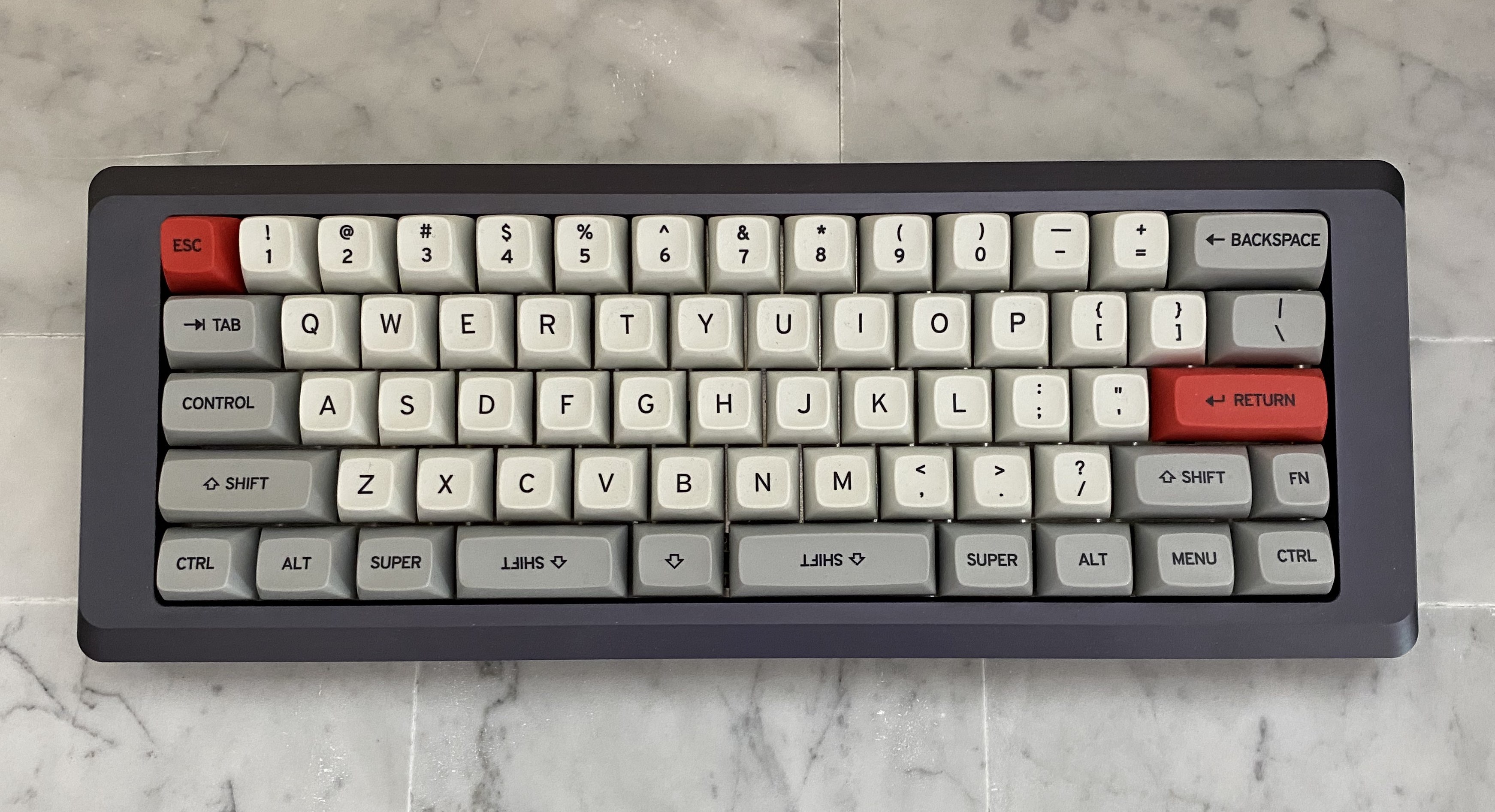
Verkko 21 elok 2020 nbsp 0183 32 Hold down the Windows key and then press the spacebar You can choose between the different keyboard languages displayed by repeatedly pressing the spacebar ALT SHIFT This is

Verkko 6 toukok 2023 nbsp 0183 32 Press the Windows Spacebar keyboard shortcut to open the Keyboard Layouts section in the Taskbar After that you can press the Spacebar to cycle between multiple keyboard layouts and
Verkko Space bar The space bar is on the bottom center of the keyboard The space bar spacebar blank or space key 1 Space bar is a key on a typewriter or alphanumeric Verkko 11 huhtik 2023 nbsp 0183 32 The Colemak layout offers a slight improvement on the Dvorak layout It also places the commonly used keys in the middle row but it keeps the useable
Verkko 7 kes 228 k 2023 nbsp 0183 32 As the design and layout of keyboards have evolved over time the spacebar dimensions have varied significantly In this guide we will explore different