Sourcetree Github Remote Invalid Username Or Password Git remote Invalid Username Or Password YUIPRO Git github Sourcetree Remote Invalid Username Or Password Hexo Invalid Username Or Password Sourcetree Error Remote Invalid Username Or Password Submit The Code To Github Sorry Remote Invalid Username Or Password 31 Sourcetree has changed a fair bit since this question was asked but just in case others arrive here and don t quite understand the new quot Merge quot button all you need to do is checkout the
Jul 14 2017 nbsp 0183 32 9 I m using a Mac and I m new to Bitbucket and Sourcetree I want to push my local repository to a remote repository So in Sourcetree I pressed quot New quot quot clone from Url quot and I Jun 4 2018 nbsp 0183 32 I tried to create pull request in Sourcetree but it asked me to set Remote Project Configuration To set remote configurations I searched through internet and found this It said
Submit The Code To Github Sorry Remote Invalid Username Or Password Sourcetree Error Remote Invalid Username Or Password git Github remote Invalid Username Or Password git Fork remote Invalid Username Or Password Github Remote Invalid Username Or Password LogMeOnce Resources Git credential wincred Mac sourcetree remote 31mmark Incorrect Username Or Password Git Sourcetree Remote Invalid Username Or Password CloudAffaire Username Password Fails With For Private Repos With remote Invalid
Sourcetree Github Remote Invalid Username Or Password
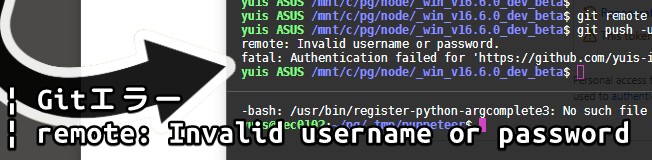 Sourcetree Github Remote Invalid Username Or Password
https://yuis.xsrv.jp/images/ss/ShareX_ScreenShot_64769a8d-9a00-482e-a8f0-95b6b2b76a99_.png
Mar 8 2016 nbsp 0183 32 I use all my development tools in the dark theme except Sourcetree It has no option in its configuration to change theme Is there any other way to change for a dark theme
Templates are pre-designed documents or files that can be used for numerous purposes. They can save effort and time by offering a ready-made format and layout for producing different kinds of material. Templates can be utilized for personal or expert jobs, such as resumes, invites, flyers, newsletters, reports, discussions, and more.
Sourcetree Github Remote Invalid Username Or Password
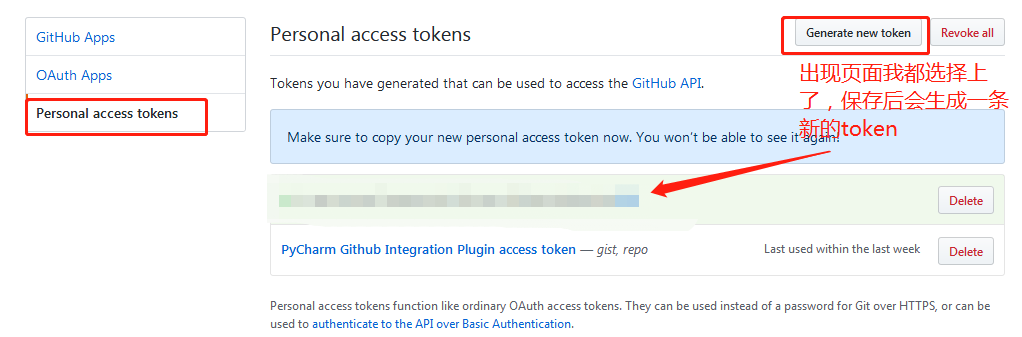
Username For https github Remote Invalid Username Or Password
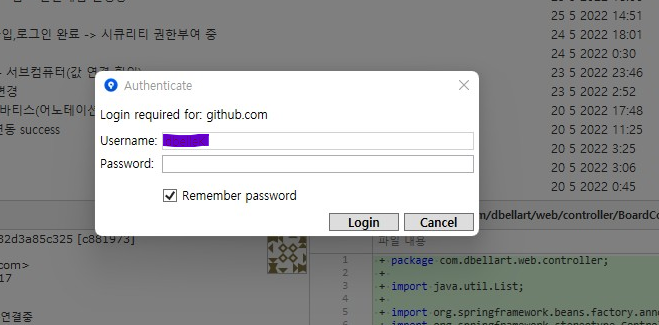
Sourcetree Error Remote Invalid Username Or Password

git Github remote Invalid Username Or Password
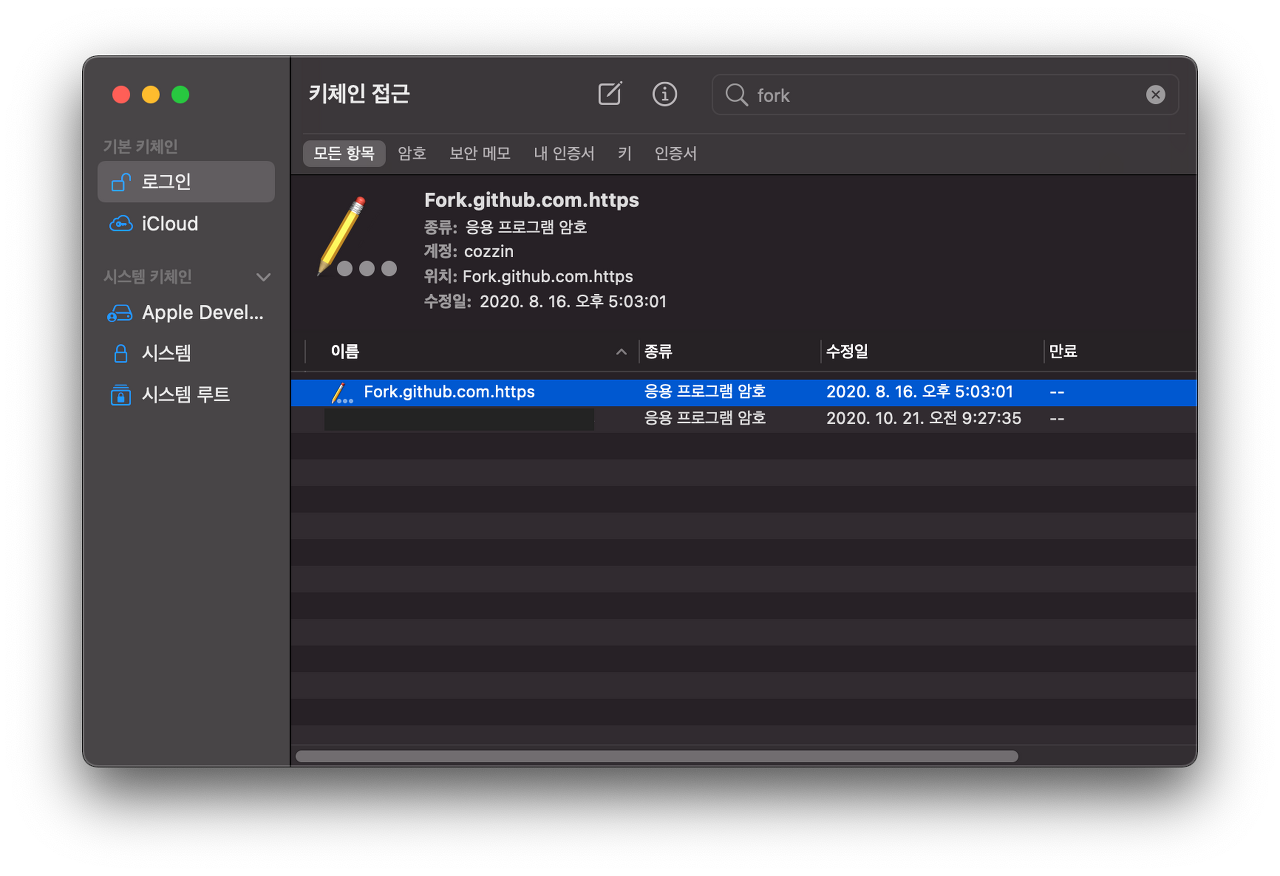
git Fork remote Invalid Username Or Password

Git credential wincred

Mac sourcetree remote 31mmark Incorrect Username Or Password
Does Sourcetree offer a way to visualize differences between git branches I m looking for names of files that have changed diffs between these files
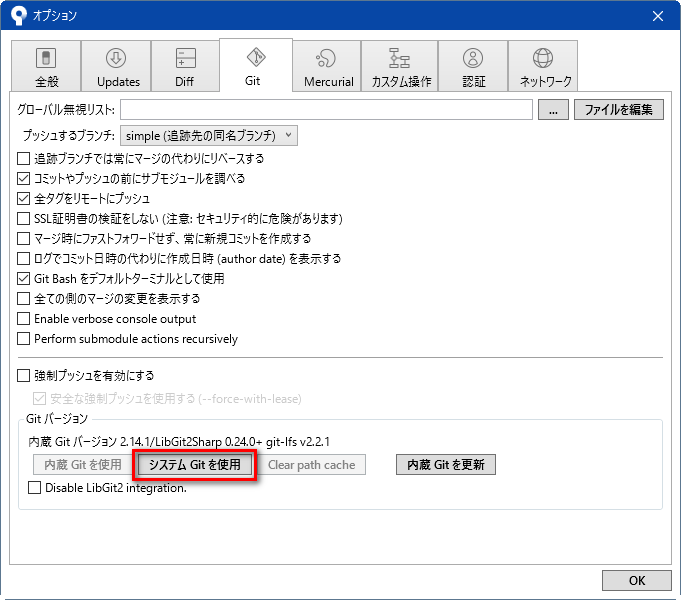
Aug 21 2013 nbsp 0183 32 Is it possible to squash in SourceTree I saw that apparently you can quot drag and drop quot commits in order to squash them However when I do that it only highlights several

I use Sourcetree to pull and push to a server over ssh Sourcetree has remembered the password but the password has changed I cannot find how to inform Sourcetree of the new password
Nov 11 2018 nbsp 0183 32 I d like to see who contributed which line change to a file git blame does exactly that So does SourceTree have a git blame view

I m using Windows SourceTree for my git project I can do it in either command prompt or Linux terminal But I m wondering whether there is a nice way to interactively and visually resolve
[desc-11] [desc-12]
[desc-13]